Slide 3 of 4 from 3-Item Flywheel Diagram PowerPoint Template
3-Item Flywheel Diagram Template for PowerPoint
3-Item Flywheel Diagram for Presentations
- Diagram
- Circular Cycle
- Process Slide
- 16:9
- 100% Editable
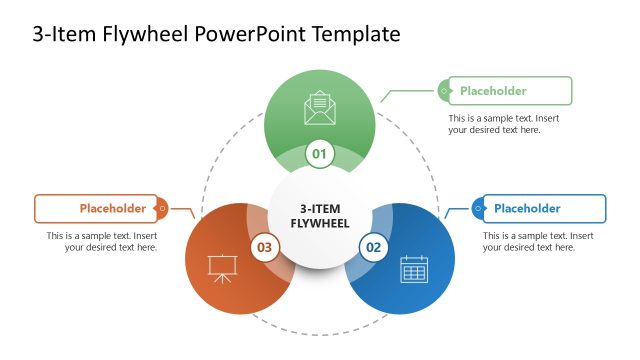
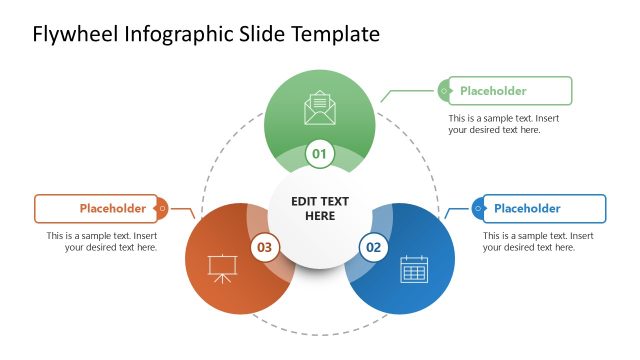
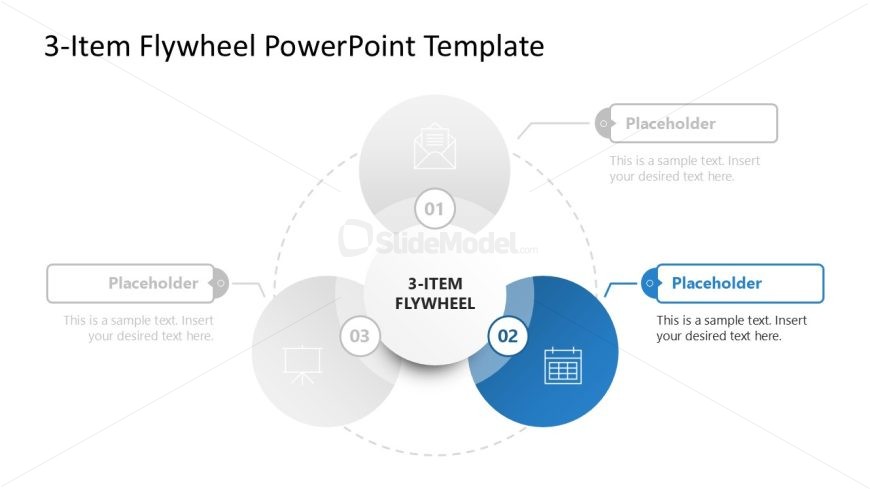
The 3-Item Flywheel Diagram slide from the 3-Item Flywheel Diagram PowerPoint Template offers a clear visual for illustrating interconnected business strategies or project phases. This slide layout uses editable shapes and vector icons arranged in a circular cycle to represent processes such as marketing funnels or operational workflows. It is designed to enhance corporate presentations and pitch decks by providing a structured, easy-to-understand depiction of three key components driving continuous progress.
What’s on This Slide
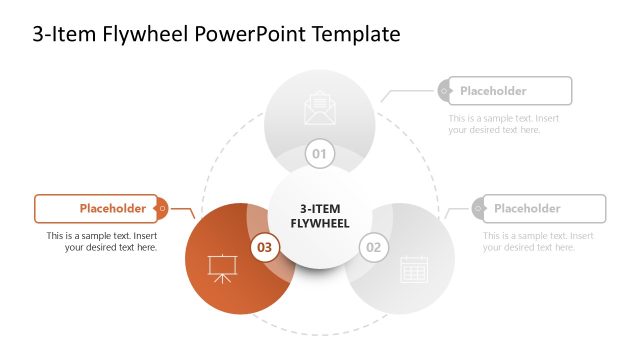
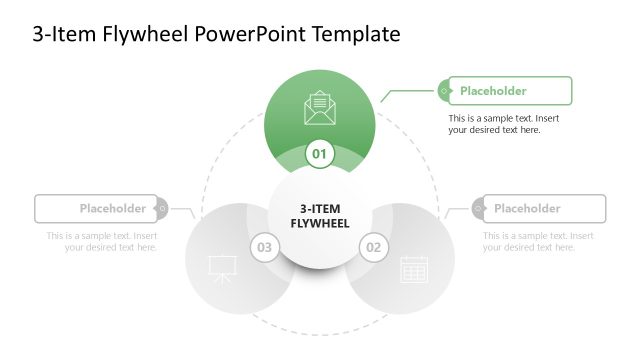
The layout features three circular segments arranged in a triangular formation, each containing a number and a placeholder for text. The central circle displays '3-ITEM FLYWHEEL' prominently. Each segment is visually distinct, with one segment highlighted in blue while the others are in lighter shades. Connecting lines lead from the segments to their respective placeholders, indicating a flow of information. Text placeholders are positioned to the right of each segment, aligned horizontally, allowing for clear text insertion. The overall composition emphasizes the central concept while maintaining visual balance.
How to Use It
This layout serves as a visual representation of a flywheel model, ideal for illustrating processes or systems with three key components. It fits well in presentations discussing business strategies, project phases, or product features. This slide can be used after introducing a problem to present solutions or strategies. In real-world scenarios, it is effective for summarizing marketing funnels, operational workflows, or customer journey stages, allowing for clear communication of interconnected ideas.
Text Placeholders & Capacity
Keep your copy within these limits so it fits without resizing. Node body slots can hold approximately 15-20 words each.
| Placeholder | Count | Max characters (approx.) |
|---|---|---|
| Item heading | 3 | 20 |
| Item body | 3 | 100 |
| Slide title | 1 | 30 |
Slide Keywords
Download unlimited PowerPoint templates, charts and graphics for your presentations with our annual plan.
DOWNLOADReturn to 3-Item Flywheel Diagram PowerPoint Template.