Discuss the three stages of the new strategic implementation with our 3-Hexagonal Process Flow PowerPoint Template. A process diagram is a useful way to clearly outline the process flow, the stages involved, and the factors affecting it. It can be used in many ways:
- Marketers can use this diagram template to discuss the three stages of an advertisement campaign.
- You can showcase the stages of budget management in your corporate sessions using this hexagonal diagram.
- Project managers can visualize the three stages of the client onboarding process using this template.
- Professionals can also use this template to showcase the stages of the sales process or other business processes in business meetings!
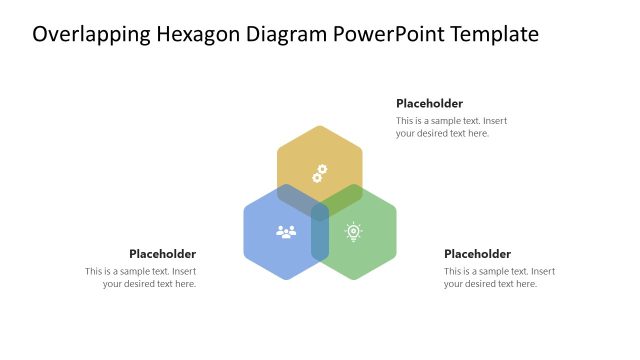
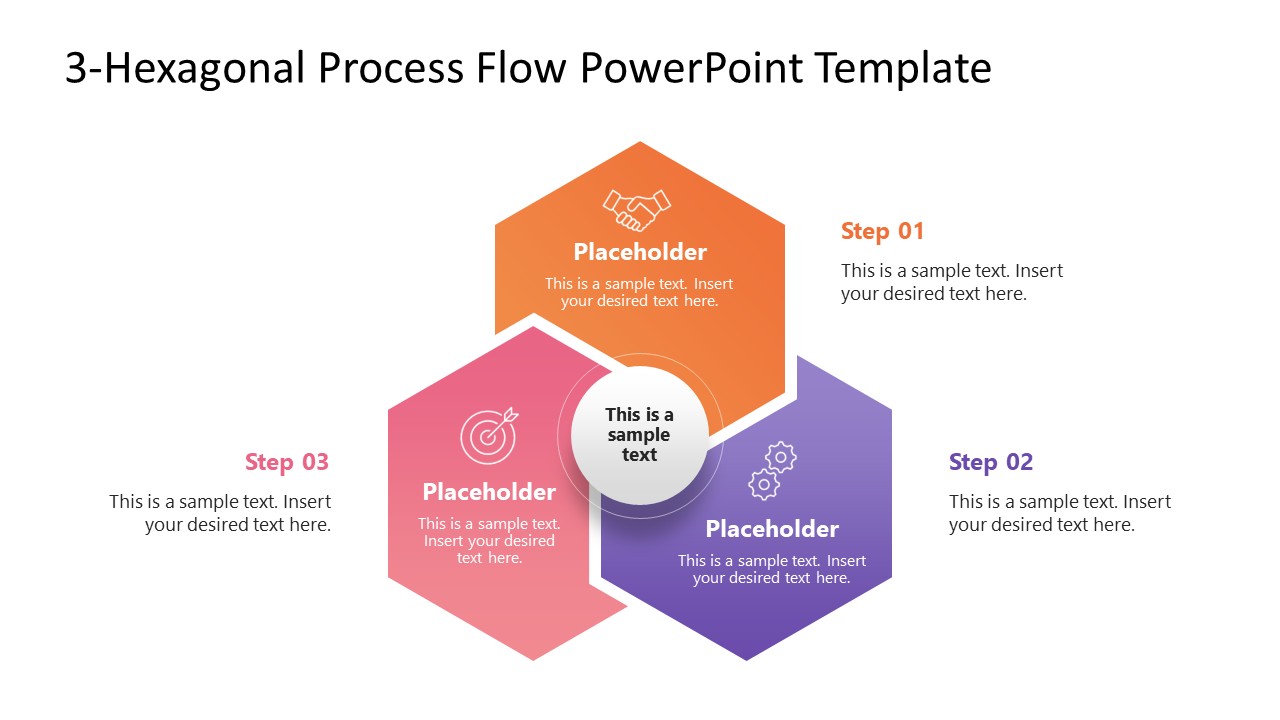
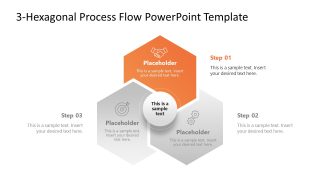
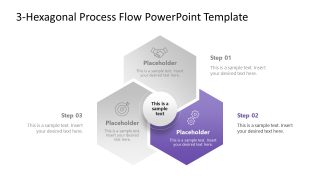
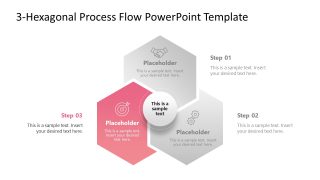
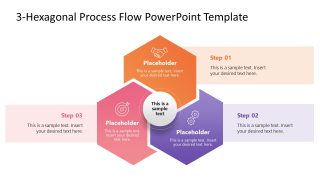
The 3-Hexagonal Process Flow PowerPoint Template has an overlapping hexagonal diagram. There are three hexagons that overlap parts of their adjacent hexagons, with a central circle for the title text. The hexagon at the top is for step 1; the hexagons on the left and right are for steps 2 and 3, respectively. Each hexagon comprises: an infographic icon to visually display the content, title text, and description line placeholder. Additionally, we have provided a step heading and a placeholder line of text for each shape so that professionals can display the information clearly. We have designed this layout with fully compatible PPT elements that users can customize to suit their needs. The first slide contains a colorful diagram with all components highlighted at once. The remaining slides have only one segment highlighted in color to present each point with focus.
Download the 3-step hexagonal process flow template for PowerPoint or visit our collection of process diagram templates to choose the most suitable design for your presentation.
What’s inside this template
Example presentation scenarios
- A project manager can present a client onboarding workflow by using the full-color hexagon overview first, then the Step 01, Step 02, and Step 03 highlight layouts to explain each phase.
- A marketing lead can explain an advertising campaign plan by placing campaign planning, launch, and measurement into the three hexagons with icons and short descriptions.
- An operations manager can map a budget management process by using the central circle for the overall objective and the surrounding hexagons for planning, control, and review activities.
- A sales manager can brief a team on a three-step sales process using the horizontal callout bands to add context beside each colored hexagon.
Features
- 100% editable presentation template
- Compatible with Microsoft PowerPoint
- 16:9 aspect ratio slides
- Scalable vector shapes, icons and illustrations
- AI-Ready for Microsoft Copilot and Claude
- Instant access and download
Frequently asked questions
Q: How should a presenter explain the three stages without overcrowding the hexagon diagram?
A: Use the first slide as the orientation view and keep each hexagon to a short label plus one supporting line. Move detailed explanation into the side text placeholders or speaker notes. Then use the focused step slides to expand one stage at a time, so the audience does not need to read all three process blocks at once.
Q: Which presentation situations fit this hexagonal process template best?
A: This template works best when the message has exactly three connected stages, such as onboarding, budget control, sales, or campaign execution. It is well suited for managers, consultants, and team leads who need a concise visual explanation rather than a long operational map with many tasks and decision branches.
Q: Why does the overlapping hexagon design help communicate a process?
A: The overlapping hexagons suggest that the three stages are related rather than isolated checklist items. The central circle gives the presenter a place to state the main objective, while the colored step highlights guide attention to one part of the process. This reduces visual competition and makes the sequence easier to follow.


3-Hexagonal Process Flow PowerPoint Template
5-slide PowerPoint presentation template for a 3-step hexagon process flow with step highlights
The 3-Hexagonal Process Flow PowerPoint Template is a 5-slide 16:9 diagram set for explaining a three-stage process in Microsoft PowerPoint. It includes an overlapping three-hexagon process diagram, a central circle for the main message, focused step highlight layouts, and horizontal callout bands for supporting notes.
- Category
- Process Diagrams
- Rating

 Loading...
- Aspect ratio
- 16:9
- Item ID
- 23618-01
- Colors
 Microsoft PowerPoint
  Microsoft Copilot
  Claude for PowerPoint
 Other formats supported
Subscribe today and get immediate
access to download our PowerPoint templates.