Slide 3 of 5 from 3-Hexagonal Process Flow PowerPoint Template
Editable 3-Hexagonal Process Flow Presentation Slide
Three-Step Process Flow Diagram for Presentations
- Diagram
- Process Flow
- Process Slide
- 16:9
- 100% Editable
The Three-Step Process Flow Diagram from the 3-Hexagonal Process Flow PowerPoint Template offers a clear visual method for illustrating sequential stages in project management and workflow presentations. This slide layout uses overlapping hexagons with editable shapes to emphasize process flow, making it suitable for business presentations and training materials that require structured explanations. It integrates well with slide decks focused on operational strategies and project updates.
What’s on This Slide
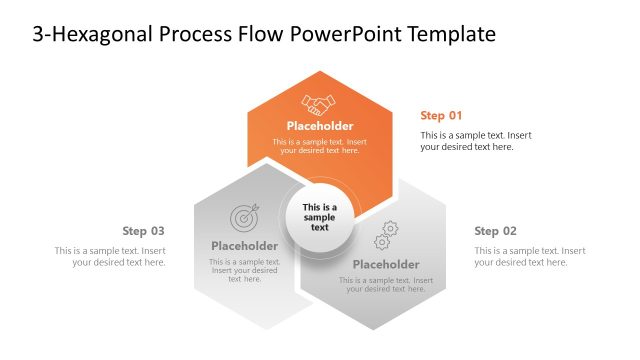
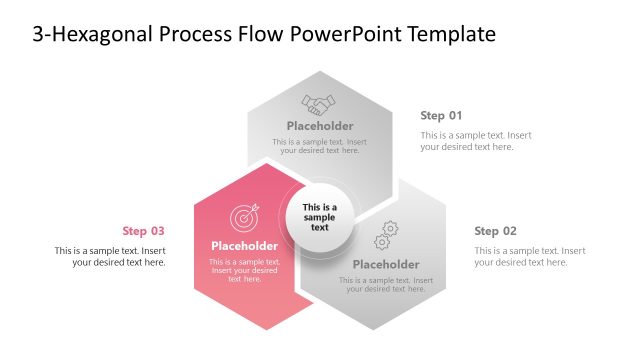
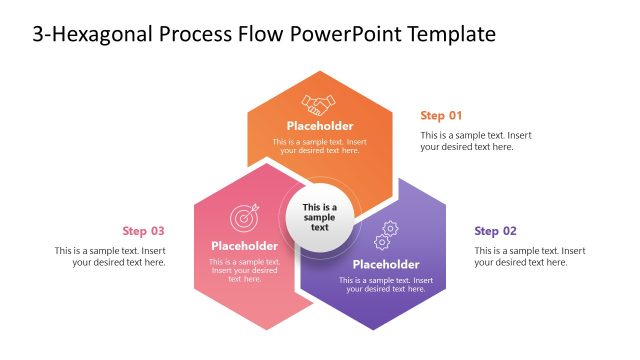
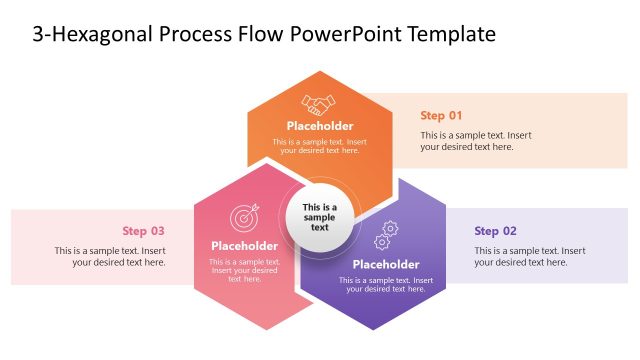
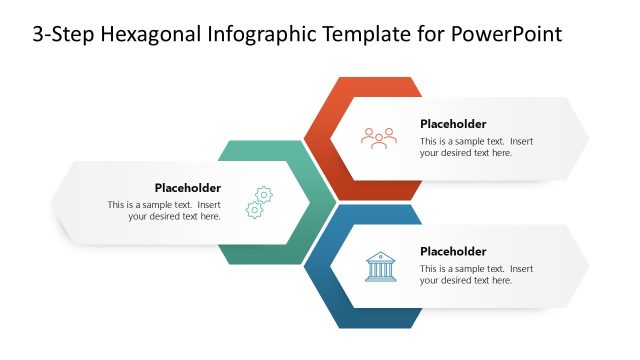
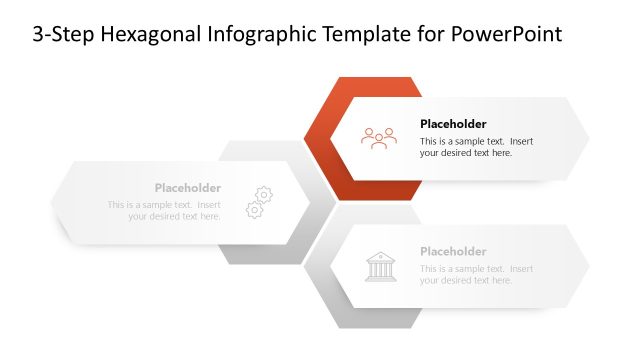
The layout features three overlapping hexagons arranged in a triangular formation. The hexagons are labeled Step 01, Step 02, and Step 03, with a central circular area for the main message. Each hexagon contains a text placeholder aligned centrally, with additional placeholder text below each step. The hexagons vary in color, with one highlighted in purple. The background is light, enhancing the visibility of the shapes. The overall composition emphasizes the flow of the process, visually guiding the viewer's attention through the steps.
How to Use It
This layout serves as a three-step process flow diagram, ideal for illustrating sequential stages in a project or workflow. It fits well in presentations that require clarity in process explanation, such as management or operational strategies. Use it to present processes in business meetings, training sessions, or project updates. The structure allows for easy customization of steps and supporting details, making it versatile for various contexts.
Text Placeholders & Capacity
Keep your copy within these limits so it fits without resizing. Node body slots can hold up to 50 characters each.
| Placeholder | Count | Max characters (approx.) |
|---|---|---|
| Item heading | 3 | 20 |
| Item body | 3 | 50 |
| Body paragraph | 1 | 100 |
Slide Keywords
Download unlimited PowerPoint templates, charts and graphics for your presentations with our annual plan.
DOWNLOADReturn to 3-Hexagonal Process Flow PowerPoint Template.