Share the four-step brand development plan in your executive presentations with our 4-Step Horizontal Business Process PowerPoint Template. A horizontal process diagram is useful to outline the key components of an industrial process or management framework. Strategy leaders use the horizontal diagram to communicate the strategic action plan to the company owners and board members. Supply chain consultants use the horizontal circles diagram to discuss areas for improvement in inventory management. They can showcase to their clients how they optimize their product management process to achieve long-term efficiency.
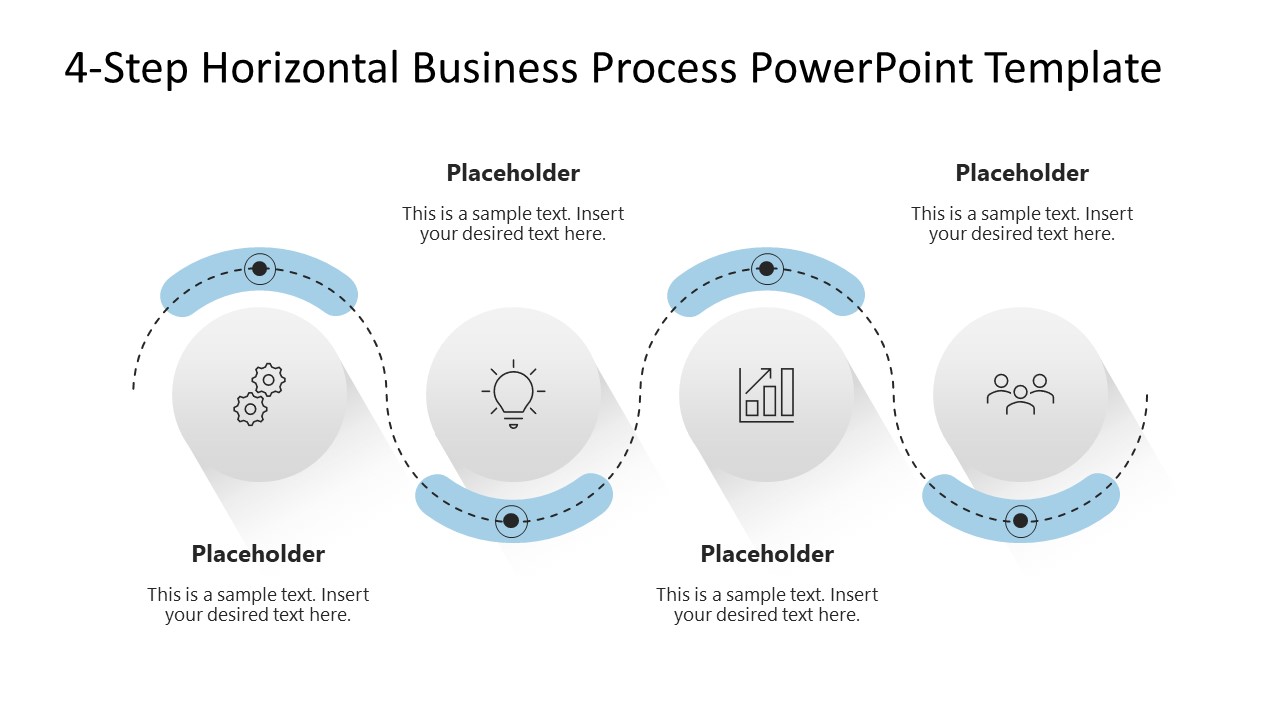
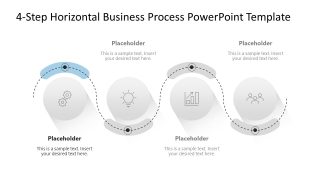
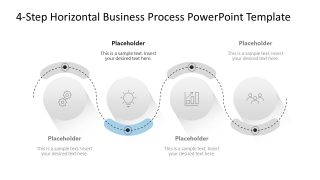
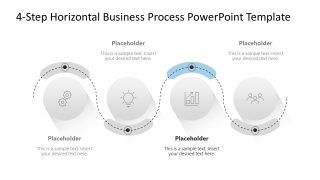
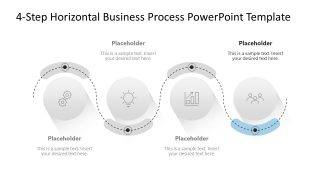
The 4-Step Horizontal Business Process PowerPoint Template features a linear array of circular shapes with shadows. A dotted curved line passes through these four shapes, with small bars that capture the user’s attention and help them focus on the point. Further, marketing directors present the campaign management process to their digital marketing team using the infographic layout. HR managers use the four slides with the focus effect in their team presentations to visualize the talent acquisition framework with clarity. Each slide uses the same diagram, highlighting only the point under discussion, enabling presenters to connect with the audience more effectively.
Furthermore, we allow users to modify the shapes, icons, or colors used in the design to perfectly match their needs. Download the 4-step business process PPT template for your project management team presentations. Or visit the collection of process diagram PPT templates to select your preferred template.
What’s inside this template
Example presentation scenarios
- A project manager can use the overview process diagram to explain the four stages of a new delivery workflow to an internal team.
- An operations consultant can use the focus-state slides to discuss improvement areas one milestone at a time with a client leadership group.
- A marketing director can map a campaign management process using the circular icons and short text placeholders for each phase.
- An HR manager can present a talent acquisition framework by assigning the gears, light bulb, chart, and people icons to distinct recruiting activities.
Features
- 100% editable presentation template
- Compatible with Microsoft PowerPoint
- 16:9 aspect ratio slides
- Scalable vector shapes, icons and illustrations
- AI-Ready for Microsoft Copilot and Claude
- Instant access and download
Frequently asked questions
Q: How should a presenter structure the explanation around this four-step process diagram?
A: Start with Slide 1 to name the complete workflow and define what each milestone means. Then move through Slides 2 to 5, using the blue highlight as the audience cue for the current step. Keep each placeholder brief: one action label, one outcome, and one decision or handoff per stage.
Q: Who is this template best suited for in a business presentation?
A: This template fits managers, consultants, HR leads, and marketing teams who need to explain a simple process rather than a data-heavy report. It works well when the audience must understand sequence, ownership, and progression, such as a delivery process, onboarding flow, campaign plan, or operational improvement model.
Q: Why does the dotted wave path help communicate the process?
A: The dotted wave path creates motion without making the sequence feel rigid. The blue focus band directs attention to the active milestone, while the gray steps remain visible as context. This design helps presenters avoid overloading one slide and gives the audience a clear sense of where they are in the workflow.


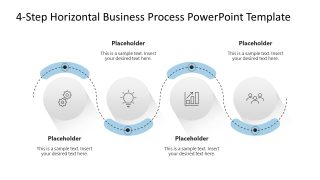
4-Step Horizontal Business Process PowerPoint Template
5-slide PowerPoint presentation template with a 4-step horizontal process diagram and focus-state workflow slides
The 4-Step Horizontal Business Process PowerPoint Template is a 5-slide Microsoft PowerPoint process diagram deck for explaining sequential workflows. It includes an overview 4-step horizontal process diagram, a dotted wave path, icon-based circular milestones, and four focus-state slides for discussing each step with placeholders for short labels and notes.
- Category
- Process Diagrams
- Rating

 Loading...
- Aspect ratio
- 16:9
- Item ID
- 23704-01
- Colors
 Microsoft PowerPoint
  Microsoft Copilot
  Claude for PowerPoint
 Other formats supported
Subscribe today and get immediate
access to download our PowerPoint templates.