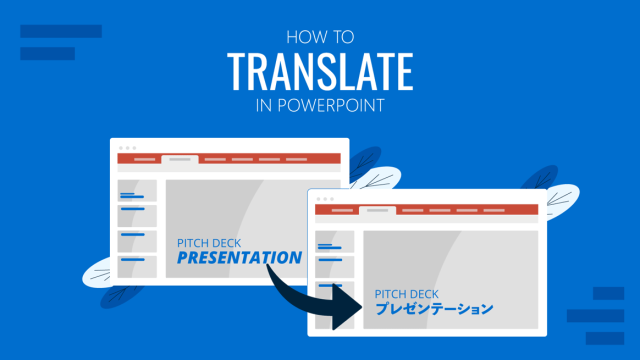
How to Translate in PowerPoint
Unlock the experience of PowerPoint translation! Learn methods, tools, and expert tips for smooth Spanish conversions. Make your presentations global.
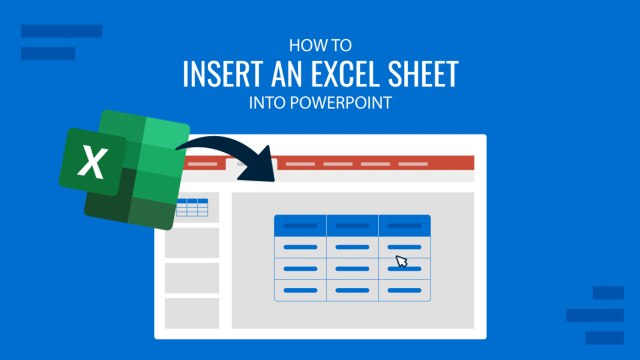
How to Insert an Excel Sheet into PowerPoint
Optimize your presentation slides with accurate data from spreadsheets. Learn how to insert an Excel Sheet into PowerPoint with this guide.
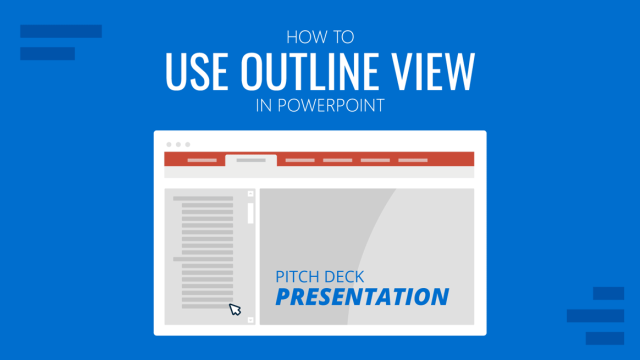
How to Use Outline View in PowerPoint
Presenters can easily change the viewing mode of a presentation according to their needs. In this guide, we shall discuss how to use Outline View in PowerPoint
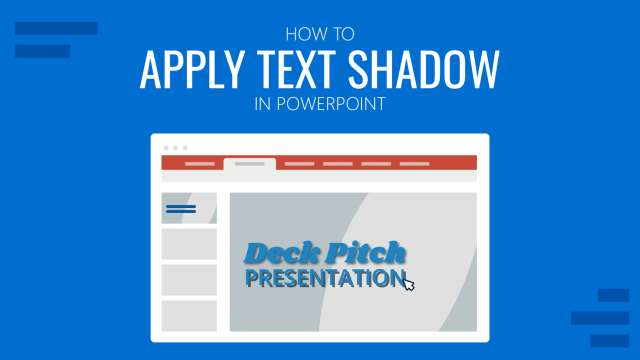
How to Apply Text Shadow in PowerPoint
Become a master of shadow effects in PowerPoint. Follow this step-by-step tutorial on how to apply text shadow.
How to Make a Picture Transparent in PowerPoint
Looking how to make graphics transparent in PowerPoint? Follow this tutorial using native tools to apply transparency or remove background from a picture.
How to Wrap Text in PowerPoint
Arrange text in your presentations more easily by mastering the art of how to wrap text in PowerPoint.
How to Insert a Video into PowerPoint
Make your presentations more engaging by inserting a video into PowerPoint. Step-by-step tutorial using different video sources.
How to Insert Hyperlink in PowerPoint
Link your documents, relevant websites, contact data and more by learning how to insert hyperlink to a PowerPoint presentation slide.
How to Enable Editing in PowerPoint
PowerPoint’s Trust Center protect us against potential hazards in PPT/PPTX files. Learn how to enable editing for all files in PowerPoint with this guide.
How to Play a Slideshow on PowerPoint
Master one of the key features for presentations. Learn how to play a Slideshow on PowerPoint with our guide.
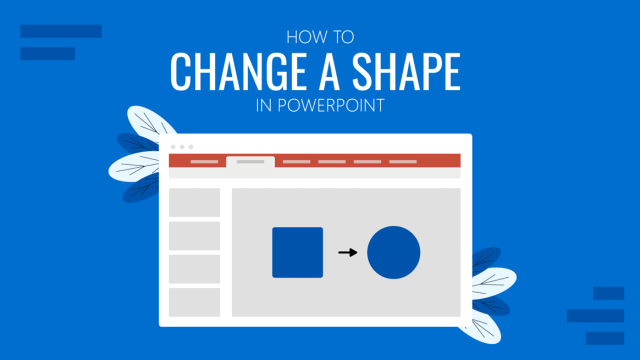
How to Change a Shape in PowerPoint
Editing PowerPoint shapes doesn’t have to be a complex concept. Learn all the different methods on how to change PowerPoint shapes here.
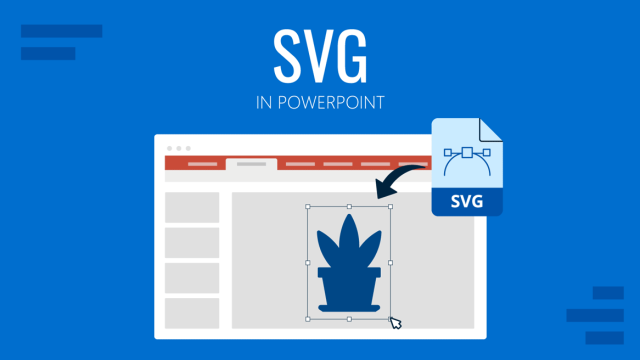
How to Work with SVG in PowerPoint
Upgrade your graphics quality by mastering SVG graphics in PowerPoint. A detailed guide on how to create and import them.