How to Select All Slides in PowerPoint
Speed up your slide design workflow by knowing how to select all slides in PowerPoint. Master the shortcuts and tips for this process.
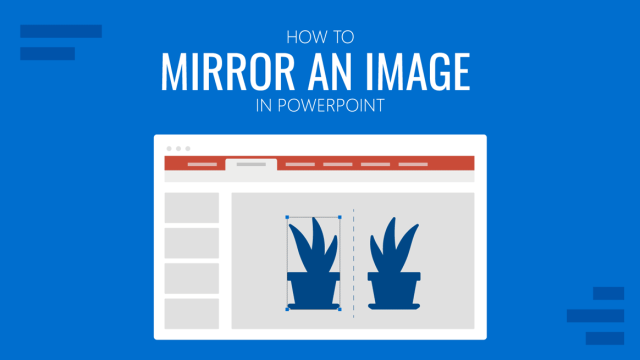
How to Mirror an Image in PowerPoint
Quickly customize your presentation slides by mirroring images in PowerPoint. Step-by-step process for single and multiple images.
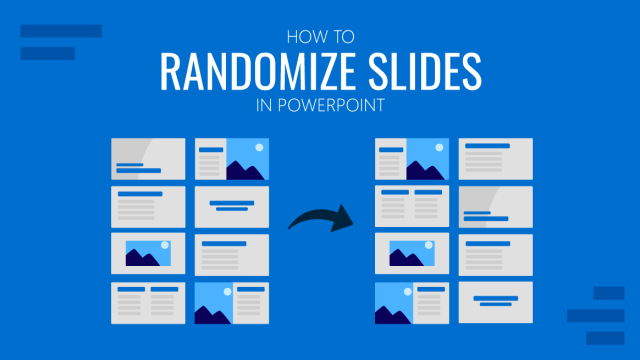
How to Randomize Slides in PowerPoint
Join us today and learn how to code your first Macro to randomize slides in PowerPoint. Options for a fixed or uncertain number of slides.
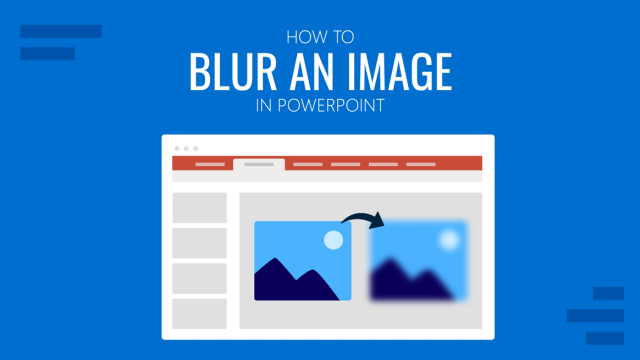
How to Blur an Image in PowerPoint
Customize your presentation slides with creative effects. Learn how to Blur an Image in PowerPoint with this article.
How to Change Default Font in PowerPoint
Speed up your presentation design by learning how to change default font in PowerPoint. Adapt your workflow to your design style with this guide!
How to Make Text Appear on Click in PowerPoint
Animate your slides by learning how to make text appear on click in PowerPoint. An ideal solution to increase audience engagement.
How to Make Sub-Bullets in PowerPoint
Organize your content in presentation slides by learning how to make sub-bullets in PowerPoint.
How to Convert Keynote to PowerPoint
Make your presentations available to any user regardless of their computer brand by learning how to convert Keynote to PowerPoint.
PowerPoint Animations: Animate Text, Objects, and Slides in Your Presentations
Become a master of PowerPoint animations and elevate the quality of your slides. In this guide, we’ll show in detail how to animate objects, text, and more.
How to Create a Presentation with PowerPoint Online
Microsoft 365 offers us the experience of a cloud-based version of our favorite presentation software: PowerPoint Online. Learn all about it with this guide
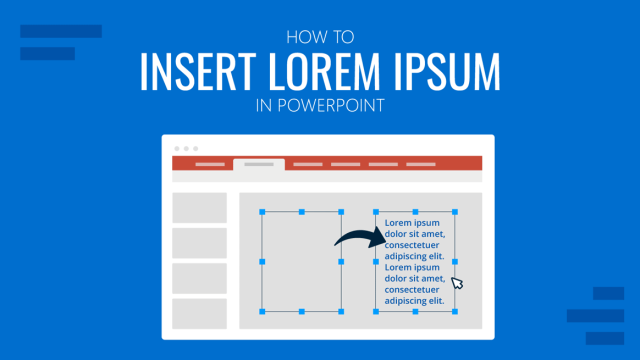
How to Insert Lorem Ipsum in PowerPoint
Create custom placeholder text areas for your slides by learning how to insert lorem ipsum in PowerPoint. A 2-minute guide for instant results.
How to Work with Screenshots in PowerPoint
Enhance your educational presentations by learning how to work with PowerPoint screenshots. A detailed guide with tools to use, recommendations and more.