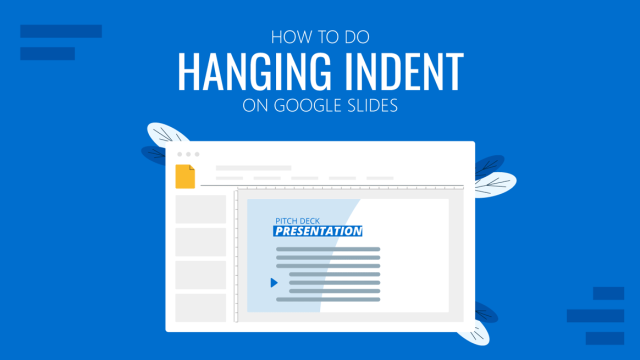
How To Do Hanging Indent on Google Slides
Hanging indent is a text styling option used for citations and references. Learn how to apply this technique in Google Slides here.
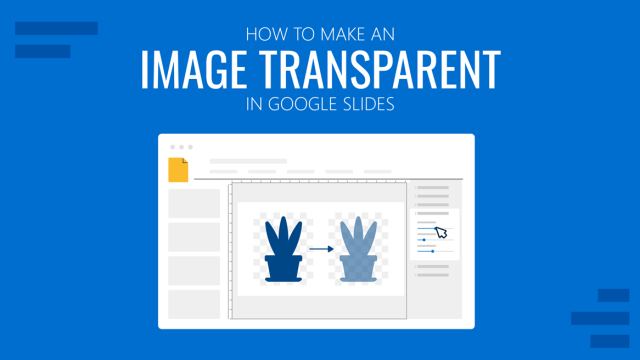
How to Make an Image Transparent in Google Slides
Using transparency effects can increase the overall aesthetic of your presentation design. Learn how to make images transparent in Google Slides with the help of this guide.
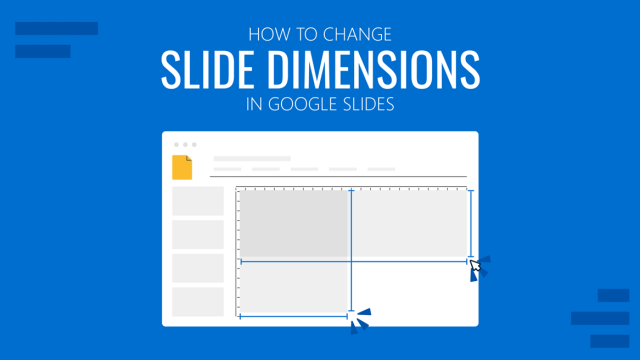
Google Slides Dimensions: What Size is Google Slides and How to Change Slide Size?
Any presentation slide can have its size adjusted with some simple steps. Learn how to change dimensions in Google Slides with this detailed guide.
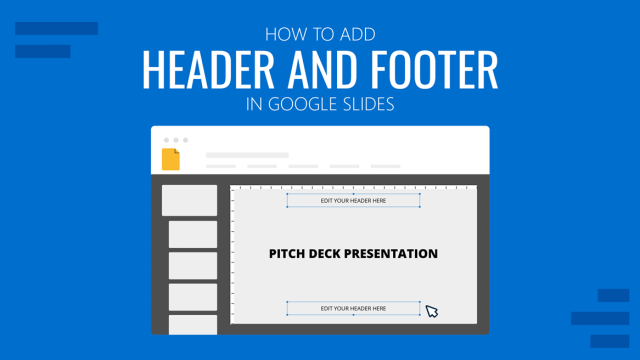
How to Add Header and Footer in Google Slides
Personalize your presentations with appropiate branding by learning how to add header and footer in Google Slides. Easy-to-follow tutorial with screenshots.
How to do a Voiceover on Google Slides
Discover how easy is to add a voiceover on Google Slides and make your presentations accessibility-ready. Ace this technique today with the help of our guide.
How to Make Checkboxes in Google Slides
Prepare your own flashcards, quizzes, polls and more by knowing how to make checkboxes in Google Slides. Step-by-step procedure and indications for check marks.
How To Convert a Google Slides Presentation to a Video
Repurpose your presentation files for different media platforms by learning how to convert a Google Slides presentation to a video. Check this step-by-step guide using Creator Studio.
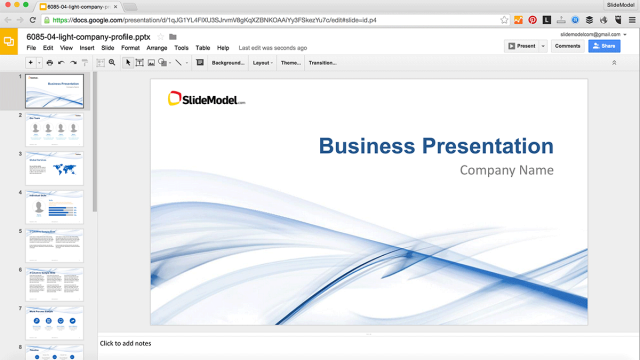
How to Edit PowerPoint Templates in Google Slides
Learn how to edit presentation templates for PowerPoint in Google Slides.
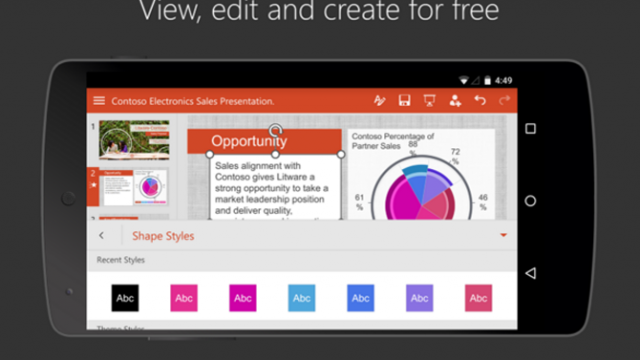
How to Open a PowerPoint Presentation on Android
Viewing PowerPoint files using an Android device has become easier than it was just a few years back. There are a number of easy methods that you can use to open a PowerPoint presentation on Android. We have listed a few of the most convenient methods below; which can enable you to seamlessly view and (in […]