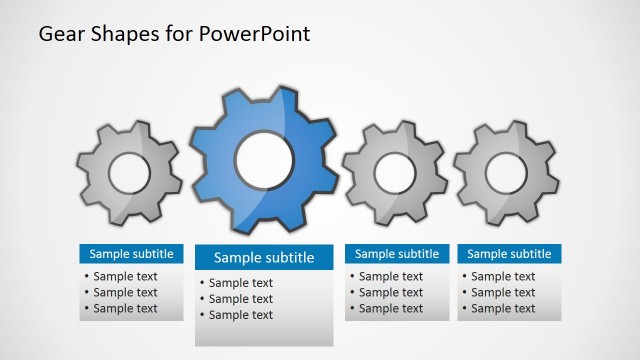
Slide 3 of 5 from Free Gear Shapes for PowerPoint
FF0023-01-gear-shapes-3
Adding a Gear Diagram for Presentations
- Diagram
- Other
- Process Slide
- 16:9
- 100% Editable
The Adding a Gear slide from the Free Gear Shapes for PowerPoint template visually represents process integration and incremental growth using editable shapes. This slide layout is ideal for business presentations or pitch deck templates that require clear illustration of project development stages. Featuring vector icons of gears and directional arrows, it enhances understanding of operational enhancements within a corporate presentation or slide deck.
What’s on This Slide
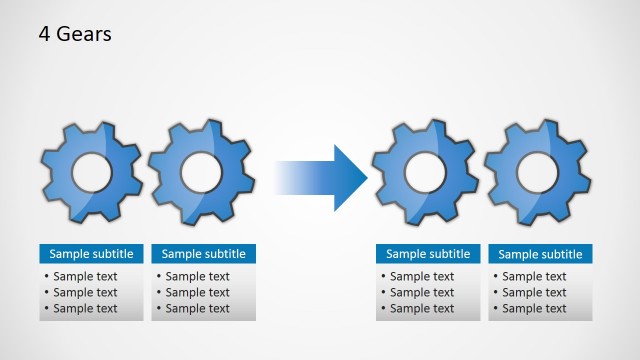
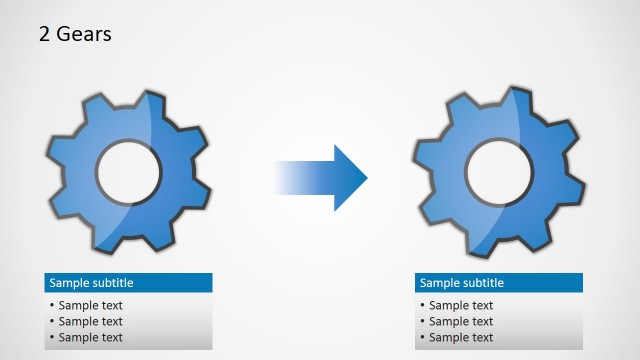
The slide features a central arrangement of five gear shapes, with four gears positioned on the left and one gear on the right. The gears are blue with a light gradient and have circular cutouts in the center. An arrow points from the left group of gears to the single gear on the right, indicating a process of addition. There is a title at the top left, and a subtitle box is located at the bottom right, containing three text placeholders aligned vertically. The background is a light gradient, enhancing the visual hierarchy.
How to Use It
This layout serves to illustrate a process of adding components, suitable for explaining growth or integration in business contexts. It fits well in a sequence after discussing existing components, leading into future developments. This slide can be used in presentations about project management, product development, or operational enhancements, where showcasing incremental changes is necessary. It effectively communicates the concept of building upon existing structures.
Text Placeholders & Capacity
Keep your copy within these limits so it fits without resizing. Body slots can hold roughly 8 words each, with tight spacing.
| Placeholder | Count | Max characters (approx.) |
|---|---|---|
| Slide title | 1 | 30 |
| Subtitle | 1 | 50 |
| Body paragraph | 3 | 50 |
Slide Keywords
Download unlimited PowerPoint templates, charts and graphics for your presentations with our annual plan.
DOWNLOADReturn to Free Gear Shapes for PowerPoint.