Slide 2 of 5 from Free Gear Shapes for PowerPoint
FF0023-01-gear-shapes-2
5 Gears in Row for Business Processes
- Diagram
- Other
- Process Slide
- 16:9
- 100% Editable
The 5 Gears in Row slide from the Free Gear Shapes for PowerPoint template offers a clear visual process diagram ideal for business presentations and workflow explanations. Featuring editable shapes and vector icons, this slide layout supports detailed step-by-step breakdowns in corporate presentations and pitch deck templates.
What’s on This Slide
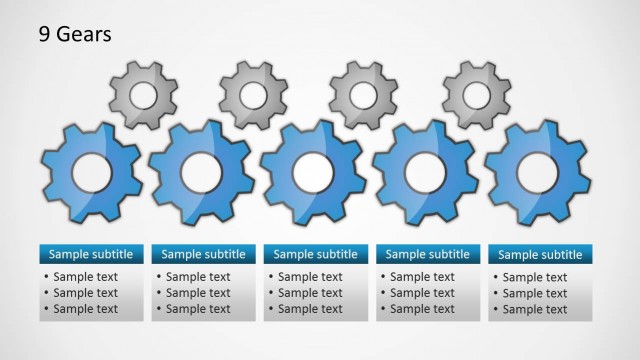
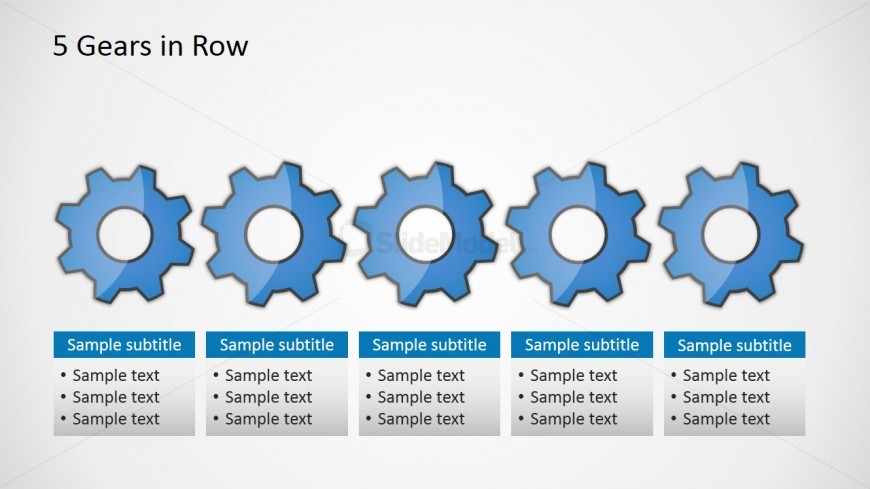
The layout features five gear icons arranged in a horizontal row across the top. Each gear is visually distinct with a blue color scheme and a circular cutout in the center. Below each gear, there are text placeholders aligned in a single column format, each containing a subtitle and four lines of sample text. The gears are evenly spaced, creating a balanced visual flow. The background is light, enhancing the visibility of the gears and text. This structure emphasizes the relationship between the gears and the accompanying text.
How to Use It
This layout serves as a visual representation of a process or series of steps, making it suitable for presentations that explain sequential actions or dependencies. It fits well in a presentation sequence following an introductory slide and can be used to illustrate concepts such as workflow, project stages, or product features. Ideal scenarios include business process explanations, mechanical concepts, or any context where a step-by-step breakdown is necessary.
Text Placeholders & Capacity
Keep your copy within these limits so it fits without resizing. Text slots can accommodate multiple lines of content, roughly 5-7 words each.
| Placeholder | Count | Max characters (approx.) |
|---|---|---|
| Slide title | 1 | 30 |
| Subtitle | 5 | 30 |
| Body paragraph | 20 | 50 |
Slide Keywords
Download unlimited PowerPoint templates, charts and graphics for your presentations with our annual plan.
DOWNLOADReturn to Free Gear Shapes for PowerPoint.