Slide 7 of 7 from Free 6 Steps Bookmark Horizontal Diagram
Step 6 Bookmark Horizontal Process Diagram Template
6 Steps Bookmarks Horizontal Diagram
- Diagram
- Arrow Sequence
- Process Slide
- 16:9
- 100% Editable
The 6 Steps Bookmarks Horizontal Diagram from the Free 6 Steps Bookmark Horizontal Diagram template effectively illustrates sequential processes. This layout is ideal for project management, marketing strategies, and workflow presentations, featuring editable slides with numbered steps and vector icons that enhance clarity and engagement.
What’s on This Slide
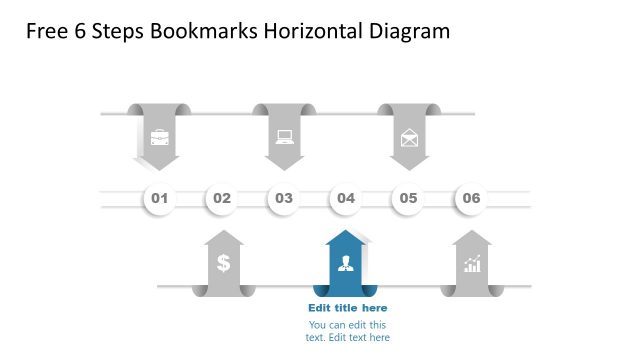
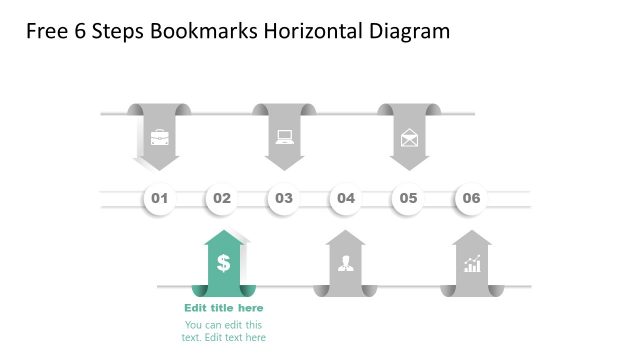
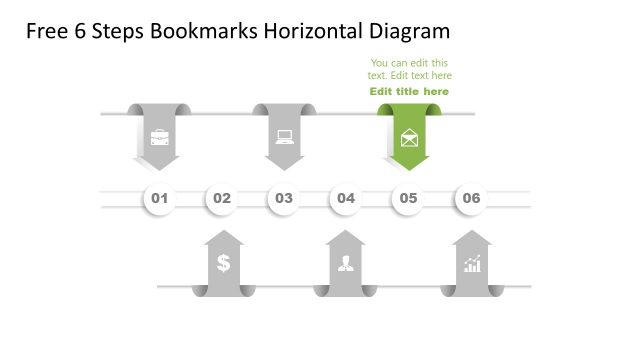
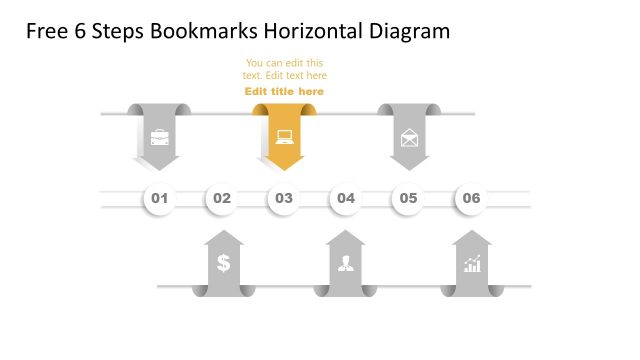
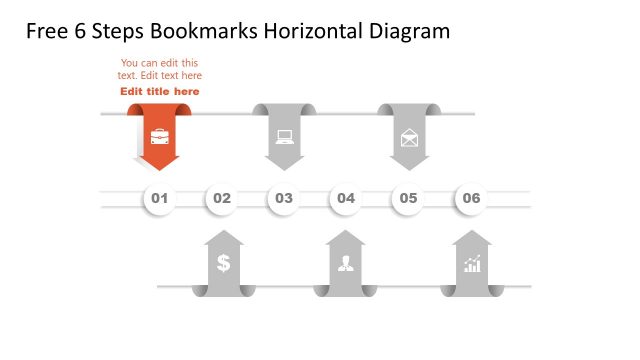
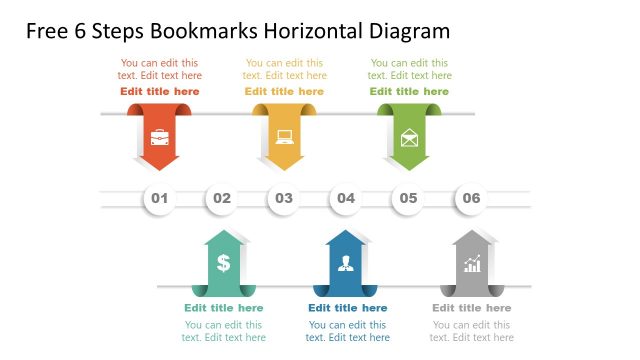
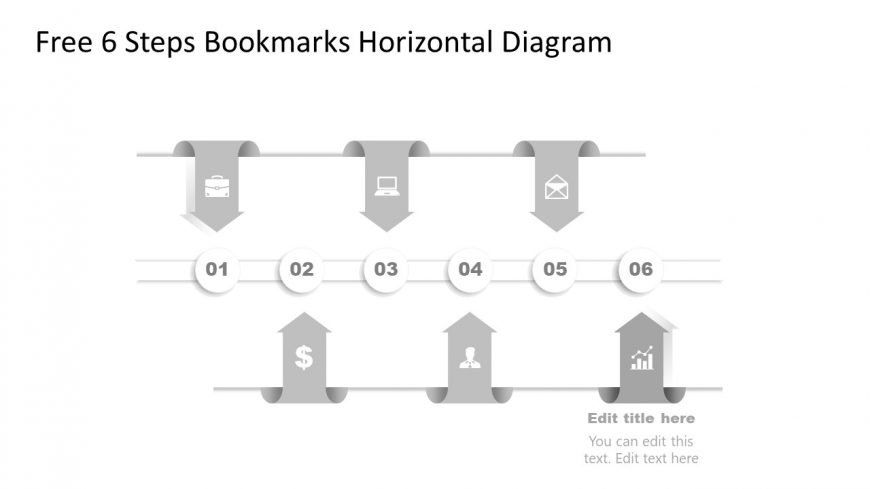
The layout features a horizontal diagram with six steps represented by arrows pointing upward. Each step is numbered from 01 to 06 and includes icons such as a briefcase, laptop, envelope, dollar sign, person, and graph. The icons are positioned above the arrows, with the numbers centered in circular shapes below. Text placeholders for a title and additional content are located at the top and bottom, respectively. The design employs a monochromatic color scheme with shades of gray, creating a cohesive visual hierarchy.
How to Use It
This layout serves as a sequential process diagram, ideal for illustrating steps in a workflow or project. It fits well in presentations that outline processes, strategies, or timelines. Common scenarios include project management updates, marketing strategies, or training sessions. The horizontal format allows for easy comprehension of steps and their relationships, making it suitable for both internal and client-facing presentations.
Text Placeholders & Capacity
Keep your copy within these limits so it fits without resizing. Node labels can hold up to 2 characters each, while body slots allow for 50 characters.
| Placeholder | Count | Max characters (approx.) |
|---|---|---|
| Slide title | 1 | 30 |
| Item heading | 6 | 2 |
| Item body | 6 | 15 |
| Body paragraph | 2 | 50 |
Slide Keywords
Download unlimited PowerPoint templates, charts and graphics for your presentations with our annual plan.
DOWNLOADReturn to Free 6 Steps Bookmark Horizontal Diagram.