Slide 5 of 7 from Free 6 Steps Bookmark Horizontal Diagram
Step 4 Bookmark Horizontal Process Diagram Template
6 Steps Bookmark Horizontal Diagram Template
- Diagram
- Arrow Sequence
- Process Slide
- 16:9
- 100% Editable
The 6 Steps Bookmark Horizontal Diagram from the Free 6 Steps Bookmark Horizontal Diagram template provides a clear visual representation of a sequential process. This layout is ideal for business presentations, offering editable slides that guide audiences through project workflows or step-by-step guides. With its clean design and highlighted milestones, it effectively communicates key phases in any corporate presentation.
What’s on This Slide
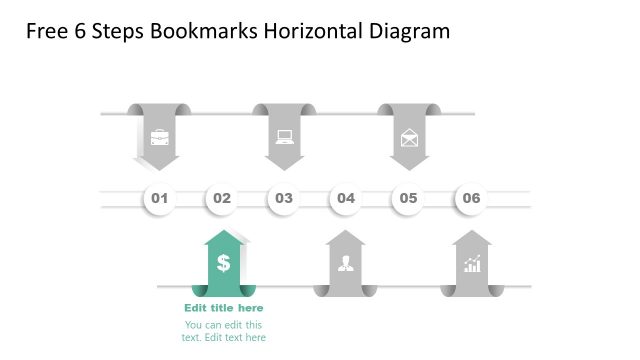
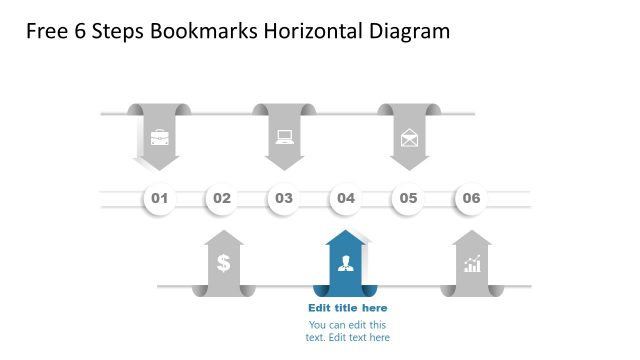
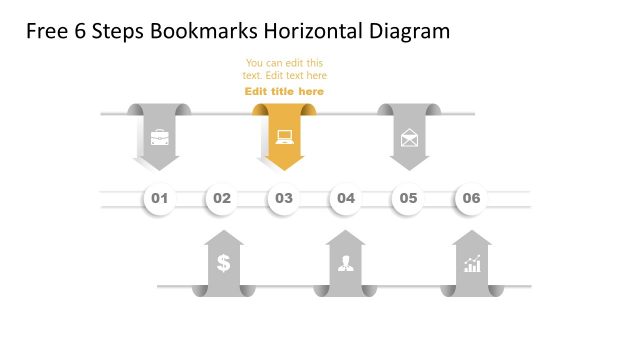
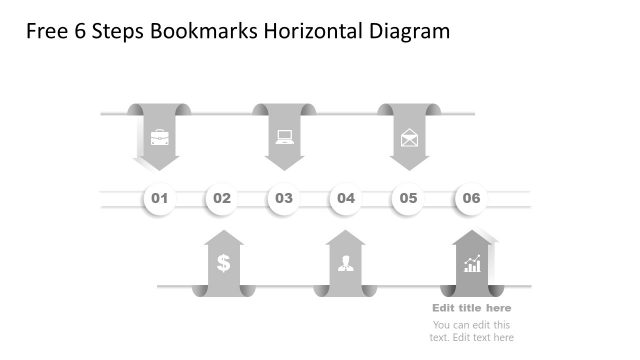
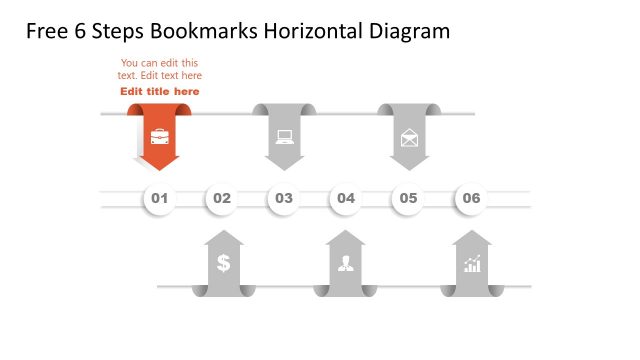
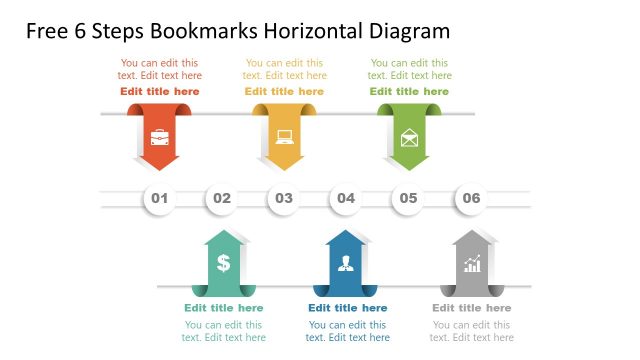
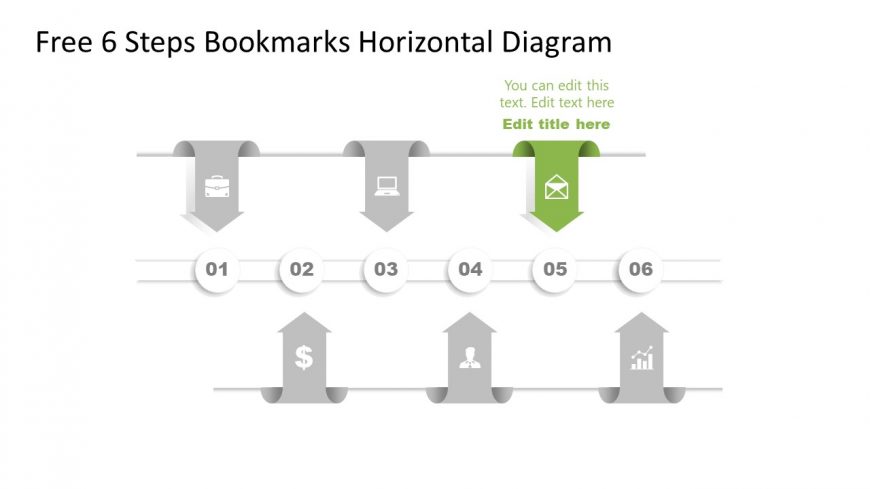
The layout features a horizontal diagram with six steps represented by arrow-shaped bookmarks. Each bookmark contains an icon, with the fifth step highlighted in green. The icons include a briefcase, computer, dollar sign, person, and graph. The numbers 01 to 06 are displayed below each bookmark, indicating the sequence. Text placeholders are present above and below the bookmarks for titles and descriptions. The overall composition is linear, with a clean white background and a consistent color scheme emphasizing the highlighted step.
How to Use It
This layout serves as a sequential process diagram, ideal for illustrating steps in a workflow or project. It fits well in presentations that require clear, step-by-step guidance, such as project plans or process overviews. This structure is useful in business contexts like training sessions, product launches, or strategy discussions, where clarity in progression is essential. It can be effectively used to highlight key milestones or phases in a project.
Text Placeholders & Capacity
Keep your copy within these limits so it fits without resizing. Node body slots can hold roughly 40 characters each.
| Placeholder | Count | Max characters (approx.) |
|---|---|---|
| Slide title | 1 | 30 |
| Item heading | 6 | 15 |
| Item body | 6 | 40 |
Slide Keywords
Download unlimited PowerPoint templates, charts and graphics for your presentations with our annual plan.
DOWNLOADReturn to Free 6 Steps Bookmark Horizontal Diagram.