Slide 2 of 7 from Free 6 Steps Bookmark Horizontal Diagram
Step 1 Bookmark Horizontal Process Diagram Template
Free 6 Steps Bookmarks Horizontal Diagram
- Diagram
- Process Flow
- Process Slide
- 16:9
- 100% Editable
What’s on This Slide
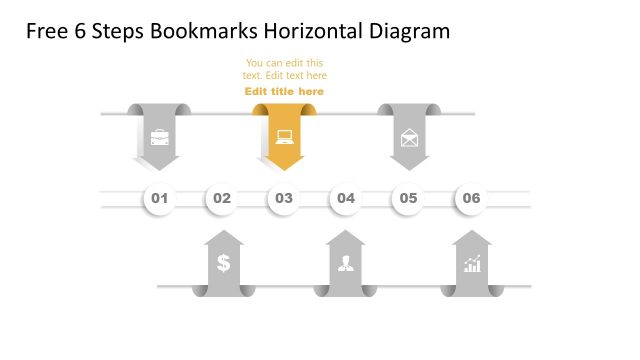
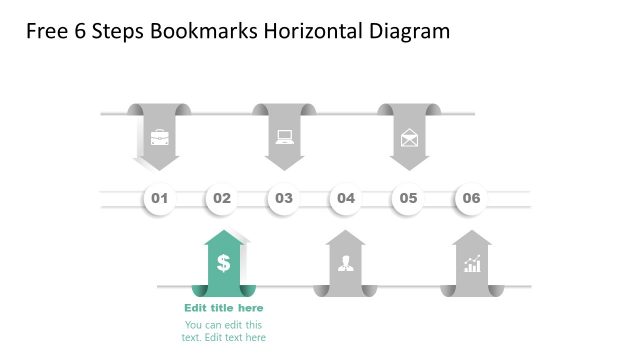
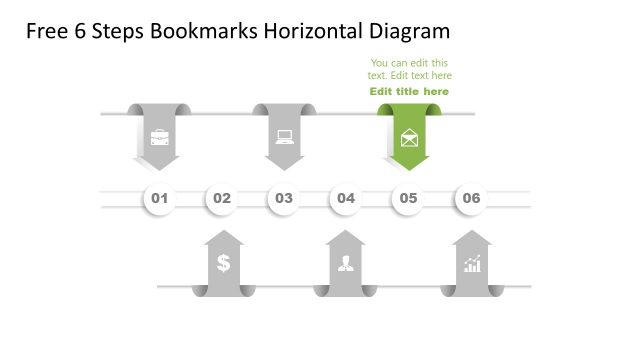
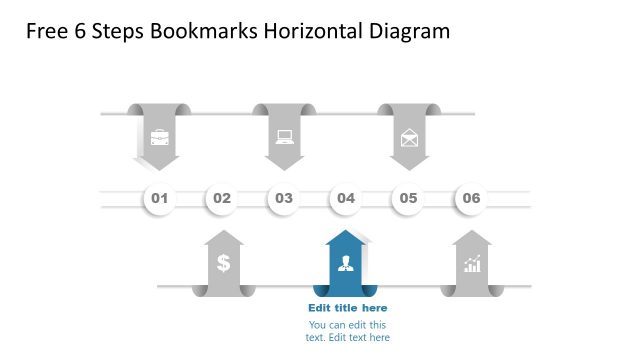
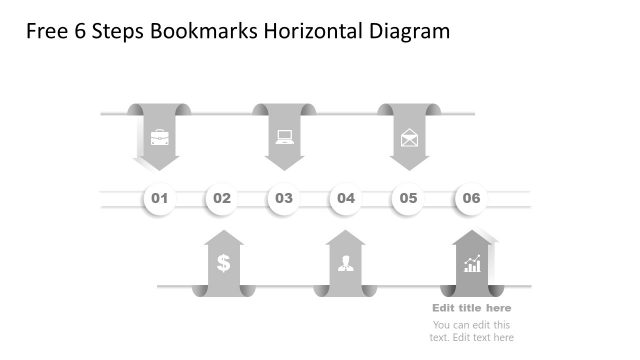
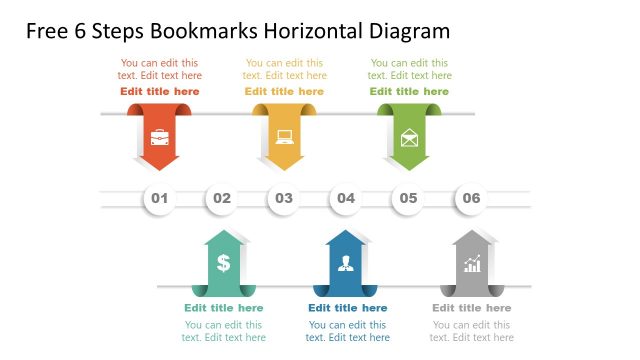
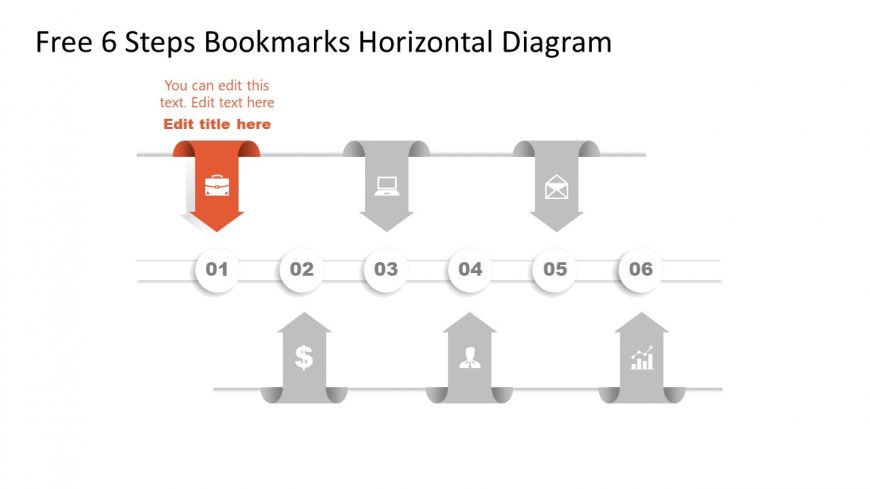
The layout features a horizontal flow with six steps represented by circular nodes. Each node is connected by a horizontal line, with upward arrows indicating progression. The first node is highlighted in red, containing an icon of a car, while the others include icons of a laptop, envelope, person, and graph. Text placeholders are present above the nodes for titles and descriptions, aligned centrally. The overall color scheme is predominantly gray with a red accent, creating a clear visual hierarchy.
How to Use It
This layout serves as a step-by-step process diagram, suitable for illustrating workflows or project phases. It fits well in a presentation sequence following a problem statement and before detailed solutions. This structure is ideal for business scenarios like project management, product development, or strategic planning, where clarity in progression is essential. It can effectively communicate sequential actions or milestones in a concise manner.
Text Placeholders & Capacity
Keep your copy within these limits so it fits without resizing. Node labels can hold about 10 characters each, while node bodies can accommodate roughly 50 characters.
| Placeholder | Count | Max characters (approx.) |
|---|---|---|
| Slide title | 1 | 30 |
| Item heading | 6 | 10 |
| Item body | 6 | 50 |
Slide Keywords
Download unlimited PowerPoint templates, charts and graphics for your presentations with our annual plan.
DOWNLOADReturn to Free 6 Steps Bookmark Horizontal Diagram.