Slide 4 of 7 from Free 6 Steps Bookmark Horizontal Diagram
Step 3 Bookmark Horizontal Process Diagram Template
6 Steps Bookmark Horizontal Diagram
- Diagram
- Arrow Sequence
- Process Slide
- 16:9
- 100% Editable
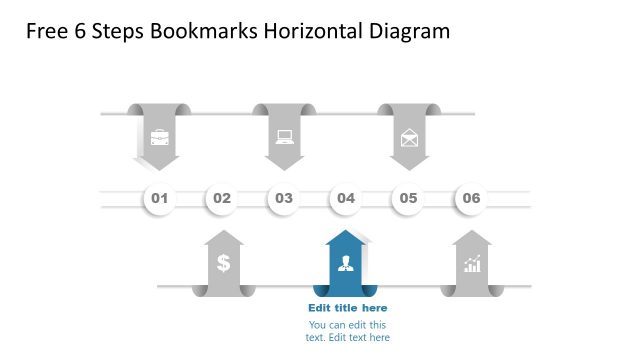
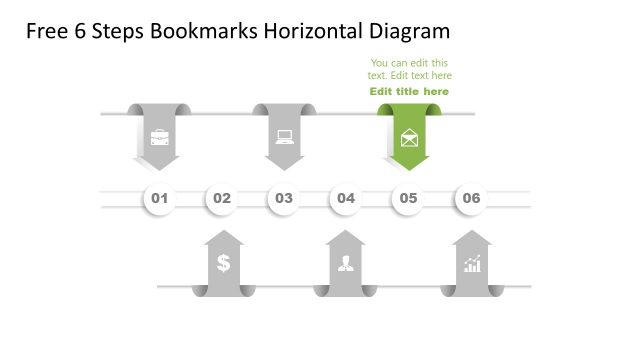
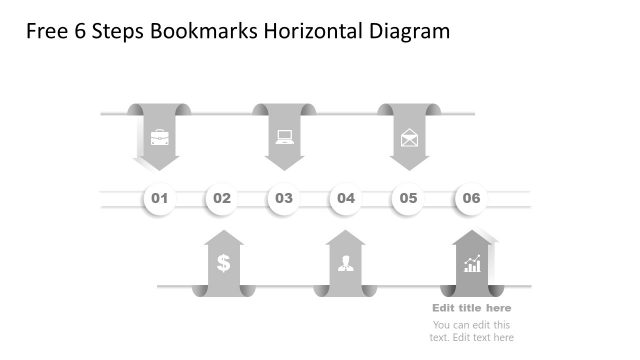
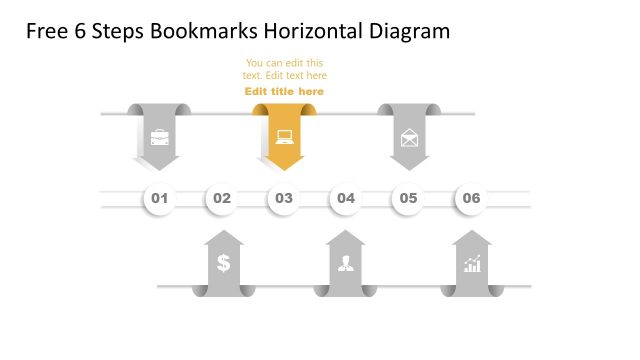
The 6 Steps Bookmark Diagram from the Free 6 Steps Bookmark Horizontal Diagram template effectively illustrates a sequential process. This slide layout is ideal for project workflow presentations, marketing strategy outlines, and customer journey mapping. Featuring six bookmark-shaped steps with alternating colors and icons, it provides a clear visual representation of multi-step processes, making it a valuable addition to any business presentation.
What’s on This Slide
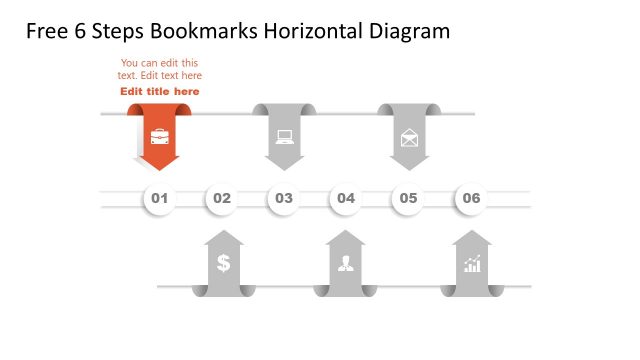
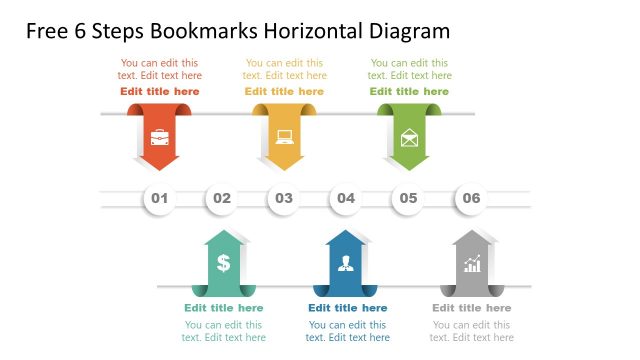
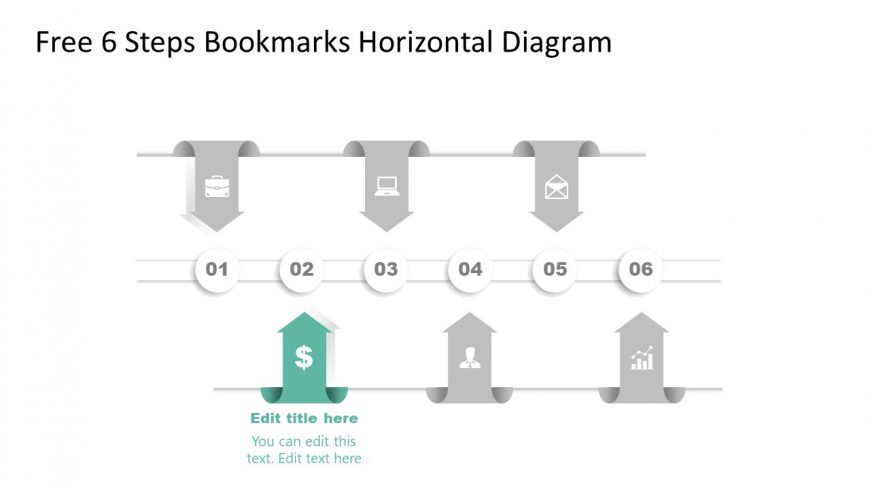
The layout features a horizontal diagram displaying six steps, each represented by a bookmark shape. The bookmarks alternate in color and contain icons, with the first five in gray and the sixth highlighted in teal. Each step is numbered from one to six, with the numbers positioned inside circular shapes. A prominent text placeholder is centered below the sixth step, indicating an editable title, while two additional text placeholders are located beneath it for further details. The overall composition is linear, emphasizing progression through the steps.
How to Use It
This layout serves as a sequential process diagram, ideal for outlining steps in a workflow or project. It fits well in presentations that require a clear visual representation of a multi-step process, such as project planning or product development. This structure can be used in business contexts to illustrate stages of implementation, marketing strategies, or customer journey mapping, providing clarity and organization to complex information.
Text Placeholders & Capacity
Keep your copy within these limits so it fits without resizing. Node labels can hold about 10 characters each, while body text slots can accommodate around 50 characters.
| Placeholder | Count | Max characters (approx.) |
|---|---|---|
| Slide title | 1 | 30 |
| Item heading | 6 | 10 |
| Item body | 2 | 50 |
Slide Keywords
Download unlimited PowerPoint templates, charts and graphics for your presentations with our annual plan.
DOWNLOADReturn to Free 6 Steps Bookmark Horizontal Diagram.