Slide 1 of 7 from Free 6 Steps Bookmark Horizontal Diagram
6 Steps Bookmark Horizontal PowerPoint
6 Steps Bookmark Horizontal Diagram Template
- Diagram
- Arrow Sequence
- Process Slide
- 16:9
- 100% Editable
The 6 Steps Bookmark Horizontal Diagram from the Free 6 Steps Bookmark Horizontal Diagram template provides a clear visual representation of a sequential process. This layout is ideal for business presentations, offering editable slides that guide audiences through project workflows or step-by-step guides with ease.
What’s on This Slide
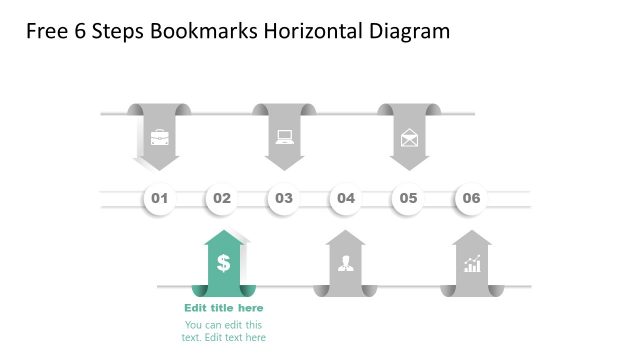
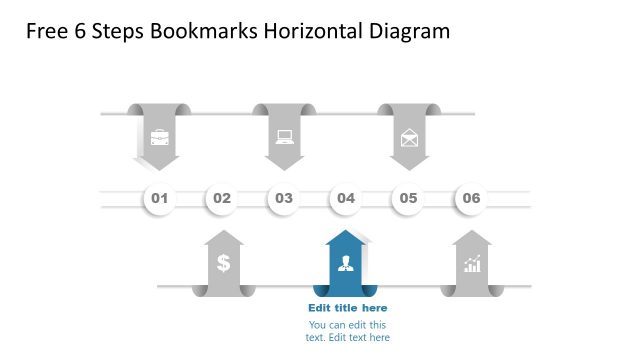
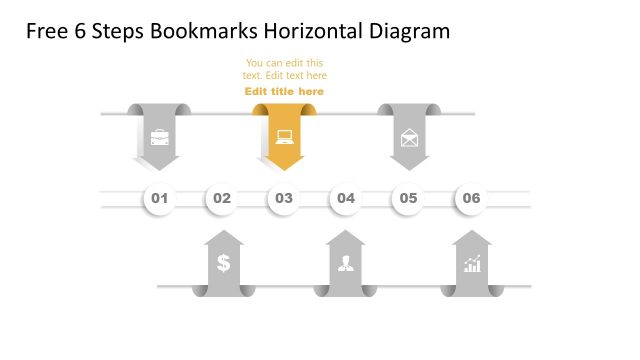
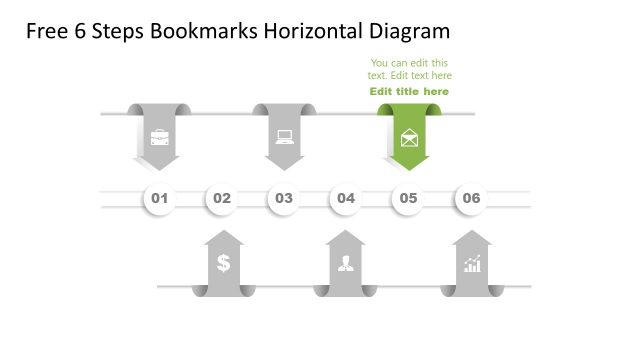
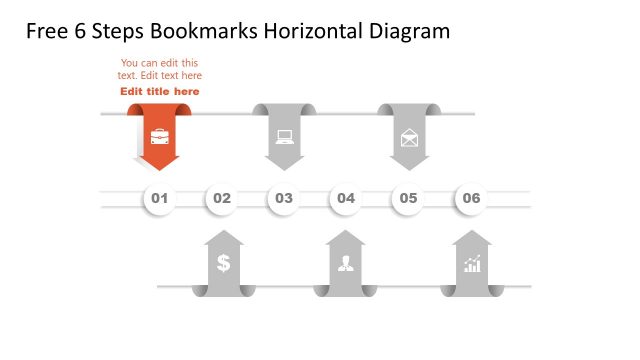
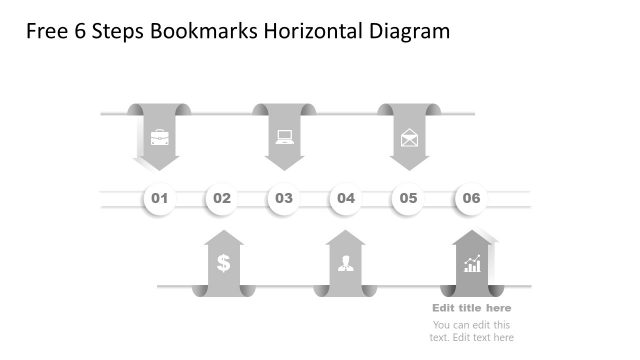
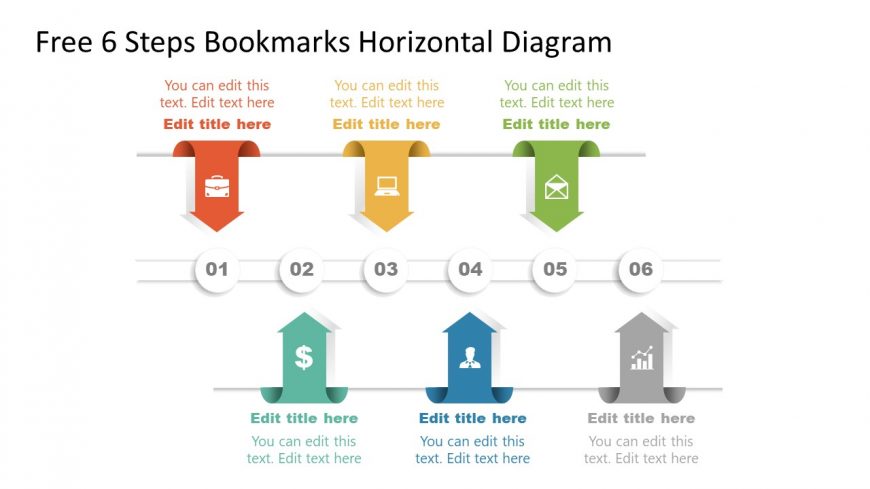
The layout features a horizontal arrangement of six steps, each represented by a colored bookmark shape. The bookmarks alternate in color, with icons centered within them, indicating different stages. Each step has a number at the top, and there are text placeholders below each bookmark for titles and descriptions. A horizontal line connects the bookmarks, creating a clear flow from left to right. The background is light, enhancing visibility. The overall composition emphasizes sequential progression through the steps.
How to Use It
This layout serves as a visual representation of a sequential process or workflow. It is suitable for presentations that outline steps in a project, strategy, or methodology. The horizontal format allows for easy comprehension of the order of operations. It fits well in the introduction or overview sections of a presentation, guiding the audience through the main points. This structure is useful in business contexts, such as project management or product development, where clarity of steps is essential.
Text Placeholders & Capacity
Keep your copy within these limits so it fits without resizing. Node titles can hold about 20 characters each, while descriptions can hold around 50 characters.
| Placeholder | Count | Max characters (approx.) |
|---|---|---|
| Item heading | 6 | 20 |
| Item body | 6 | 50 |
Slide Keywords
Download unlimited PowerPoint templates, charts and graphics for your presentations with our annual plan.
DOWNLOADReturn to Free 6 Steps Bookmark Horizontal Diagram.