Slide 3 of 7 from Free 6 Steps Bookmark Horizontal Diagram
Step 2 Bookmark Horizontal Process Diagram Template
Free 6 Steps Bookmark Horizontal Diagram
- Diagram
- Arrow Sequence
- Process Slide
- 16:9
- 100% Editable
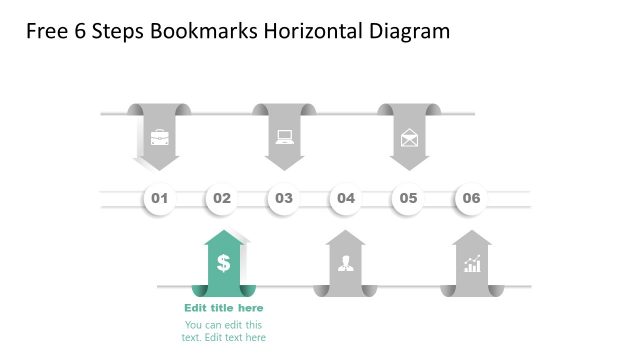
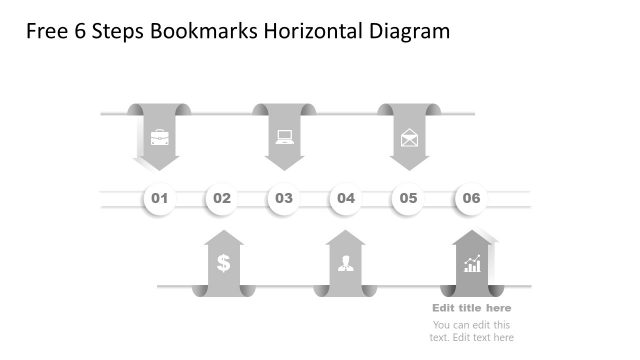
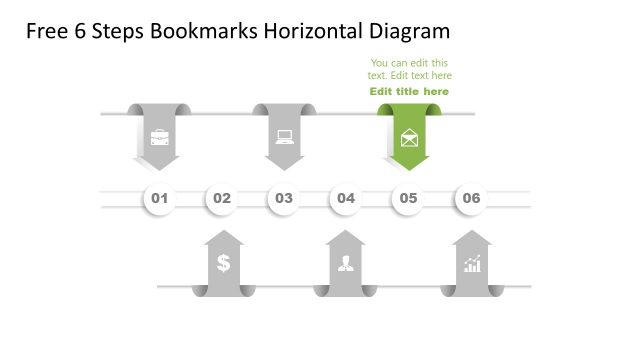
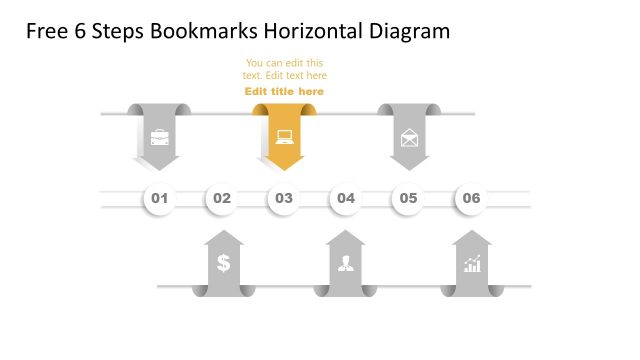
The 6 Steps Bookmark Diagram from the Free 6 Steps Bookmark Horizontal Diagram template provides a clear visual representation of processes. This editable slide layout is perfect for project management and strategic planning presentations, featuring six bookmark shapes that guide audiences through sequential steps. With a professional design that includes icons and a highlighted focus area, it enhances communication in business presentations and workflows.
What’s on This Slide
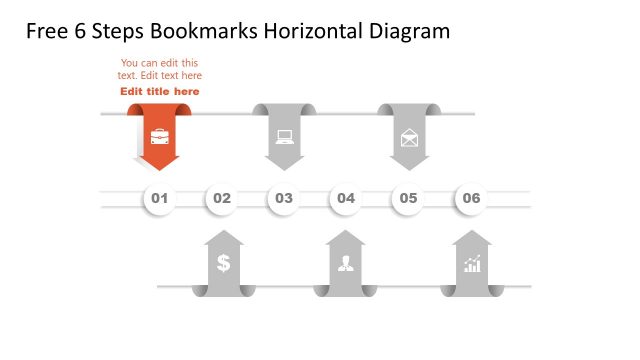
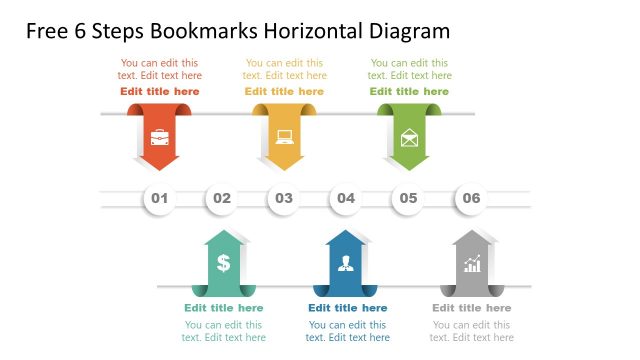
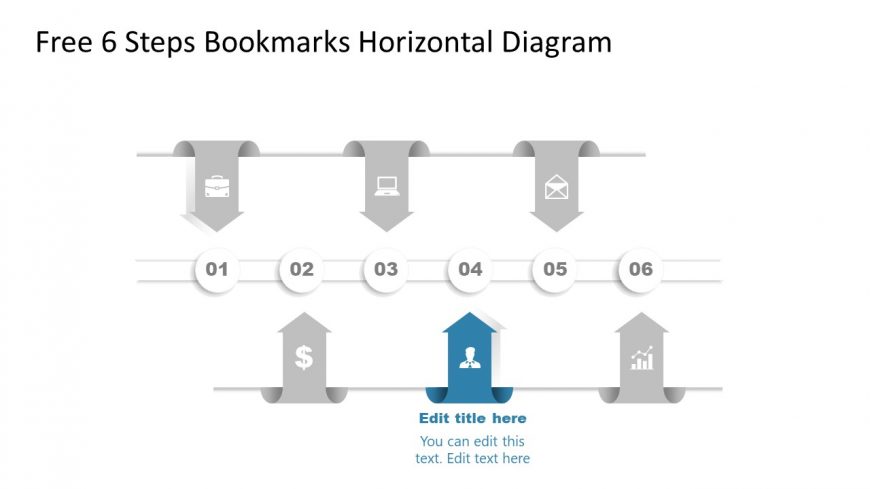
The layout features a horizontal diagram with six bookmark shapes arranged in a row. Each bookmark is labeled with numbers from 01 to 06, positioned above a horizontal line. The first three bookmarks contain icons representing a briefcase, laptop, and envelope, while the fourth bookmark is highlighted in blue and contains a person icon. The fifth and sixth bookmarks feature a dollar sign and a graph icon, respectively. Text placeholders are present in the blue bookmark for a title and body text, aligned centrally within the shape. The overall color scheme is monochromatic with shades of gray and blue accents.
How to Use It
This layout serves as a sequential process diagram, ideal for illustrating steps or phases in a project. It fits well in presentations discussing workflows, project management, or strategic planning. The highlighted bookmark can emphasize a key step or focus area. This structure is useful in business contexts where clear, step-by-step guidance is required, such as training sessions, project updates, or marketing strategies. It can also be adapted for educational purposes to outline learning objectives or course content.
Text Placeholders & Capacity
Keep your copy within these limits so it fits without resizing. Node body slots can hold roughly 15-20 words each.
| Placeholder | Count | Max characters (approx.) |
|---|---|---|
| Slide title | 1 | 30 |
| Item heading | 6 | 10 |
| Item body | 1 | 100 |
Slide Keywords
Download unlimited PowerPoint templates, charts and graphics for your presentations with our annual plan.
DOWNLOADReturn to Free 6 Steps Bookmark Horizontal Diagram.