Slide 1 of 4 from Venn Diagram Layouts PowerPoint Template
Venn Diagram Layouts PPT Slide Template
Venn Diagram Layouts PowerPoint Template
- Diagram
- Venn
- Comparison Slide
- 16:9
- 100% Editable
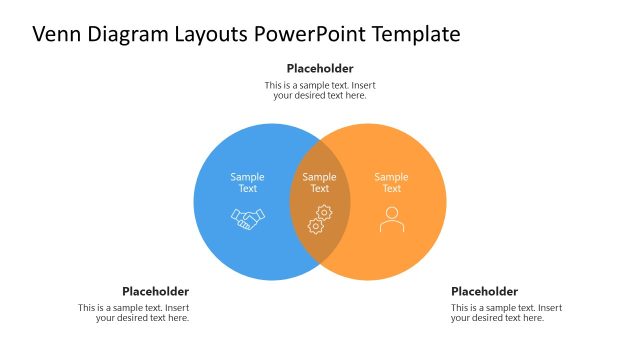
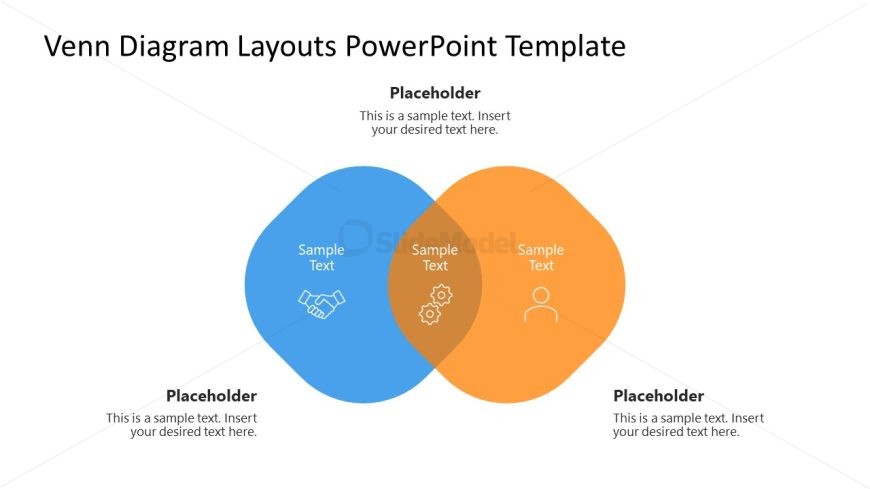
The Venn Diagram with Icons slide from the Venn Diagram Layouts PowerPoint Template offers a clear visual tool for comparing two concepts and highlighting shared features. Designed for business presentations and strategic planning discussions, this slide uses editable shapes and vector icons to emphasize relationships and overlaps effectively within a corporate presentation or pitch deck template.
What’s on This Slide
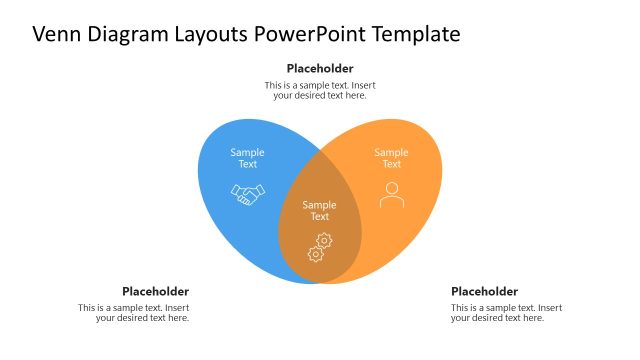
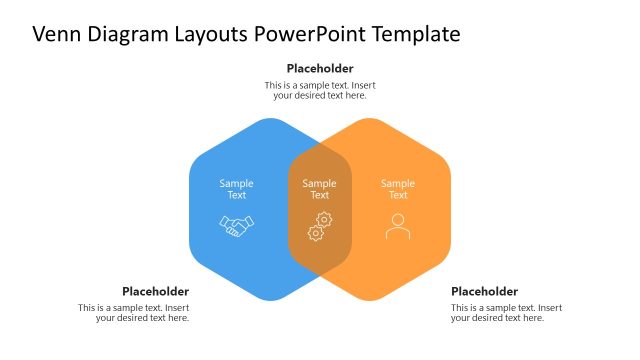
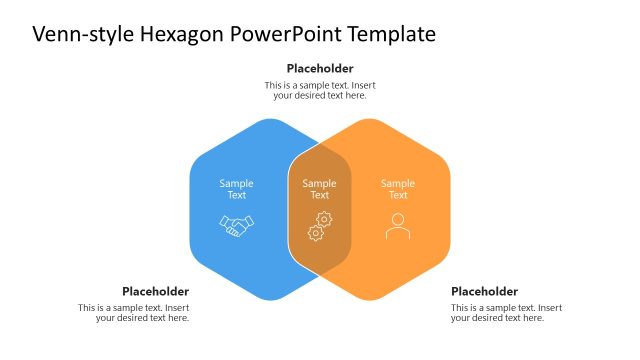
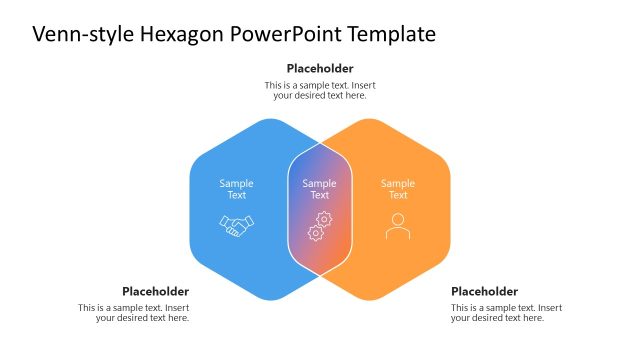
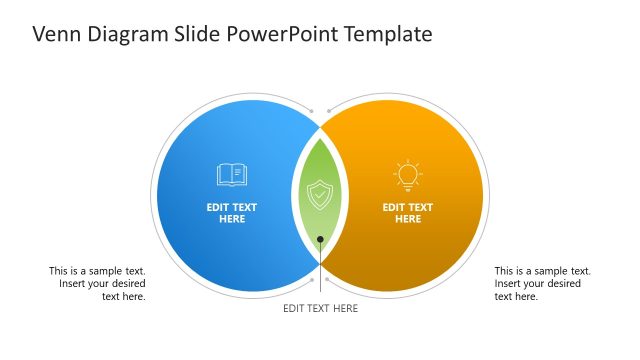
The layout features two overlapping circles, one blue and one orange, positioned centrally. Each circle contains a text placeholder aligned at the center, labeled 'Sample Text.' In the overlapping section, there are two icons: a handshake and gears, indicating shared attributes. Below the circles, there are two additional text placeholders, one on the left and one on the right, both aligned to the left. The background is white, providing contrast to the colored circles. The overall composition emphasizes the relationship between the two sets.
How to Use It
This layout serves to visually represent relationships and similarities between two concepts, making it suitable for comparisons or shared features. It fits well in presentations discussing differentiation, collaboration, or shared goals. This diagram can be used in business contexts such as strategic planning, marketing analysis, or team collaboration discussions. It is effective for illustrating how two entities overlap in attributes or functions, providing clarity in communication.
Text Placeholders & Capacity
Keep your copy within these limits so it fits without resizing. Node body slots can hold up to 30 characters each.
| Placeholder | Count | Max characters (approx.) |
|---|---|---|
| Item body | 3 | 30 |
| Item heading | 2 | 30 |
| Placeholder | 2 | 50 |
Slide Keywords
Download unlimited PowerPoint templates, charts and graphics for your presentations with our annual plan.
DOWNLOADReturn to Venn Diagram Layouts PowerPoint Template.