Slide 3 of 4 from Venn Diagram Layouts PowerPoint Template
Editable Venn Diagram Layouts PPT Template
Venn Diagram Layouts PowerPoint Template
- Diagram
- Venn
- Comparison Slide
- 16:9
- 100% Editable
The Venn Diagram with Icons slide from the Venn Diagram Layouts PowerPoint Template offers a clear visual comparison tool using editable shapes and vector icons. This slide template is ideal for business presentations or pitch decks that require illustrating product similarities, market overlaps, or team collaboration. Its balanced design and white background enhance readability, making it a practical choice within professional slide templates for conveying complex relationships effectively.
What’s on This Slide
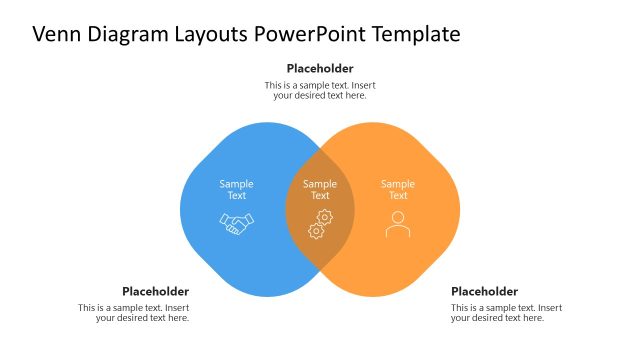
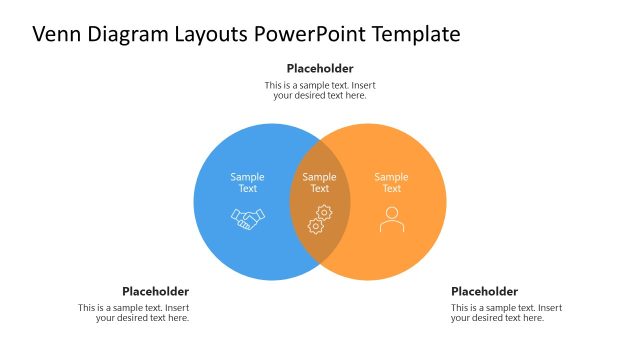
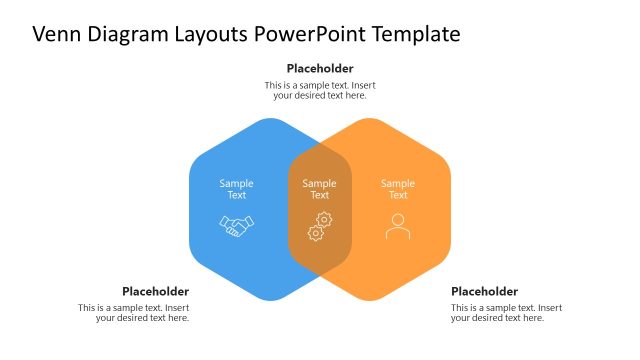
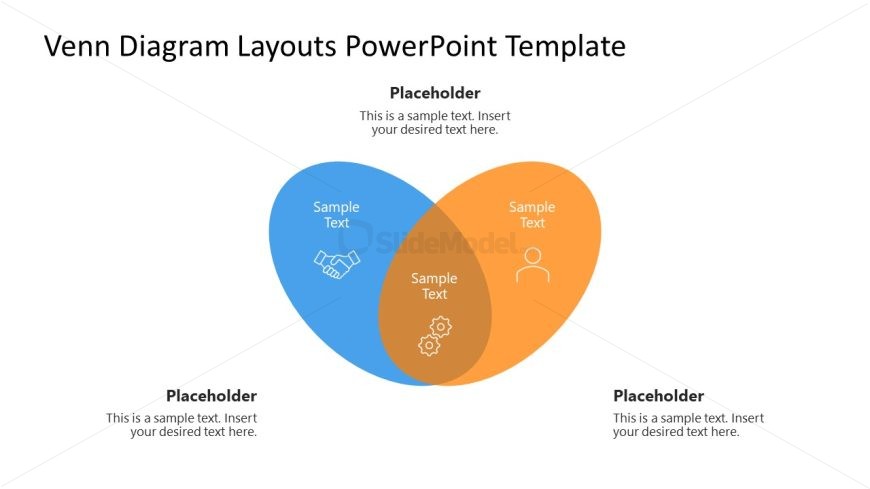
The layout features two overlapping circles, one blue and one orange, with a central intersection. Each circle contains a placeholder for text, positioned towards the top left and top right, respectively. The central area also has a placeholder for text, with icons representing collaboration and settings. The background is white, providing contrast to the colored circles. Text placeholders are aligned centrally within their respective shapes, maintaining a clear visual hierarchy. The overall composition is balanced, with ample space around the diagram to enhance readability.
How to Use It
This layout serves as a comparative tool, ideal for illustrating similarities and differences between two concepts. It fits well in presentations discussing partnerships, product features, or market analysis. The diagram can effectively convey complex relationships in a visually engaging manner. It is suitable for business meetings, educational settings, or any scenario requiring visual differentiation. The layout can be used to highlight key points in overlapping areas, making it a versatile choice for various content types.
Text Placeholders & Capacity
Keep your copy within these limits so it fits without resizing. Node body slots can hold approximately 30 characters each.
| Placeholder | Count | Max characters (approx.) |
|---|---|---|
| Item body | 3 | 30 |
| Item heading | 3 | 15 |
| Footer | 1 | 50 |
Slide Keywords
Download unlimited PowerPoint templates, charts and graphics for your presentations with our annual plan.
DOWNLOADReturn to Venn Diagram Layouts PowerPoint Template.