Slide 2 of 4 from Venn Diagram Layouts PowerPoint Template
Hexagon Venn Diagram Layouts PPT Template
Venn Diagram with Icons for Presentations
- Diagram
- Venn
- Comparison Slide
- 16:9
- 100% Editable
The Venn Diagram with Icons slide from the Venn Diagram Layouts PowerPoint Template offers a clear visual comparison tool ideal for business presentations. Featuring editable shapes and vector icons, this slide template facilitates product comparisons, stakeholder analysis, and feature differentiation. Its design supports concise communication of overlapping and distinct attributes, making it a practical choice for corporate presentations and pitch deck templates requiring precise visual data representation.
What’s on This Slide
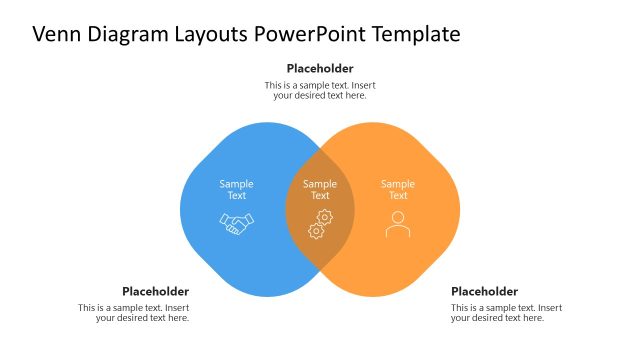
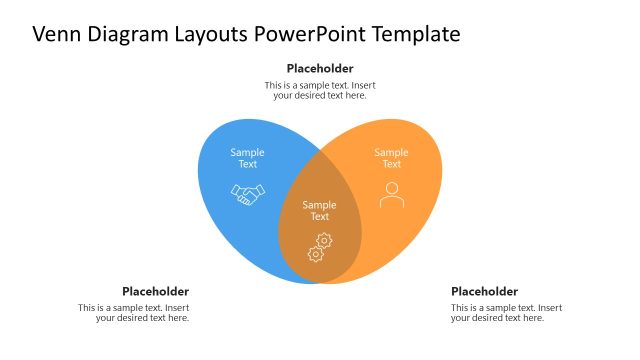
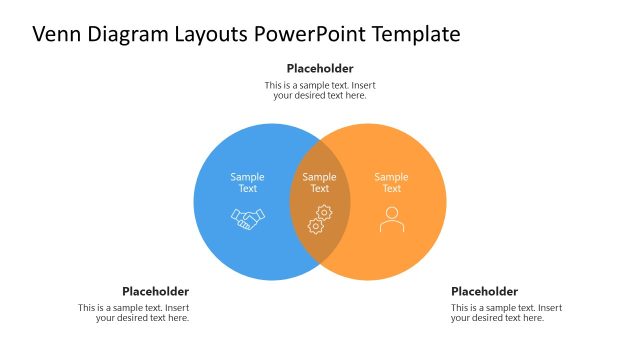
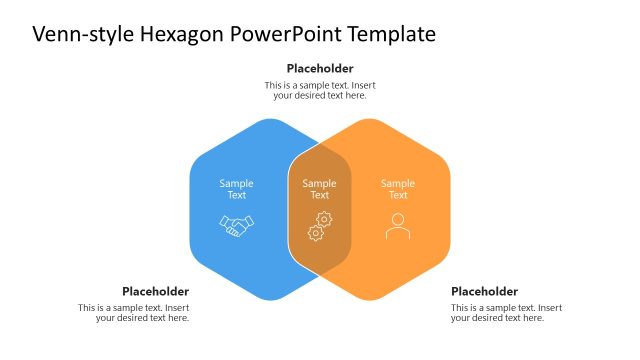
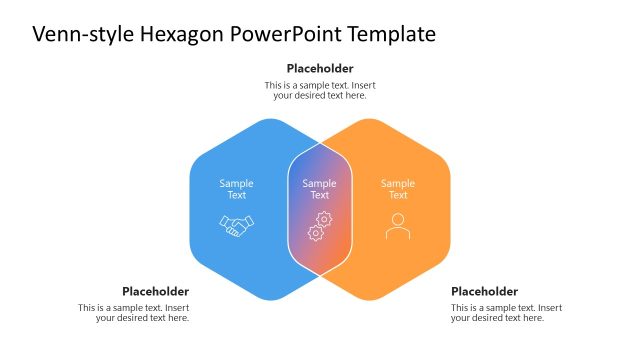
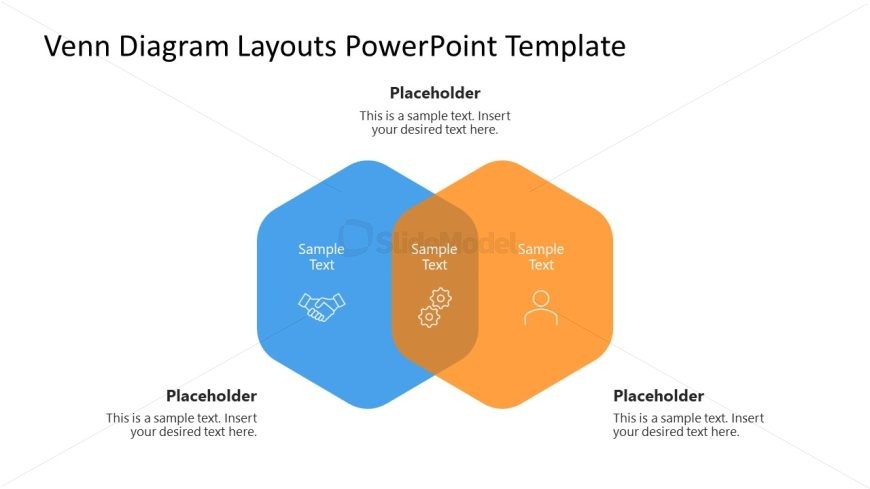
The layout features two overlapping hexagonal shapes positioned side by side. The left hexagon is blue, and the right hexagon is orange, with a central overlapping area. Each hexagon contains a sample text placeholder, aligned centrally within the shapes. The left hexagon includes an icon of a handshake, while the right contains an icon of a person. The central area has another sample text placeholder, with a gear icon. Additional text placeholders are located below the hexagons, aligned to the left and right, respectively. The overall composition emphasizes the connection between the two hexagons.
How to Use It
This layout serves as a comparison tool, illustrating similarities and differences between two concepts or entities. It fits well in a presentation sequence following a problem statement or introduction, leading into a detailed analysis. Business scenarios include product comparisons, stakeholder analysis, or feature differentiation. It can also be used to visualize shared attributes or collaborative efforts between two parties, enhancing clarity in discussions or reports.
Text Placeholders & Capacity
Keep your copy within these limits so it fits without resizing. Body slots can hold about 5-8 words each.
| Placeholder | Count | Max characters (approx.) |
|---|---|---|
| Item body | 3 | 30 |
| Body paragraph | 4 | 50 |
Slide Keywords
Download unlimited PowerPoint templates, charts and graphics for your presentations with our annual plan.
DOWNLOADReturn to Venn Diagram Layouts PowerPoint Template.