Differentiation PowerPoint Templates
Explaining why a product or company stands apart from alternatives is harder without a layout built to show contrast, not just a list of features. A differentiation PowerPoint template gives that comparison a visual structure, positioning your offering against alternatives on the dimensions that actually matter to the audience. Our differentiation templates are built for product marketers and strategy teams who need the contrast to be visible, not just argued. The same comparison format works whether the audience is a prospective customer, an investor, or an internal team weighing build versus buy.
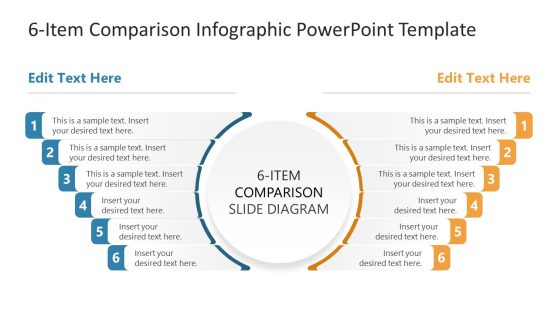
6-Item Comparison Infographic PowerPoint Template

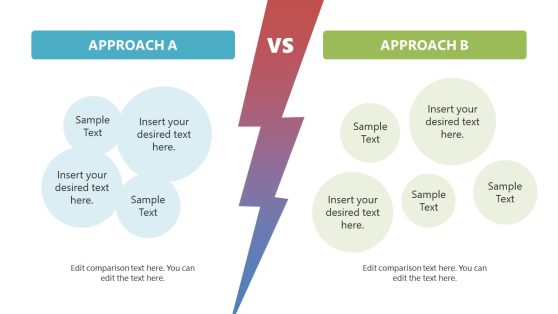
Compare Two Approaches PowerPoint Template
Why Product Marketers Choose Differentiation Slides
A differentiation slide works by showing distance, your position relative to alternatives on the criteria buyers care about, rather than describing that distance in a paragraph of text. Differentiation templates use comparison formats that make this visible immediately, shortening the time a sales team or investor needs to grasp the competitive position. This is especially useful when a company operates in a crowded market, where a written description of differentiation risks sounding identical to every competitor’s own claims.
Strategy teams building a broader competitive landscape slide often pair it with a dedicated differentiation slide, using the landscape to show the field and the differentiation slide to make the specific case.
What’s Inside a Differentiation PowerPoint Template
A differentiation PPT template is a slide set built around comparison formats used to position an offering against alternatives. The essentials usually include:
- Feature comparison tables against named or generic competitors
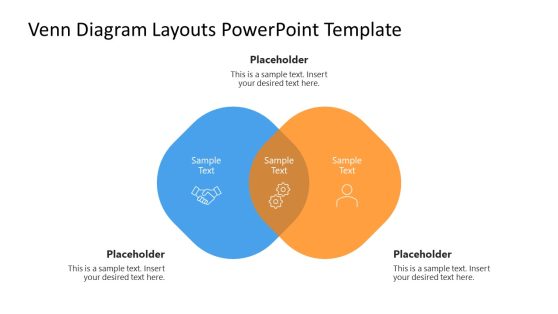
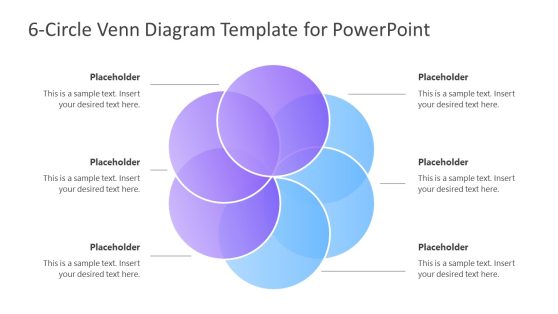
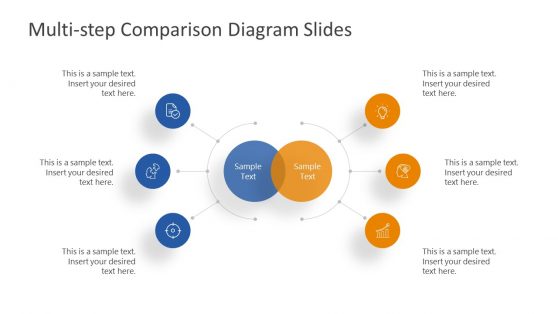
- Venn diagrams
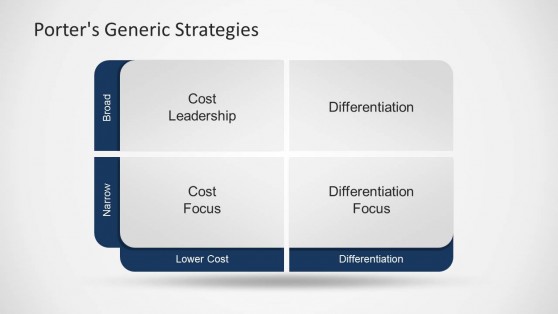
- Positioning matrix slides plotting options on two criteria
- Unique value proposition callout slides
- Before-and-after slides contrasting an old approach with a new one
Where and How Differentiation Templates Get Used
Product marketers use the comparison table when briefing a sales team on how to handle competitive objections, while strategy teams use the positioning matrix during planning sessions to confirm where a product sits relative to the market. Founders pitching investors use the unique value proposition slide to answer the differentiation question directly, rather than folding it into a longer narrative slide, and customer success teams reference the same comparison when explaining to a prospect why an alternative falls short on a specific dimension.
Sales teams operating across regions rely on Google Slides to keep one shared differentiation deck updated centrally rather than maintaining separate copies. Customer advisory boards reviewing product roadmaps also use differentiation slides to confirm that a planned feature closes a gap, rather than just matching a competitor’s existing capability.
How do I create a differentiation PowerPoint template?
Start with a comparison table or positioning matrix, then add your competitors or alternatives and the criteria you want to compare.
Where can I find a free differentiation presentation template?
Our collection includes free and premium differentiation layouts, covering comparison tables, positioning matrices, and unique value proposition slides.
Should a differentiation slide name competitors directly?
That depends on the audience and the venue. Internal sales enablement decks often name competitors directly, while external investor or customer-facing decks sometimes use generic labels to keep the focus on the buyer’s criteria rather than a competitor scorecard.
Can the positioning matrix use more than two comparison criteria?
The matrix format is built for exactly two axes; a third distinguishing factor usually works better as a separate callout or a radar chart, rather than stretching the matrix.
Are the feature comparison tables editable to add or remove competitors?
Yes, columns and rows are independent elements, so competitors, or your own product, can be added or removed without rebuilding the table.
Can the before-and-after slide format work for a product update instead of a competitive comparison?
Yes, the same contrast structure works well for showing how your own offering improved over time, not just how it compares to alternatives.