Slide 4 of 4 from US Map PowerPoint
US Outline PowerPoint Map as Shadow
Semi-transparent US Map for Presentations
- Map
- Other
- Context Slide
- 16:9
- 100% Editable
About This Slide
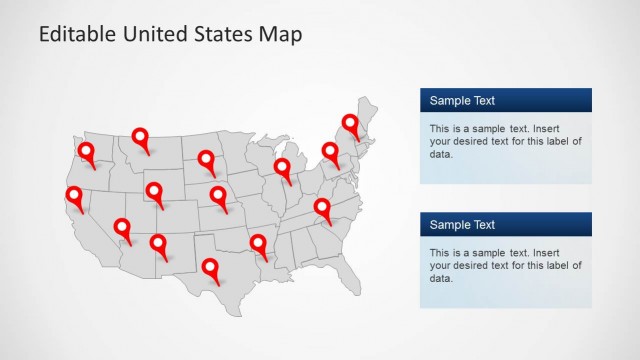
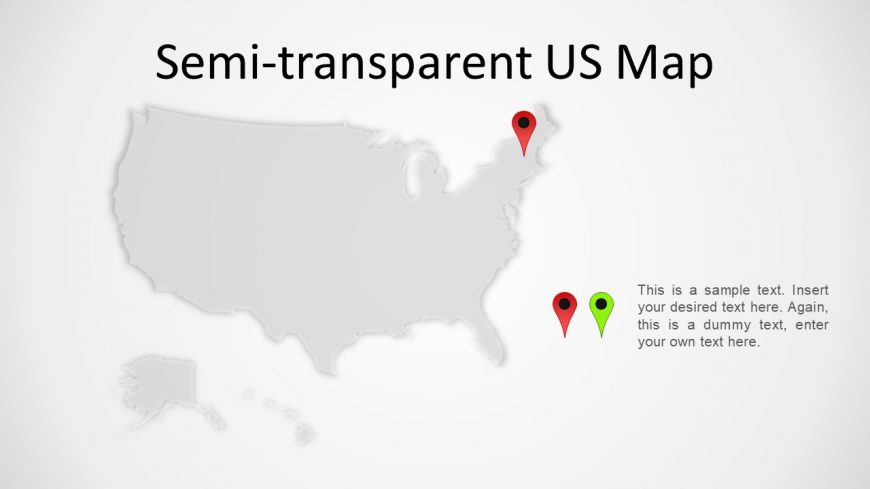
United States PowerPoint Map created as PowerPoint Shapes, using a grey gradient palette.
You can download this fillable US map template for PowerPoint presentations to decorate your business slide designs and make presentations with editable maps of United States.
What’s on This Slide
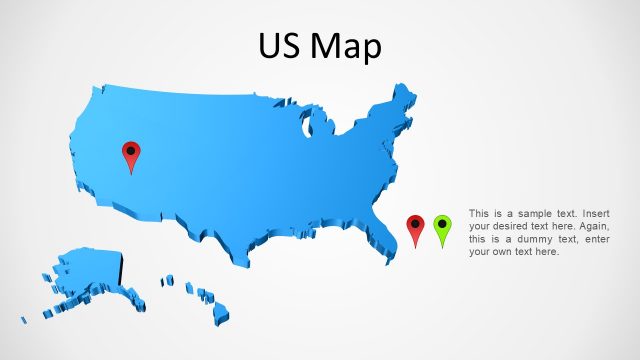
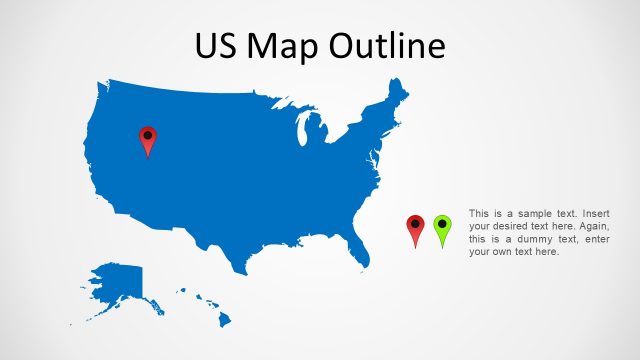
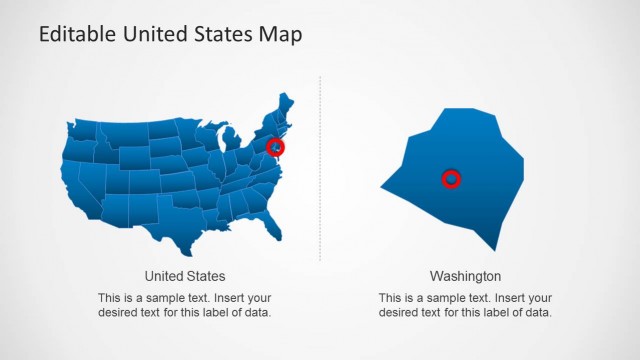
The layout features a semi-transparent outline of the United States, centered on the slide. Two location markers are positioned on the map, one red and one green, indicating specific points of interest. Text placeholders are located on the right side of the map, aligned vertically, allowing for custom text input. The title is prominently displayed at the top in a large font. The overall color scheme is neutral, with a light background that enhances visibility. The map's boundaries are clearly defined, and the markers stand out against the gray map.
How to Use It
This layout serves as a geographic representation, ideal for highlighting specific locations or regions within the United States. It fits well in a presentation sequence following an overview or introduction, providing a visual context for discussions. Use this layout in business scenarios such as regional sales reports, location-based marketing strategies, or coverage maps. It can also be effective for educational purposes, illustrating geographical data or historical events related to specific areas.
Text Placeholders & Capacity
Keep your copy within these limits so it fits without resizing. Text slots can accommodate concise information, roughly 5-10 words each.
| Placeholder | Count | Max characters (approx.) |
|---|---|---|
| Slide title | 1 | 30 |
| Item body | 2 | 50 |
Slide Keywords
Download unlimited PowerPoint templates, charts and graphics for your presentations with our annual plan.
DOWNLOADReturn to US Map PowerPoint.