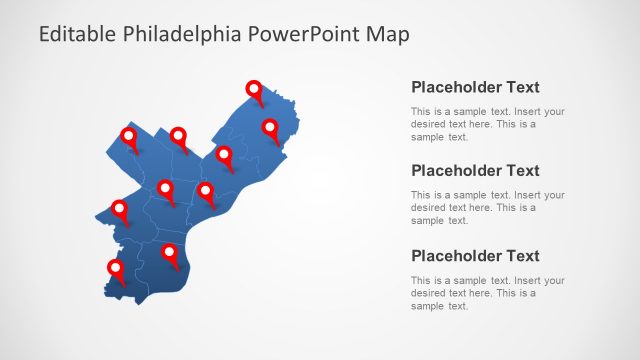
Enhance your presentations with our Canada Map PowerPoint Template, featuring a fully editable and high-quality map of Canada. This template is perfect for business reports, geographical analysis, marketing strategies, educational presentations, and regional data visualization. Easily customize colors, resize map elements, and highlight specific provinces or territories to fit your needs. Download now and elevate your presentation with a visually compelling Canada map slide.
Here are possible uses cases of this map template.
- Business & Market Analysis – Visualize sales distribution, regional performance, and market expansion strategies in Canada.
- Geographical & Demographic Presentations – Display population data, regional trends, and geographic insights.
- Education & Research – Teach geography, history, or socio-economic topics with a clear and engaging visual aid.
- Government & Policy Reports – Present public policies, economic development plans, or regional statistics.
- Logistics & Supply Chain Planning – In logistics presentations, map out transportation networks, distribution hubs, and trade routes.
- Tourism & Travel Industry – Highlight key destinations, travel routes, and visitor statistics.
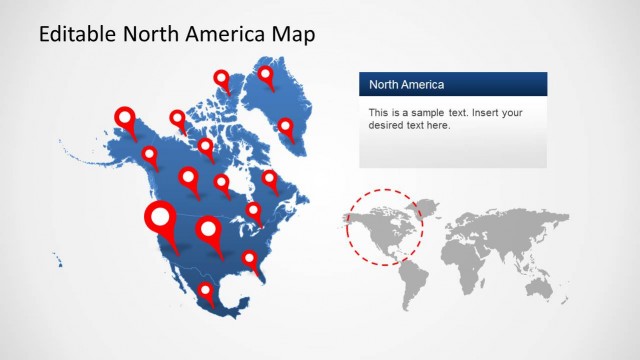
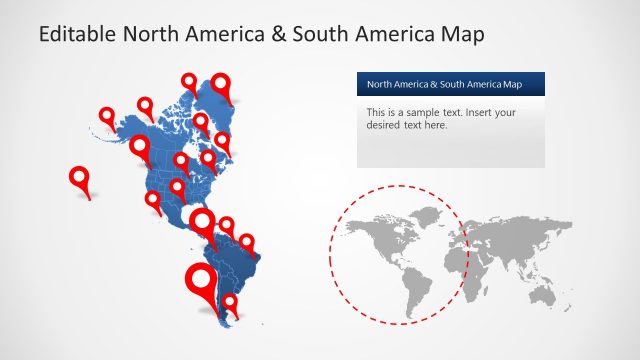
Whether you’re presenting to a corporate audience, policymakers, students, or investors, this Canada Map template helps you deliver clear, impactful, and data-driven presentations. Download now and explore our extensive collection of map templates, including North America Maps for PowerPoint, for even more customization options.
Explore our extensive collection of eitable map templates for your presentations, including North America Maps for PowerPoint, for even more customization options.
What’s inside this template
Example presentation scenarios
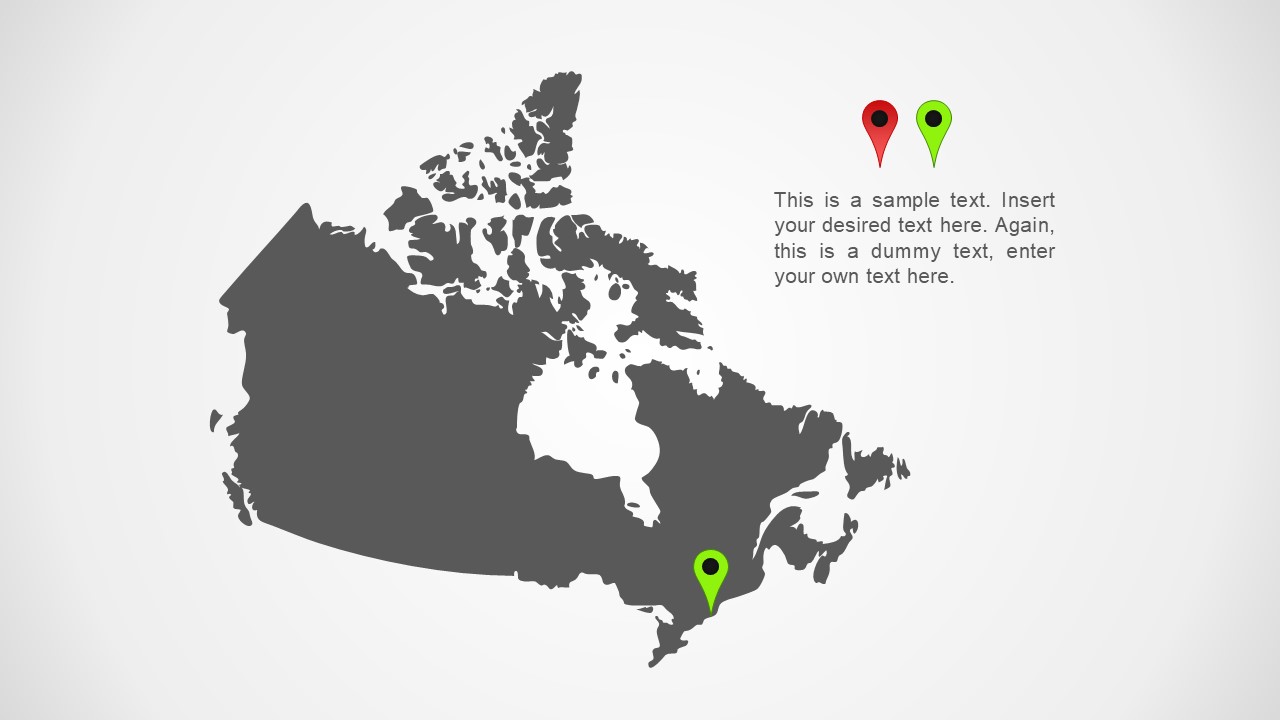
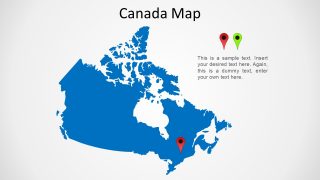
- A sales manager can present Canadian territory coverage by placing pins on the blue or gray country map and using the side text to explain regional responsibilities.
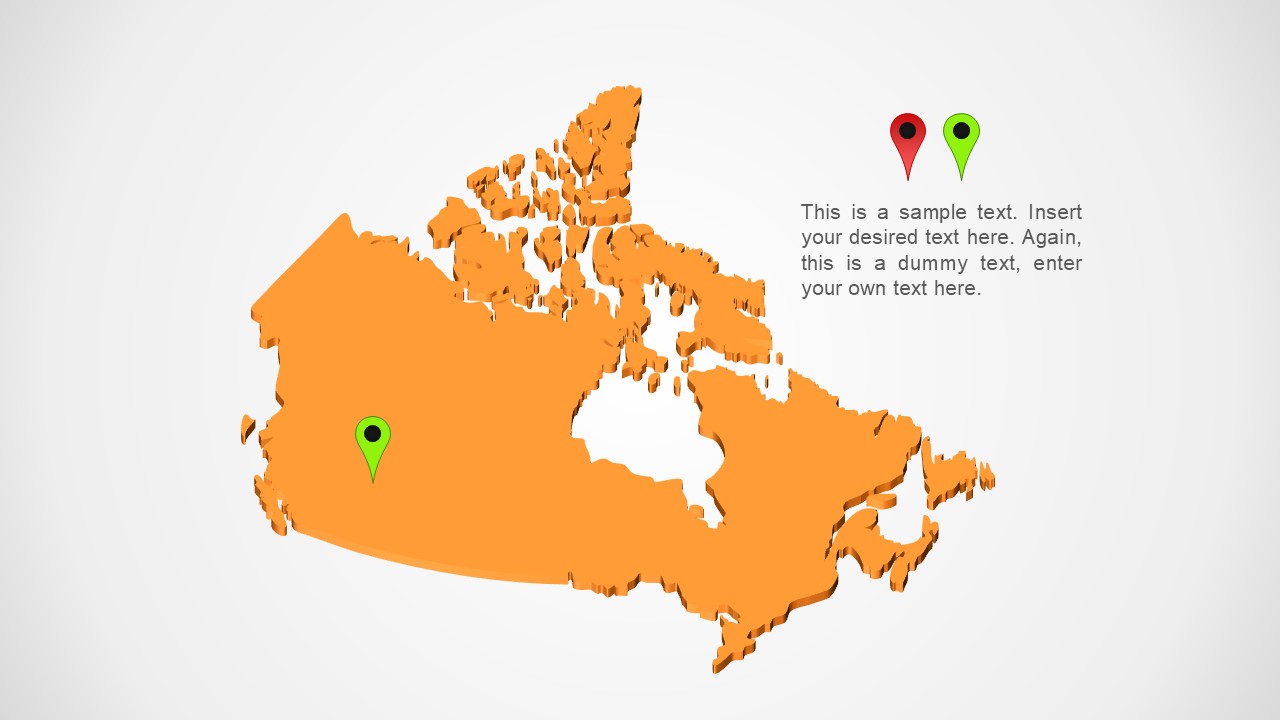
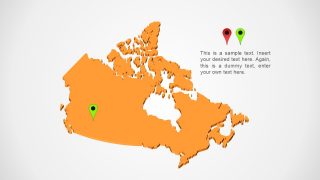
- A market analyst can brief executives on regional opportunities by using the orange map variant to spotlight a focus area and adding short interpretation in the callout text.
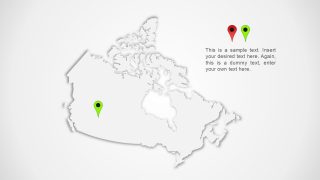
- An educator can introduce Canada's geography with the white relief-style map and use location pins to guide attention to selected provinces or regions.
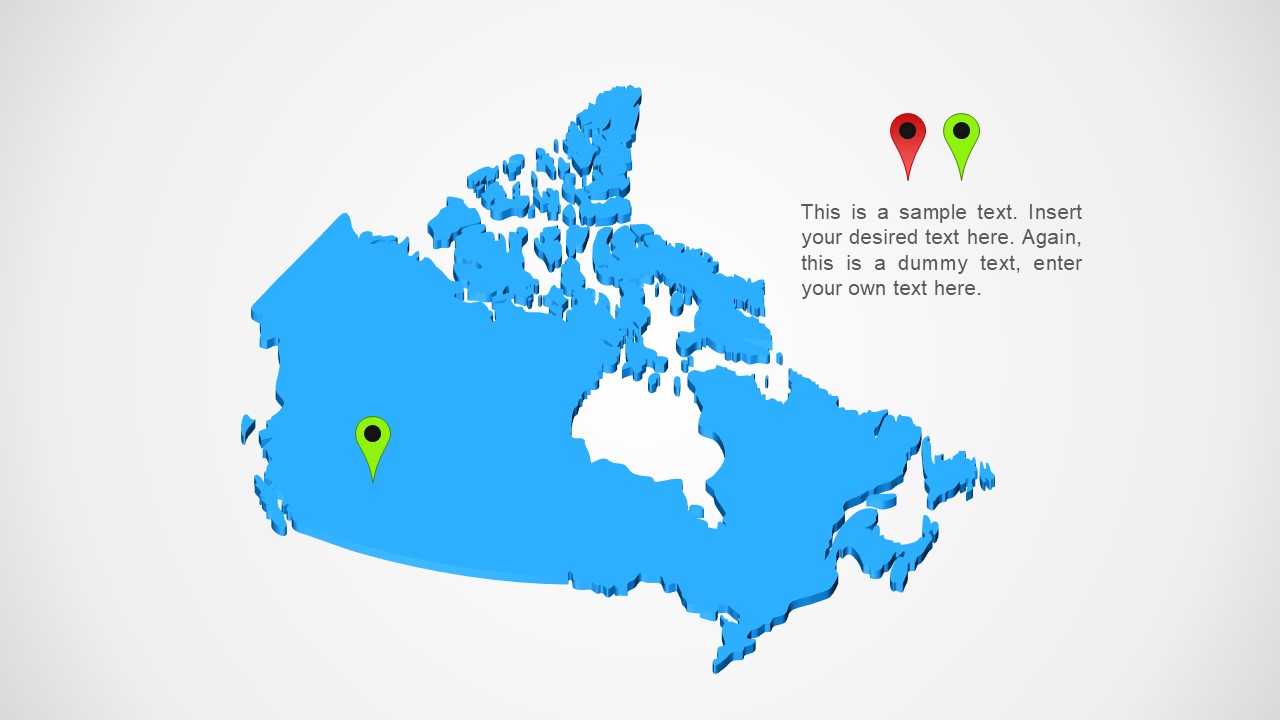
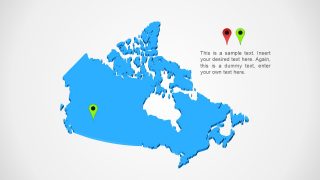
- A logistics planner can discuss service hubs or delivery focus areas by marking locations on the light blue map and summarizing route implications in the text block.
Features
- 100% editable presentation template
- Compatible with Microsoft PowerPoint
- 16:9 aspect ratio slides
- Scalable vector shapes, icons and illustrations
- AI-Ready for Microsoft Copilot and Claude
- Instant access and download
Frequently asked questions
Q: How should a presenter structure a short Canada regional briefing with these slides?
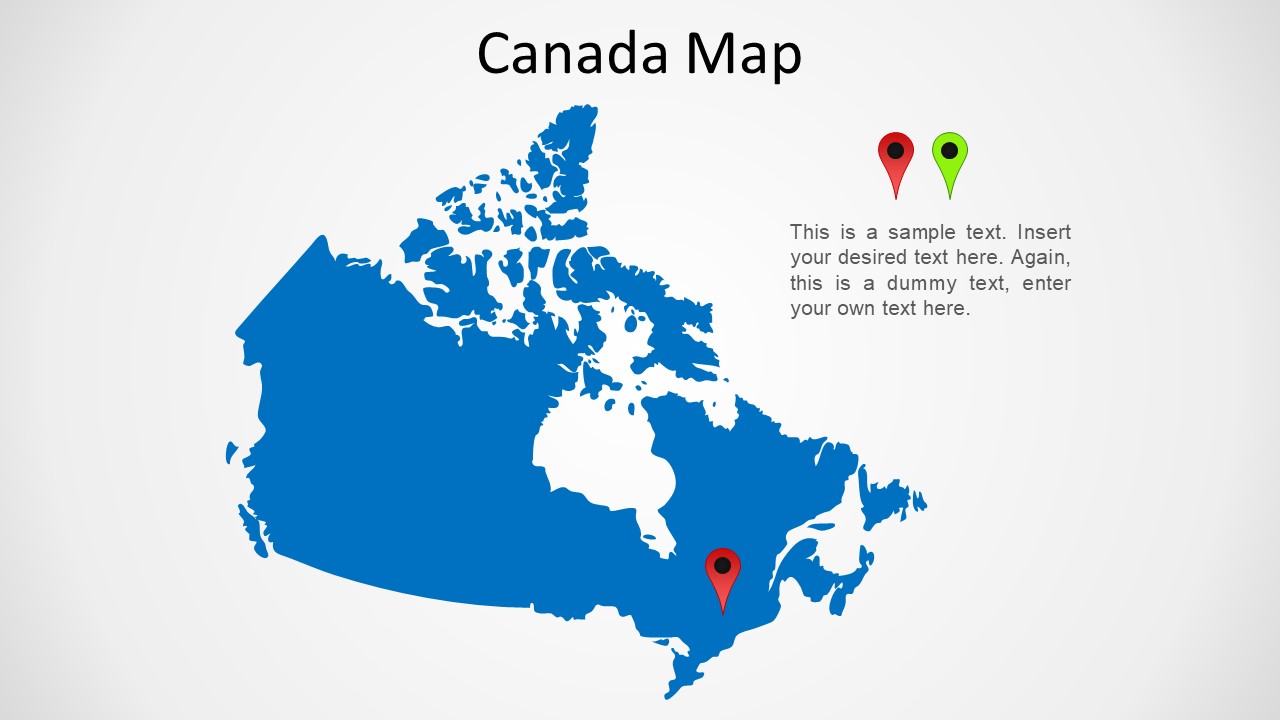
A: Start with the titled blue Canada map to establish the geographic scope. Use one color variant per message, such as market focus, service coverage, or location priority, rather than showing all colors as decoration. Keep the side text to one main insight so the audience connects the pin location with a clear business or education point.
Q: Who is this template best suited for, and what message does it communicate well?
A: This template fits presenters who need to explain where something happens in Canada: sales teams showing coverage, educators teaching geography, policy teams explaining regional programs, or logistics planners discussing hubs. It works best for directional or location-based messages, especially when a map pin and a short note are enough to support the point.
Q: Why do the repeated map variants improve communication instead of using one generic map slide?
A: The repeated Canada outline creates consistency while the color changes let each slide signal a different topic, status, or audience segment. The pin icons act as simple visual anchors, so viewers can find the relevant region quickly. This design avoids crowding the map and keeps attention on one geographic idea at a time.

Canada Map PowerPoint Template
5-slide Canada map presentation template with editable country outline maps and location pins
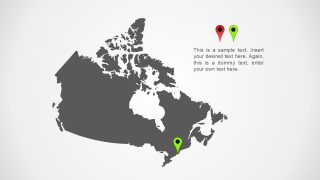
The Canada Map PowerPoint Template is a 5-slide Microsoft PowerPoint deck with editable Canada outline maps for regional presentations. Visible layouts include a titled blue country map, light blue and orange map variants with location pins, a white relief-style map, and a dark gray map with callout text for analysts, educators, and planners.
- Category
- Maps
- Rating


 Loading...
- Aspect ratio
- 16:9
- Item ID
- 31-01
- Colors
 Microsoft PowerPoint
  Microsoft Copilot
  Claude for PowerPoint
 Other formats supported
Subscribe today and get immediate
access to download our PowerPoint templates.