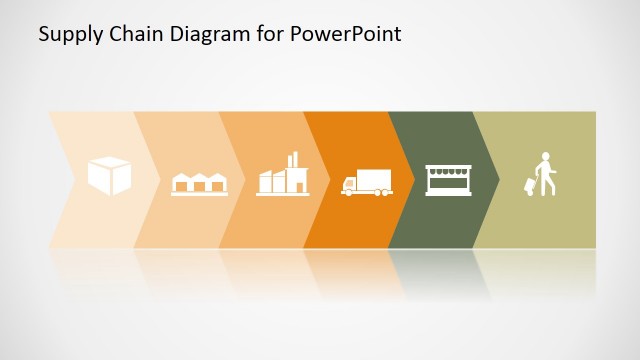
Have you a strategic action plan for effective business management? Try our Supply Chain Optimization PowerPoint Template to present the plan in the executive sessions. The supply chain is the core component of the business. It involves a set of activities and people who transfer the raw material, the product, and then move the inventory through multiple phases, which is finally received at the retail store. Companies work on strategic actions to optimize the supply chain management process and ensure a smooth delivery of the products through various channels. This supply chain optimization template enables users to explain the key areas to work on, process challenges, relevant solutions, and optimization strategies. In business meetings, they can visualize the complete supply chain process to communicate their ideas to stakeholders and board members. This can help decision-makers take the necessary steps for streamlined workflows and optimized systems.
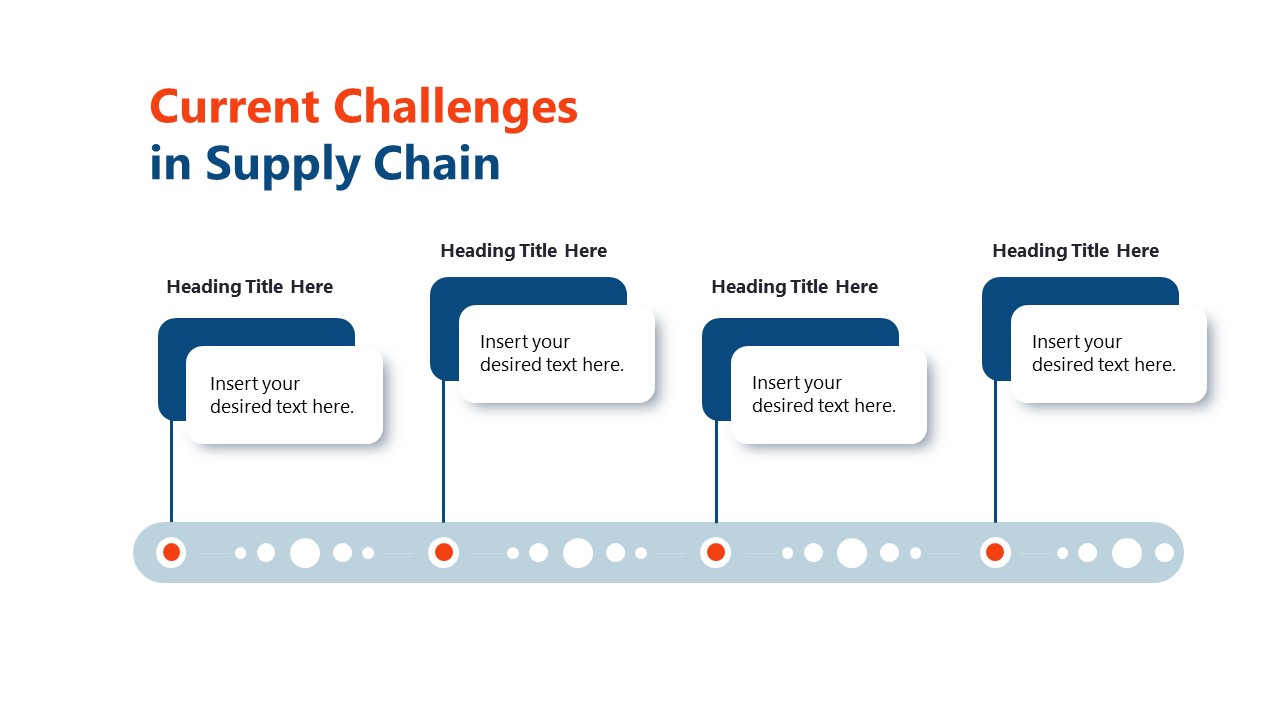
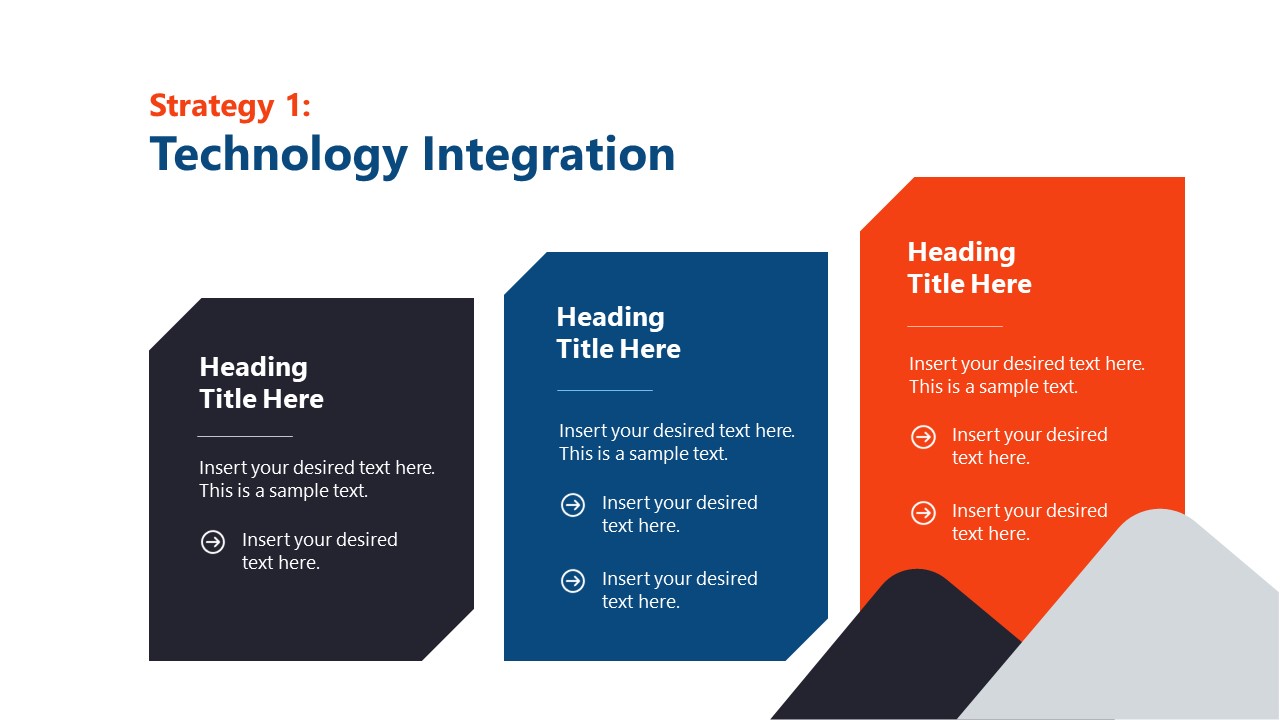
We have developed the PPT for operational managers, supply chain experts, business development, and systems specialists. They can use our interactive slide design to demonstrate how organizations can automate workflows and handle issues using good management practices. The Supply Chain Optimization PowerPoint Template begins with an attractive cover slide with a warehouse image and a presentation agenda slide. At first, professionals can present the current challenges in supply chain management. The technology integration slide is useful for presenters to enlist how innovative methods can streamline business processes. Further, we have slides for presenting:
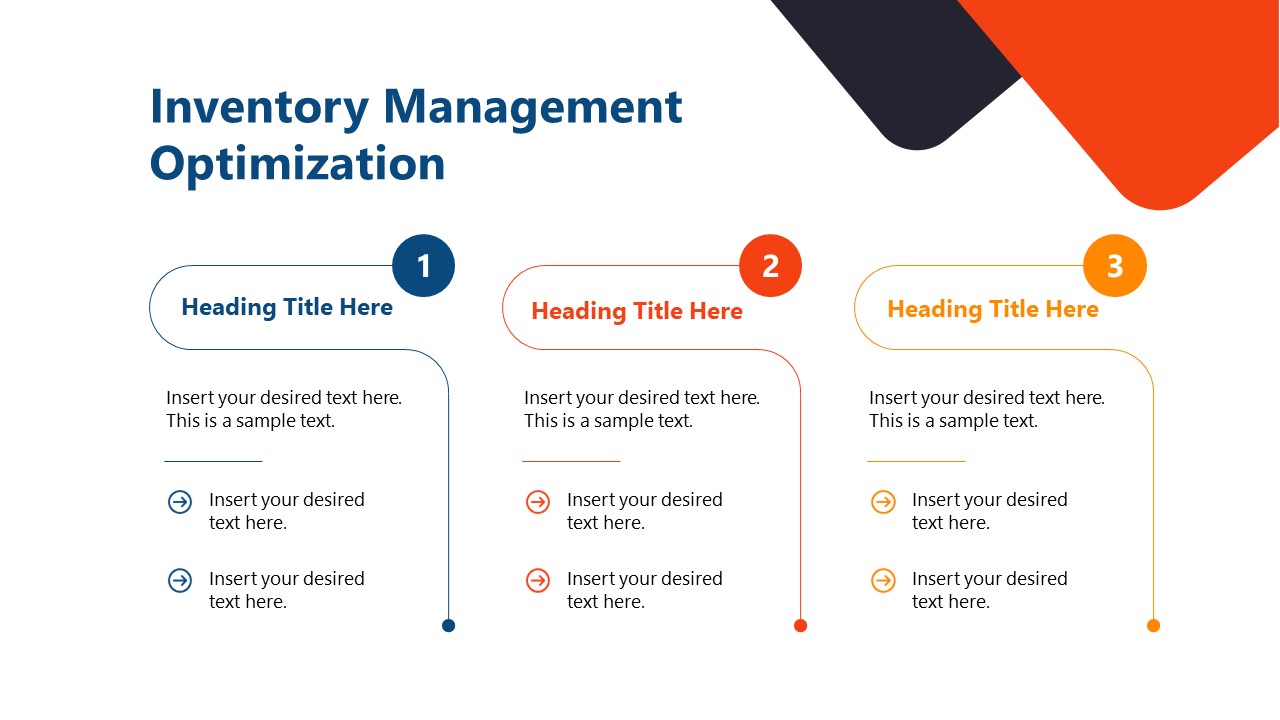
- Inventory Management Optimization
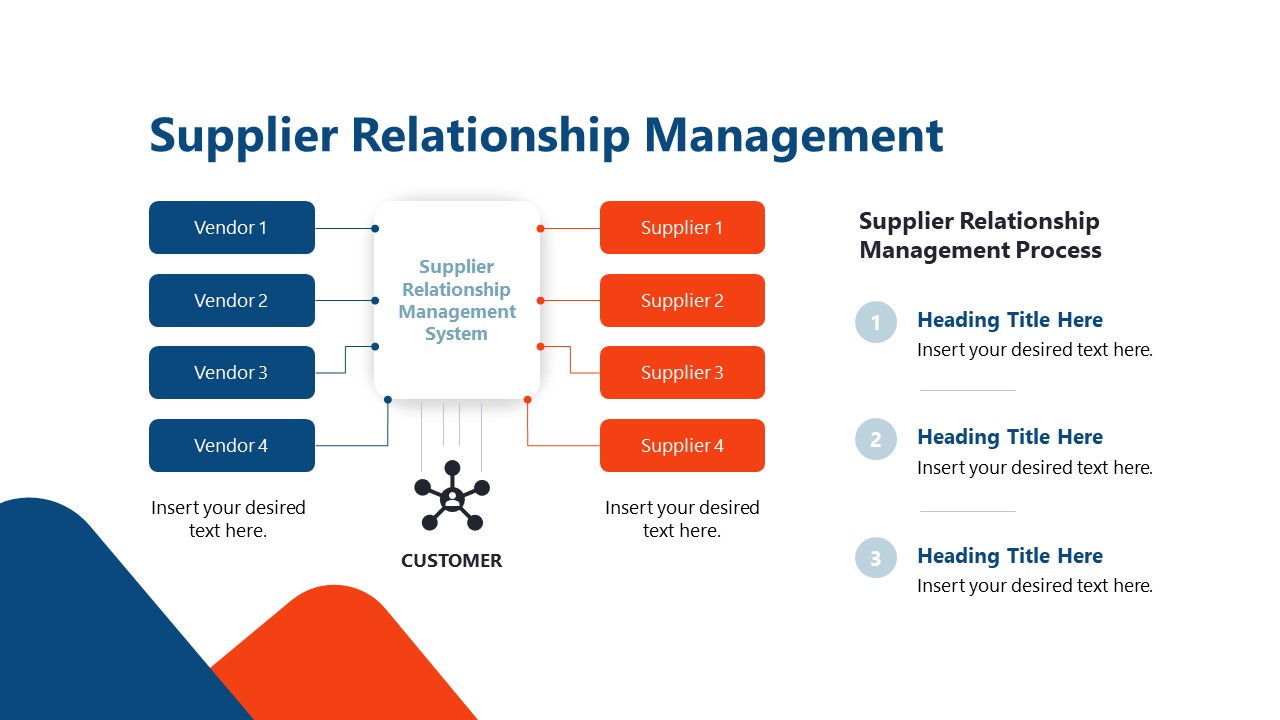
- Supplier Relationship Management
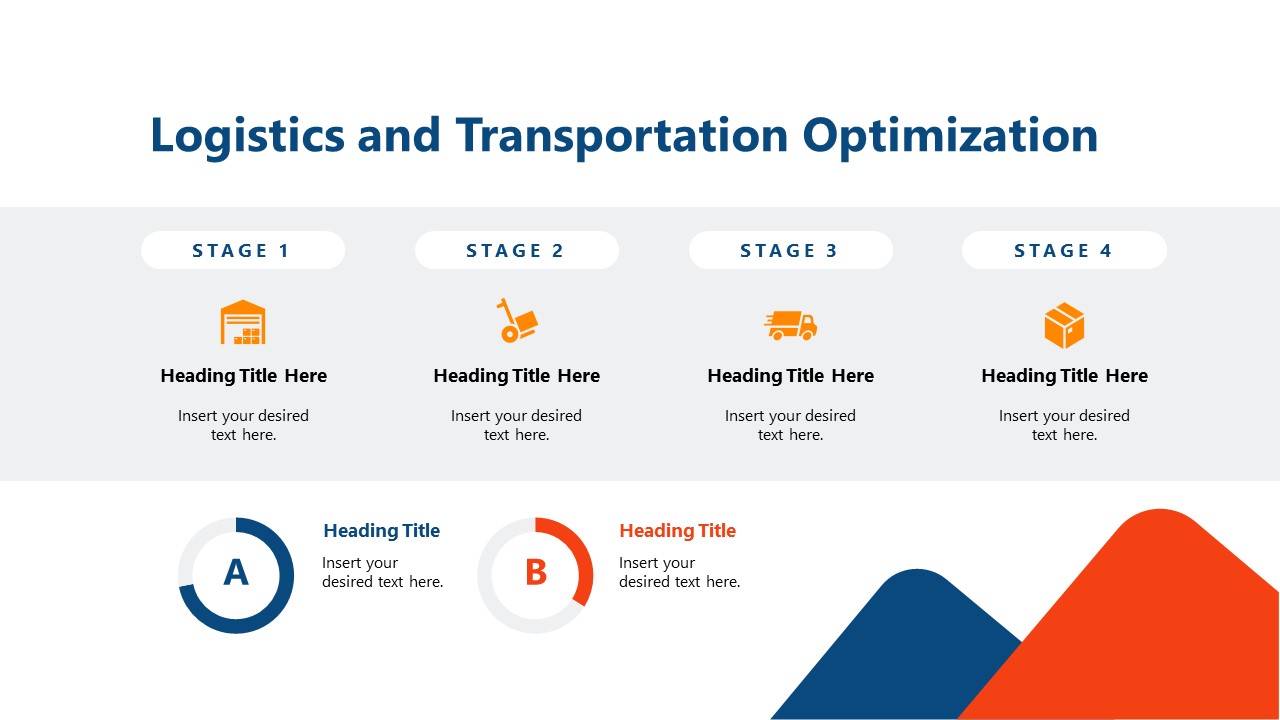
- Logistics and Transportation Optimization
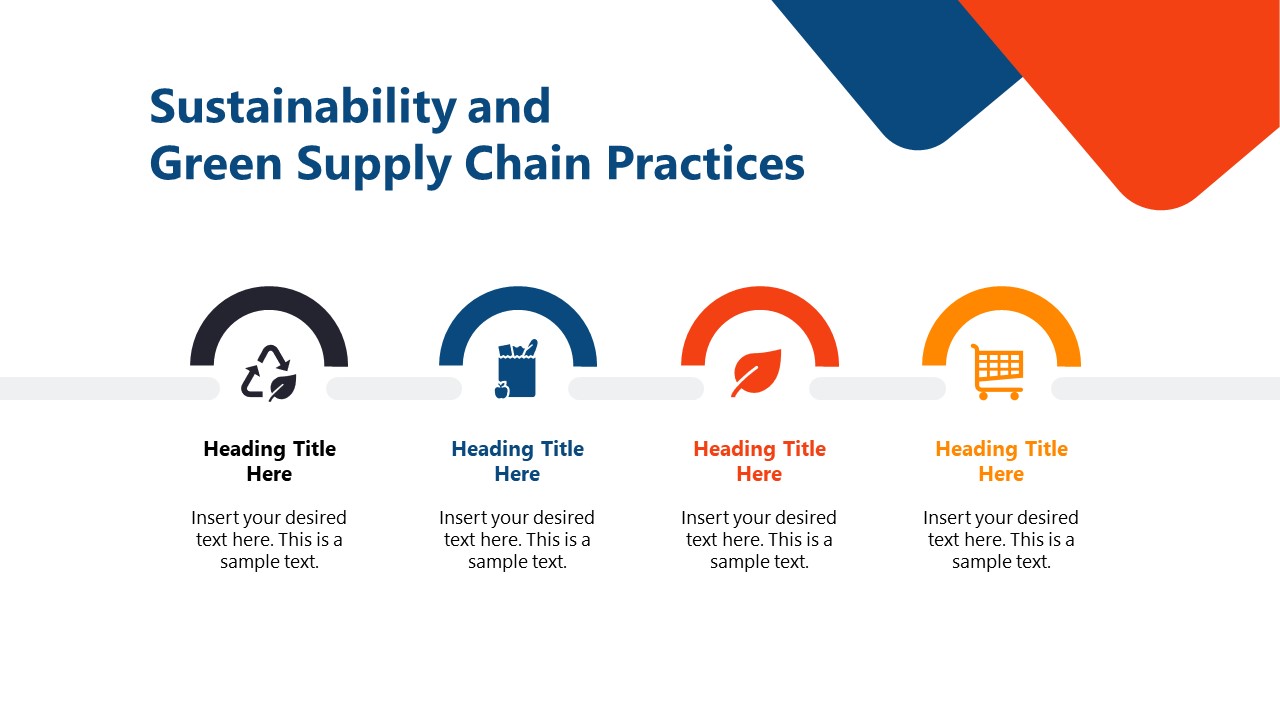
- Sustainability and Green Supply Chain Practices
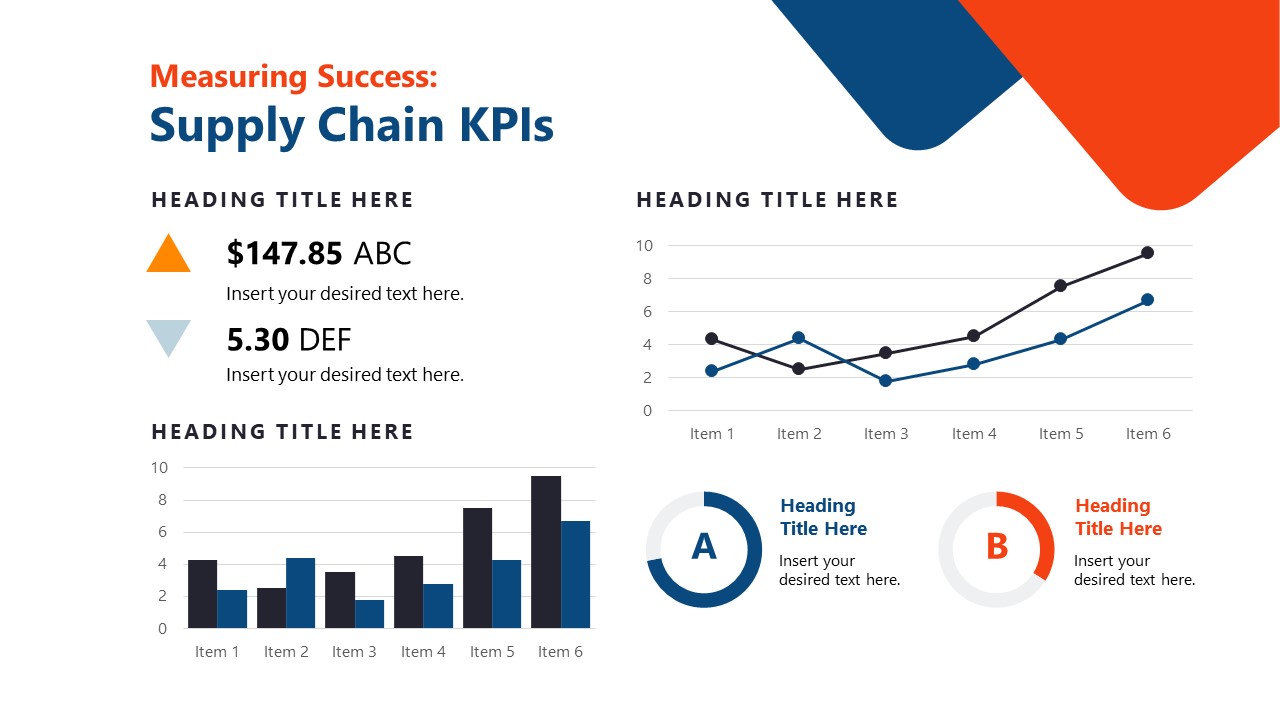
- Supply Chain KPIs
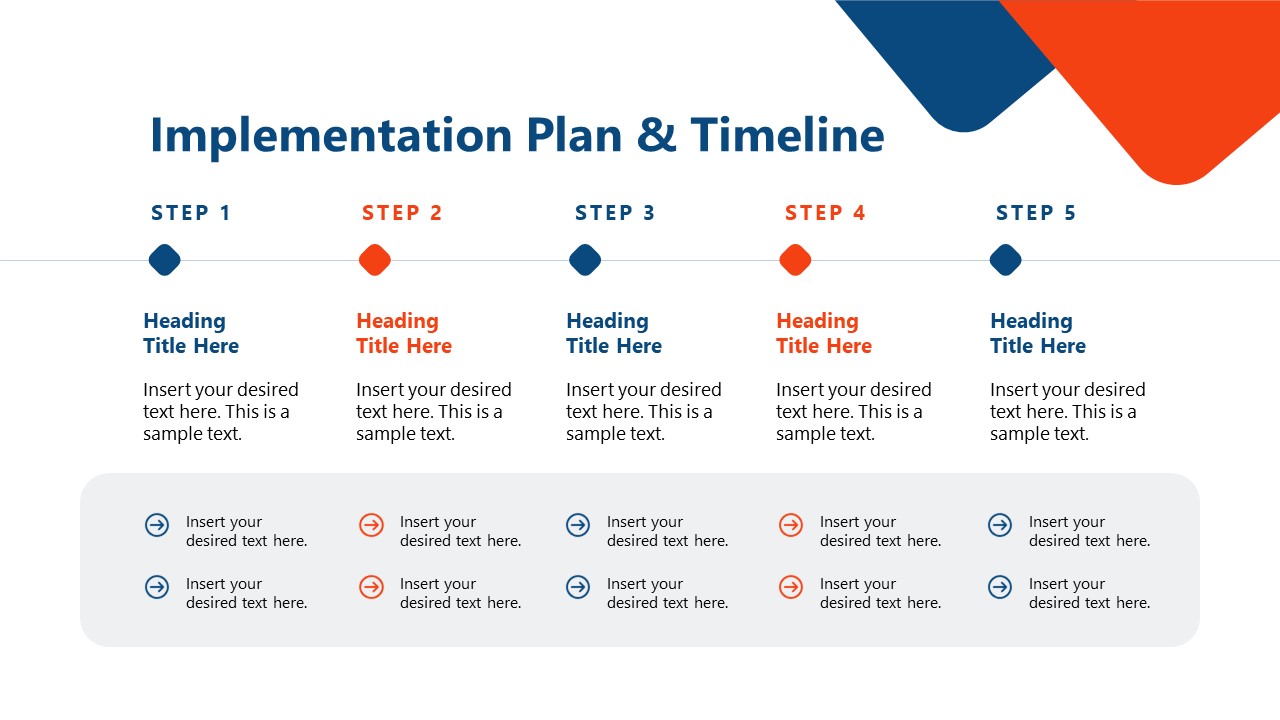
- Implementation Plan & Timeline
- Case Studies & Success Stories
Moroever, the template is enriched with stunning animations, flowchart diagrams, data charts, graphics, and infographic items that enhance the visual impact of the presentation. In addition, you can modify the PPT components based on your needs. Download this supply chain template and edit it now!
Alternatively, download other editable slide deck templates for PowerPoint & Google Slides with creative backgrounds and presentation layouts, ready for business presentations.
What’s inside this template
Example presentation scenarios
- An operations executive can present a supply chain improvement roadmap to senior leadership using the current challenges timeline, technology integration cards, and implementation plan.
- A procurement leader can explain how vendors, suppliers, and customers connect by using the supplier relationship management diagram and its supporting process list.
- A logistics manager can brief teams on transportation optimization by pairing the four-stage logistics process slide with the five-step implementation timeline.
- A sustainability lead can make the case for greener operations using the sustainability practices slide and the KPI dashboard to connect actions to measurable outcomes.
- A consultant can close a supply chain transformation proposal by showing the case study slide, summarizing key strategies, and ending with the call to action slide.
Features
- 100% editable presentation template
- Compatible with Microsoft PowerPoint and Google Slides
- 16:9 aspect ratio slides
- Scalable vector shapes, icons and illustrations
- Ready with Animations & Transitions in PowerPoint
- AI-Ready for Microsoft Copilot and Claude
- Instant access and download
Frequently asked questions
Q: How should a presenter organize the message with this supply chain template?
A: Start with the challenge timeline to show why change is needed, then move through the strategy slides for technology, inventory, suppliers, logistics, and sustainability. Use the KPI dashboard after the strategy section so the audience sees how success will be measured before reviewing the implementation timeline and case study proof.
Q: Who is this template best suited for in a supply chain discussion?
A: It fits operations leaders, procurement managers, logistics teams, and consultants presenting to executives or cross-functional stakeholders. The deck is strongest when the presenter must connect operational topics, such as vendor management, inventory control, transportation stages, and KPI tracking, into one decision-oriented plan.
Q: Why do the process and dashboard layouts help communicate supply chain optimization?
A: Supply chain work depends on sequence, handoffs, and measurable results, so the deck uses timeline lines, connected supplier blocks, staged logistics icons, and KPI charts. These visual metaphors reduce abstract operational language and help the audience see where problems occur, where changes apply, and how progress will be tracked.




Supply Chain Optimization PowerPoint Template
12-slide presentation template for supply chain optimization with KPI dashboard, timeline, and vendor process visuals
The Supply Chain Optimization PowerPoint Template is a 12-slide business strategy deck for explaining supply chain improvement plans. It includes an agenda, challenge timeline, supplier relationship process, logistics stage map, sustainability practices, KPI dashboard, implementation timeline, case study, and closing call to action for operations teams using PowerPoint or Google Slides.
- Category
- Strategy
- Rating

 Loading...
- Aspect ratio
- 16:9
- Item ID
- 85178-01
 Microsoft PowerPoint
 Microsoft Copilot
 Claude for PowerPoint
Other formats supported
Subscribe today and get immediate
access to download our PowerPoint templates.