Editable Russia Map Template for PowerPoint– fully customizable, this Russian map template can support personal and professional reports on numerous, relative concepts. Russian Federation or Russia, is the largest country in the world. It covers 11 time zones with a huge variation of landforms and geography. The layout of the template is in a cool shade that stimulates calmness and focus. Appeal to global audiences with this PowerPoint design.
Subject matters like history and statistics are ideal for this Microsoft presentation template. It can perfectly display geographical data, tourist spots and travel guides. It captures the outline on territory states and areas. The user can opt to highlight on a particular aspect of the Russian culture, lifestyle and boundaries through the layout. It allows 100% customization. Features like color scheme, shapes size, fonts and text placeholders can be changed. This makes the outline reusable and functional- a competitive edge to any other Russian map presentation.
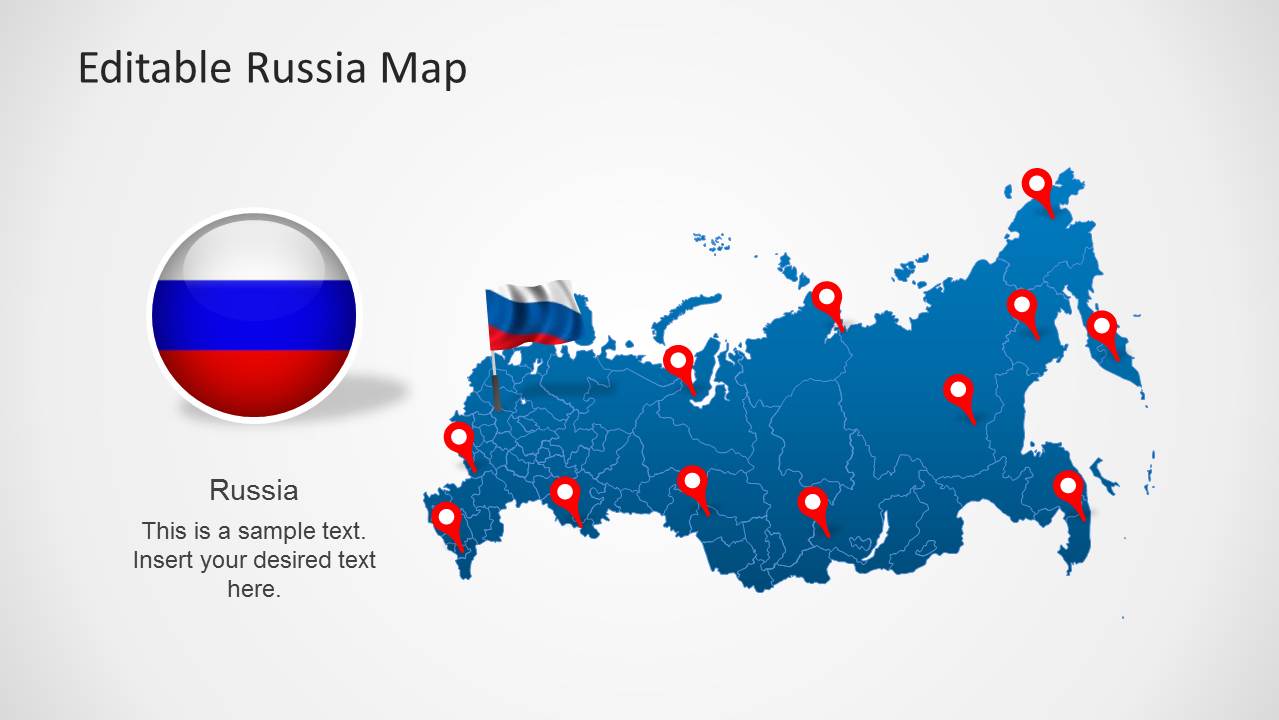
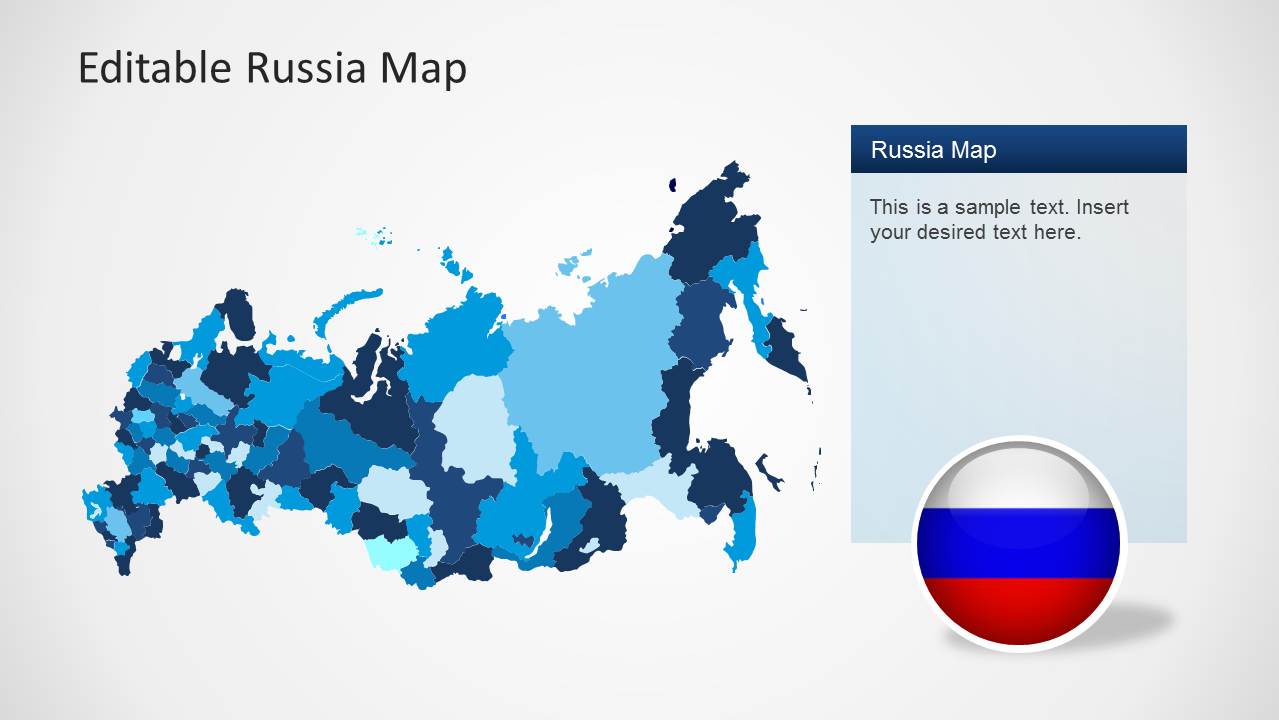
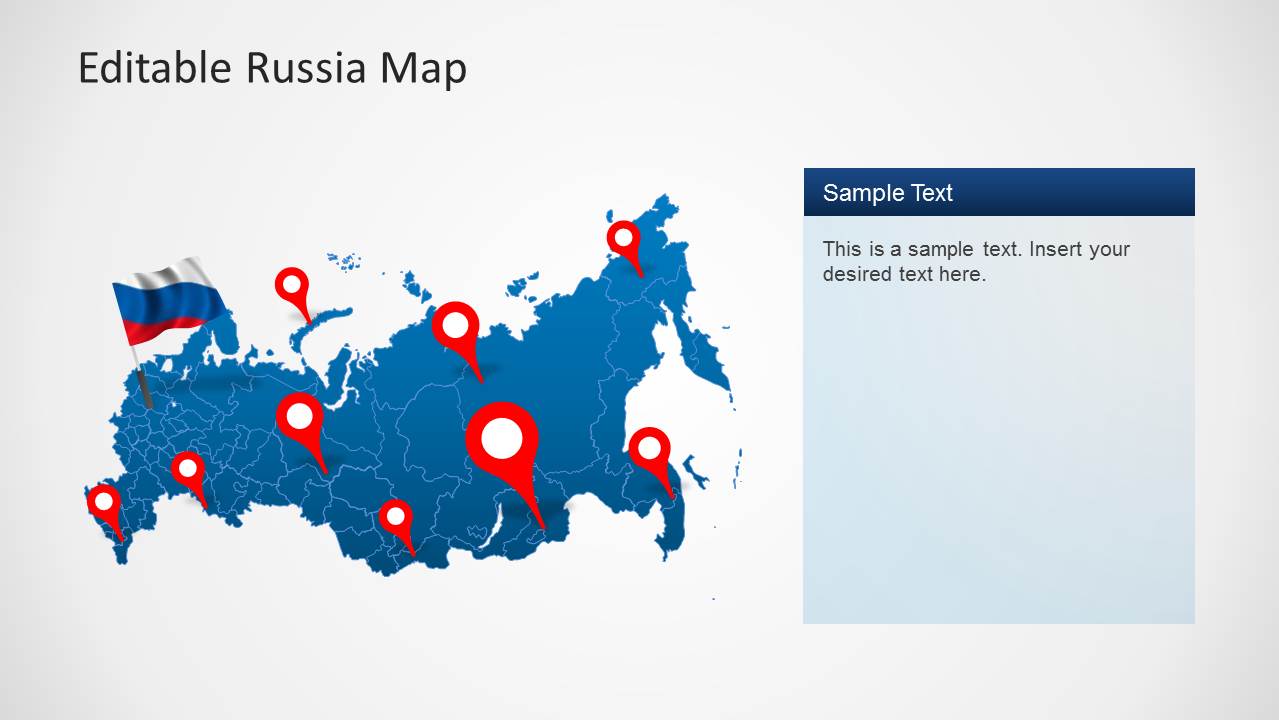
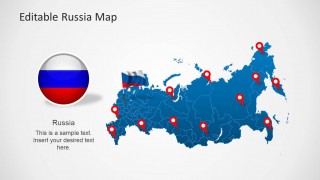
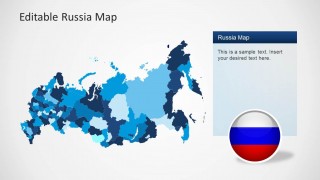
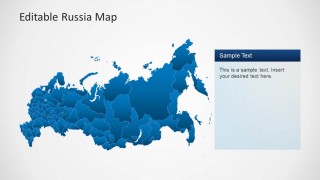
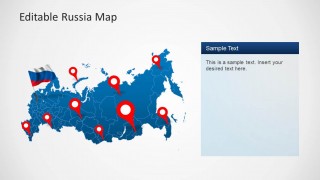
Nine unique and specific slides compose the file. The maps are in blue and light gray colors. The combination stimulates self-expression which is best in motivating the audience to interact and engage in the discussion. The first slide includes red land markers and a Russian flag on top of the plot. It has a circular image of the map of Russia on the left side that can serve as an icon or logo. In the second slide, each shade can represent an element. These can be interpreted using a color legend that can be created by the presenter. Other slides can be used to certain functions that suit the speaker’s concept.
Russia has a huge biodiversity and area. It is the 10th most populous country in the world. Like any other country, it has an overwhelming history and culture. It mapped location is in the northern part of the EurAsian region.
Impress professional audiences using Editable Russia Map Template for PowerPoint. Download BRIC Maps Template for PowerPoint for a larger scope of maps and diagrams.
What’s inside this template
Example presentation scenarios
- A market analyst can use the regional shaded map to explain Russia territory coverage, compare regional emphasis, and support a country-level business briefing.
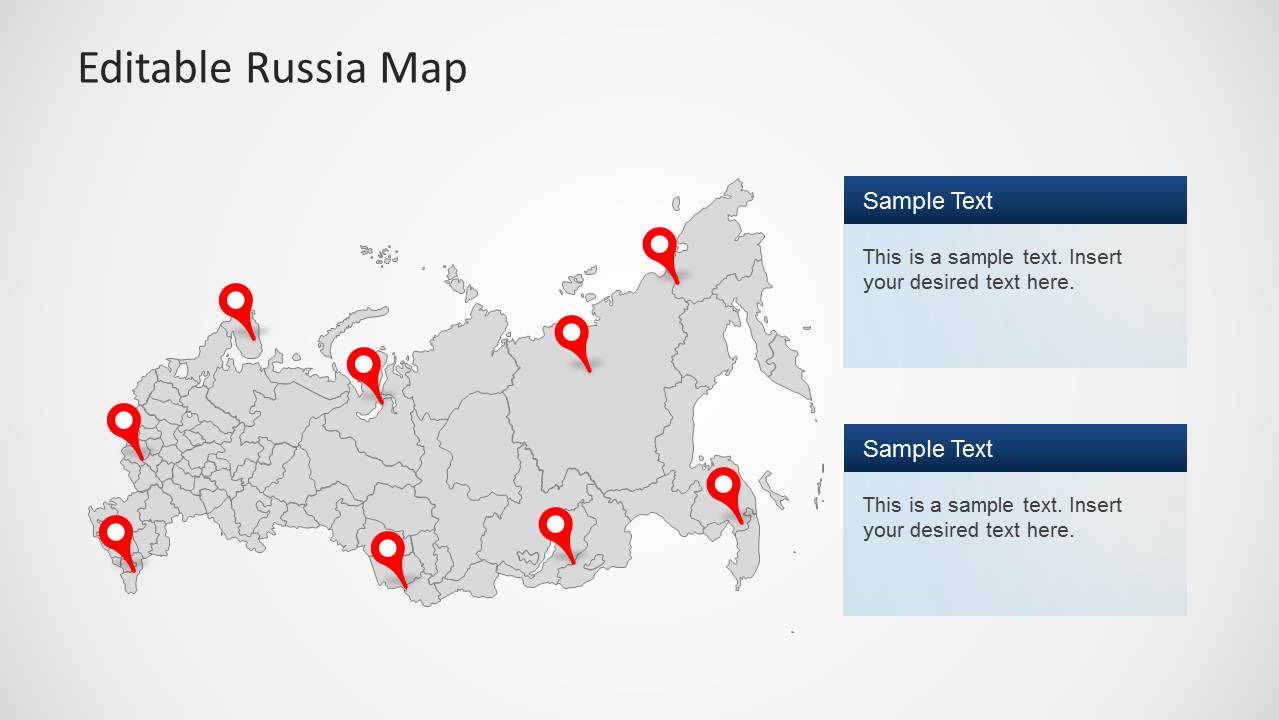
- A travel planner can use the pinned location maps to show destinations, routes, or priority stops across Russia for a client itinerary discussion.
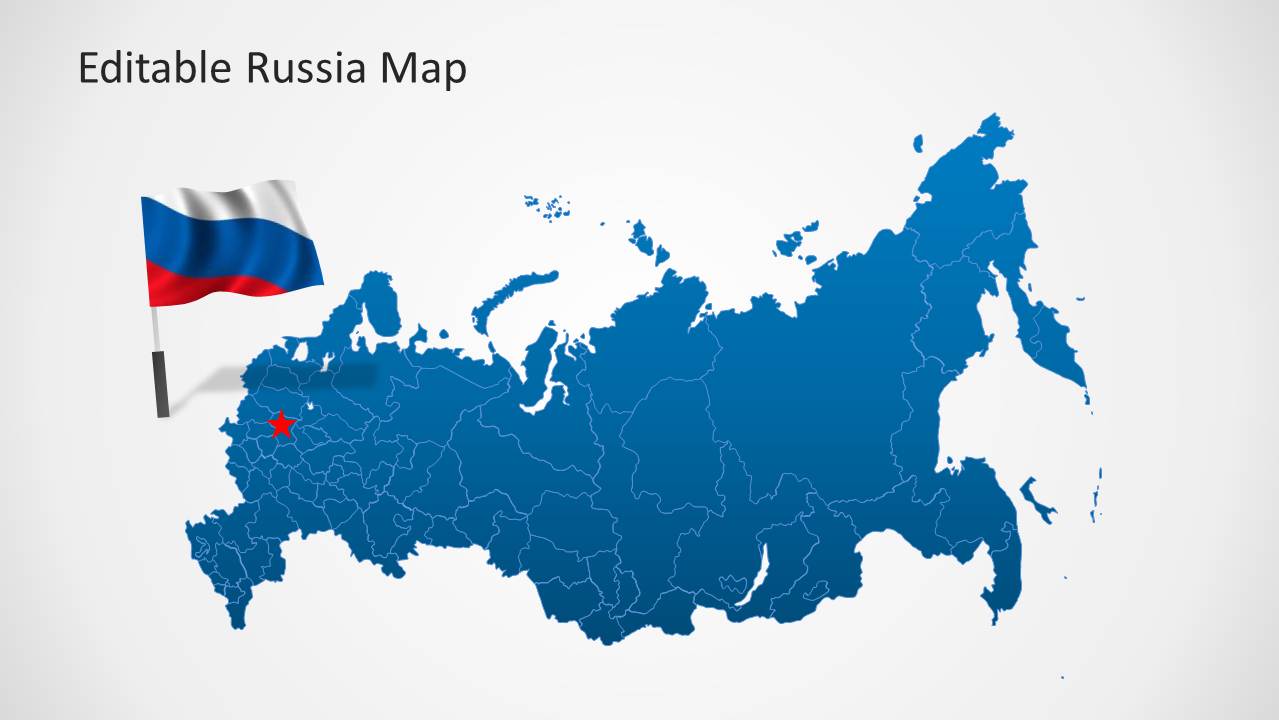
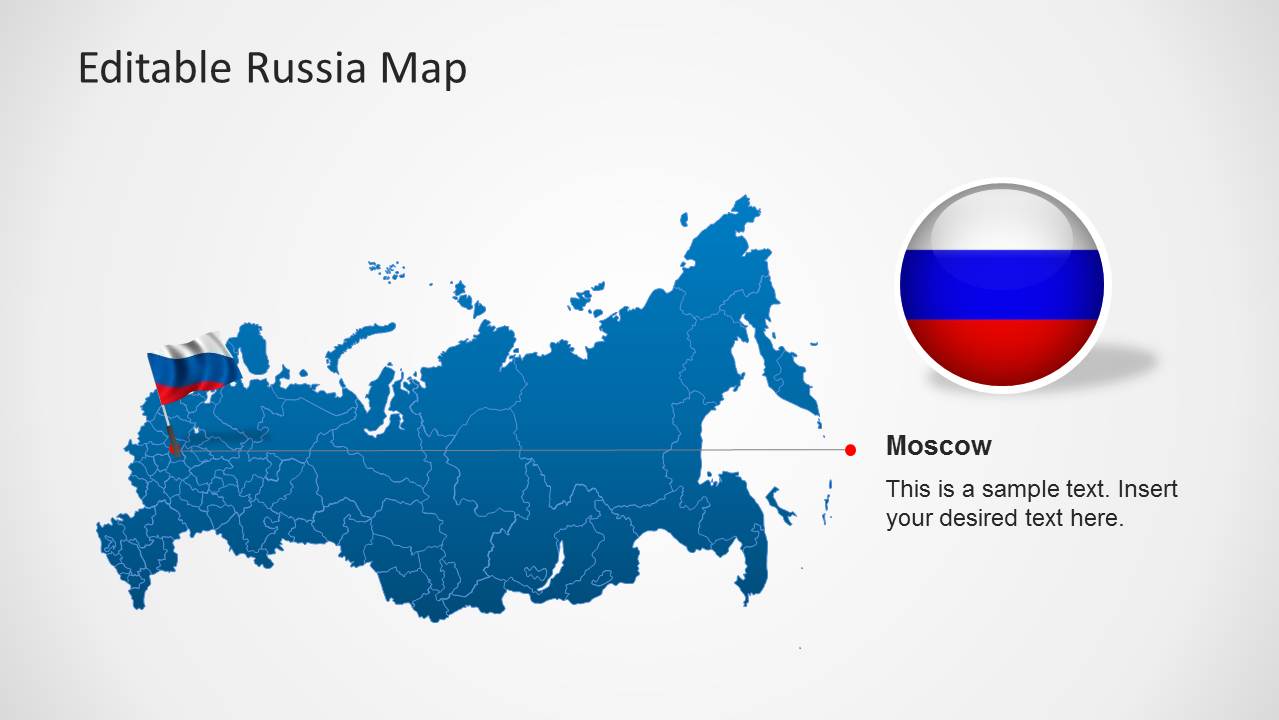
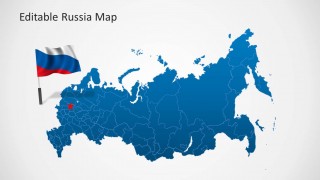
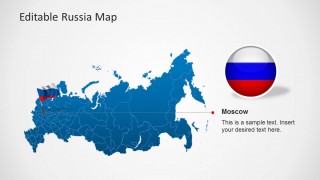
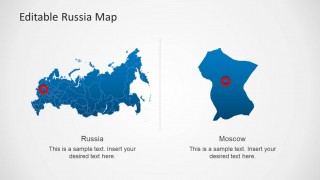
- An educator can use the full-country map, flag graphics, and Moscow callout to introduce Russian geography, boundaries, and capital-city context.
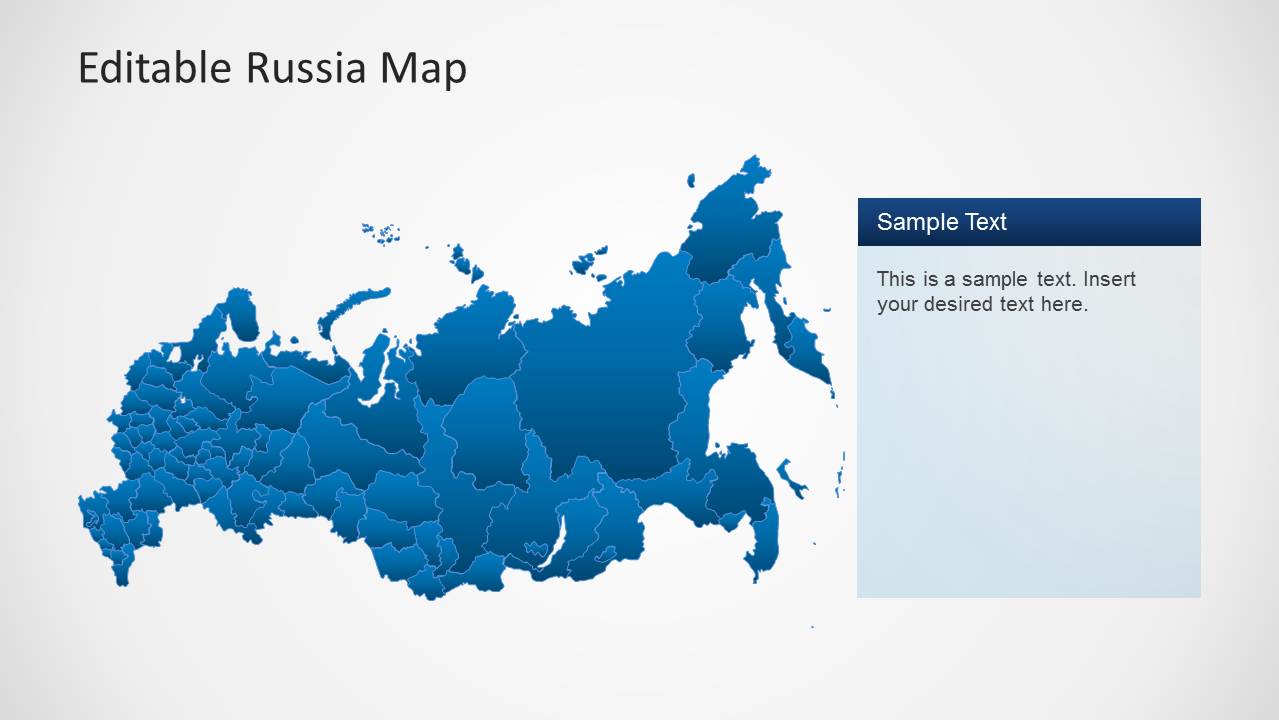
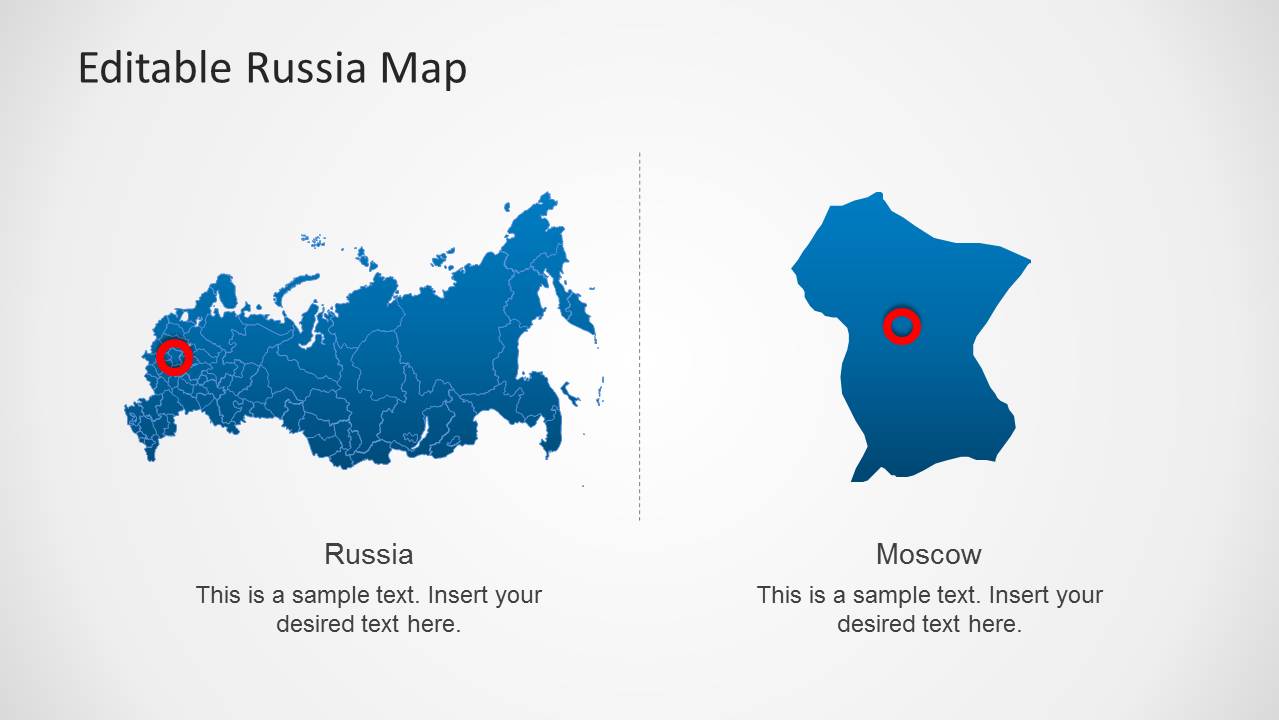
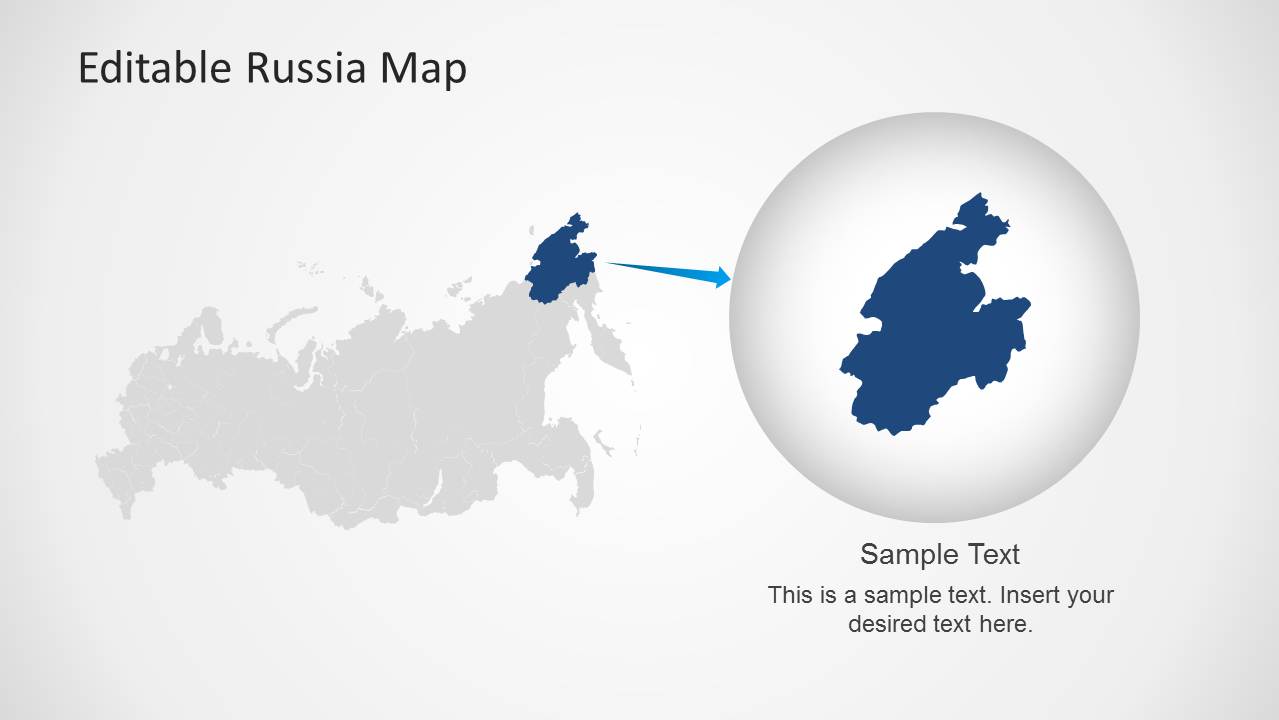
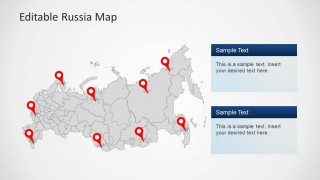
- An operations leader can use the two-panel and locator slides to show facilities, field sites, or service coverage while keeping the national map visible.
Features
- 100% editable presentation template
- Compatible with Microsoft PowerPoint and Google Slides
- 16:9 aspect ratio slides
- Scalable vector shapes, icons and illustrations
- AI-Ready for Microsoft Copilot and Claude
- Instant access and download
Frequently asked questions
Q: How should I present several Russian locations without crowding the map?
A: Start with the clean full-country map to orient the audience, then move to the pin-based slides for specific sites. Keep each pin tied to one message, such as a facility, market, or travel stop. Use the right-side text panels for explanations so the map stays readable and the audience can separate geography from commentary.
Q: Who is this Russia map template best suited for?
A: This template fits presenters who need a geographic explanation more than a statistical dashboard. Consultants, analysts, educators, travel planners, and operations teams can use the maps to show territory coverage, priority cities, regional focus, or Moscow context. It works best when the audience needs to understand where activity is happening across Russia.
Q: Why does the deck include both full maps and zoomed callout layouts?
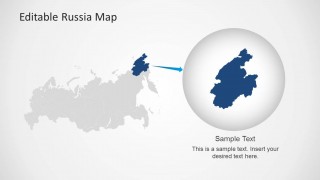
A: The full Russia maps give national context before attention shifts to a specific city or region. The Moscow callout and magnified region slide act like a camera zoom, helping the presenter move from country-scale geography to a precise point of discussion. This reduces map scanning and gives the audience a clear visual path.
Editable Russia Map Template for PowerPoint
9-slide Russia map presentation template with location pins, regional shading, and Moscow callouts
Editable Russia Map Template for PowerPoint is a 9-slide map presentation template for Russia-focused reports in Microsoft PowerPoint and Google Slides. It includes full-country outline maps, location pin maps, regional shading, Moscow callouts, and a zoomed region locator for presenters discussing geography, operations, tourism, demographics, or territory coverage.
- Category
- Maps
- Rating


 Loading...
- Aspect ratio
- 16:9, 4:3
- Item ID
- 6276-01
- Colors
 Microsoft PowerPoint
  Microsoft Copilot
  Claude for PowerPoint
 Other formats supported
Subscribe today and get immediate
access to download our PowerPoint templates.