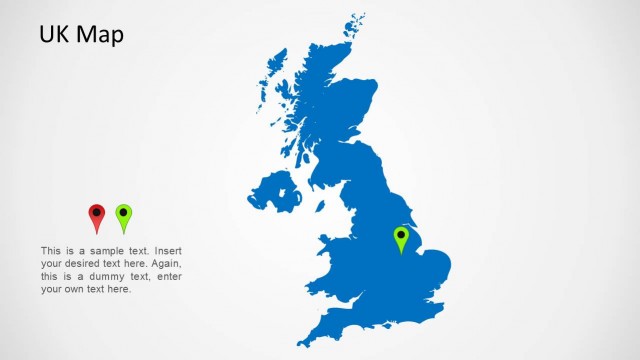
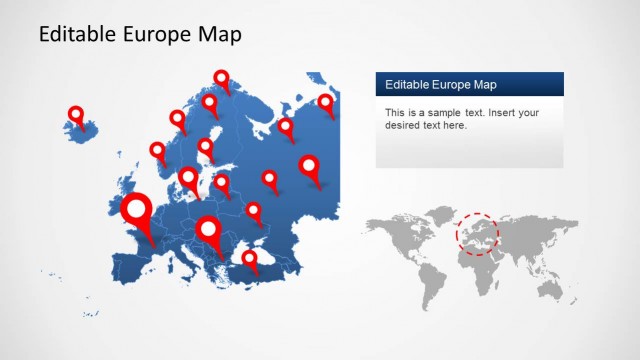
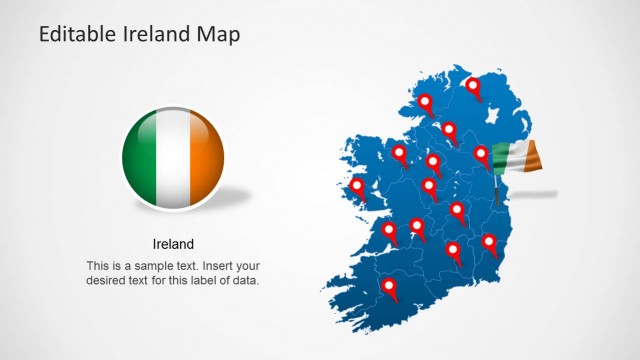
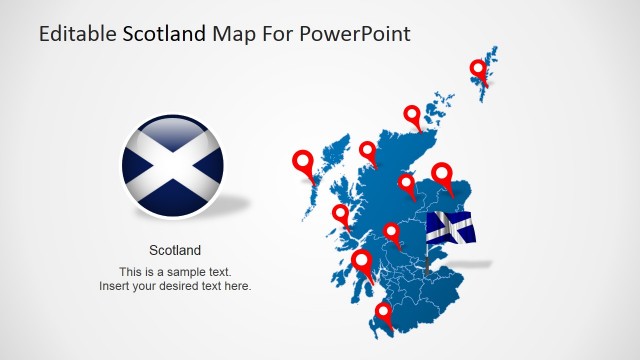
Download highly customizable maps of UK in the form of PowerPoint slides with the UK Map Template for PowerPoint.
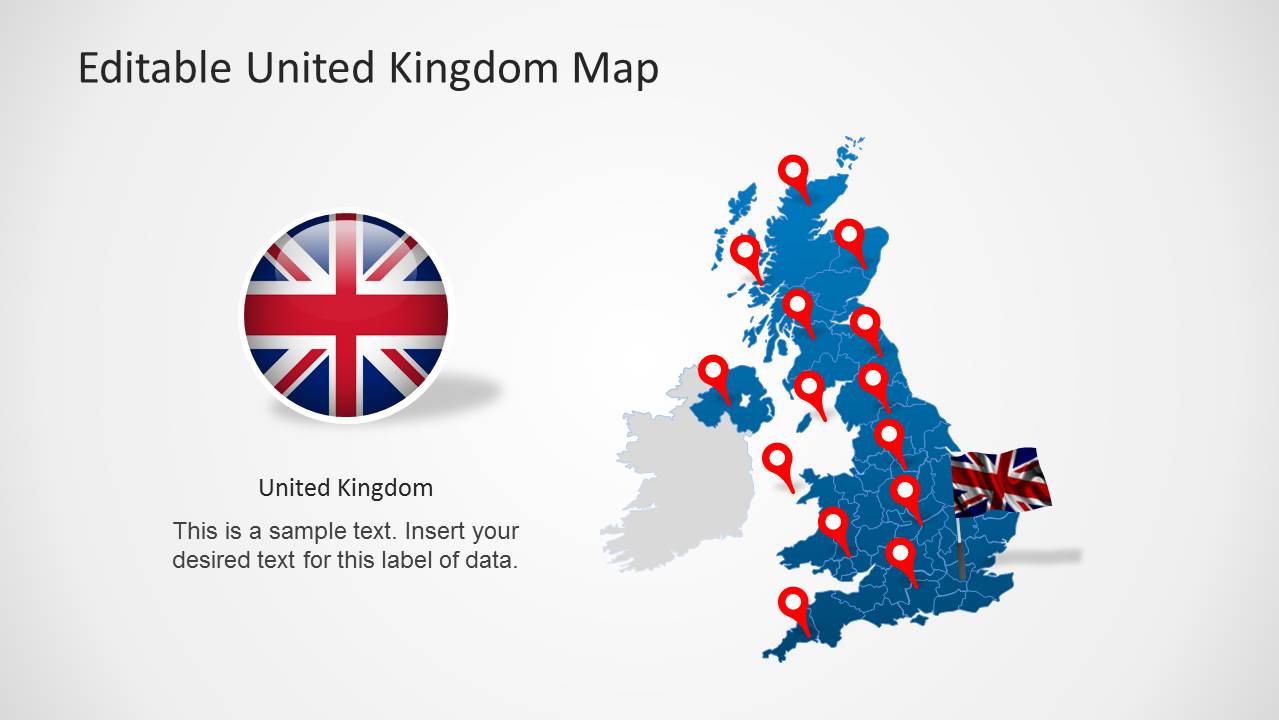
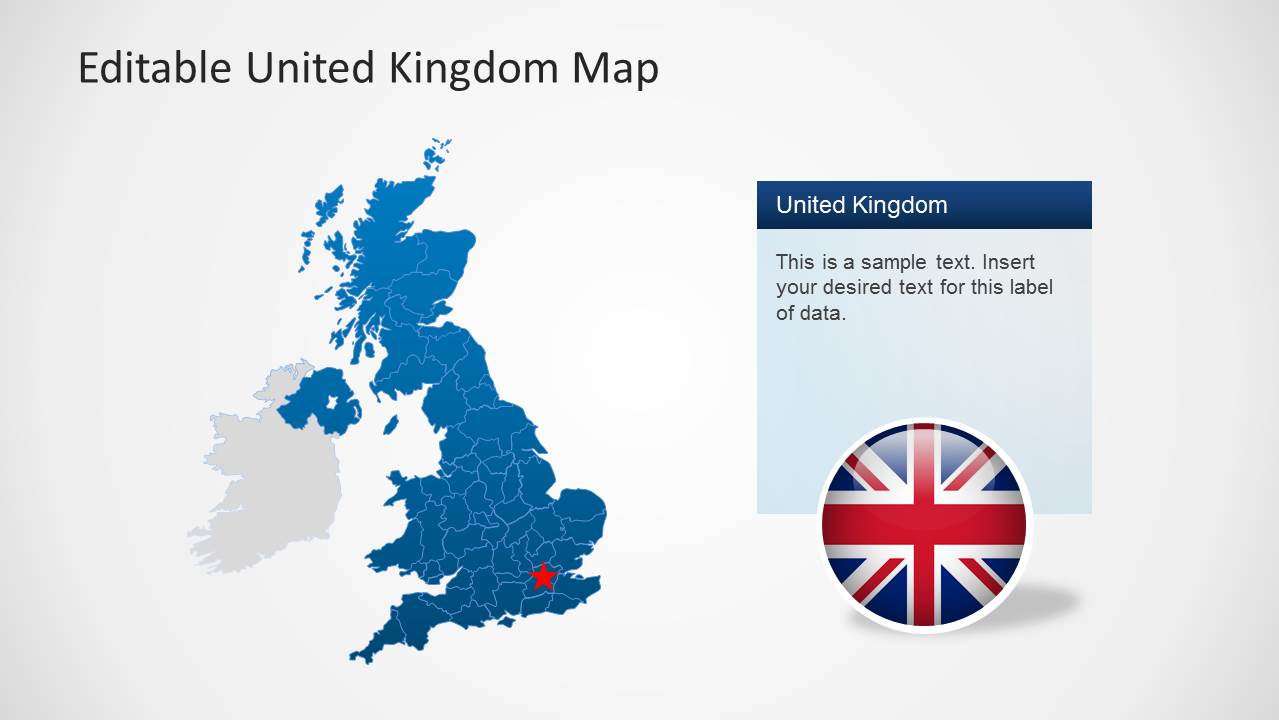
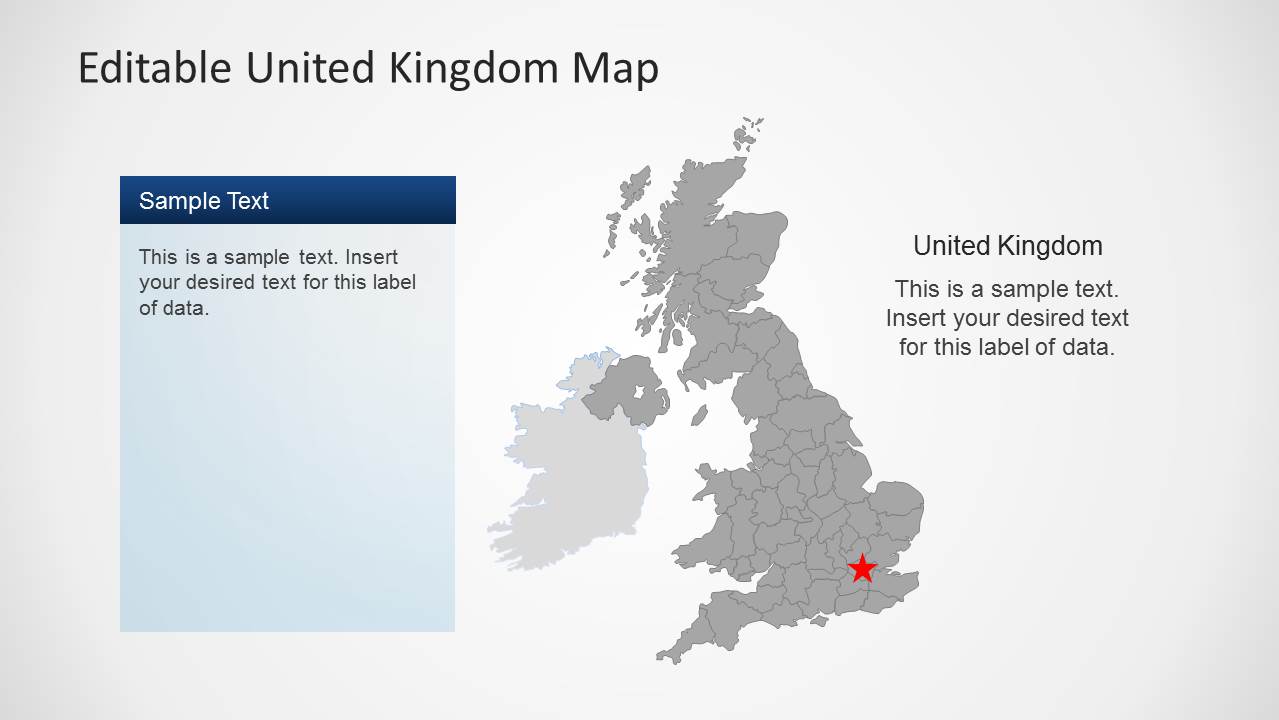
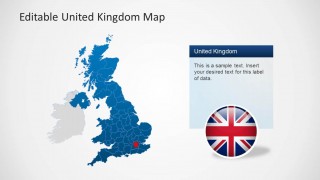
This template contains all major counties and regions of UK, which have been laid out in the form of a single composite map. You can separate differed areas as per requirement from the main map and even change their overall look by resizing or recoloring them in PowerPoint.
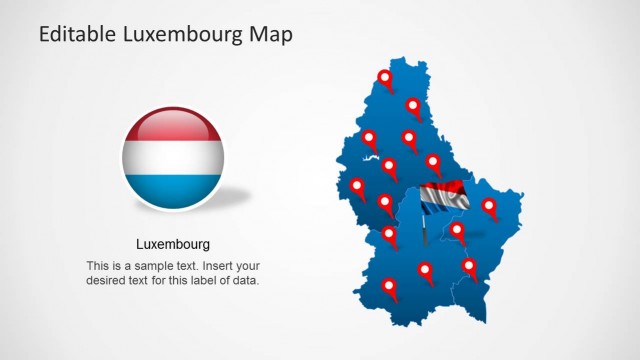
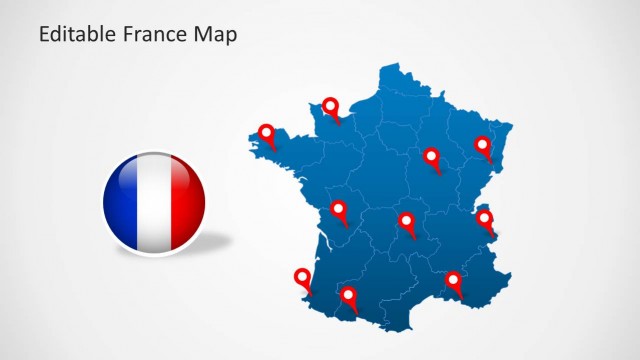
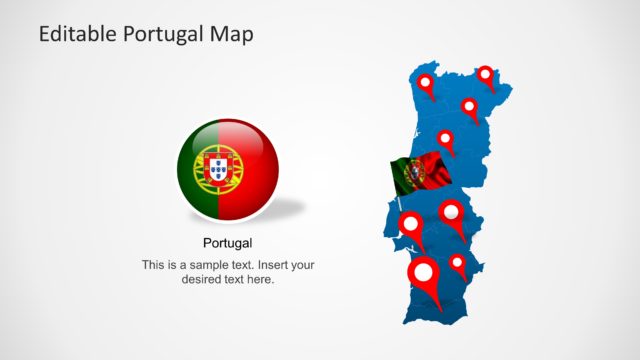
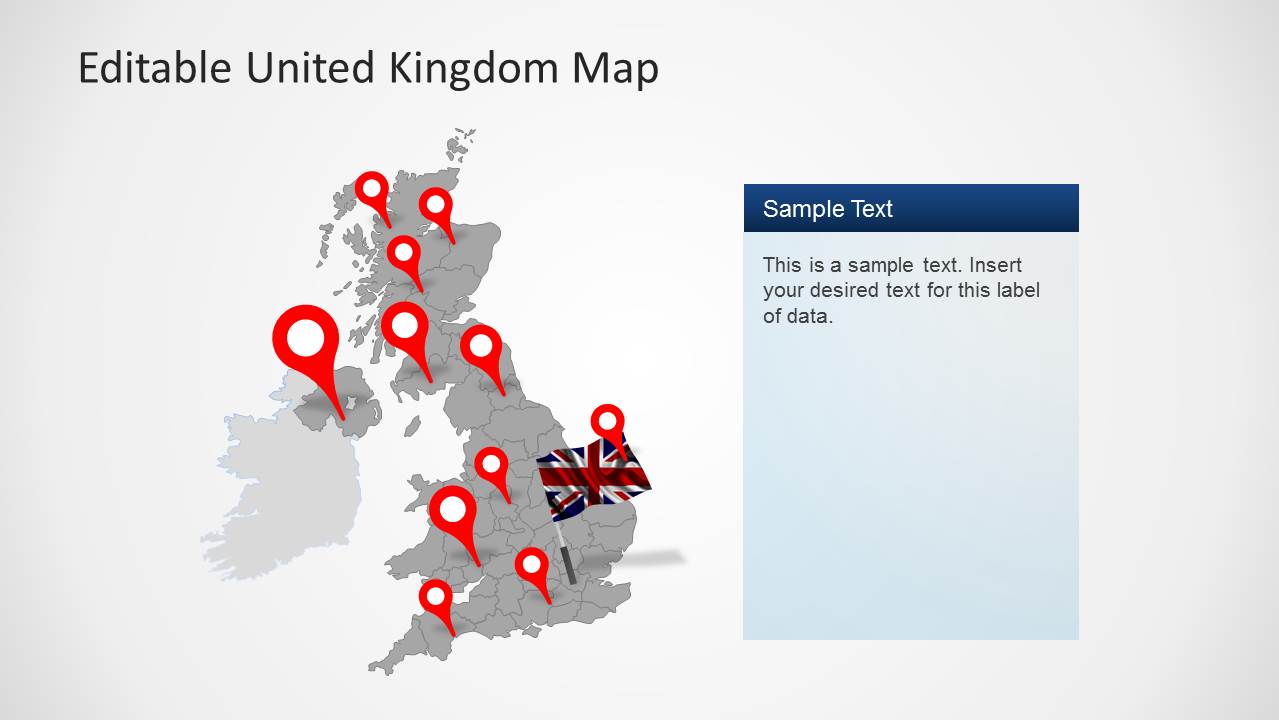
The template also comes with flags of UK, as well as useful clipart items like GPS markers. You can download similar templates for other European countries from our collection of PowerPoint Maps for European countries.
What’s inside this template
Example presentation scenarios
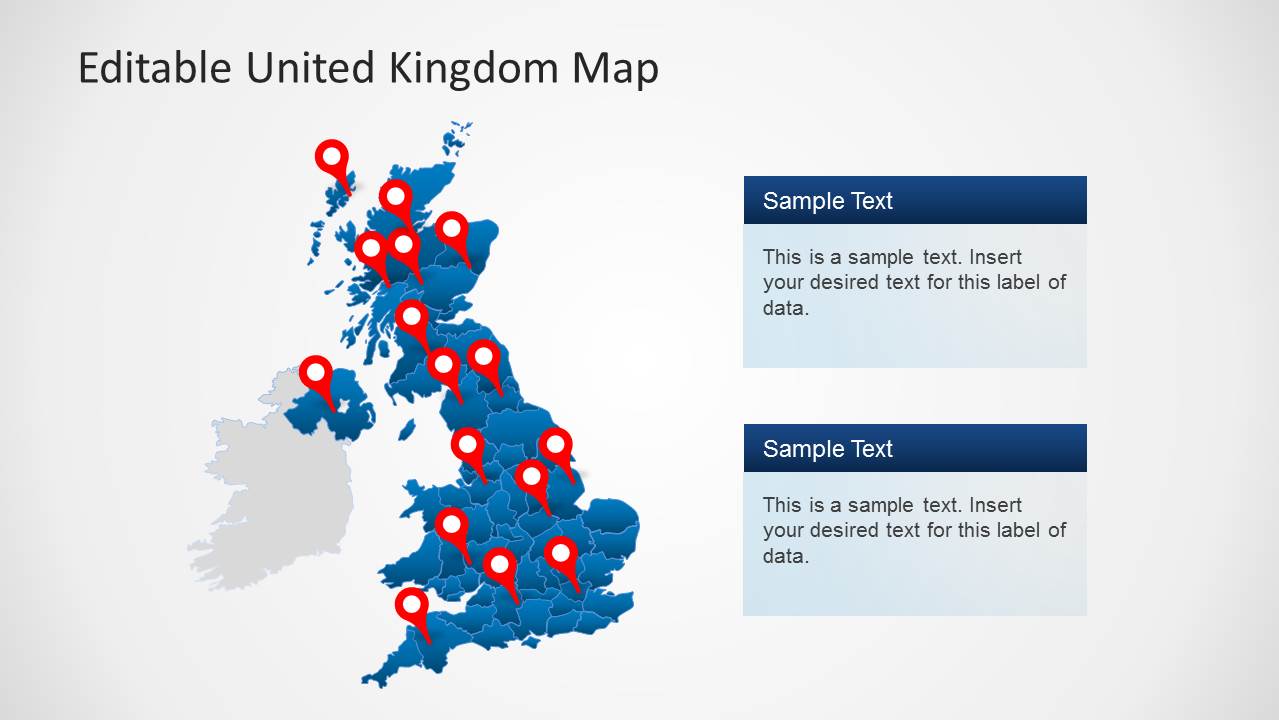
- A sales director can present UK territory coverage by using the county-level map with red pins to show office, customer, or distributor locations.
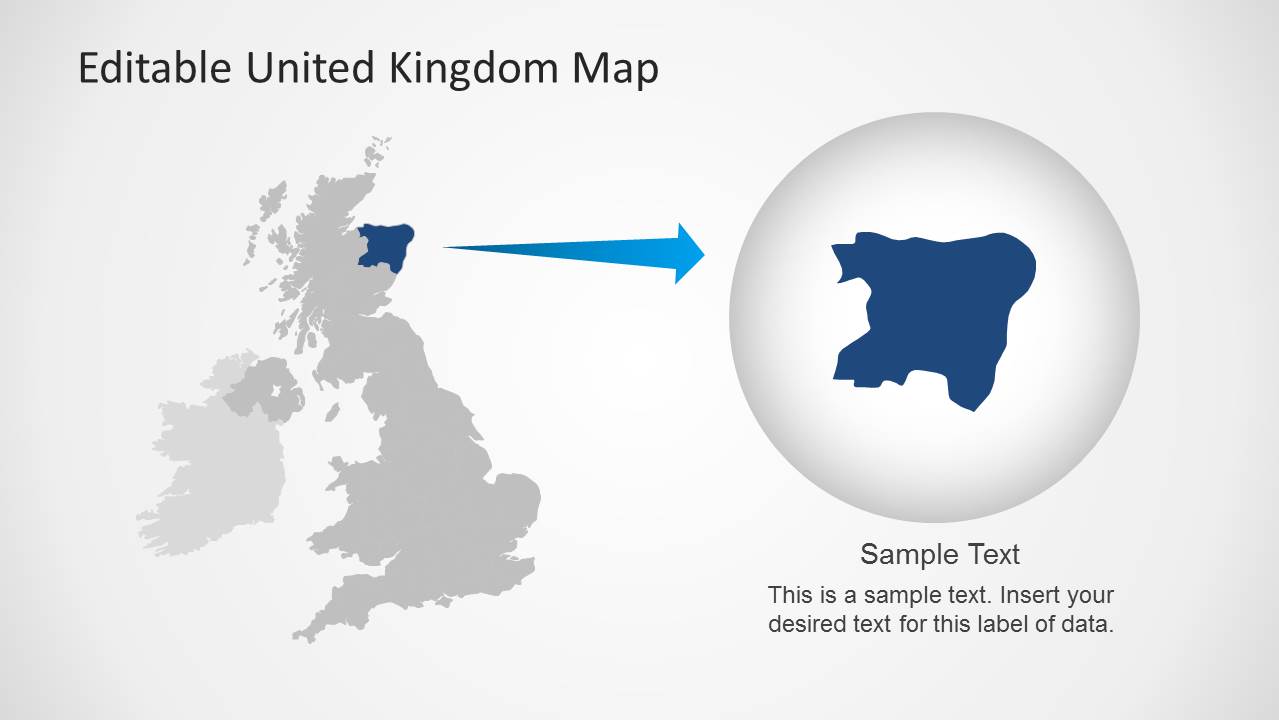
- A public sector planner can explain regional programs with the gray map, highlighted areas, and editable text panels for notes or policy details.
- A logistics manager can show facility or route priorities with GPS marker slides and right-side callout boxes for operational context.
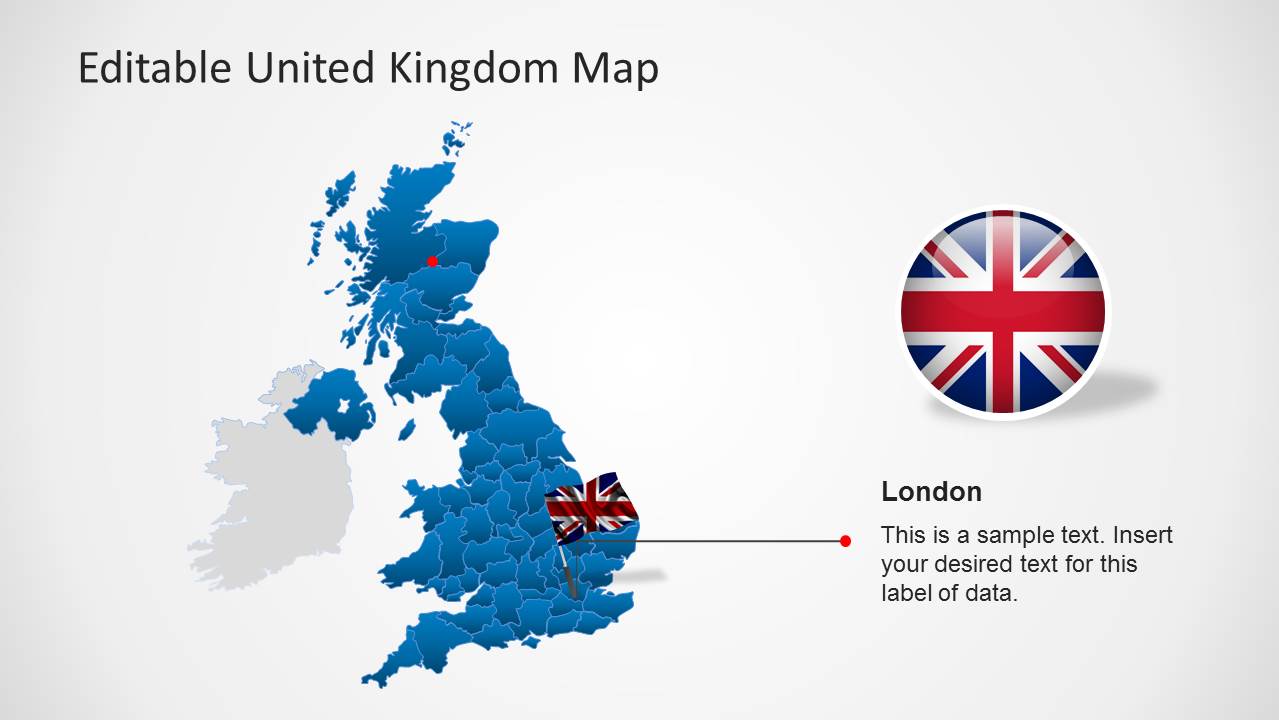
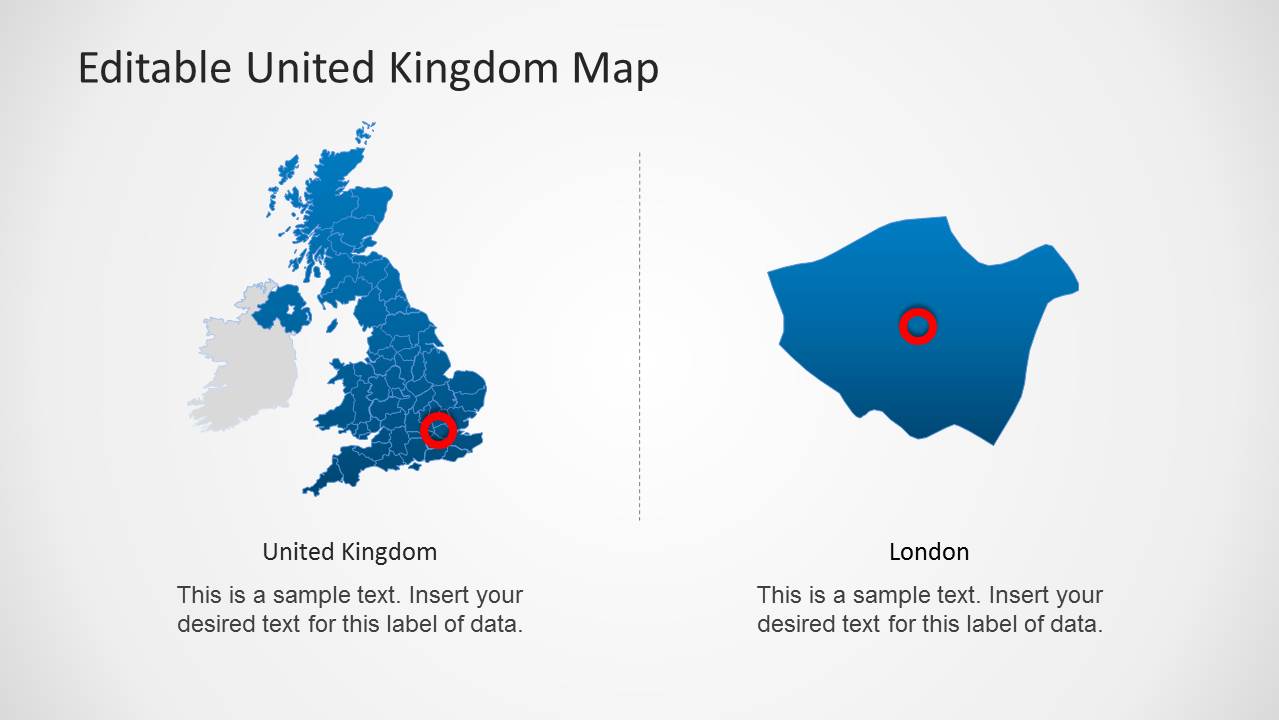
- An educator or trainer can introduce UK geography by moving from the full United Kingdom map to the London zoom and single-region highlight slides.
Features
- 100% editable presentation template
- Compatible with Microsoft PowerPoint and Google Slides
- 16:9 aspect ratio slides
- Scalable vector shapes, icons and illustrations
- AI-Ready for Microsoft Copilot and Claude
- Instant access and download
Frequently asked questions
Q: How should a presenter make the UK map message clear instead of turning it into a location list?
A: Start with one geographic point per slide: national coverage, priority region, office footprint, or London detail. Use the pinned map slides for patterns across the UK, then switch to the London zoom or region highlight slide when the audience needs precision. Keep callout text short so the map remains the main evidence.
Q: Who gets the most value from this UK map template?
A: This template fits presenters who need to connect decisions to UK geography, such as sales teams explaining territories, public agencies reporting regional activity, educators teaching locations, or logistics teams showing service areas. The county-level maps, markers, flag elements, and callout panels work best when the location itself is part of the argument.
Q: Why do the pins, flag badges, and zoomed region views help the presentation?
A: The visual metaphors separate three jobs: pins identify exact points, flag badges establish UK context, and zoomed region views direct attention to a specific area. That structure reduces ambiguity because the audience can first see the whole map, then understand which territory or city the presenter is discussing.


UK Map Template for PowerPoint
8-slide UK map presentation template with county regions, location pins, flags, and callouts
UK Map Template for PowerPoint is an 8-slide map presentation template for showing United Kingdom locations and regions. It includes a county-level UK map, location pin maps, Union Jack flag badges, London callouts, and regional highlight layouts for business, education, public sector, and travel presentations in Microsoft PowerPoint and Google Slides.
- Category
- Maps
- Rating


 Loading...
- Aspect ratio
- 16:9, 4:3
- Item ID
- 6448-01
- Colors
 Microsoft PowerPoint
  Microsoft Copilot
  Claude for PowerPoint
 Other formats supported
Subscribe today and get immediate
access to download our PowerPoint templates.