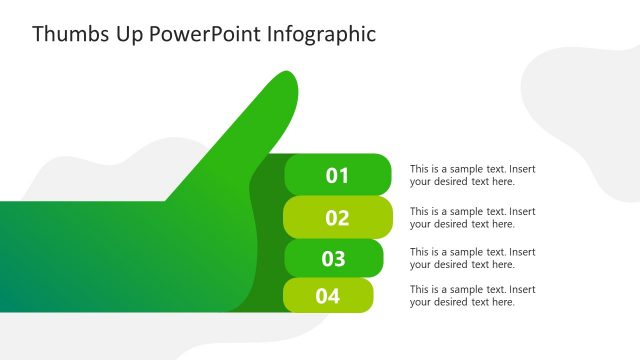
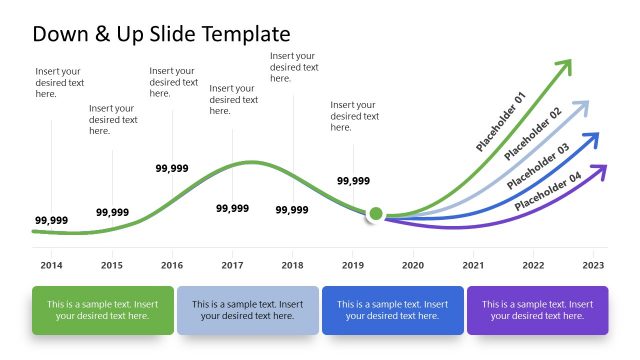
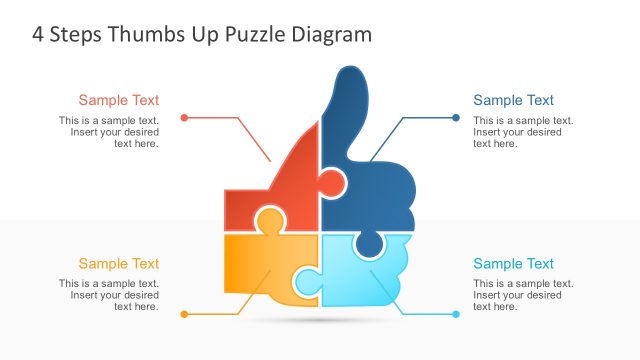
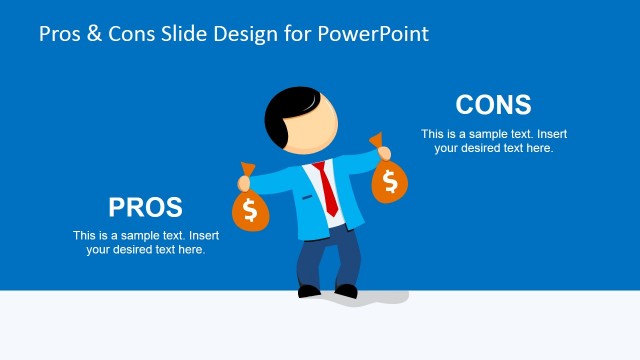
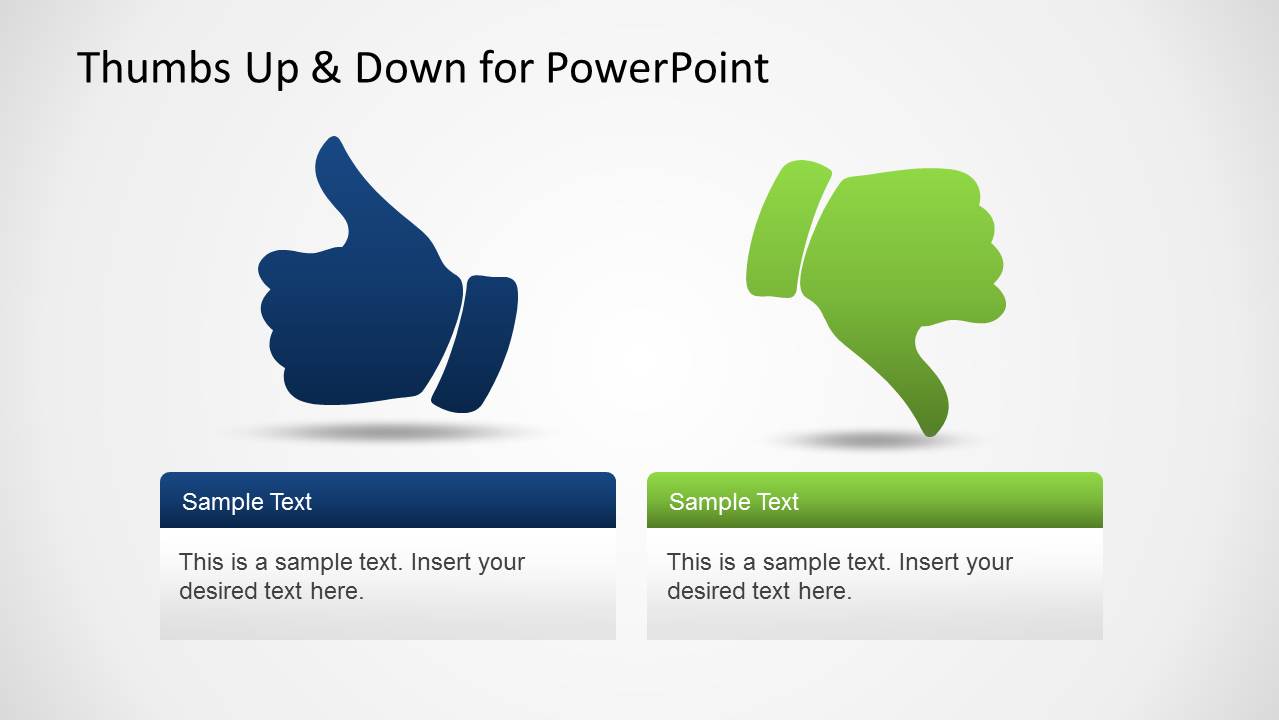
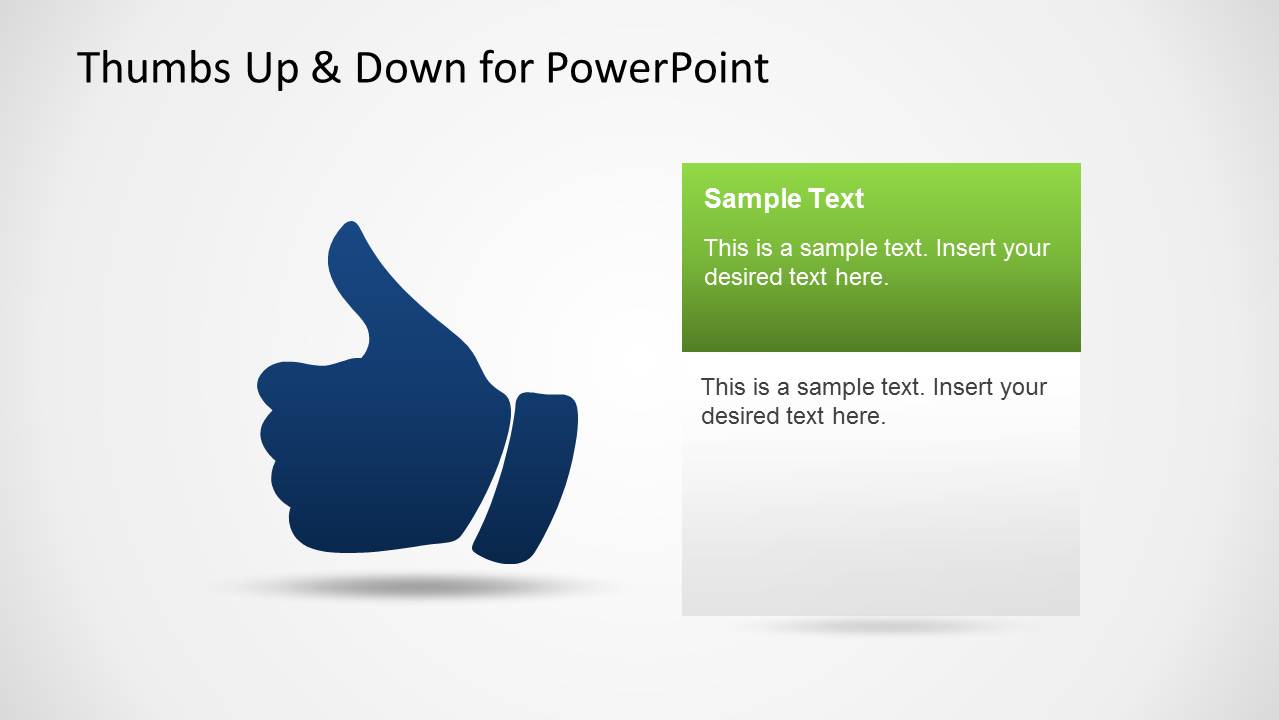
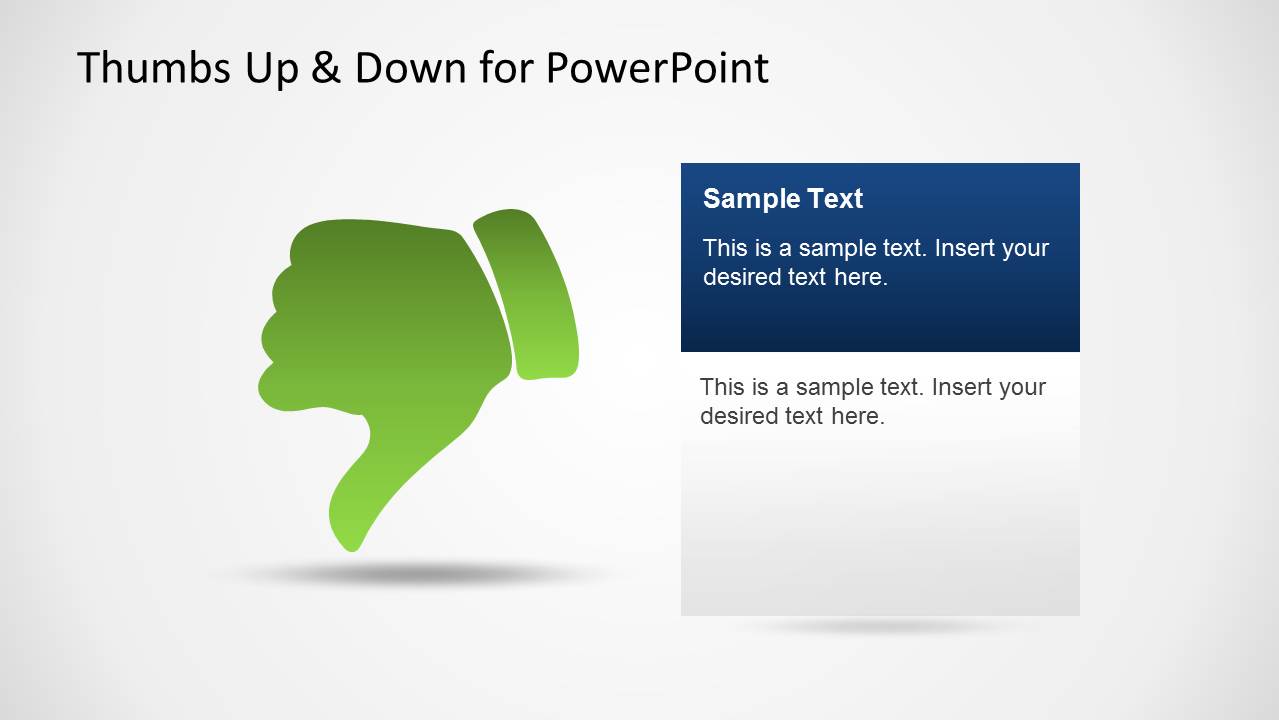
Thumbs Up & Down PowerPoint Template is a presentation template containing thumbs down and thumbs up shapes for PowerPoint. You can download the thumbs-up illustration to decorate your presentations and use a thumbs-up picture as a metaphor for approvals, give someone permission to do something, give a nod, etc.
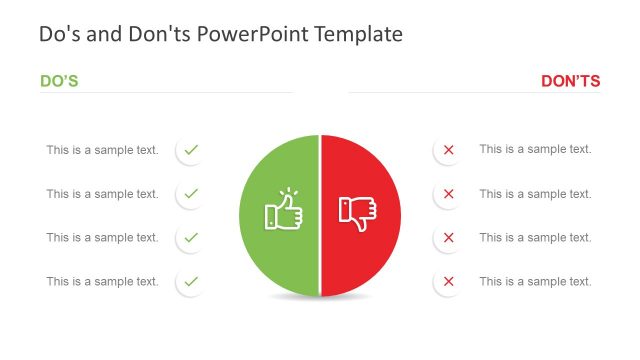
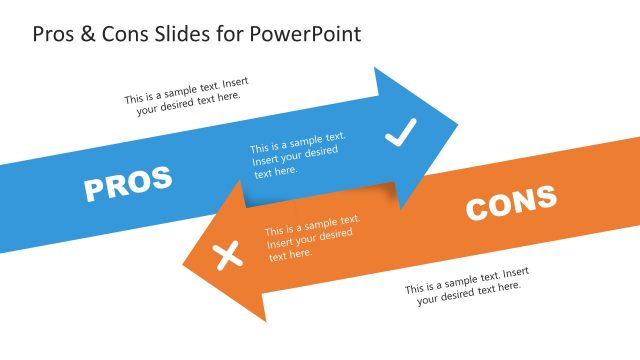
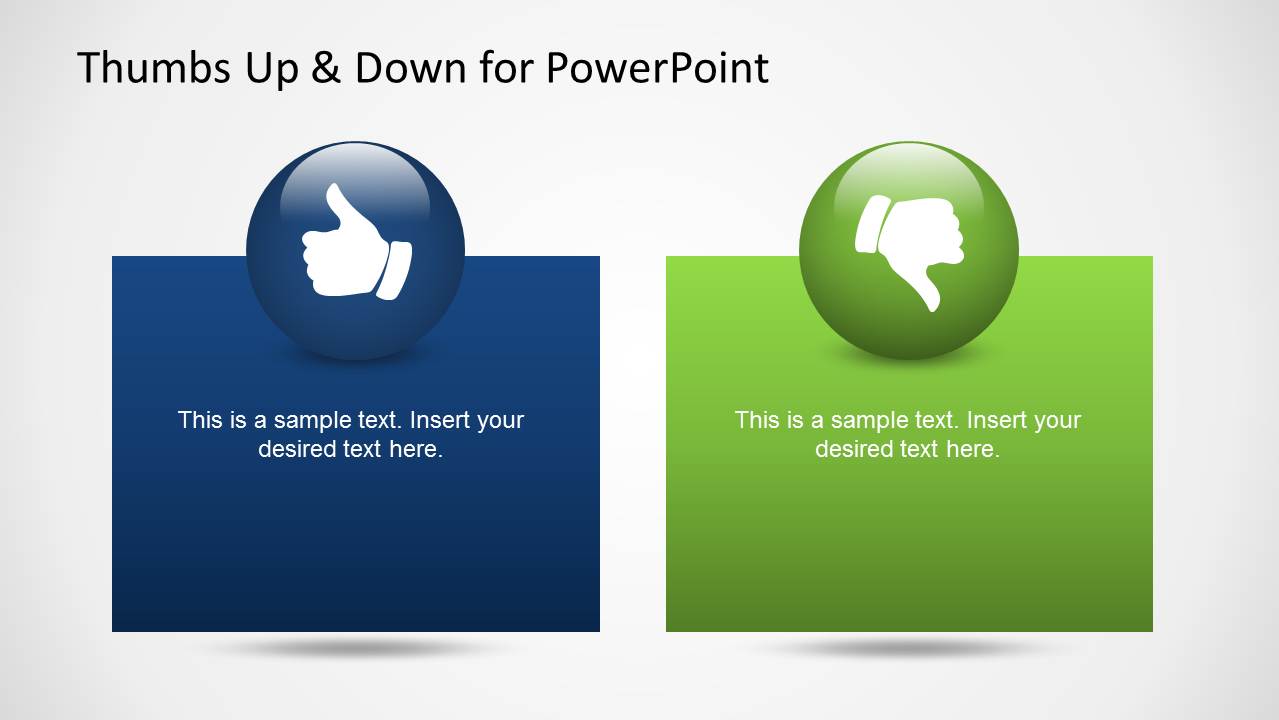
PowerPoint thumbs up and down chart template can help to prepare a comparison slide in which you can show the pros and cons or compare different concepts showing the benefits and cons, for example, when designing a product presentation. Using the thumbs-up & down template, you can show the benefits of a product, idea, or concept. Alternatively, you can download other thumb-up templates for PowerPoint presentations.
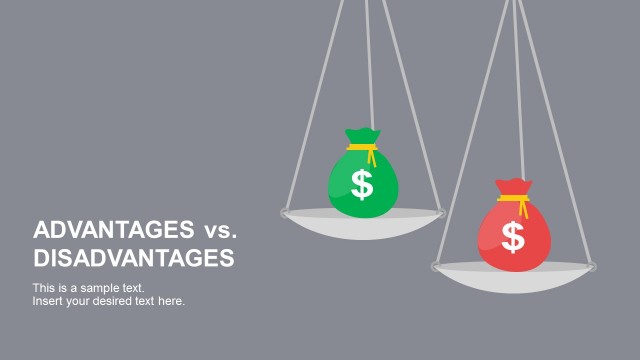
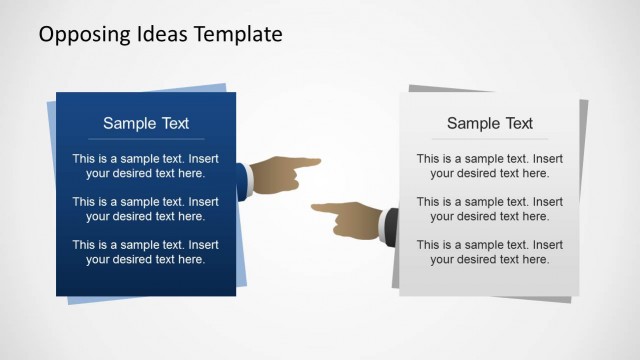
The thumbs Up & Down PowerPoint template contains several slides, including thumbs up and down symbols in the PowerPoint slides. The template is also compatible with Google Slides. Alternatively to this thumbs-up template for PowerPoint, you can download other presentation slides, including Pros & Cons slide templates and Advantages & Disadvantages slides.
What’s inside this template
Example presentation scenarios
- A product manager can use the two-block pros and cons layout to explain which feature ideas should move forward and which should be rejected.
- A consultant can use the thumbs up and thumbs down callout slides to present an executive recommendation with one positive case and one objection.
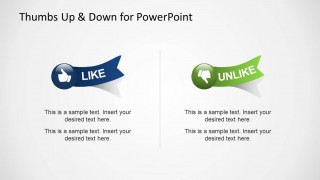
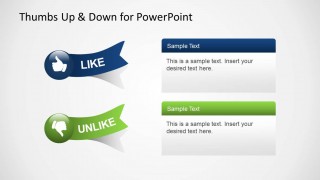
- A marketing presenter can use the like and unlike ribbon badges to summarize audience reactions, campaign feedback, or preference findings.
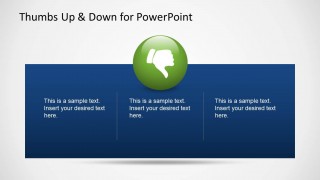
- A project lead can use the three-column banner layouts to organize approved actions, declined options, and supporting notes during a status discussion.
Features
- 100% editable presentation template
- Compatible with Microsoft PowerPoint and Google Slides
- 16:9 aspect ratio slides
- Scalable vector shapes, icons and illustrations
- AI-Ready for Microsoft Copilot and Claude
- Instant access and download
Frequently asked questions
Q: How should a presenter use the thumbs up and thumbs down metaphor without oversimplifying the decision?
A: Use the icon as the audience's first sorting cue, then add the reason in the text panels. Put the strongest approval point under the thumbs up visual and the clearest concern under the thumbs down visual. For balanced decisions, use the two-block or like/unlike layouts so the audience sees both sides before the recommendation.
Q: Who is this template best suited for in a business presentation?
A: It fits presenters who need to communicate a clear yes-or-no judgment, preference result, or trade-off. Product managers, consultants, marketers, and project leads can use the callout panels and comparison cards to make feedback, approvals, objections, and recommendation choices easier to scan during a short decision meeting.
Q: Why do the large thumb icons and split layouts improve message clarity?
A: The thumbs up and thumbs down symbols act as familiar visual metaphors for acceptance and rejection. The split panels, wide bands, and ribbon badges reduce interpretation time because the audience immediately knows which side is positive and which side is negative. This structure supports fast comparison before details are discussed.

Thumbs Up & Down PowerPoint Template
8-slide presentation template for thumbs up, thumbs down, pros and cons decisions
This 8-slide presentation template provides editable thumbs up and thumbs down visuals for approval, rejection, and pros and cons comparisons. Visible layouts include paired comparison cards, single-icon callout panels, two large decision blocks, three-column banners, and like/unlike ribbon badges for business presenters using Microsoft PowerPoint or Google Slides.
- Category
- Shapes
- Rating


 Loading...
- Aspect ratio
- 16:9
- Item ID
- 6321-01
- Colors
 Microsoft PowerPoint
  Microsoft Copilot
  Claude for PowerPoint
 Other formats supported
Subscribe today and get immediate
access to download our PowerPoint templates.