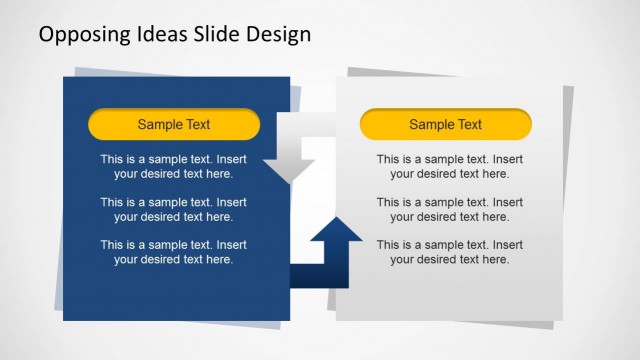
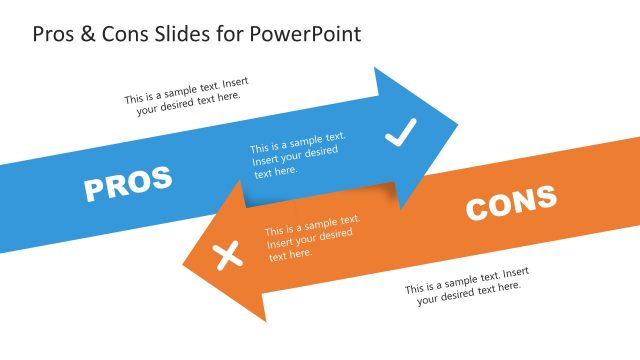
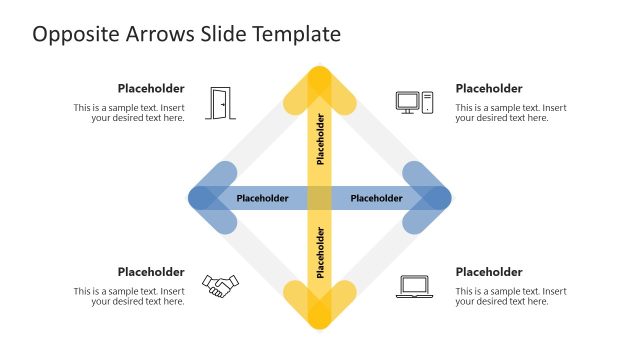
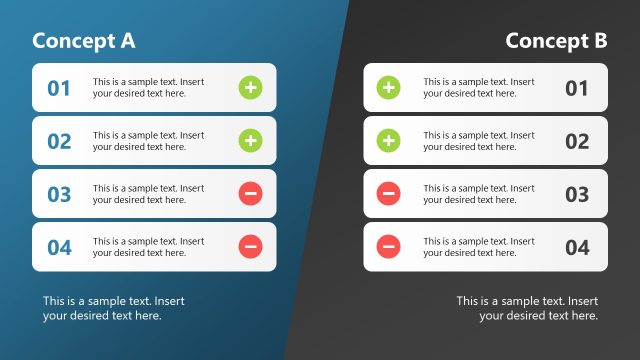
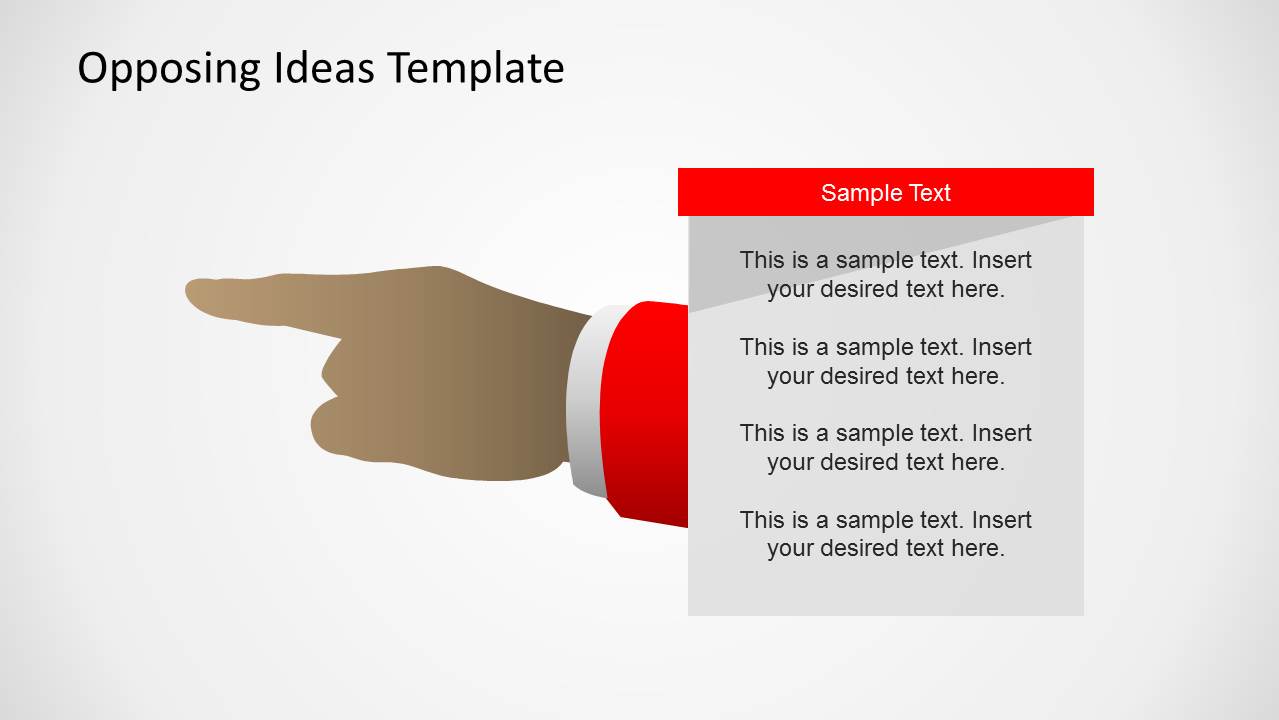
The Opposing Views PowerPoint Template contains powerful pointing hands shapes that symbolize opposing direction. Customizable colors and fonts provide the user the ability to create the right presentation look and feel. The slides design can give a professional touch to any decision making report.
There are several angles to consider during the decision making process. In psychology, it is described as a cognitive process. Options should be weighed and analyzed independently and as a whole. Advantages and disadvantages should be analized. When there are multiple alternatives available, the right evaluating process should be applied. However, decisions are affected by a person’s intuition and reasoning. That is why it is necessary to have specific objectives. The goal is to end up with a choice that is beneficial to the individual or to any entity.
The PowerPoint template can showcase any decision-making presentation. It is applicable to many business and psychology theories. Debate reports can be created through the template as well; showing how each other’s stand and ideas oppose.
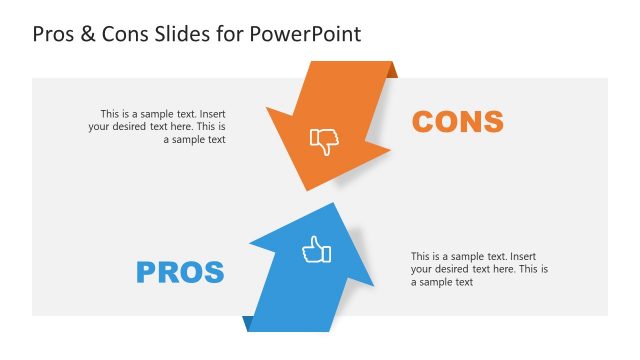
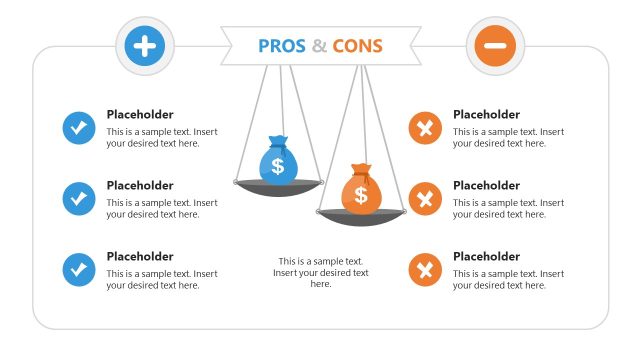
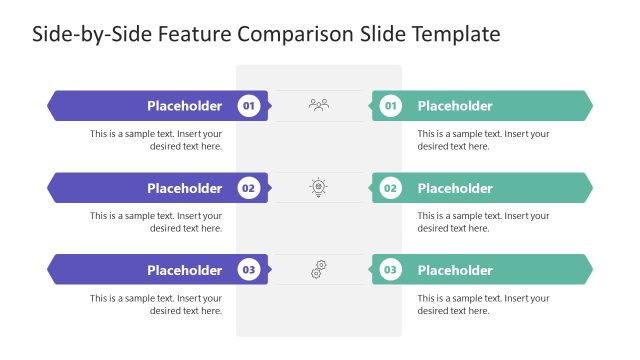
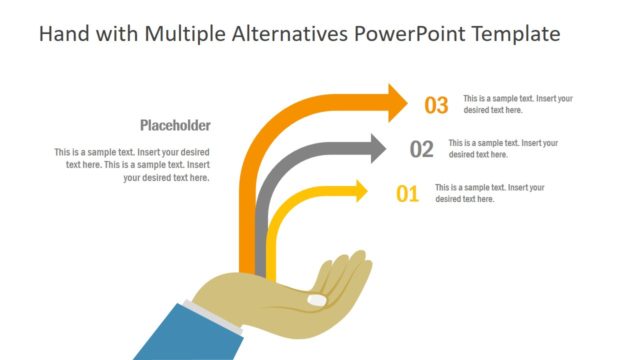
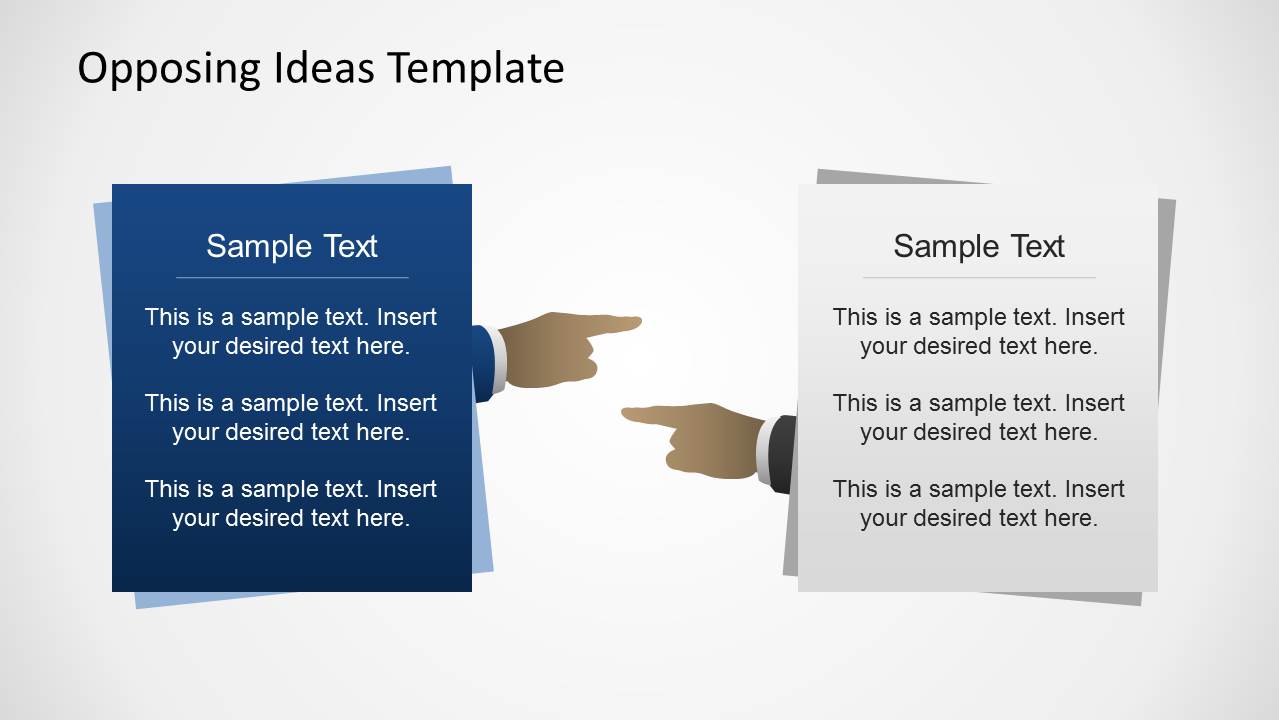
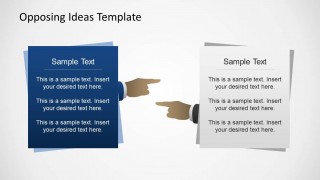
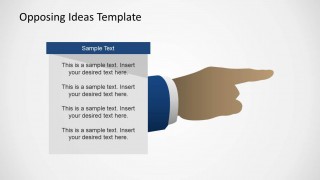
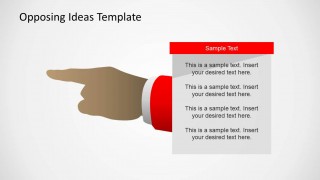
Five slides compose the template. The first slide exhibits 2 papers with the pointing hand icon. As example slide opposing views, advantages can be written on the first paper and disadvantages on the other. This part summarizes the whole report. This can surely help the audience to remember important key topics. The user can further explain all other alternatives in the following slides. For example, in choosing between a blouse and a t-shirt, the presenter can elaborate on the comfort each top can provide. Showing the pros first, the blouse is attractive and a t-shirt is comfortable. While looking at the cons, the blouse can limit body movement and the t-shirt is dull-colored. After comparing everything, it is decision making time. This template is the answer on how to show opposing views in a powerpoint with elegance and professional look & feel.
Use Opposing Views PowerPoint Template to strategize your decision making presentation. Present new ideas in powerpoint with hands PowerPoint Shapes. Dominate the floor with stunning visual aids. 3D Comparison Table PowerPoint Template and other templates can be downloaded from the SlideModel gallery to complement the deck.
What’s inside this template
Example presentation scenarios
- A consultant can use the paired paper comparison to summarize advantages and disadvantages before leading a client decision discussion.
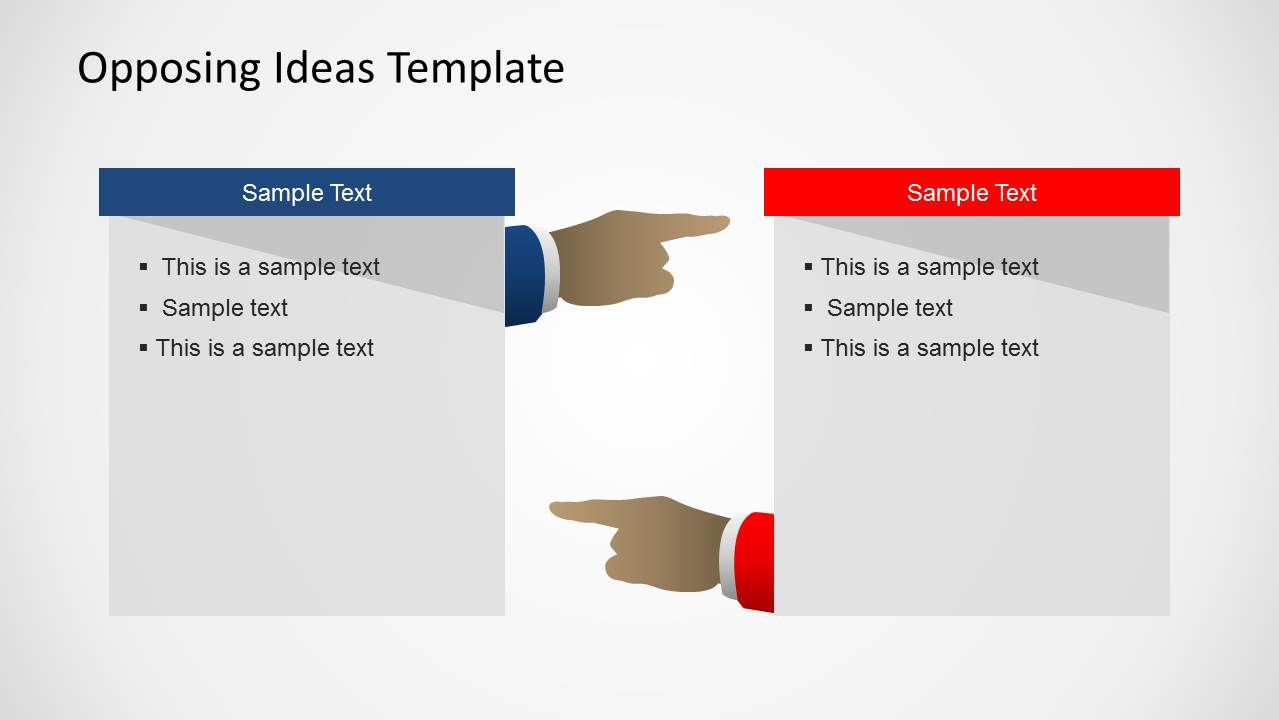
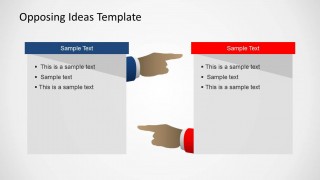
- A manager can use the two-column bullet list to compare two strategic options and show which criteria support each side.
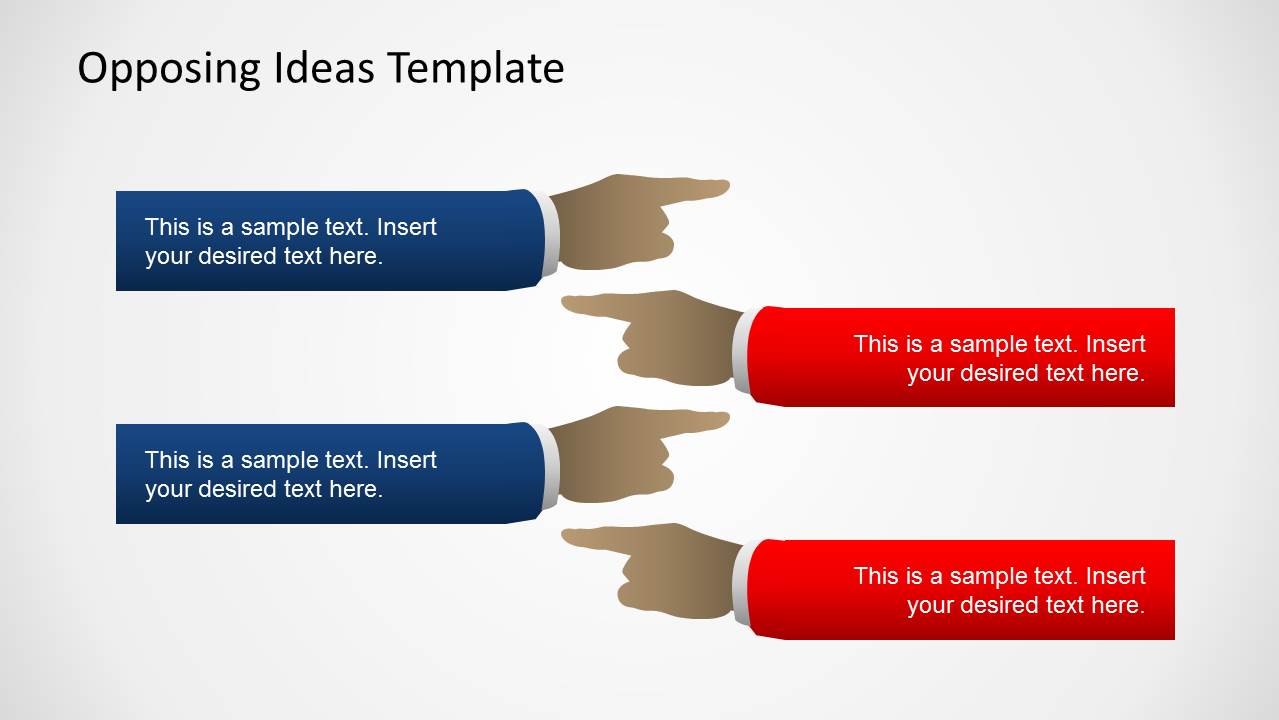
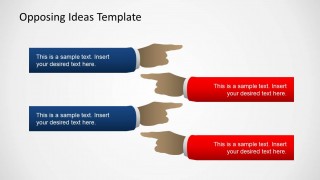
- An educator can use the horizontal opposing callouts to stage a classroom debate and assign arguments to each viewpoint.
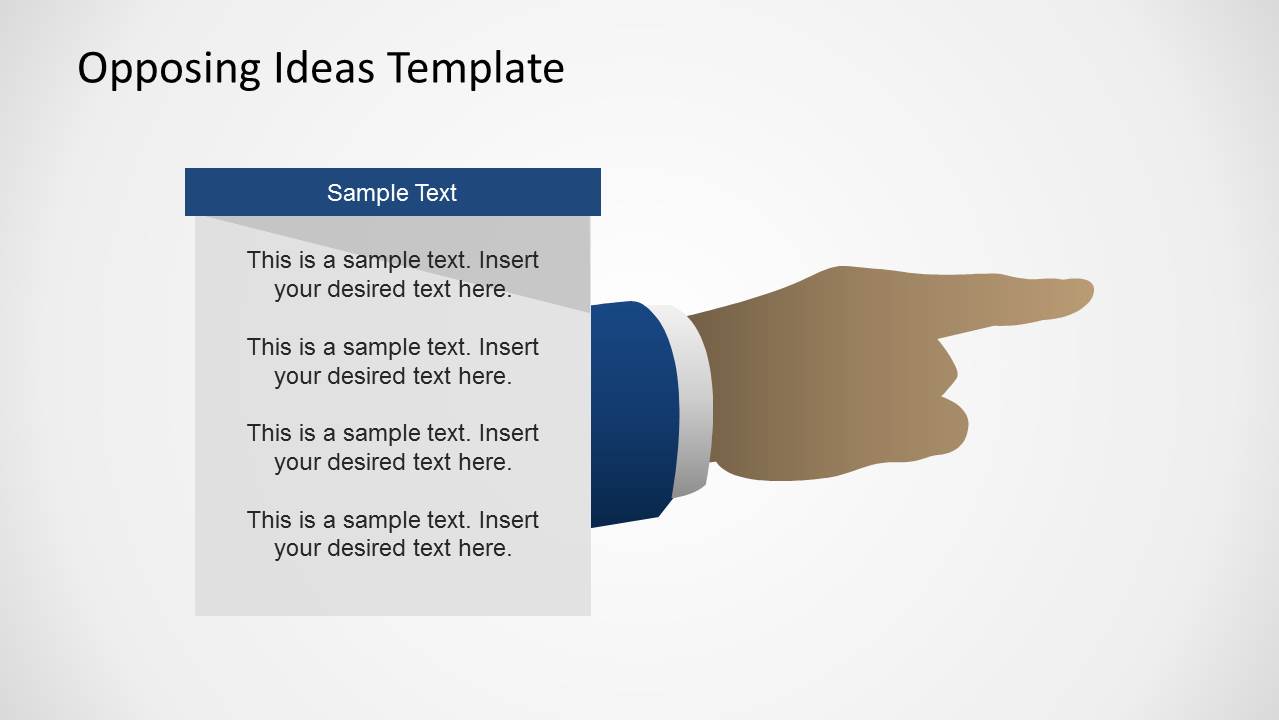
- A policy analyst can use the single-position argument panels to explain one side at a time before showing the counterargument.
Features
- 100% editable presentation template
- Compatible with Microsoft PowerPoint and Google Slides
- 16:9 aspect ratio slides
- Scalable vector shapes, icons and illustrations
- AI-Ready for Microsoft Copilot and Claude
- Instant access and download
Frequently asked questions
Q: How should a presenter organize a balanced argument with this template?
A: Start with Slide 1 to name the two positions and give the audience a neutral frame. Use Slide 2 for comparable bullet points, keeping both sides equal in length. Then use Slide 3 for direct point-versus-point contrast, and Slides 4 and 5 to explain each side in more detail before summarizing the decision.
Q: Who is this template best suited for?
A: This template fits presenters who need to compare two positions without burying the audience in dense text. Managers can review options, consultants can frame client tradeoffs, educators can run debate exercises, and analysts can outline competing recommendations. The pointing-hand layouts work best when the message is a clear contrast.
Q: Why do the pointing hands help communicate opposing views?
A: The hands act as directional cues, so the audience immediately sees that each side is responding to or challenging the other. Blue and red accents strengthen the separation between positions. This visual metaphor reduces setup time because the slide itself signals conflict, comparison, and decision pressure before the presenter explains the details.
Opposing Views PowerPoint Template
5-slide presentation template for opposing views, decision analysis, and pointing-hand comparison layouts
The Opposing Views PowerPoint Template is a 5-slide presentation template for comparing conflicting ideas with pointing-hand visuals. It includes a paired paper comparison, two-column bullet lists, horizontal opposing callouts, and single-sided argument panels. Business presenters, educators, and facilitators can use it in Microsoft PowerPoint or Google Slides.
- Category
- Shapes
- Rating


 Loading...
- Aspect ratio
- 16:9
- Item ID
- 6355-01
- Colors
 Microsoft PowerPoint
  Microsoft Copilot
  Claude for PowerPoint
 Other formats supported
Subscribe today and get immediate
access to download our PowerPoint templates.