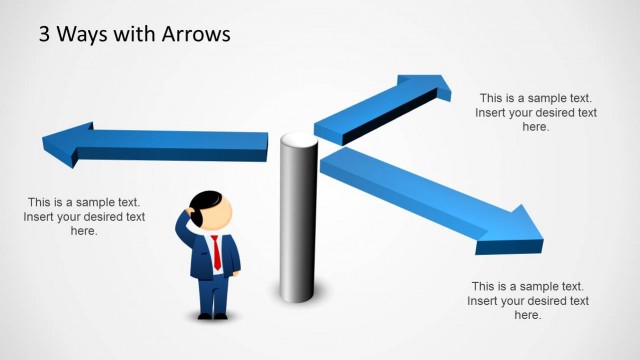
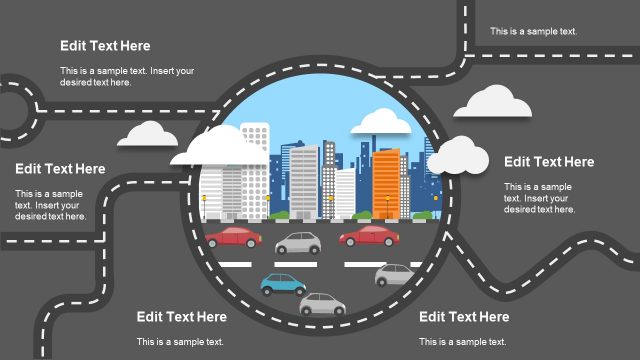
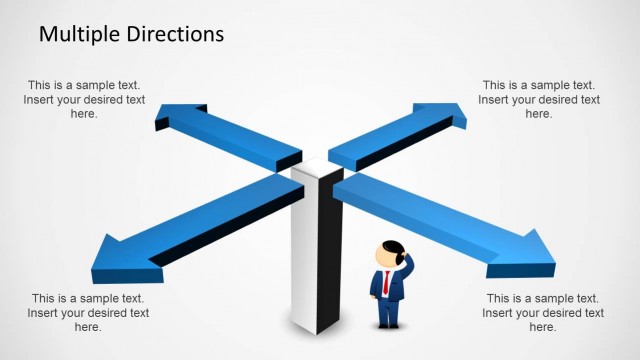
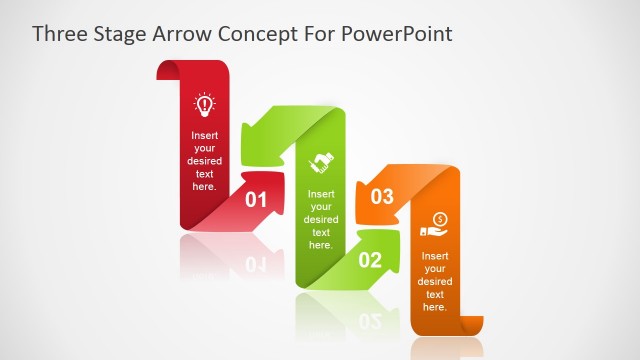
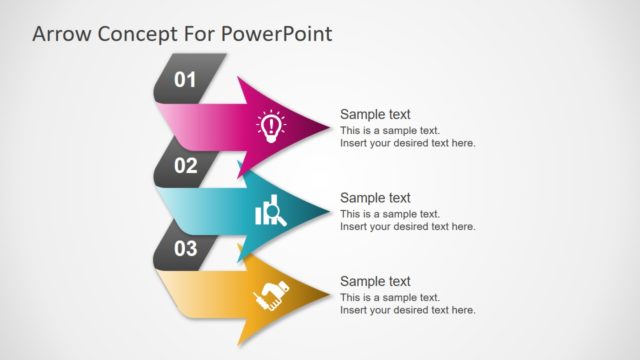
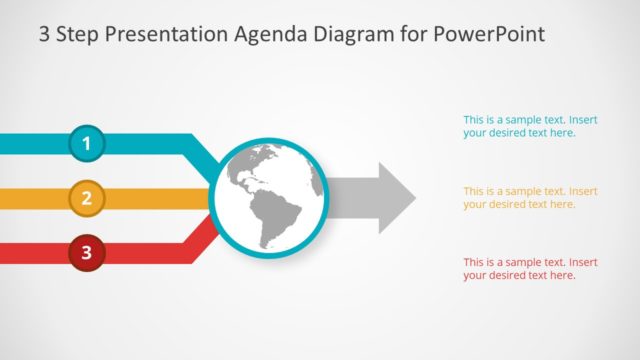
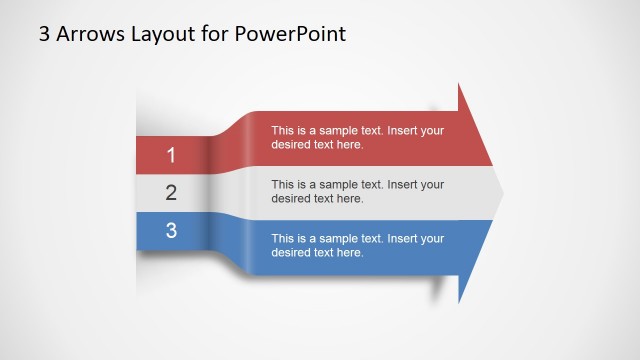
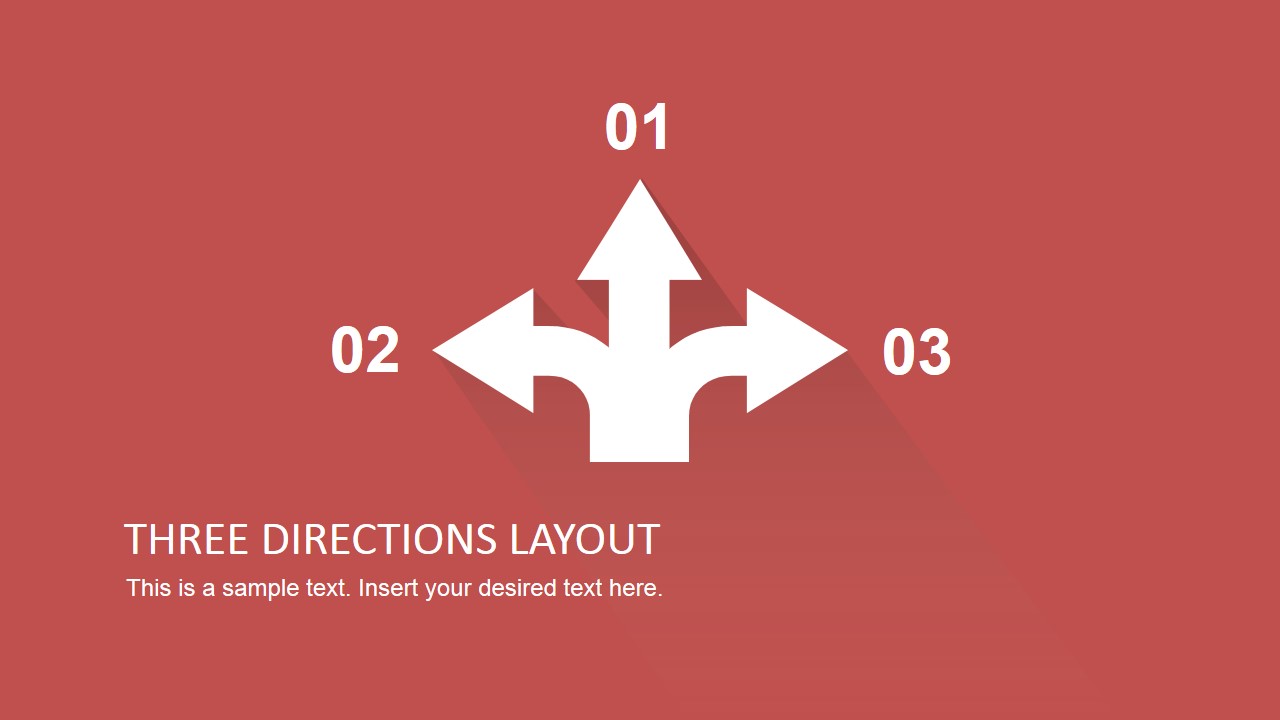
Three Directions PowerPoint Theme is a professional PowerPoint Template featuring different scenes with three directions options. Ideal for decision analysis presentations, or three exclusive paths lectures. The template is created with Flat Design PowerPoint Shapes, that are 100% editable. The user can adapt any scene to the color palette of existing presentations with no effort.
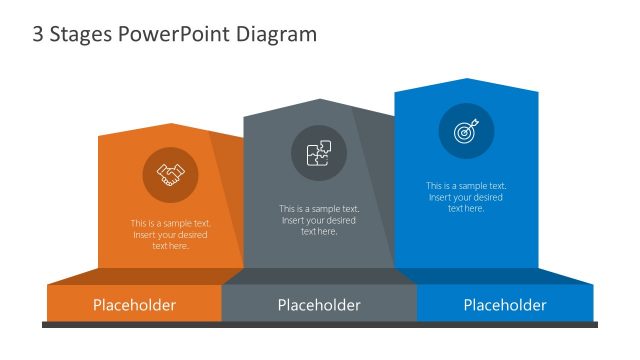
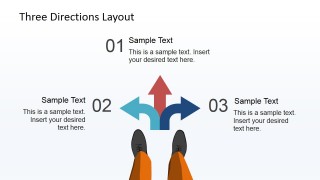
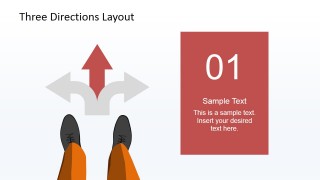
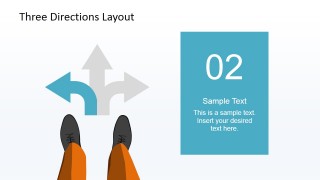
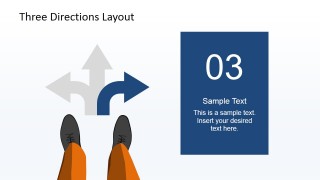
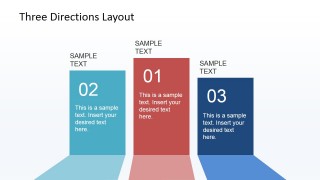
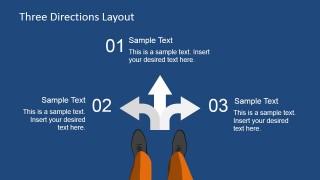
The PowerPoint Template is designed to provide a set of slide for analysis of the situation, and one slide for each path, in order to evaluate actions and risks over each of them. The main metaphor is based on arrows PowerPoint Shapes, and a pair of legs, symbolizing a person looking to the floor. After the presenter describes the situation, the different paths and their risks, a set of slide, featuring a podium, provide a theme for describe conclusions over each path, and labeling each of them from one to three with their relative position to success.
This professional and modern template stand out from the traditional traffic signs for choosing directions, as it is created in flat design. Create stunning presentations with original designs that appeal to Global audiences.
What’s inside this template
Example presentation scenarios
- A strategy consultant can use the three-way arrow overview to explain three market entry choices and prepare executives for a structured comparison.
- A project manager can use the individual direction focus slides to describe separate action plans, risks, or resource needs for three project paths.
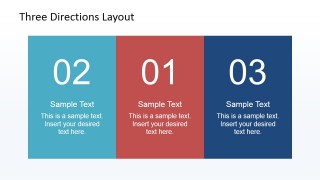
- A training facilitator can use the side-by-side option panels to teach participants how to compare alternatives before choosing a course of action.
- A team leader can use the podium-style ranking slide to summarize the preferred option and explain why it ranks above the other two paths.
Features
- 100% editable presentation template
- Compatible with Microsoft PowerPoint and Google Slides
- 16:9 aspect ratio slides
- Scalable vector shapes, icons and illustrations
- AI-Ready for Microsoft Copilot and Claude
- Instant access and download
Frequently asked questions
Q: How should a presenter structure a three-option decision using this template?
A: Start with the overview arrow slide to define the decision point and name the three paths. Then use the direction 01, 02, and 03 focus slides to give each option equal explanation time. Finish with the comparison panel and podium ranking so the audience sees both the evaluation and the recommended direction.
Q: Who is this template best suited for?
A: This template fits presenters who need to explain a choice among three alternatives without turning the discussion into a dense report. Strategy teams, project leads, consultants, and trainers can use it for path selection, scenario evaluation, or action planning where the main goal is to compare options clearly.
Q: Why does the three-way arrow metaphor work for decision communication?
A: The arrow graphic gives the audience an immediate visual cue that the presenter is standing at a choice point. The feet illustration reinforces perspective, while the separate color treatment for each direction helps the audience track option 01, 02, and 03 from overview through ranking.


Three Directions PowerPoint Theme
8-slide presentation template for three-direction decision paths, arrow diagrams, and option comparison
Three Directions PowerPoint Theme is an 8-slide diagram template for comparing three possible paths or choices. It includes a title slide, three-way arrow diagram, individual path focus slides, side-by-side option panels, and podium-style ranking layout for decision analysis. It is built for Microsoft PowerPoint and Google Slides.
- Category
- Diagrams
- Rating


 Loading...
- Aspect ratio
- 16:9, 4:3
- Item ID
- 6789-02
- Colors
 Microsoft PowerPoint
  Microsoft Copilot
  Claude for PowerPoint
 Other formats supported
Subscribe today and get immediate
access to download our PowerPoint templates.