Present a comprehensive product development report using our Sprint Review PowerPoint Template during business meetings. Scrum is a specific methodology in Agile development based on completing projects in short, time-bound sprints. A sprint review focuses on the key project accomplishments, completed tasks, pending work, and available challenges. It keeps the stakeholders and project teams aligned with the project objectives. We have created this template for project managers, product managers, and related personnel to showcase the sprint reviews in the executive sessions. Our template has 100% customizable PPT elements that users can modify to fit their needs.
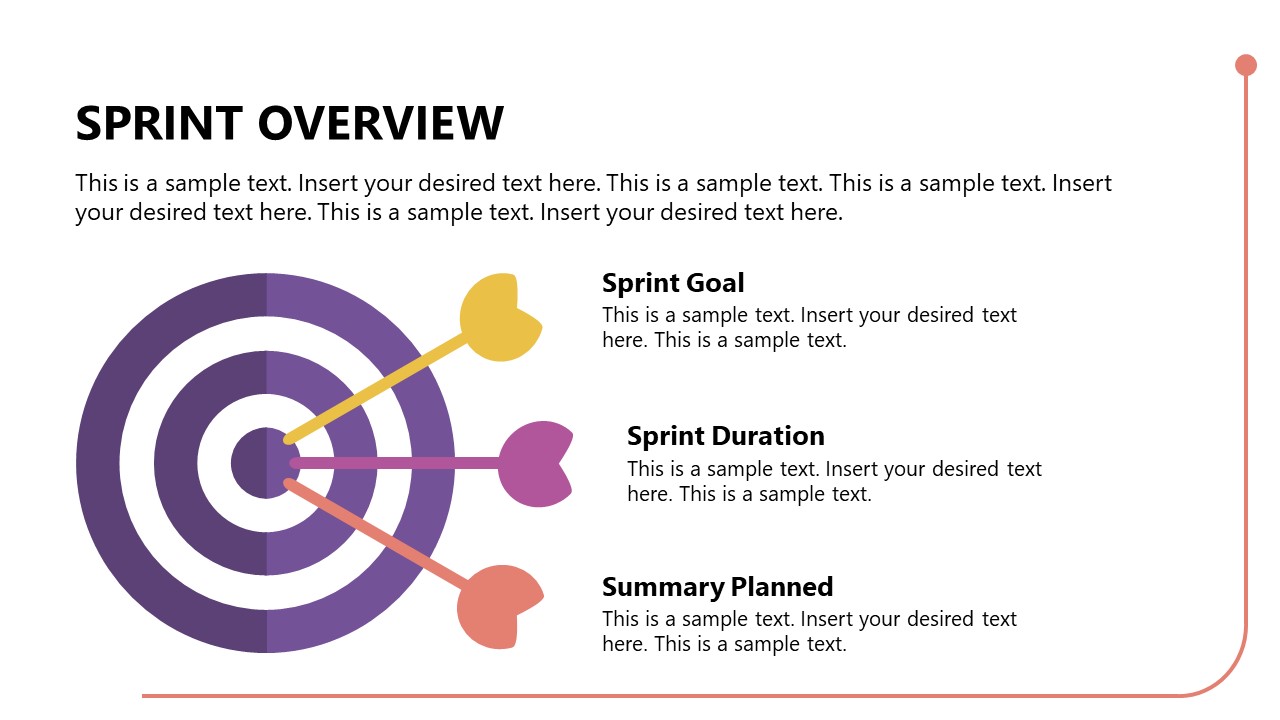
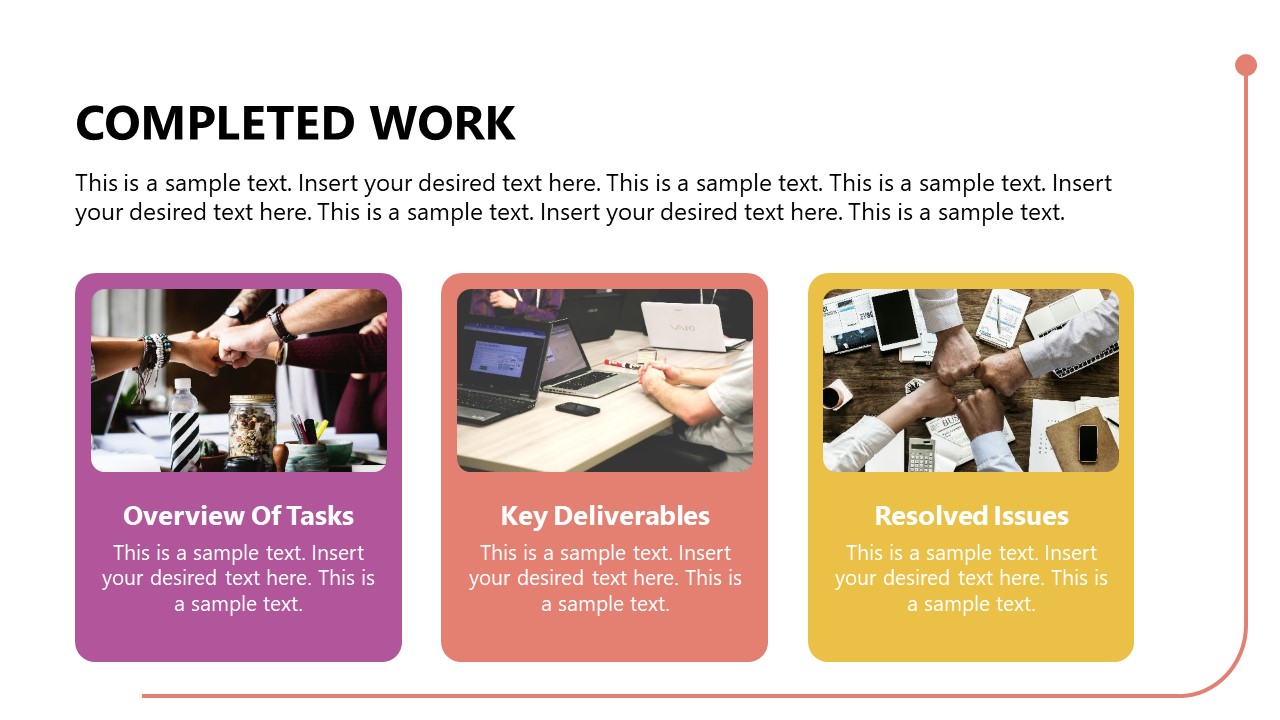
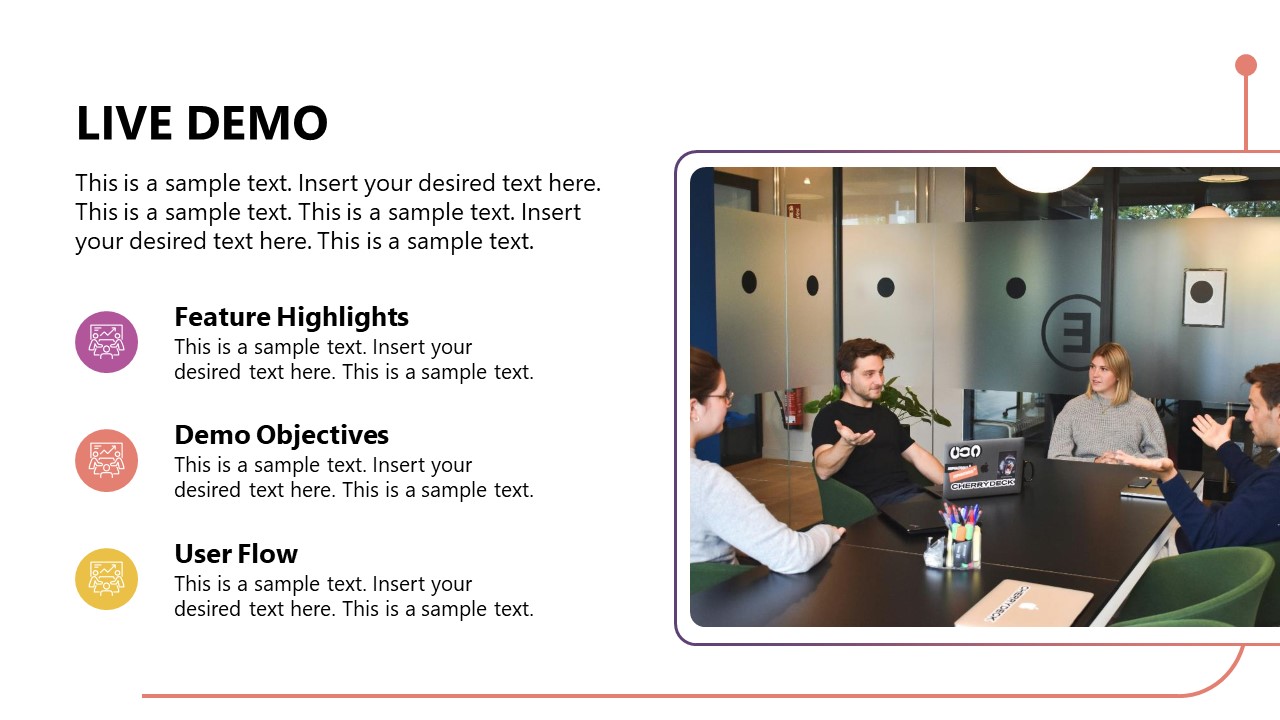
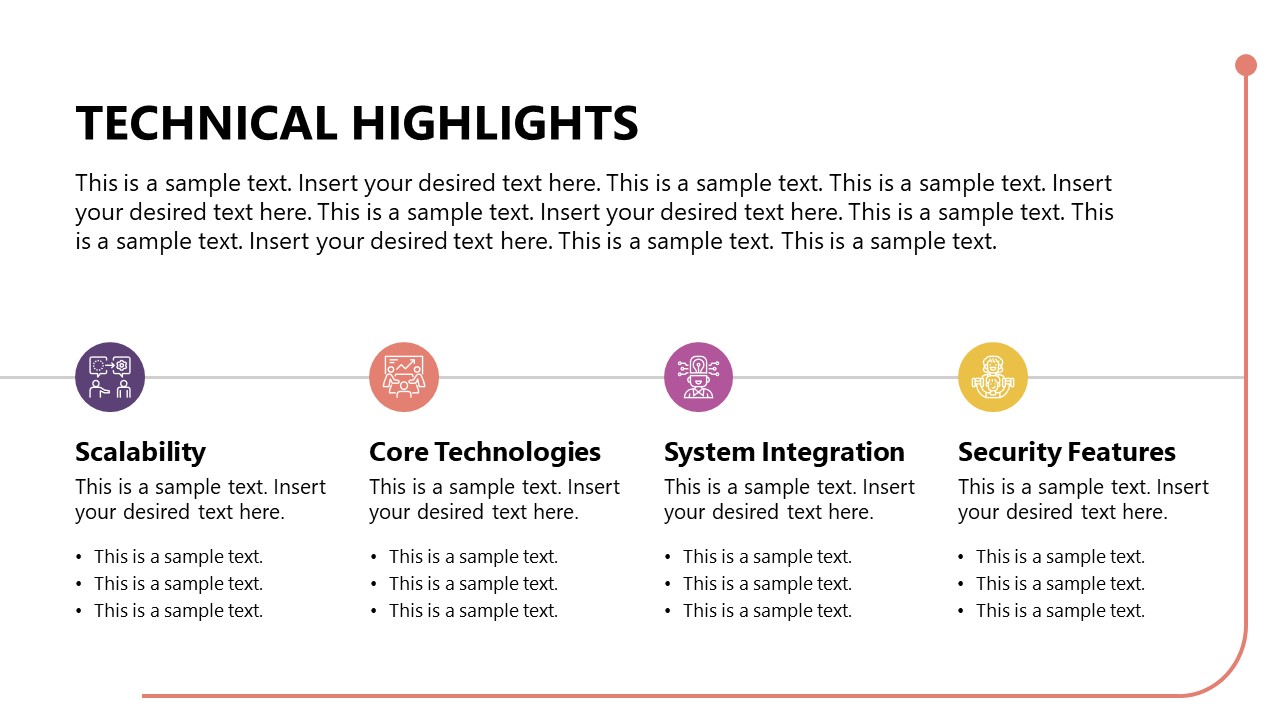
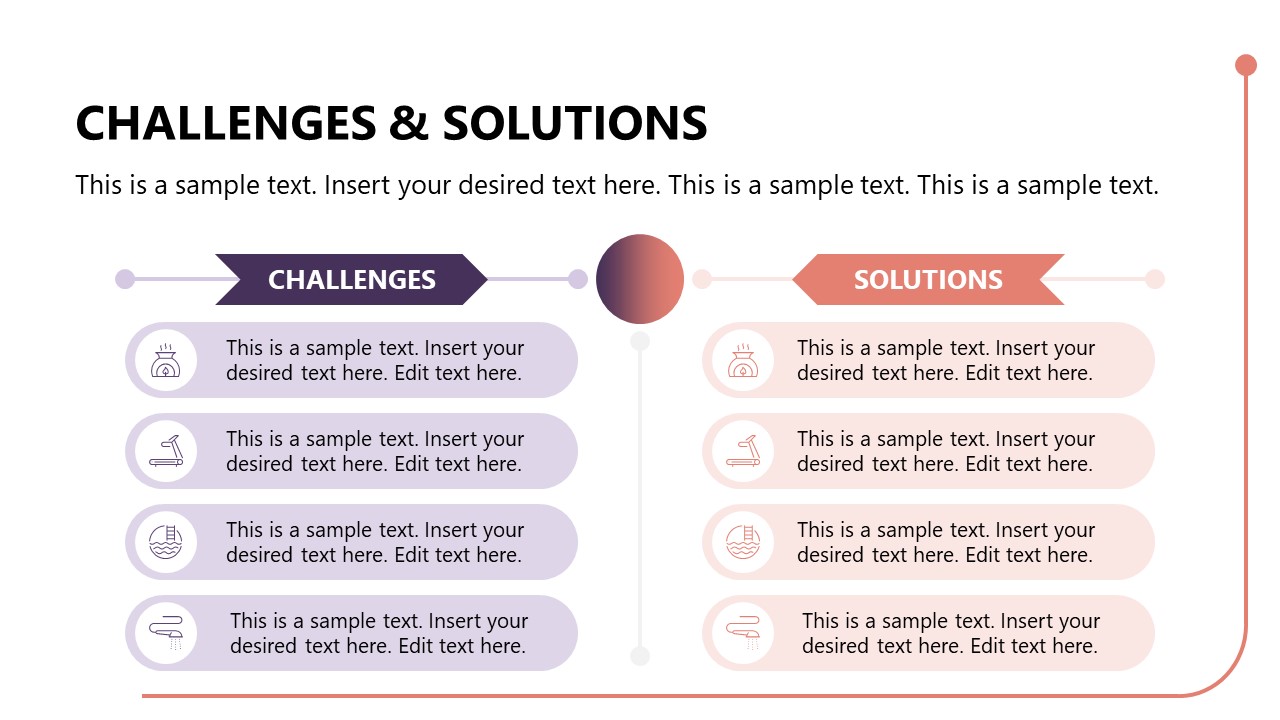
The Sprint Review PowerPoint Template has an engaging cover slide showing the presentation title with a relevant image. The PPT layout has a purple-white color scheme that is professional and creative. Next is a sprint overview slide containing an archery target diagram. Professionals can display the sprint goals, objectives, duration, and summary overview in this slide. The following slide has three editable text sections to showcase the overview of the tasks, key deliverables, and resolved tasks. Live demo slides enable product managers to present a video showing product highlights. Further, we have provided infographics to showcase the technical highlights. Two tables in the challenges and solutions slide mention the key points in an ordered format. Presenters can discuss the project KPIs using various data visualizations. In addition, we have slides for:
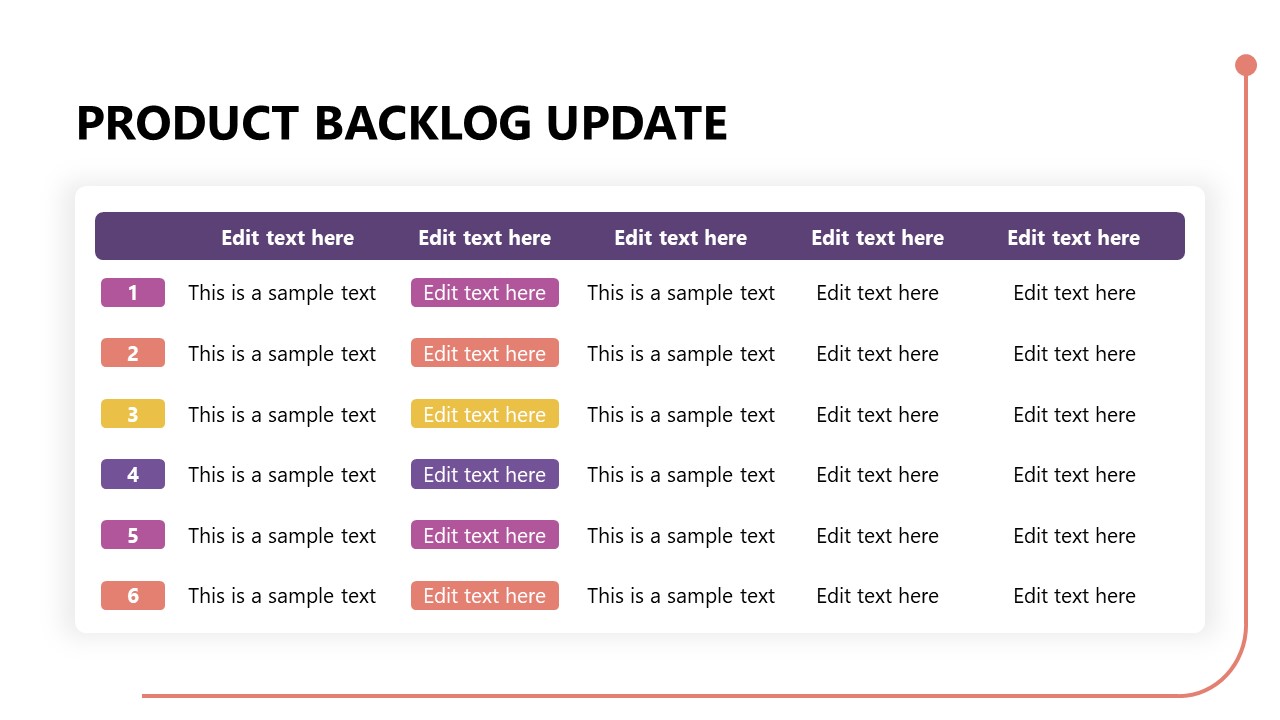
- Product Backlog Update
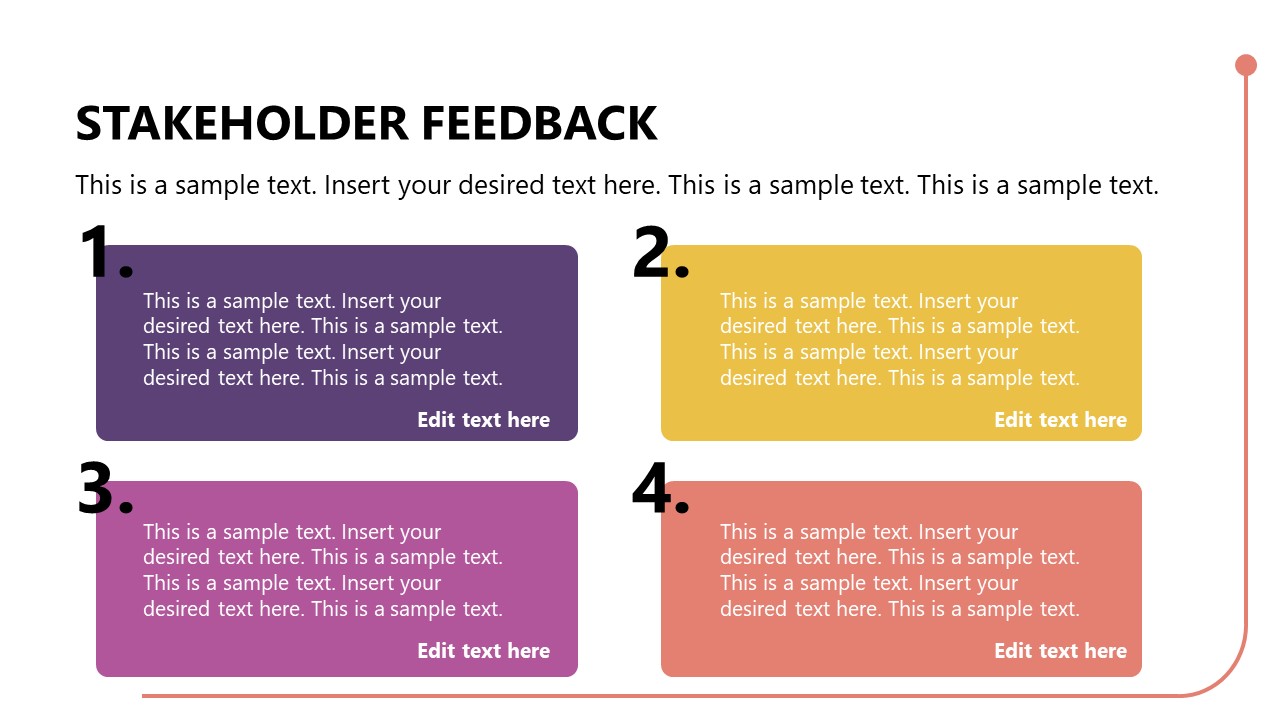
- Stakeholder Feedback
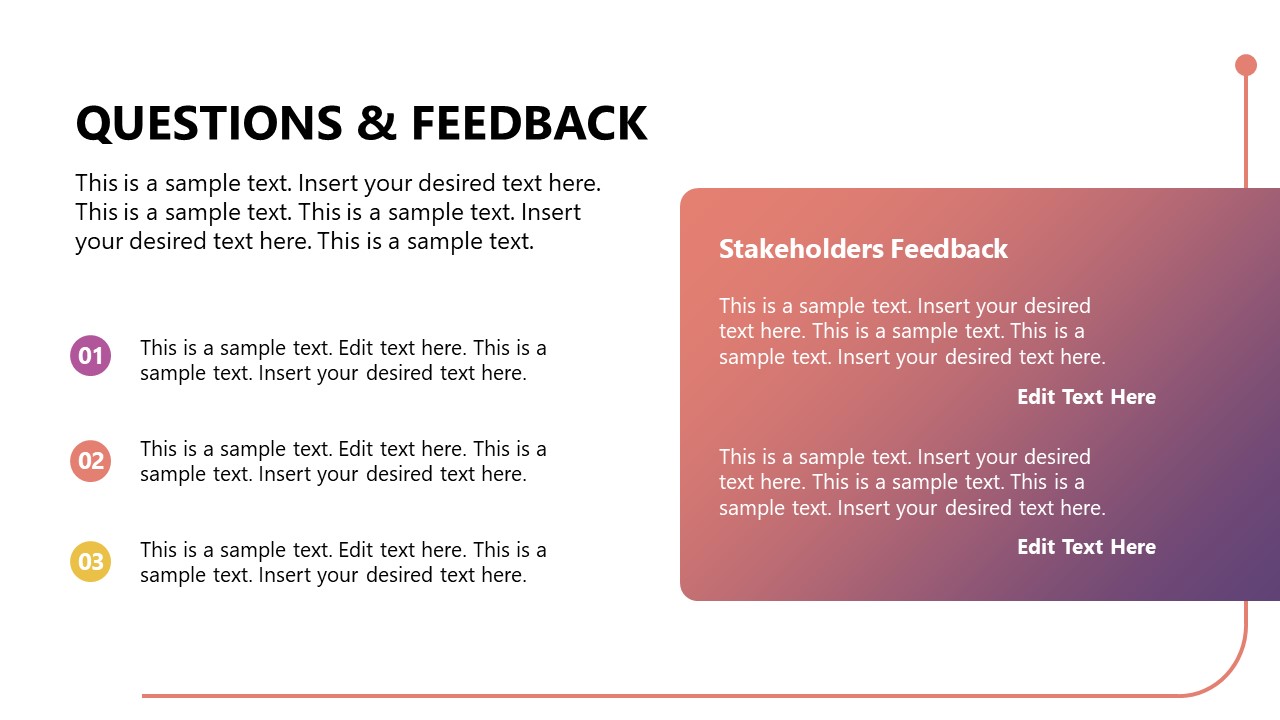
- Questions & Answers
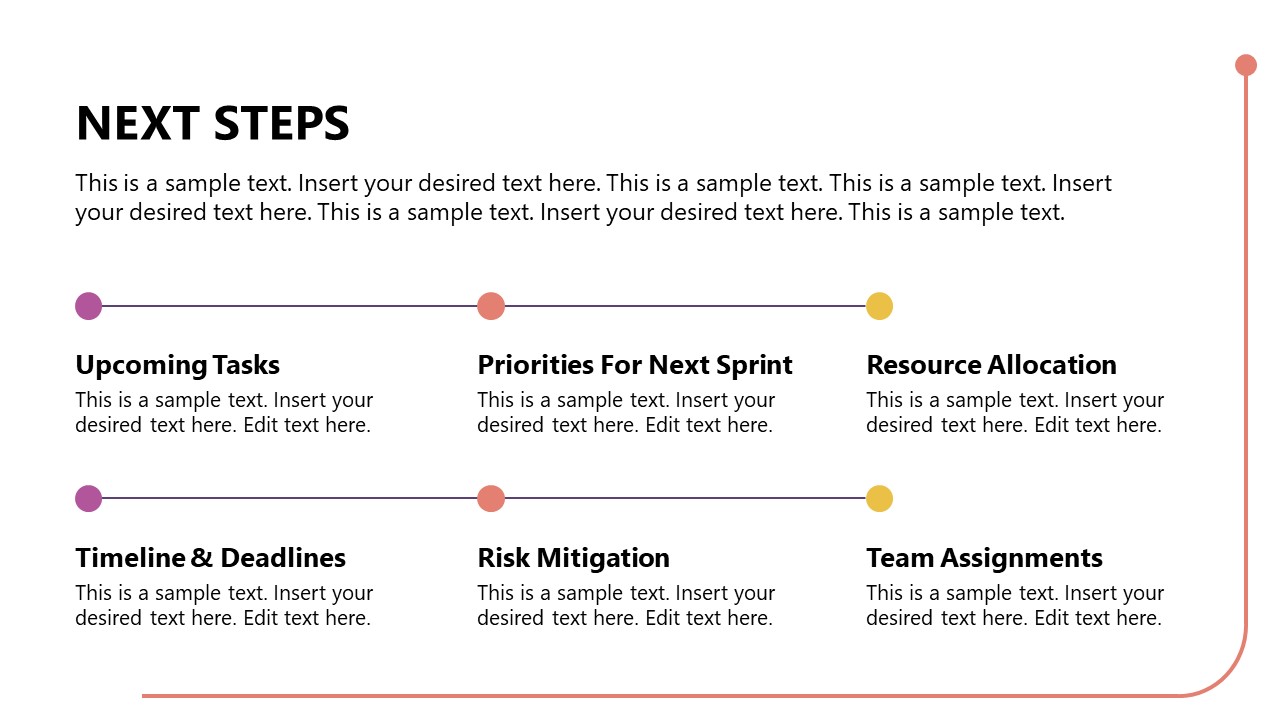
- Next Steps
Presenters can change the colors, shapes, icons, and diagrams used in the template based on their preferences. They can also repurpose the template to present project overview details. Download our sprint review template for presentation and update your board leaders about the project today! Alternatively, check our collection of animated PPT templates and agile presentations.
What’s inside this template
Example presentation scenarios
- A scrum master can present the sprint goal, duration, completed work cards, and challenges and solutions lanes to align product owners and delivery teams before planning the next sprint.
- A product manager can use the live demo slide, technical highlights columns, and stakeholder feedback cards to show what changed in the product and capture reactions from business stakeholders.
- A project manager can report delivery health with the product backlog update table, next steps timeline, and key metrics dashboard during a steering committee or PMO update.
- An agile delivery lead can prepare executives for decision-making by summarizing resolved issues, open risks, resource allocation, and team assignments in a concise sprint review format.
Features
- 100% editable presentation template
- Compatible with Microsoft PowerPoint and Google Slides
- 16:9 aspect ratio slides
- Scalable vector shapes, icons and illustrations
- Ready with Animations & Transitions in PowerPoint
- AI-Ready for Microsoft Copilot and Claude
- Instant access and download
Frequently asked questions
Q: How should a presenter structure the sprint review message with this deck?
A: Start with the sprint overview target diagram to anchor the goal, duration, and planned scope. Then move to completed work, live demo, and technical highlights to prove progress. Use challenges and solutions before metrics so the audience understands context behind the numbers. Close with backlog updates, next steps, and Q&A.
Q: Who is the best audience for this sprint review format?
A: This template fits product managers, scrum masters, and project leads presenting to stakeholders who need a clear end-of-sprint status. It is strongest when the audience expects both delivery evidence and follow-up decisions, because it includes completed work cards, a backlog table, KPI dashboard, feedback prompts, and next steps.
Q: Why do the target, cards, lanes, and dashboard help explain sprint progress?
A: The target diagram makes the sprint goal visible before details appear, which gives the review a clear center point. Cards separate delivered work into digestible categories, while the challenge-solution lanes make tradeoffs easy to compare. The KPI dashboard then shifts the conversation from activity to measurable outcomes.




Sprint Review PowerPoint Template
12-slide sprint review presentation template with backlog, KPI metrics, and feedback layouts for agile teams
This 12-slide sprint review presentation template helps agile teams report sprint outcomes in Microsoft PowerPoint and Google Slides. Visible layouts include a sprint overview target diagram, completed work cards, challenges and solutions lanes, a product backlog table, next steps timeline, KPI dashboard, and Q&A closing slide.
- Category
- Business PowerPoint Templates
- Rating

 Loading...
- Aspect ratio
- 16:9
- Item ID
- 77127-02
- Colors
 Microsoft PowerPoint
 Microsoft Copilot
 Claude for PowerPoint
Other formats supported
Subscribe today and get immediate
access to download our PowerPoint templates.