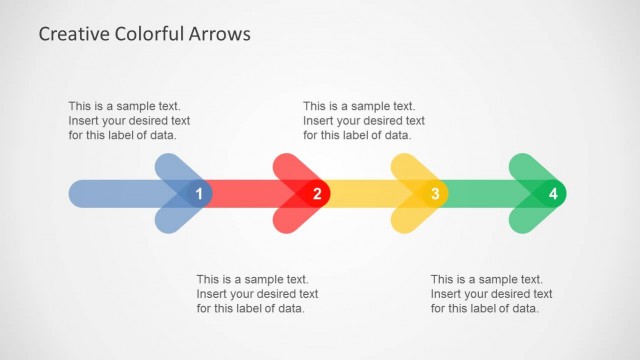
Slide 3 of 4 from 5 Colorful Arrows Template for PowerPoint
6183-01-color-arrows-3
Five-Step Process Diagram for Presentations
- Diagram
- Arrow Sequence
- Process Slide
- 16:9
- 100% Editable
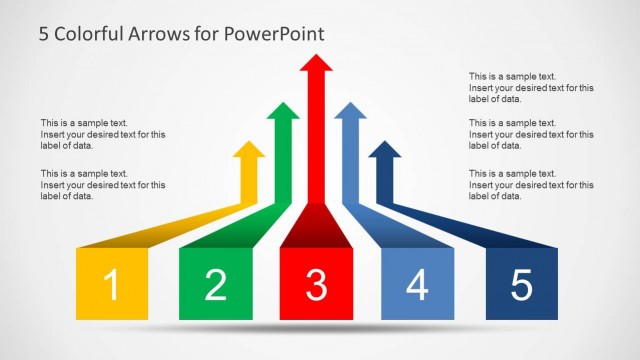
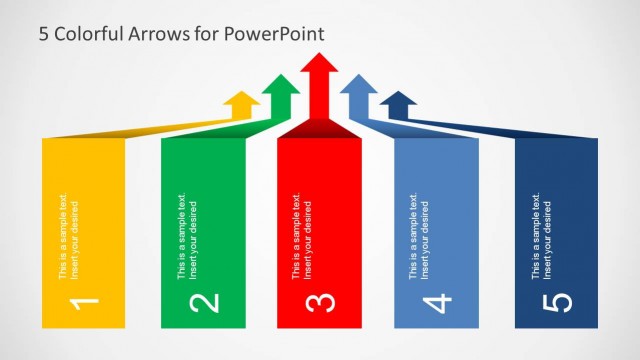
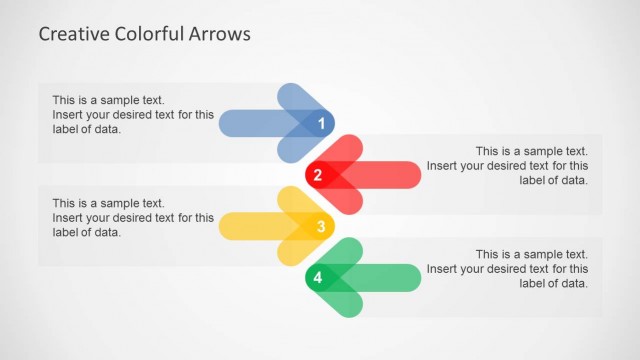
The Five-Step Process with Arrows slide from the 5 Colorful Arrows Template for PowerPoint offers a clear visual layout for illustrating sequential workflows or project phases. This slide template uses five distinct colored arrows with editable shapes to represent each step, making it suitable for business presentations and corporate slide decks that require an organized depiction of decision-making processes or feature overviews.
What’s on This Slide
The layout features five horizontal arrows arranged in a row, each pointing to the right. The arrows are colored differently: yellow, green, red, blue, and dark blue. Each arrow has a corresponding text placeholder positioned above it, aligned to the left. The text placeholders are designed to accommodate labels and descriptions. The background is a light gradient, enhancing the visibility of the arrows. The visual hierarchy emphasizes the arrows as the main elements, with the title positioned at the top center of the slide.
How to Use It
This layout serves as a five-step process diagram, ideal for illustrating sequential workflows or stages. It fits well in presentations discussing project phases, decision-making processes, or product features. This slide can be used after an introductory slide to provide clarity on steps involved in a particular process. It is suitable for business meetings, educational settings, or any scenario requiring a clear visual representation of sequential information.
Text Placeholders & Capacity
Keep your copy within these limits so it fits without resizing. Node body slots can hold roughly 15-20 words each.
| Placeholder | Count | Max characters (approx.) |
|---|---|---|
| Item heading | 5 | 40 |
| Item body | 5 | 100 |
| Slide title | 1 | 50 |