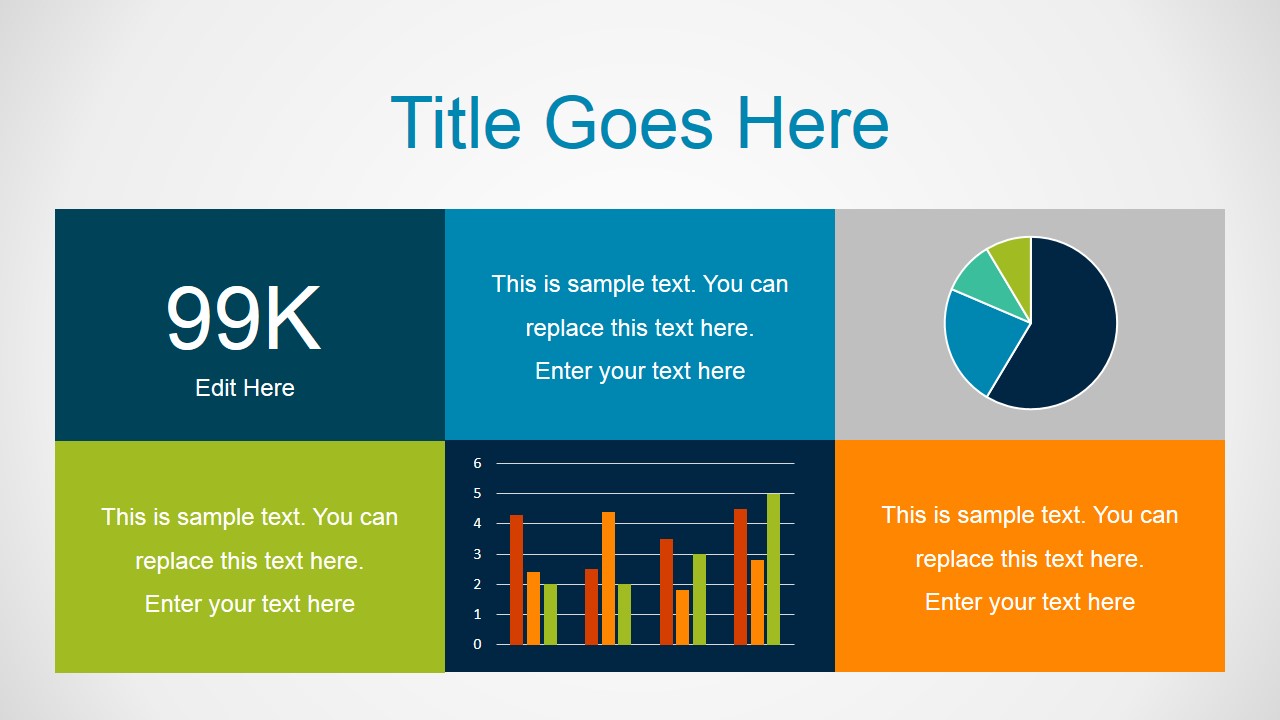
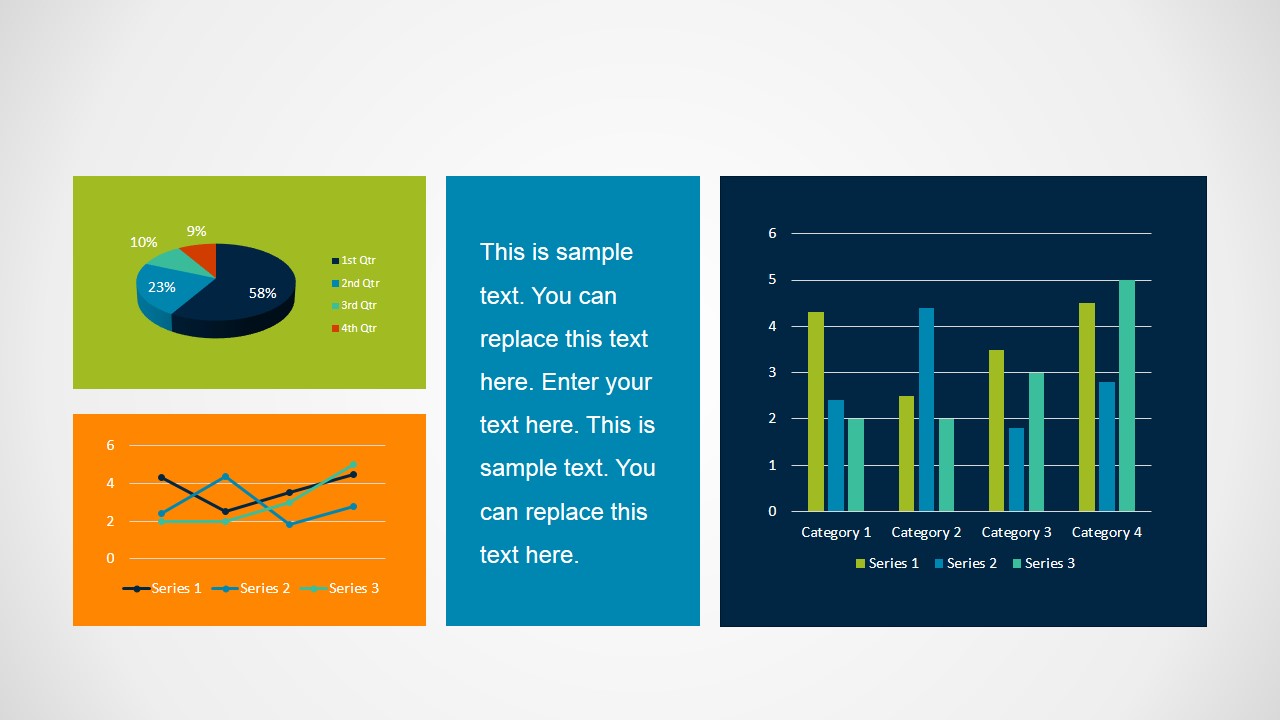
Superbolt PowerPoint Template is a presentation template for Microsoft Office with creative layout designs and business diagrams that you can use to present a business topic in PowerPoint. This presentation template for PowerPoint contains several business diagrams such as timelines, multi-step diagrams, data-driven charts and dashboard layouts that you can easily customize with your own content and data.
What’s inside this template
Example presentation scenarios
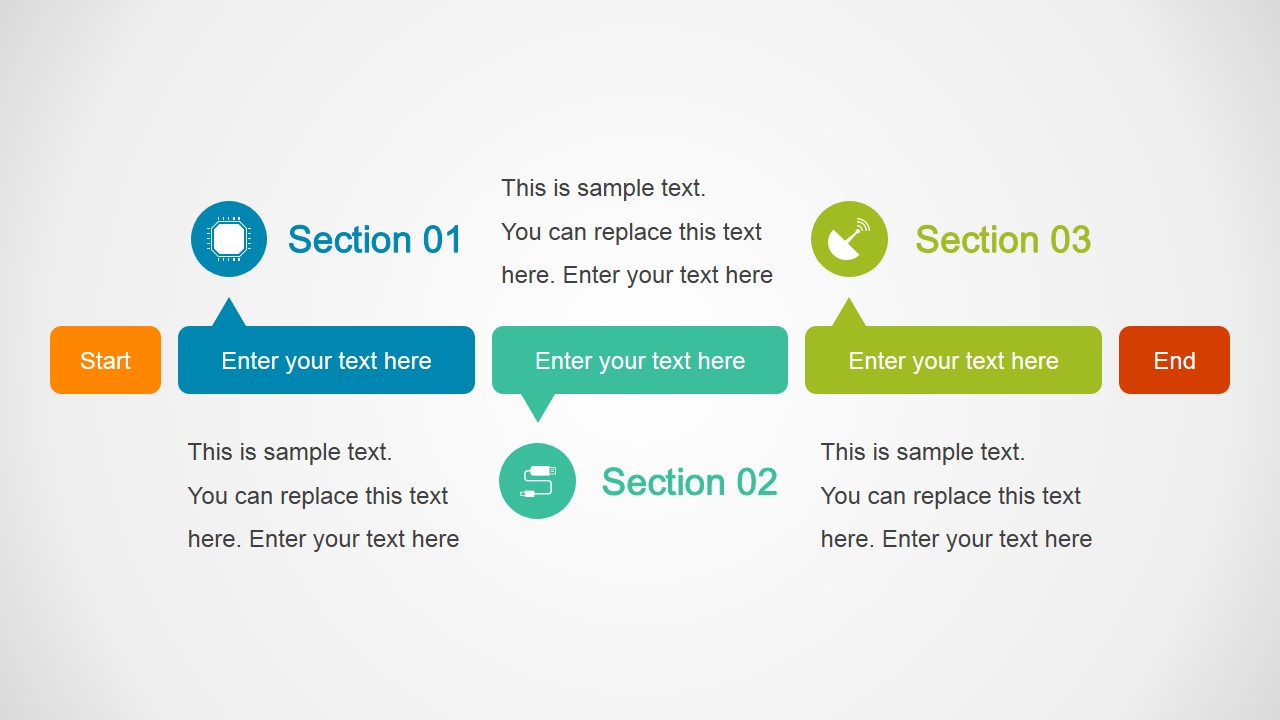
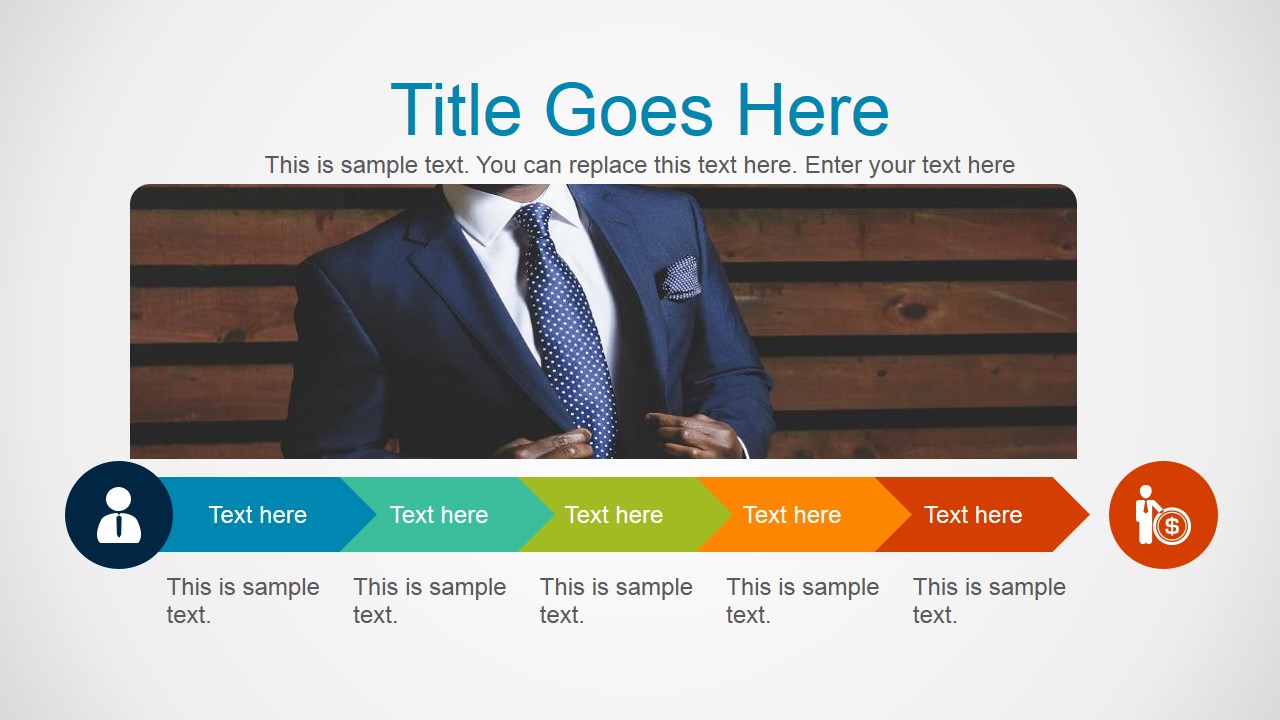
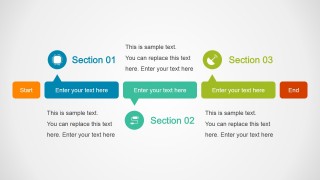
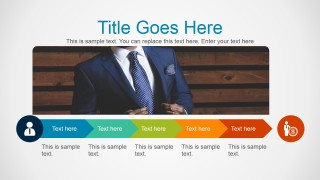
- A project manager can use the horizontal process timeline to explain current milestones, section owners, and start-to-end progress during a stakeholder update.
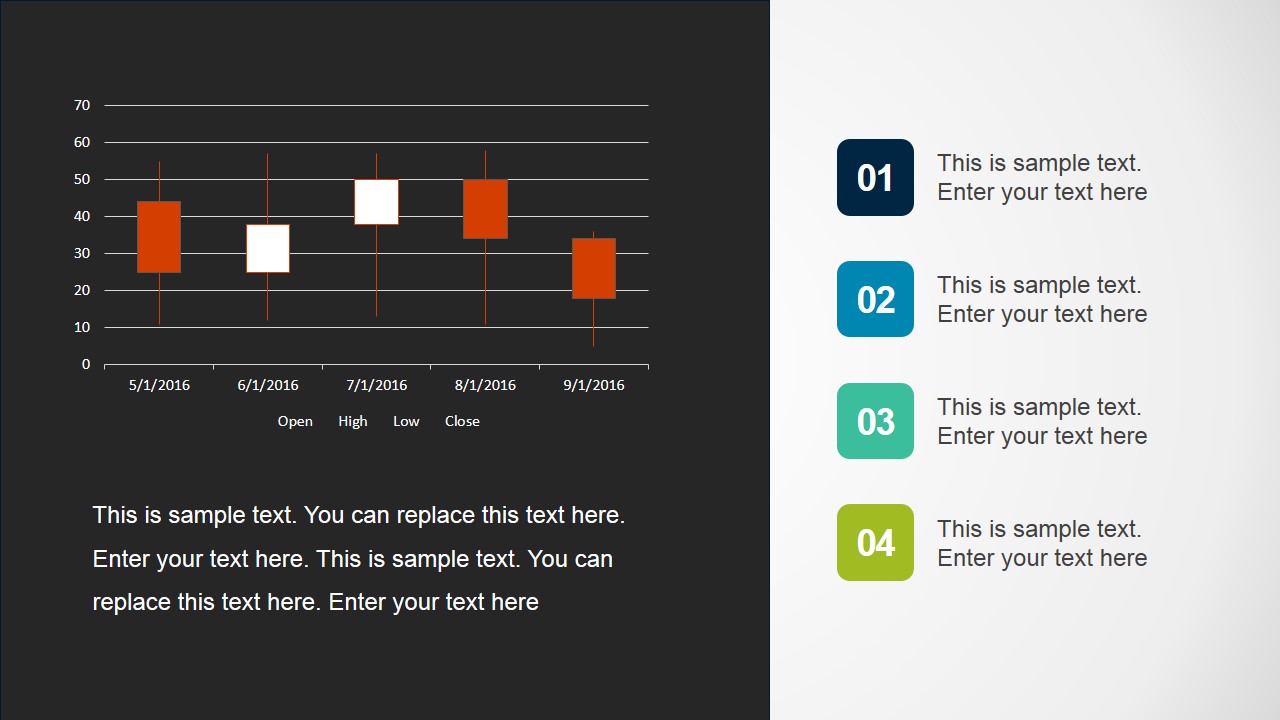
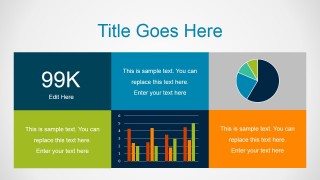
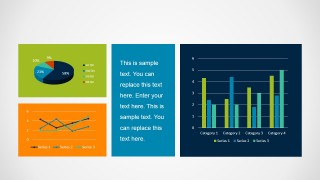
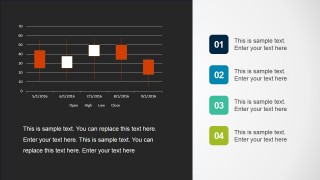
- A business analyst can use the KPI dashboard and chart report slides to present performance indicators, category trends, and supporting commentary in one short review.
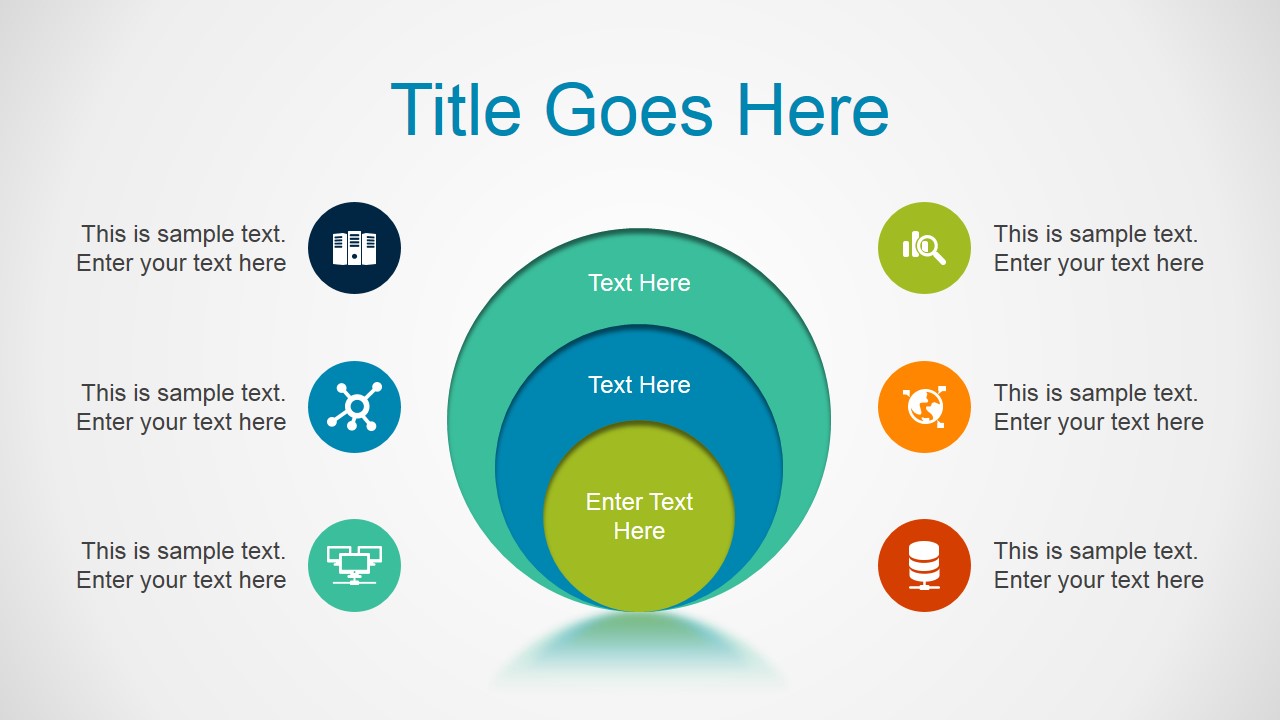
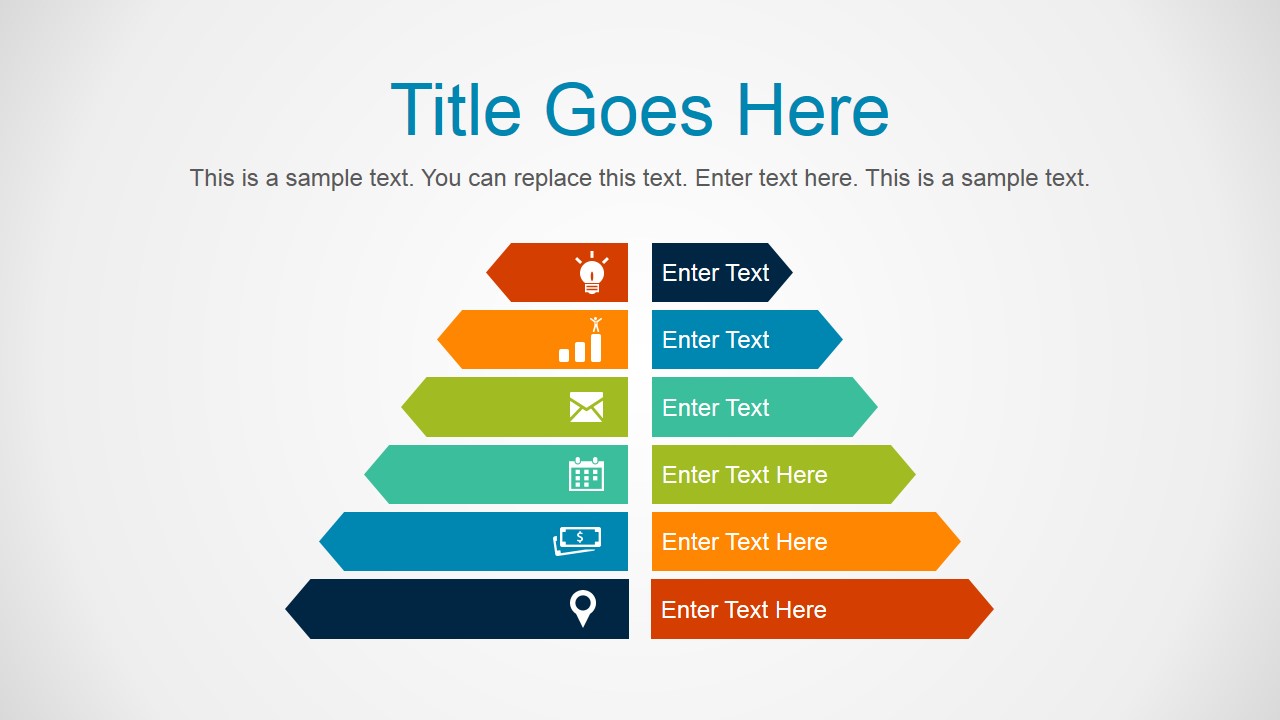
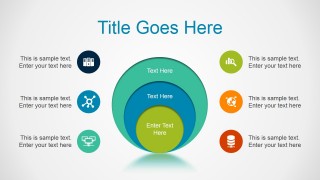
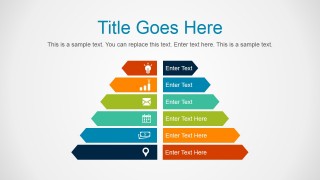
- A consultant can use the concentric circle diagram and ribbon funnel to explain how priorities, audiences, or service layers connect in a client briefing.
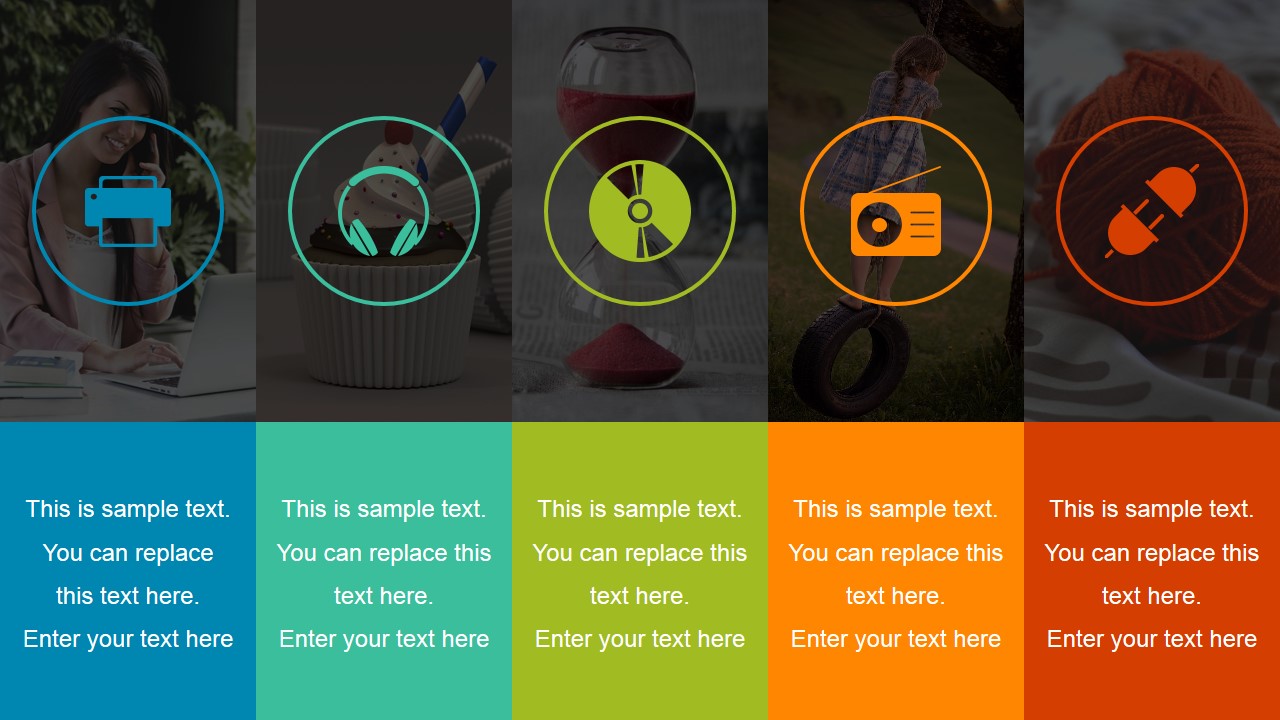
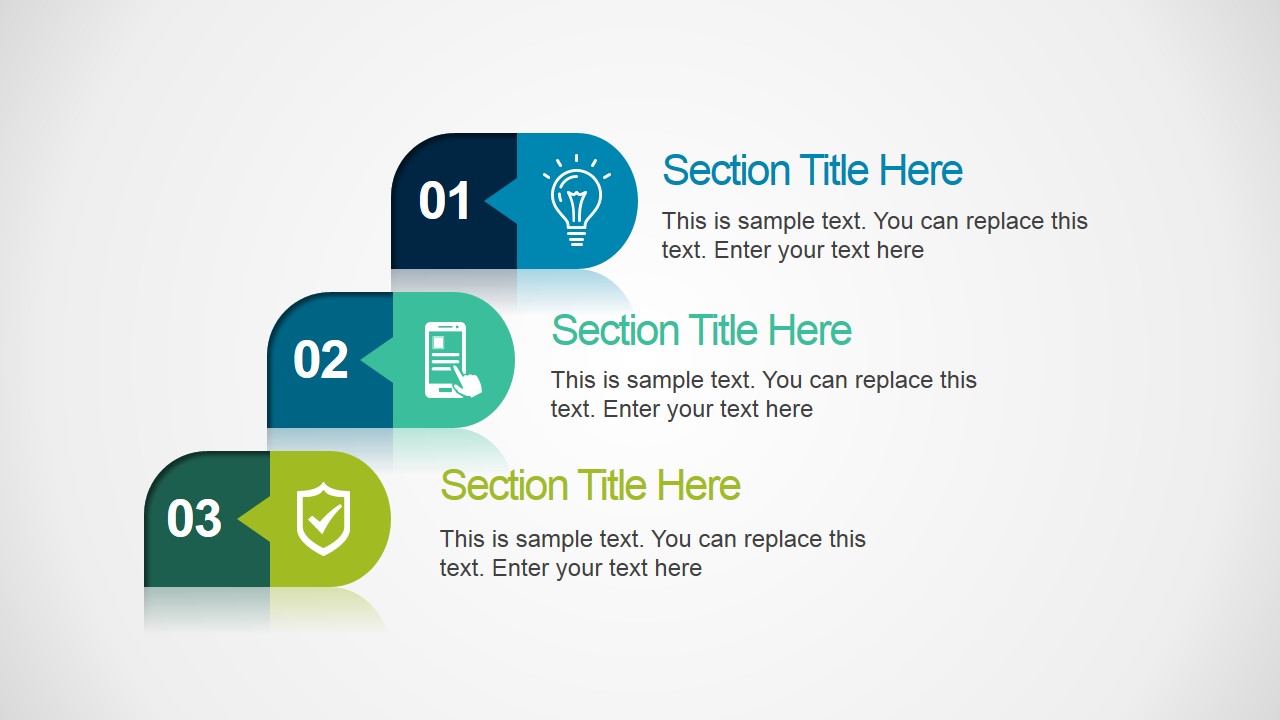
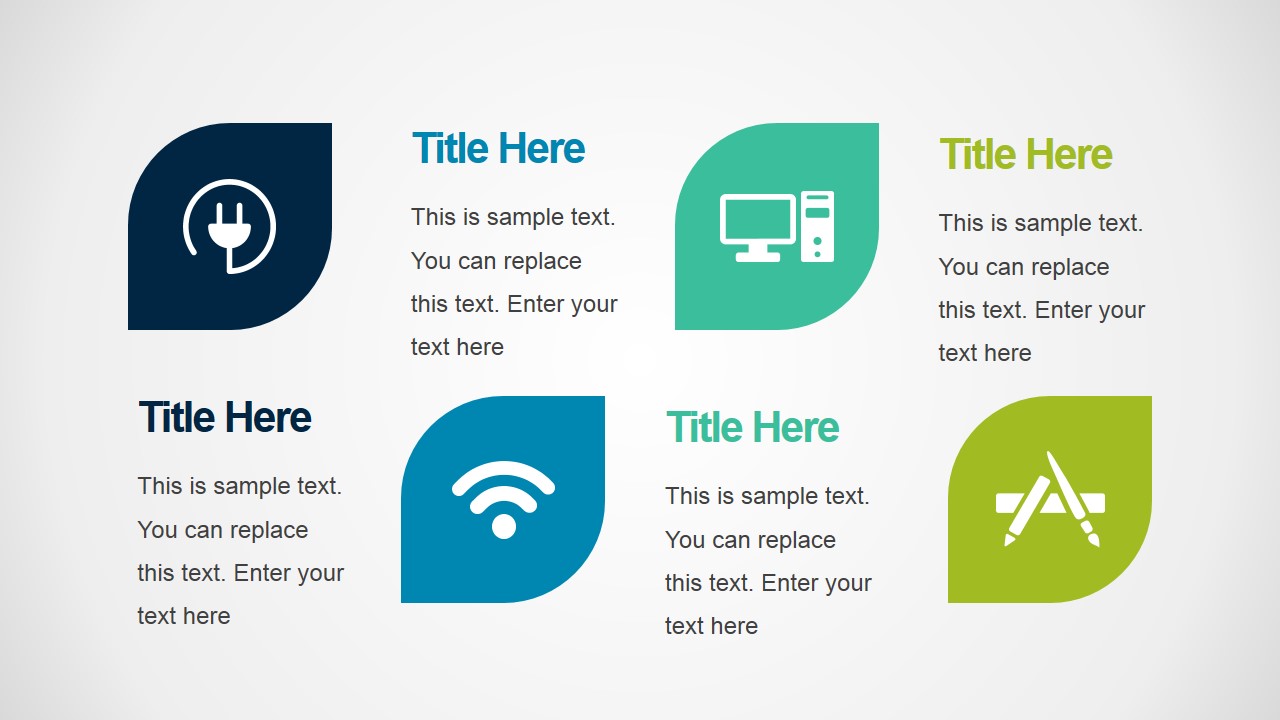
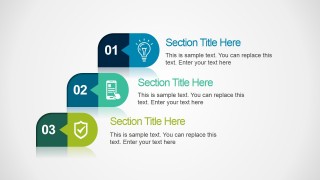
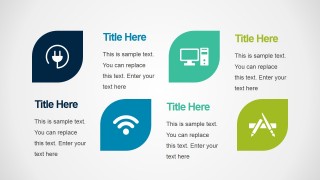
- A department lead can use the icon card and three-step section slides to summarize office capabilities, digital tools, or operational focus areas for an internal meeting.
Features
- 100% editable presentation template
- Compatible with Microsoft PowerPoint and Google Slides
- 16:9 aspect ratio slides
- Scalable vector shapes, icons and illustrations
- AI-Ready for Microsoft Copilot and Claude
- Instant access and download
Frequently asked questions
Q: How should a presenter build a clear business update with this template?
A: Start with the photo cover to frame the topic, then move to one organizing diagram such as the concentric circles or ribbon funnel before showing dashboard evidence. Keep each colored segment tied to one idea. Use the timeline slide only for sequence or ownership, not as a catch-all agenda.
Q: Who is this template best suited for?
A: This template fits managers, consultants, analysts, and service teams who need to explain a business topic quickly with visual structure. It is strongest for operational updates, office process briefings, and service overviews where the message combines steps, categories, and performance indicators rather than a long narrative pitch.
Q: Why do the colored ribbons, circles, and icon blocks help the message?
A: The repeated color coding gives the audience a way to track categories across different layouts. Circles work well for relationships and overlap, ribbons suggest order or filtering, and icon cards make abstract office or technology topics easier to scan. This visual variety keeps the deck organized without relying on dense paragraphs.
Superbolt PowerPoint Template
10-slide PowerPoint and Google Slides presentation template for business timelines, dashboards, and process diagrams
Superbolt PowerPoint Template is a 10-slide business presentation template for Microsoft PowerPoint and Google Slides. It includes a photo icon cover, concentric circle diagram, ribbon funnel, process timeline, KPI dashboard, chart panels, and section cards. Business presenters can edit text, colors, vector icons, and chart data as an Excel spreadsheet in PowerPoint.
- Category
- Template Backgrounds
- Rating


 Loading...
- Aspect ratio
- 16:9
- Item ID
- 4153-01
- Colors
 Microsoft PowerPoint
  Microsoft Copilot
  Claude for PowerPoint
 Other formats supported
Subscribe today and get immediate
access to download our PowerPoint templates.