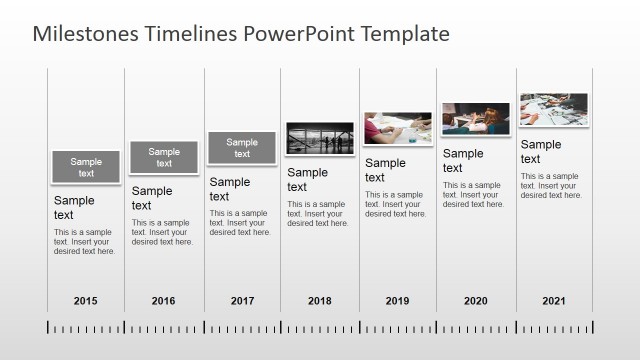
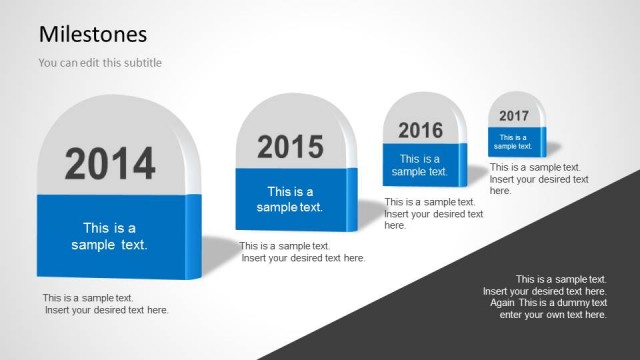
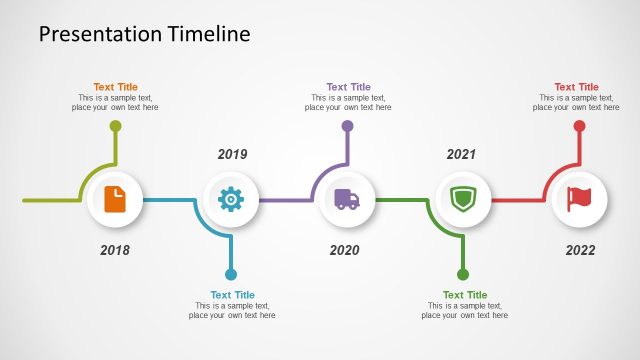
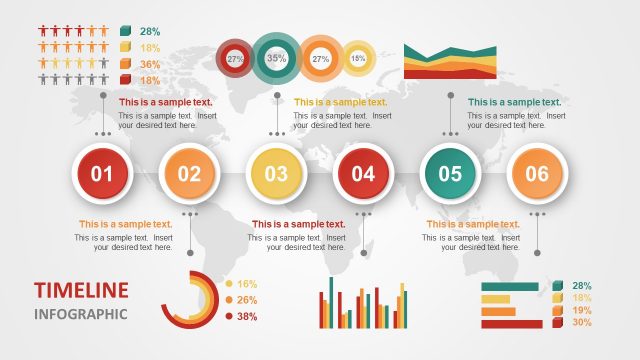
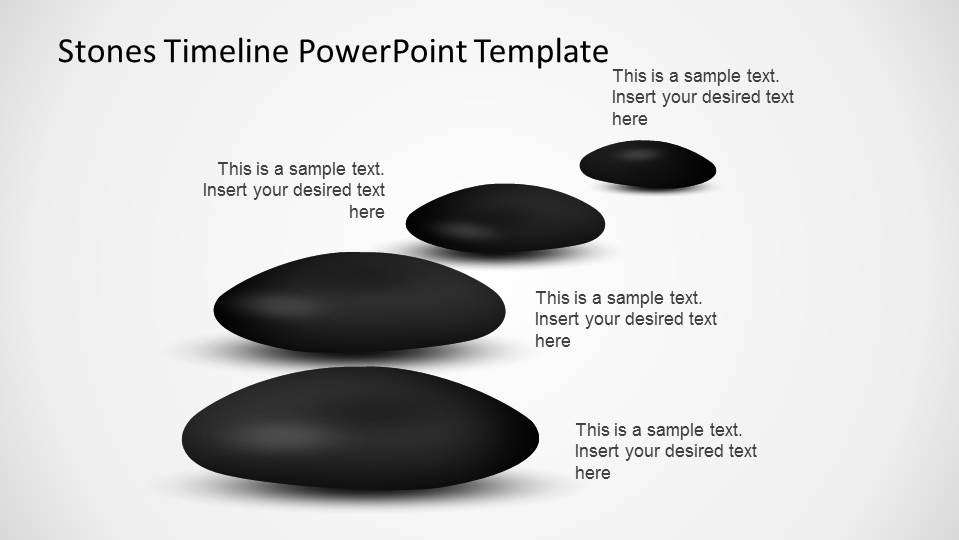
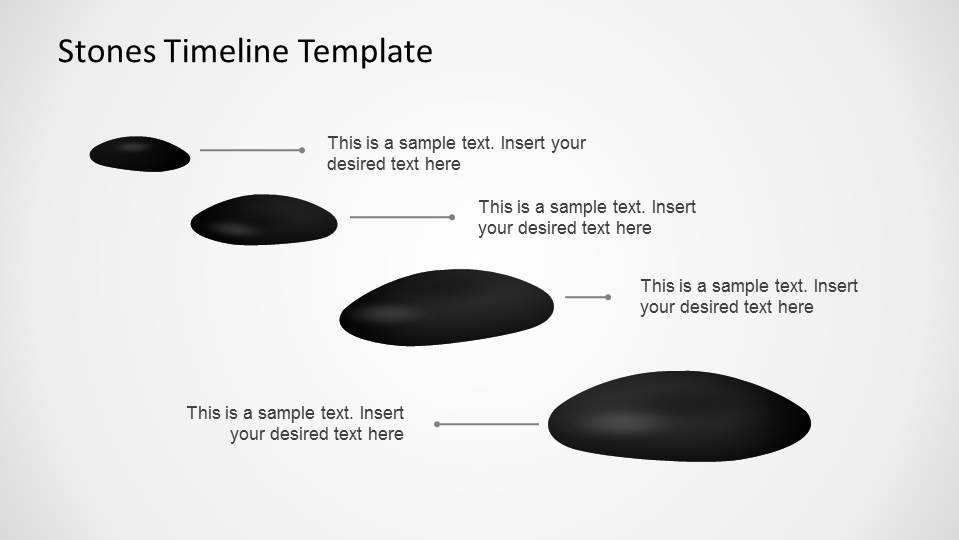
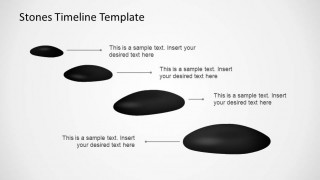
Stones Timeline PowerPoint Template is a simple and delicate presentation describing a timeline where each milestone is represented by a rolling stone. Ideal for long terms plans with annual milestones, or annual plans with quarterly reviews, this presentations can be handy and useful for every manager that needs to report a plan. Each shape is created as PowerPoint objects and can be edited as needed in all their properties allowing high flexibility. The templated is designed with a dark theme, but can be changed easily by the user to include the corporate theme or corporate colors.
Create amusing presentations for your plan reviews with this Stones Timeline PowerPoint Template or any of out Timeline & Planning Templated from our catalog.
What’s inside this template
Example presentation scenarios
- A project manager can use the rolling stone milestone path to show how a long-term initiative moves from early steps to later deliverables during a steering meeting.
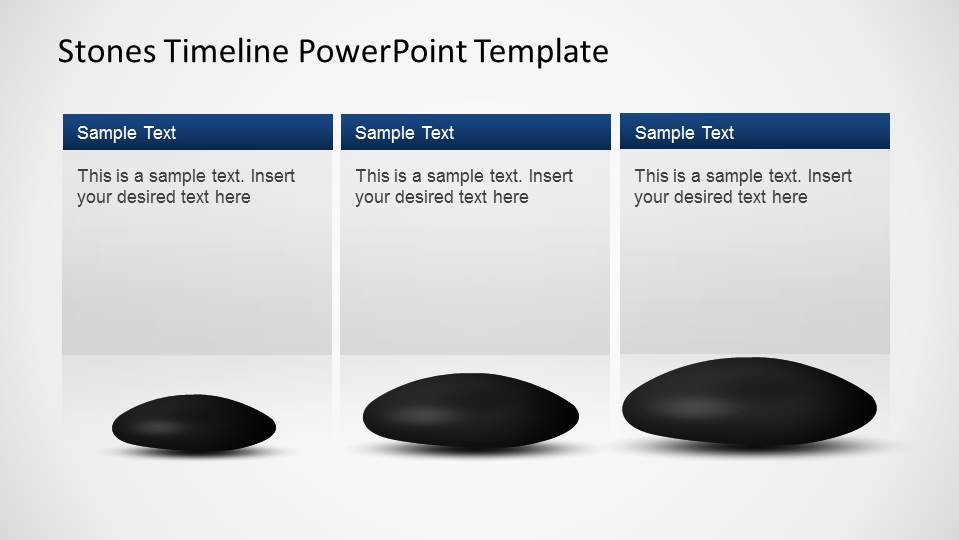
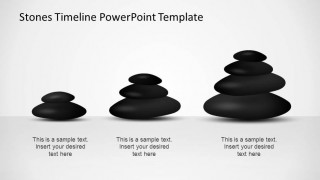
- An operations leader can use the three-column milestone panels to compare quarterly objectives, risks, and actions in an annual planning review.
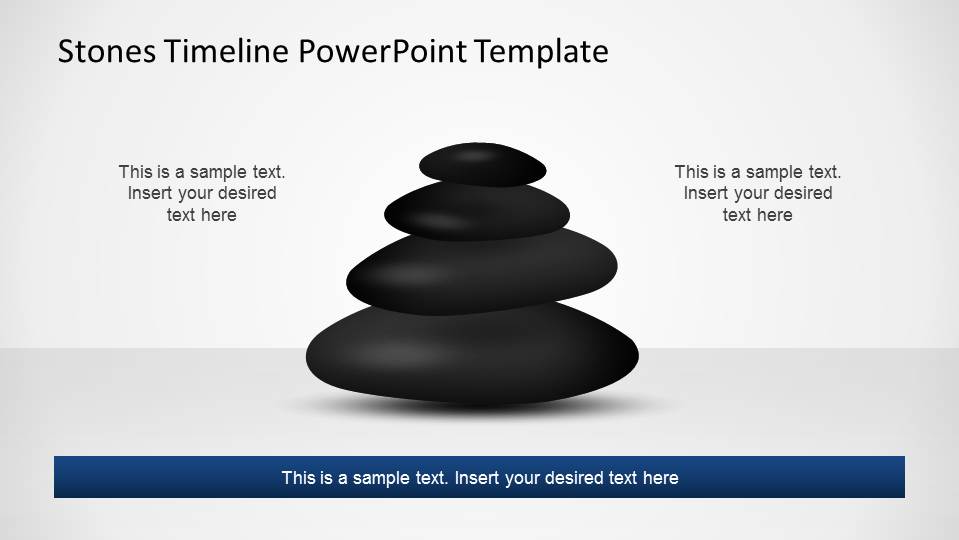
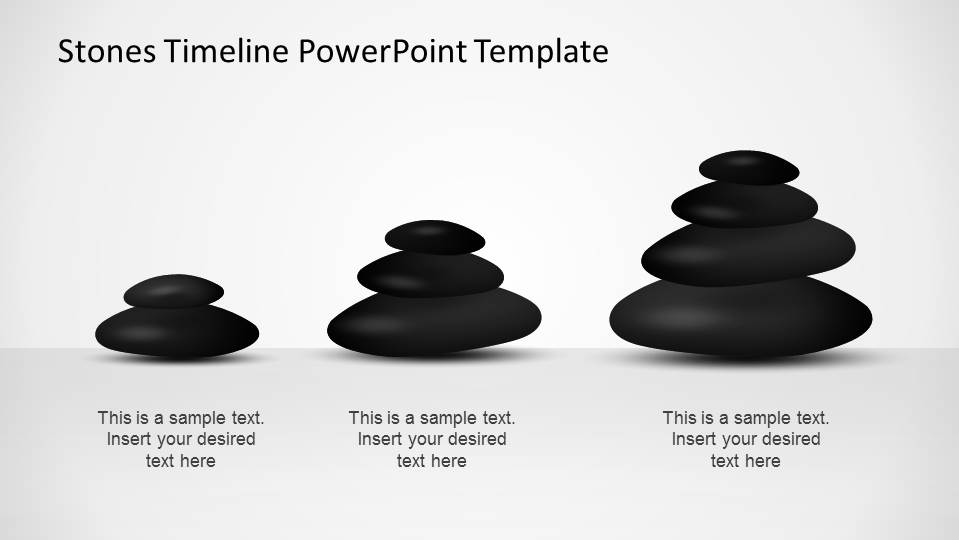
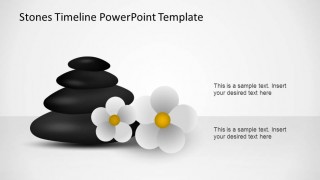
- A program director can use the stacked stone progression layout to explain maturity, priority, or progress across three phases of a roadmap.
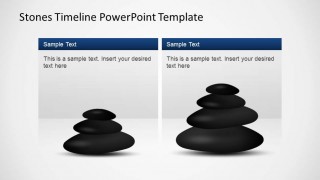
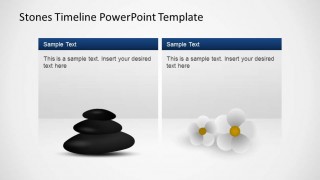
- A finance or planning manager can use the two-column comparison panels to discuss budget planning options and the tradeoffs between two planning tracks.
Features
- 100% editable presentation template
- Compatible with Microsoft PowerPoint and Google Slides
- 16:9 aspect ratio slides
- Scalable vector shapes, icons and illustrations
- AI-Ready for Microsoft Copilot and Claude
- Instant access and download
Frequently asked questions
Q: How should a presenter turn the rolling stones into a clear planning message?
A: Treat each stone as one decision point or milestone, not as decoration. Start with the largest timeline view, then move into column panels for detail and callout slides for discussion. Keep each label short, state the time period or outcome first, and use the stacked stone slides to show how completed work supports the next phase.
Q: What planning situations fit this template best?
A: This template fits planning conversations where progress, balance, and staged commitment matter more than dense data. It works well for project managers, operations leaders, and planners presenting annual milestones, quarterly review points, or steering committee updates. The three-step progression and two-column comparison layouts help audiences see priorities without reading a full project plan.
Q: Why does the stone metaphor help a timeline presentation?
A: Stones imply weight, balance, and forward movement, which makes them useful for milestone communication. The growing stone sizes suggest increasing importance or accumulated progress, while stacked stones suggest stability and dependencies. This metaphor gives a calm visual structure to planning topics that can otherwise feel abstract, especially in review meetings with mixed audiences.



Stones Timeline PowerPoint Template
9-slide timeline presentation template with rolling stone milestones for annual planning and quarterly review
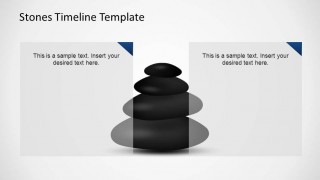
The Stones Timeline PowerPoint Template is a 9-slide presentation template for planning reviews built around black rolling-stone milestone visuals. It includes a stepped timeline path, stacked stone centerpiece, three-column milestone panels, two-column comparison panels, and callout layouts. It is intended for managers presenting annual plans, quarterly updates, and project milestones in Microsoft PowerPoint or Google Slides.
- Category
- Timelines & Planning
- Rating


 Loading...
- Aspect ratio
- 16:9
- Item ID
- 6498-01
- Colors
 Microsoft PowerPoint
  Microsoft Copilot
  Claude for PowerPoint
 Other formats supported
Subscribe today and get immediate
access to download our PowerPoint templates.