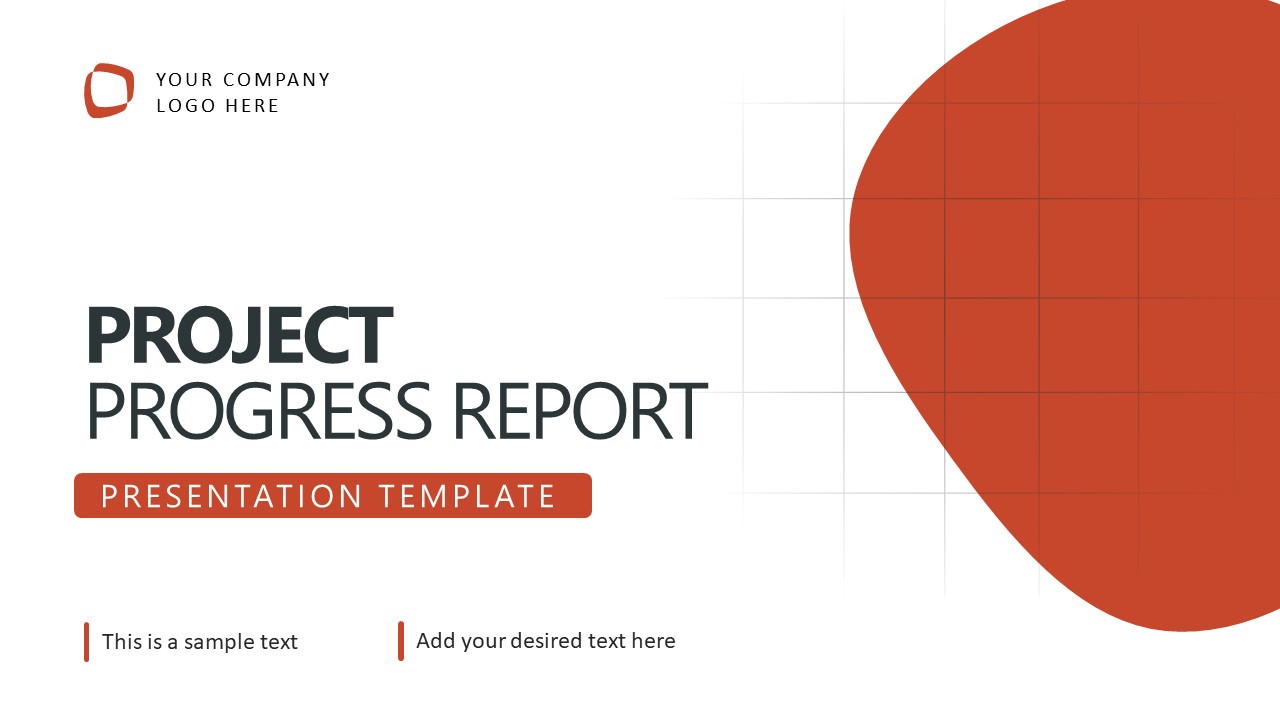
Project Progress Report PowerPoint Template
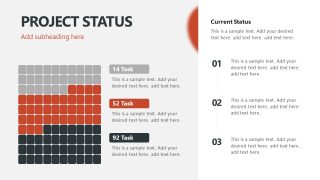
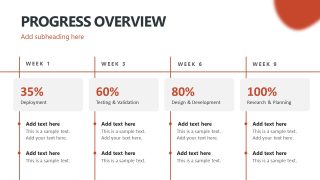
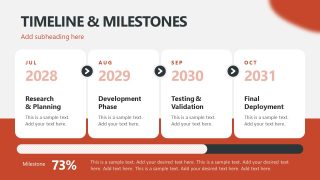
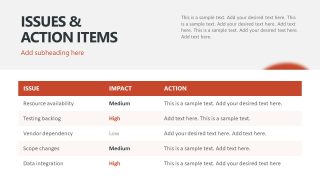
Present a project delivery review to stakeholders to show whether planned work is meeting expectations using the Project Progress Report PowerPoint Template. This template gives project leads a visual basis for discussing delivery performance, schedule changes, and outstanding concerns. Its weekly completion figures show how work has advanced, while the milestone timeline puts progress against longer-term delivery dates. For a software implementation review, a delivery manager uses this progress report template to highlight incomplete testing and explain its implications for the planned deployment. In a multi-year research program, a program coordinator edits the progress report PPT template to present milestone completion to a funding committee and flag issues that require intervention. A consulting team reporting to a client uses the weekly figures to explain delivery performance and the action table to discuss outstanding commitments.
The Project Progress Report PowerPoint Template includes the following slides:
- Project Status
- Section Divider Slides
- Progress Overview
- Timeline & Milestones
- Issues & Action Items
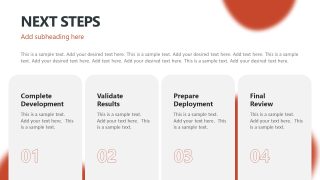
- Next Steps
An operations director overseeing a process improvement initiative could edit the timeline slide to explain how current progress relates to the wider rollout schedule. During a capital investment review, a finance manager could also use the timeline to report project milestones against planned delivery years. The issues & action items table would help communicate delays affecting expenditure or implementation commitments, giving executives specific concerns to consider before approving the next stage. The template has an orange-red appearance with an editable graphical arrangement. Update the dated milestone labels to communicate a different project schedule, and replace the weekly figures with actual completion data. Download the project progress report PPT template for executive project updates, delivery reviews, and milestone reporting presentations.




You must be logged in to download this file.
DOWNLOAD- Category
- Multi-purpose
- Rating

 Loading...
- Size
- 16x9
- Item ID
- 94305-01
- Colors
Subscribe today and get immediate
access to download our PowerPoint templates.