Slide 7 of 7 from Spiral Strategy Diagram for PowerPoint
Spiral Strategy Diagram for PowerPoint 2016 Year
Spiral Strategy Diagram for PowerPoint
- Diagram
- Timeline Horizontal
- Timeline Slide
- 16:9
- 100% Editable
The Spiral Strategy Diagram slide from the Spiral Strategy Diagram for PowerPoint template offers a clear visual timeline ideal for strategic planning and project updates. This slide layout features editable shapes and text boxes that support detailed descriptions of cyclical processes and annual milestones. Its design suits business presentations and pitch decks requiring a structured overview of progress over multiple years, making it a practical choice within a professional slide deck.
What’s on This Slide
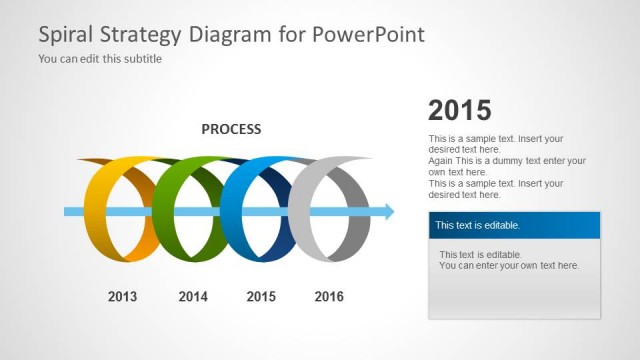
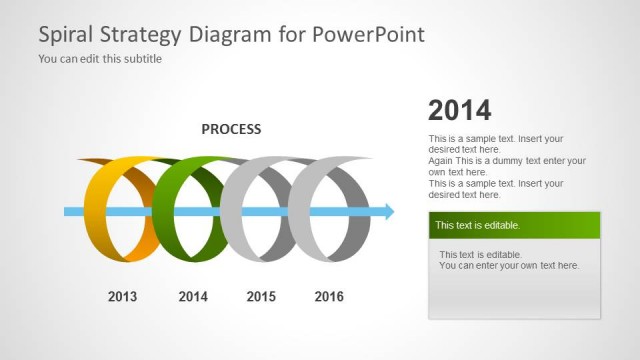
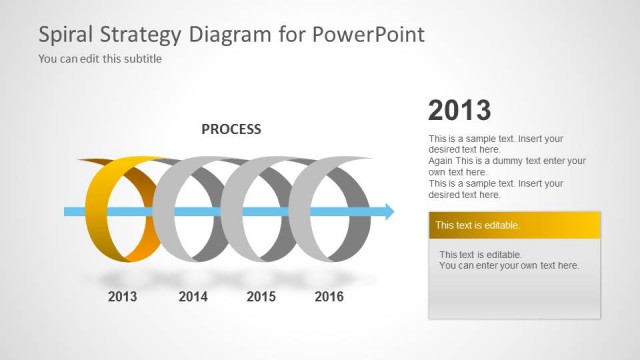
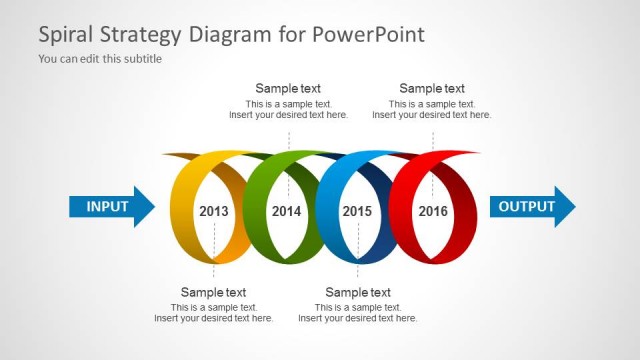
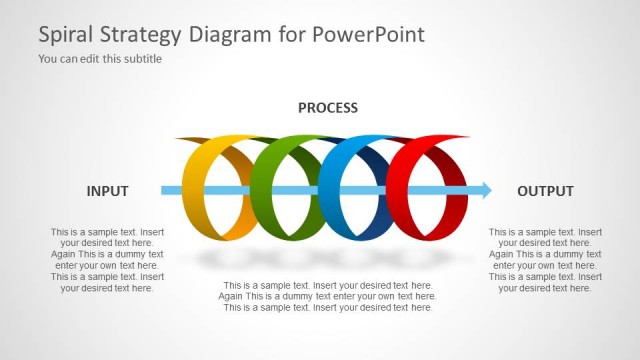
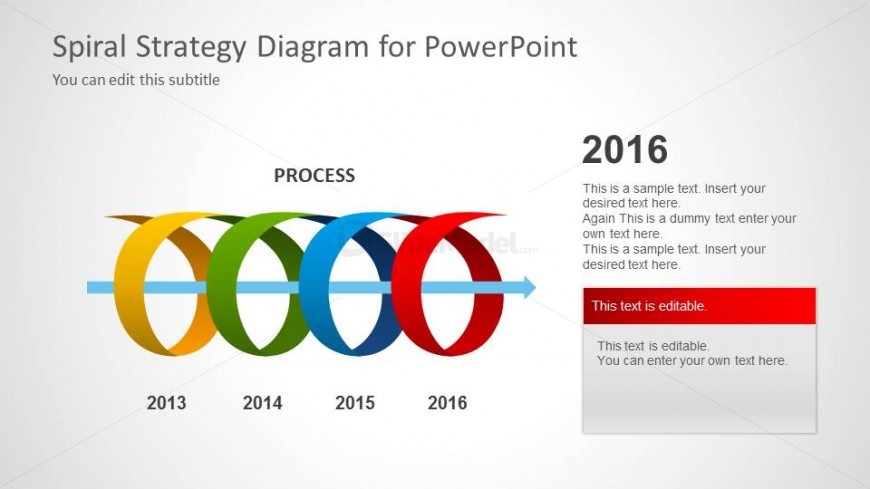
The slide features a spiral diagram with four colored loops representing the years 2013 to 2016, arranged horizontally across the center. The word 'PROCESS' is centered above the spiral. To the right, there are two editable text boxes stacked vertically, with the year '2016' prominently displayed above them. The background is light with a subtle gradient. The spiral loops are in blue, green, yellow, and red, creating a distinct visual hierarchy. There are placeholders for additional text, positioned to the right of the main diagram.
How to Use It
This layout serves as a timeline or process flow, ideal for presenting cyclical strategies or iterative processes. It fits well at the end of a presentation to summarize key milestones or outcomes over a period. Suitable for business scenarios such as project updates, strategic planning, or annual reviews, it allows for clear visual representation of progress over time. The editable text boxes provide space for detailed descriptions or insights related to each year.
Text Placeholders & Capacity
Keep your copy within these limits so it fits without resizing. Node labels can hold up to 4 characters each, while node bodies can accommodate about 100 characters.
| Placeholder | Count | Max characters (approx.) |
|---|---|---|
| Slide title | 1 | 30 |
| Subtitle | 1 | 50 |
| Item heading | 4 | 4 |
| Item body | 4 | 100 |
Slide Keywords
Download unlimited PowerPoint templates, charts and graphics for your presentations with our annual plan.
DOWNLOADReturn to Spiral Strategy Diagram for PowerPoint.