Slide 1 of 7 from Spiral Strategy Diagram for PowerPoint
6091-01-spiral-strategy-1
Spiral Strategy Diagram for PowerPoint
- Diagram
- Other
- Context Slide
- 16:9
- 100% Editable
The Spiral Strategy Diagram slide from the Spiral Strategy Diagram for PowerPoint template offers a clear visual framework for strategy presentations and planning sessions. Featuring a dynamic spiral design with editable shapes and vector icons, this slide supports illustrating iterative processes and cyclical growth effectively within corporate presentations or pitch deck templates.
What’s on This Slide
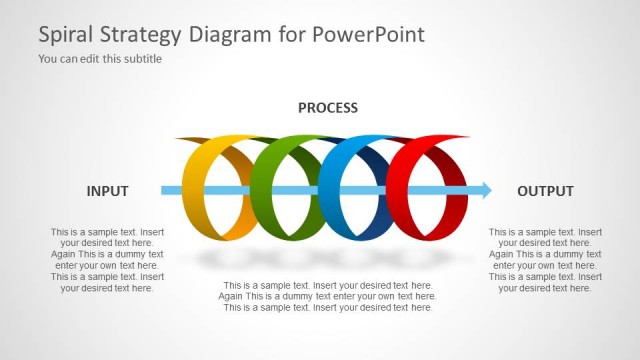
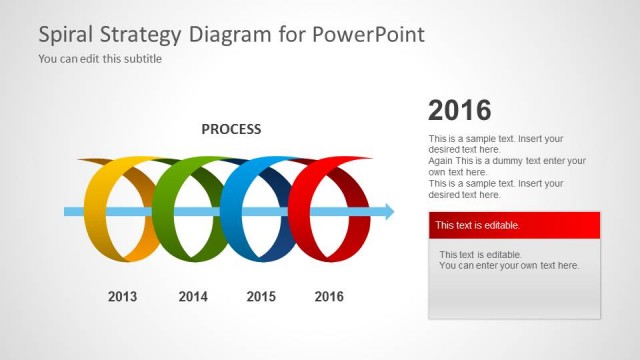
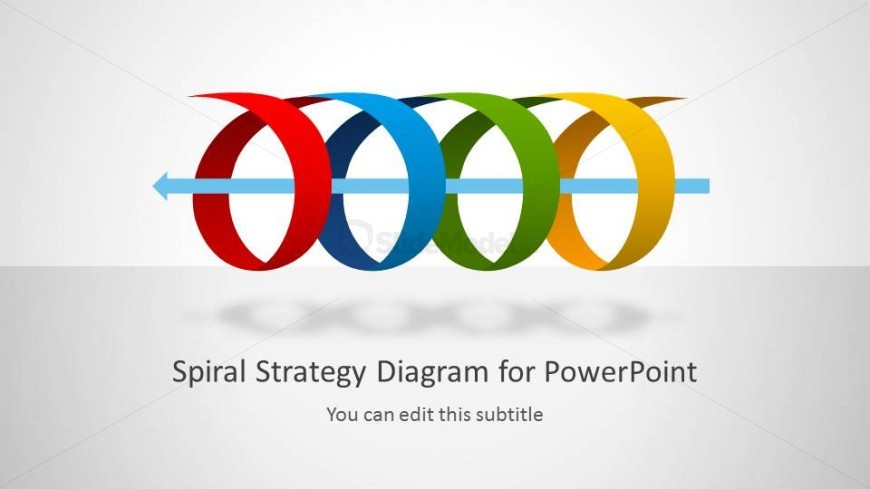
The layout features a central spiral diagram composed of five colored loops in red, blue, green, yellow, and orange. The loops are arranged horizontally, with a light blue horizontal arrow pointing left. Below the diagram, there are two text placeholders: the main title is centered and positioned at the bottom, while a subtitle placeholder is directly beneath it. The background is a light gradient, enhancing the visual appeal. The overall composition emphasizes the spiral shape, creating a sense of movement and continuity.
How to Use It
This layout serves as an introductory slide for a presentation about iterative strategies or cyclical processes. It effectively sets the stage for subsequent slides that delve into specific aspects of the strategy. Suitable for business contexts, it can be used for planning sessions, strategy meetings, or project kick-offs. The spiral design symbolizes ongoing progress and development, making it ideal for presentations that emphasize growth or evolution over time.
Text Placeholders & Capacity
Keep your copy within these limits so it fits without resizing. Title slot can hold about 6-8 words, subtitle slot about 8-10 words.
| Placeholder | Count | Max characters (approx.) |
|---|---|---|
| Slide title | 1 | 40 |
| Subtitle | 1 | 50 |
Slide Keywords
Download unlimited PowerPoint templates, charts and graphics for your presentations with our annual plan.
DOWNLOADReturn to Spiral Strategy Diagram for PowerPoint.