Slide 4 of 7 from Spiral Strategy Diagram for PowerPoint
Spiral Strategy Diagram for PowerPoint 2013 Year
Spiral Strategy Diagram for PowerPoint
- Diagram
- Timeline Horizontal
- Timeline Slide
- 16:9
- 100% Editable
The Spiral Strategy Diagram slide from the Spiral Strategy Diagram for PowerPoint template presents a horizontal timeline ideal for strategic planning and project timelines. This slide layout uses editable shapes and vector icons to illustrate process flows and milestones clearly, making it suitable for business presentations and pitch deck templates that require visualizing iterative strategies over multiple years.
What’s on This Slide
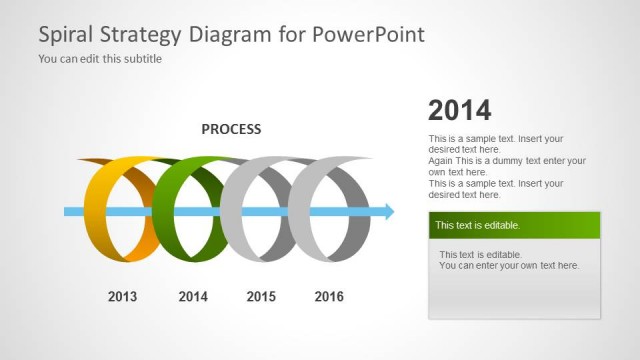
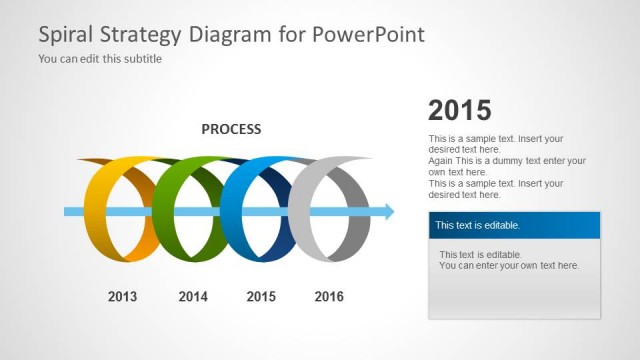
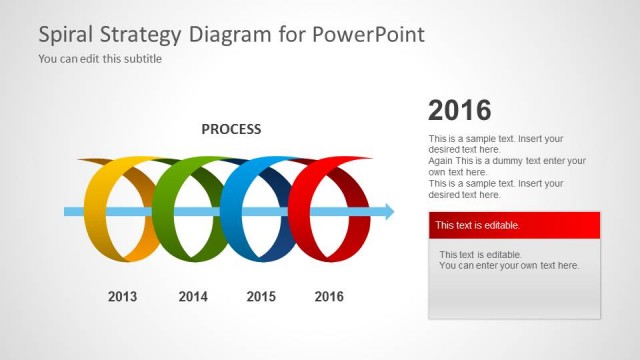
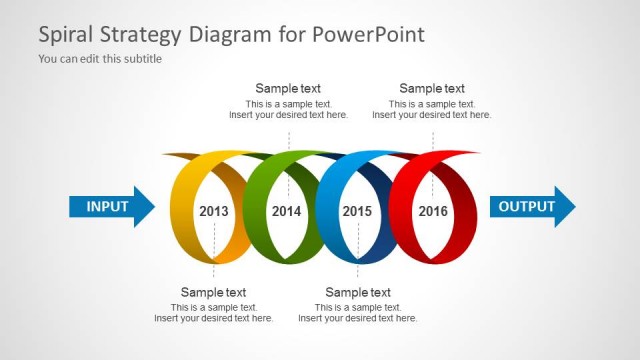
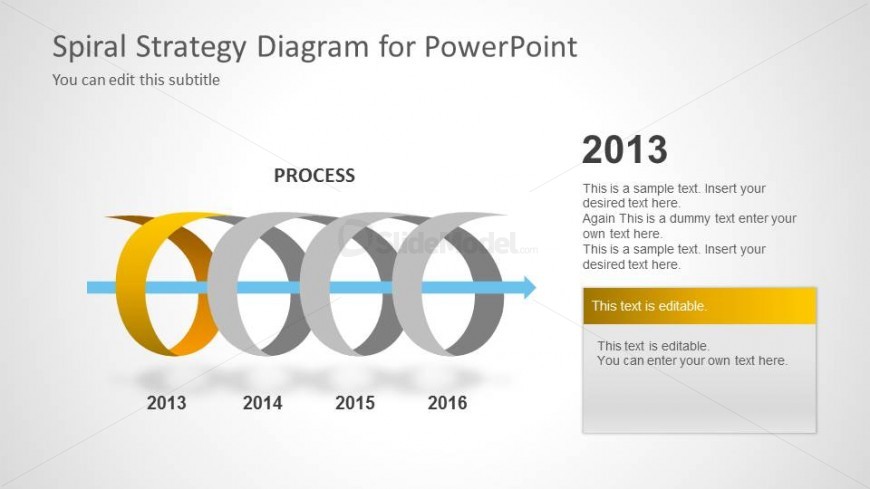
The layout features a horizontal spiral diagram with five circular nodes representing years from 2013 to 2016. The nodes are colored in a gradient of yellow, blue, and gray, with the 2013 node highlighted in yellow. A central label reads 'PROCESS' in bold. To the right, there are two text placeholders: one for a title and another for body text, both aligned vertically. The overall composition is clean, with a light background that enhances visibility. The spiral's flow direction is left to right, indicating progression over time.
How to Use It
This layout serves as a timeline or process flow, ideal for illustrating iterative strategies or project milestones over multiple years. It fits well in presentations focused on strategic planning or project management. Use this structure to highlight key developments or phases within a cyclical process. It is particularly useful for consultants and managers who need to convey progress or changes over time in a clear, visual manner.
Text Placeholders & Capacity
Keep your copy within these limits so it fits without resizing. Node body slots can accommodate roughly 20 words each.
| Placeholder | Count | Max characters (approx.) |
|---|---|---|
| Slide title | 1 | 40 |
| Subtitle | 1 | 40 |
| Item heading | 5 | 4 |
| Item body | 5 | 100 |
Slide Keywords
Download unlimited PowerPoint templates, charts and graphics for your presentations with our annual plan.
DOWNLOADReturn to Spiral Strategy Diagram for PowerPoint.