Slide 5 of 7 from Spiral Strategy Diagram for PowerPoint
Spiral Strategy Diagram for PowerPoint 2014 Year
Spiral Process Diagram for Presentations
- Diagram
- Spiral
- Process Slide
- 16:9
- 100% Editable
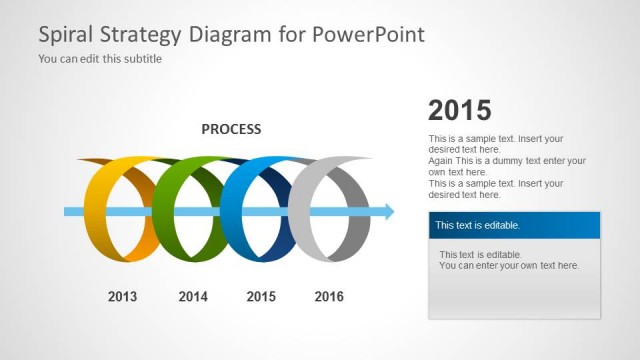
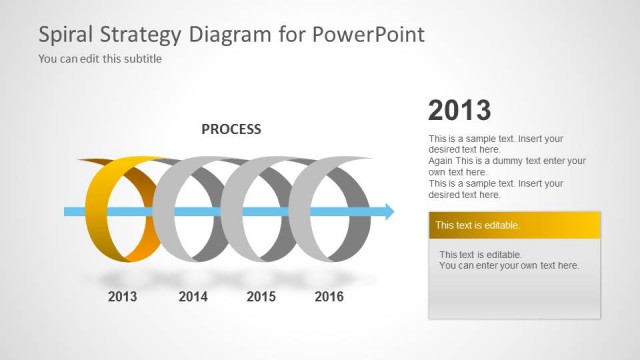
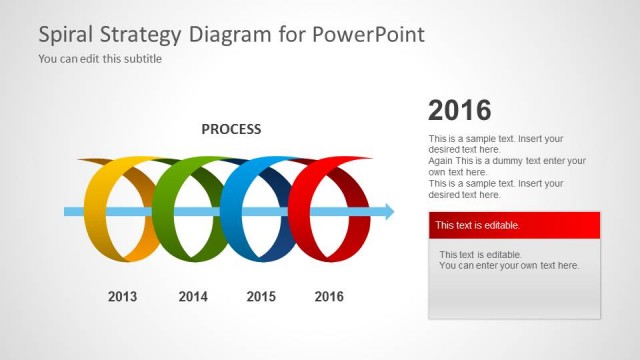
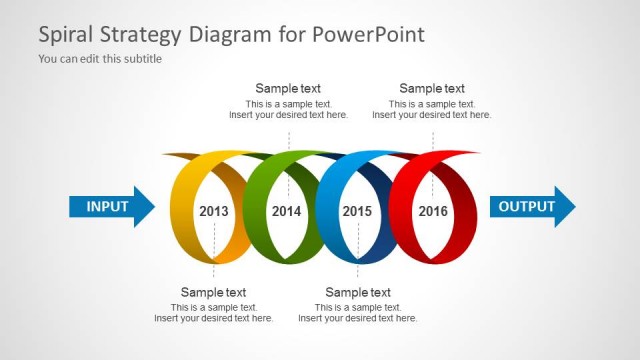
The Spiral Process Diagram slide from the Spiral Strategy Diagram for PowerPoint template offers a clear visual of a multi-year cyclical process, ideal for business presentations focused on project timelines and strategic planning. This slide layout includes editable shapes and text placeholders to customize phases across years, enhancing clarity in corporate presentations and pitch decks that require a detailed process overview.
What’s on This Slide
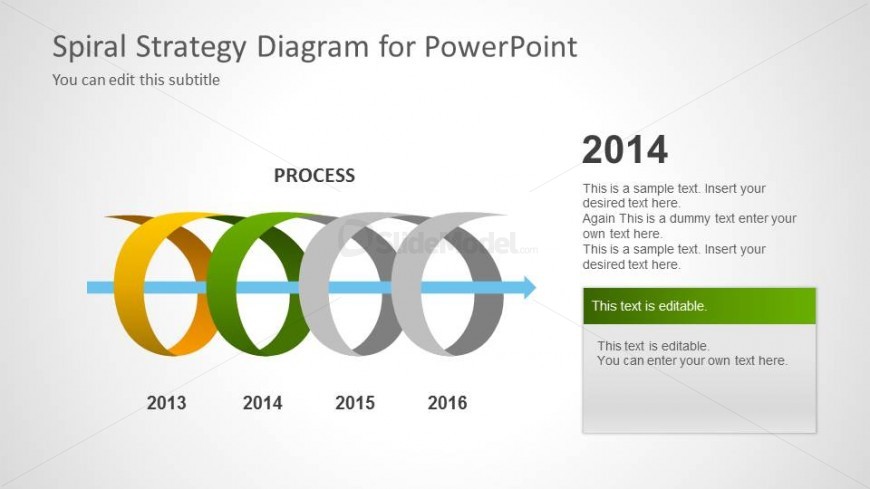
The layout features a spiral diagram with four colored loops representing years 2013 to 2016. The spiral flows from left to right, with a label 'PROCESS' centered above it. Each loop is a distinct color: yellow, green, gray, and blue. To the right, there are two editable text boxes stacked vertically, labeled '2014' and 'This text is editable.' The background is light gray, enhancing the visibility of the spiral and text. Text placeholders are present for titles and subtitles, positioned at the top and right side.
How to Use It
This layout serves as a timeline to illustrate a cyclical process over multiple years. It is suitable for presentations that require a visual representation of iterative strategies or project phases. This slide fits well after a problem statement and before a roadmap, helping to convey the evolution of a process. It is ideal for business scenarios such as project planning, strategic reviews, or performance tracking, where chronological progression is essential.
Text Placeholders & Capacity
Keep your copy within these limits so it fits without resizing. Node body slots can accommodate roughly 15-20 words each.
| Placeholder | Count | Max characters (approx.) |
|---|---|---|
| Slide title | 1 | 30 |
| Subtitle | 1 | 50 |
| Item heading | 4 | 4 |
| Item body | 2 | 100 |
Slide Keywords
Download unlimited PowerPoint templates, charts and graphics for your presentations with our annual plan.
DOWNLOADReturn to Spiral Strategy Diagram for PowerPoint.