Slide 6 of 7 from Spiral Strategy Diagram for PowerPoint
Spiral Strategy Diagram for PowerPoint 2015 Year
Spiral Strategy Diagram for PowerPoint
- Diagram
- Timeline Horizontal
- Process Slide
- 16:9
- 100% Editable
The Spiral Strategy Diagram slide from the Spiral Strategy Diagram for PowerPoint template offers a clear visualization of cyclical processes and project timelines. This editable slide features a central spiral with color-coded loops representing sequential years, making it suitable for annual strategy presentations and process flow illustrations. Its design supports business presentations and pitch deck templates that require a timeline or iterative strategy depiction using editable shapes and vector icons.
What’s on This Slide
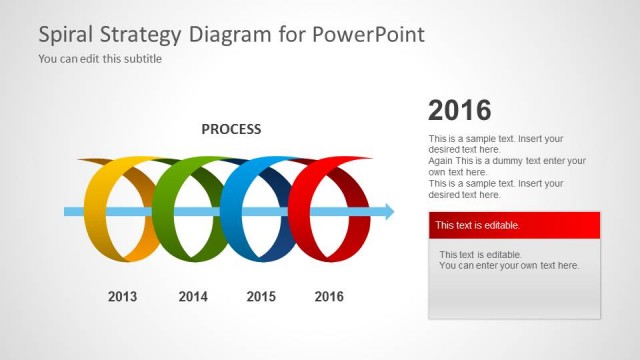
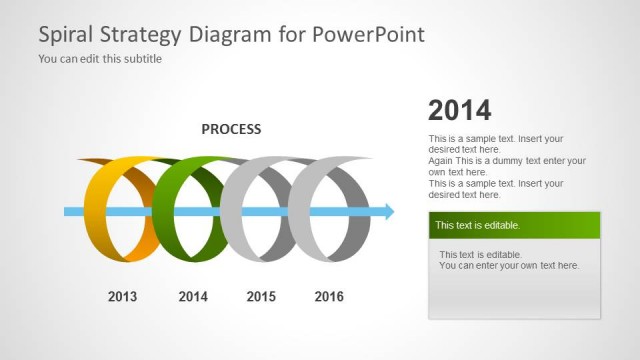
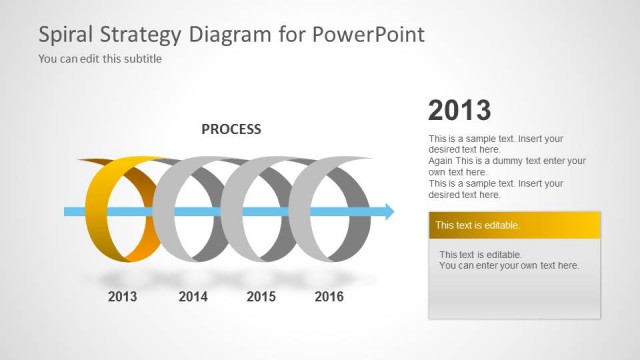
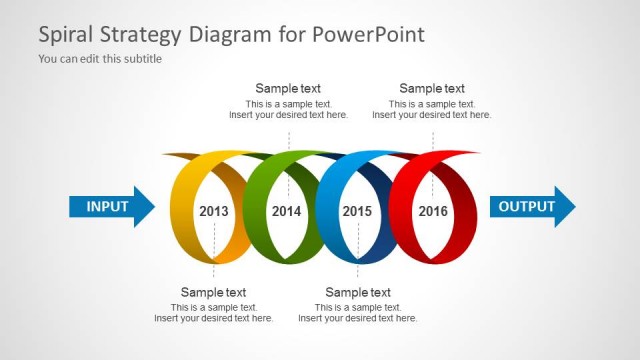
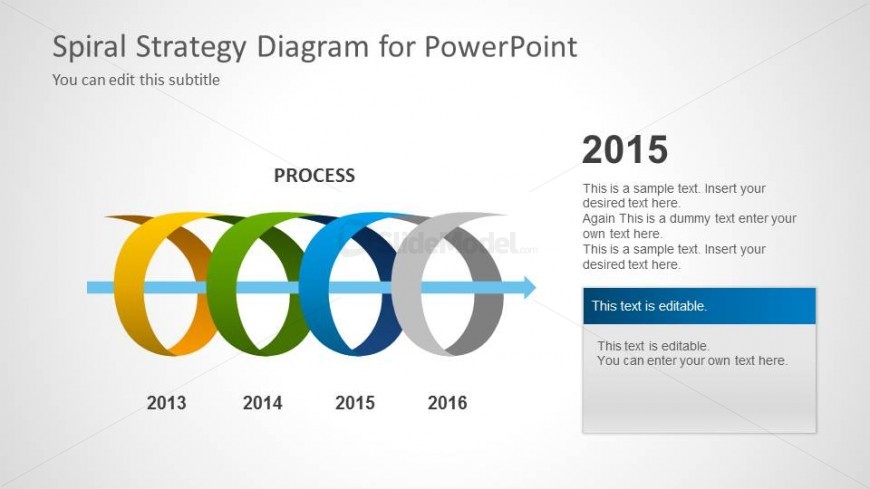
The layout features a central spiral diagram with five colored loops representing years from 2013 to 2016. The spiral flows from left to right, with the label 'PROCESS' centered above it. The year 2015 is highlighted prominently in the center, with editable text placeholders positioned to the right. Below the highlighted year, there are multiple editable text areas for additional information. The background is light gray, providing contrast to the colorful spiral. The overall composition emphasizes the cyclical nature of the process.
How to Use It
This layout serves as a timeline or process flow representation, ideal for illustrating iterative strategies over multiple years. It fits well in a presentation sequence after problem identification and before strategic recommendations. Suitable scenarios include project planning, annual reviews, or strategic roadmaps where cyclical progress needs to be highlighted. The editable text areas allow for customization to fit specific content needs.
Text Placeholders & Capacity
Keep your copy within these limits so it fits without resizing. Body slots are tight, roughly 15-20 words each.
| Placeholder | Count | Max characters (approx.) |
|---|---|---|
| Slide title | 1 | 30 |
| Subtitle | 1 | 50 |
| Item heading | 5 | 4 |
| Item body | 4 | 100 |
Slide Keywords
Download unlimited PowerPoint templates, charts and graphics for your presentations with our annual plan.
DOWNLOADReturn to Spiral Strategy Diagram for PowerPoint.