Slide 2 of 7 from Spiral Strategy Diagram for PowerPoint
6091-01-spiral-strategy-2
Spiral Strategy Process Diagram for Presentations
- Diagram
- Process Flow
- Process Slide
- 16:9
- 100% Editable
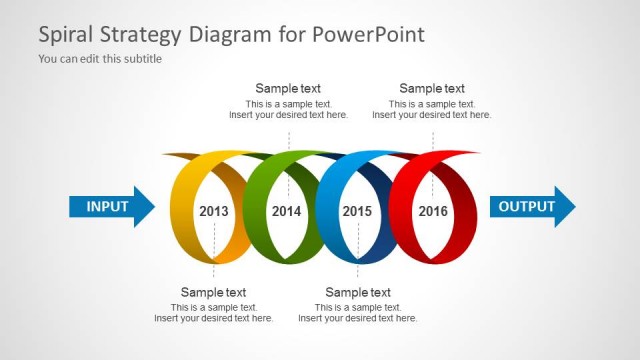
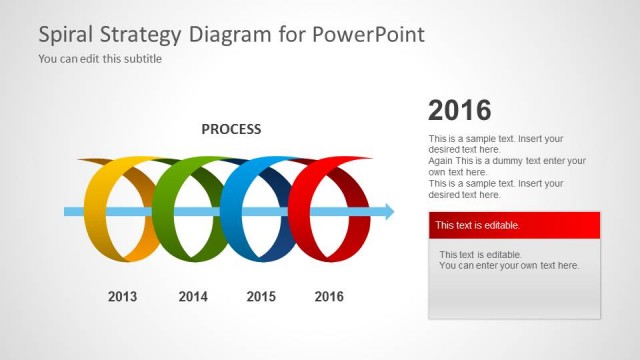
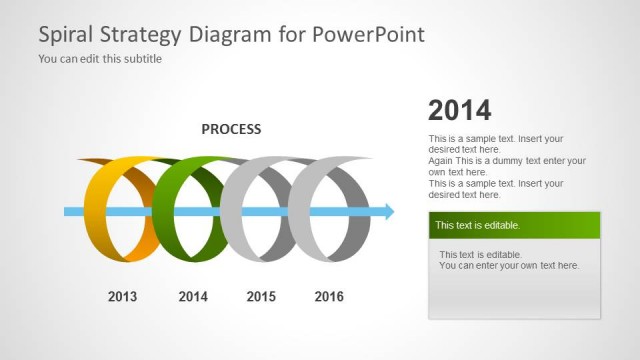
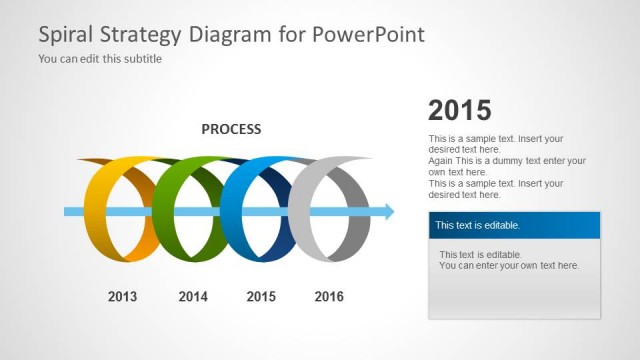
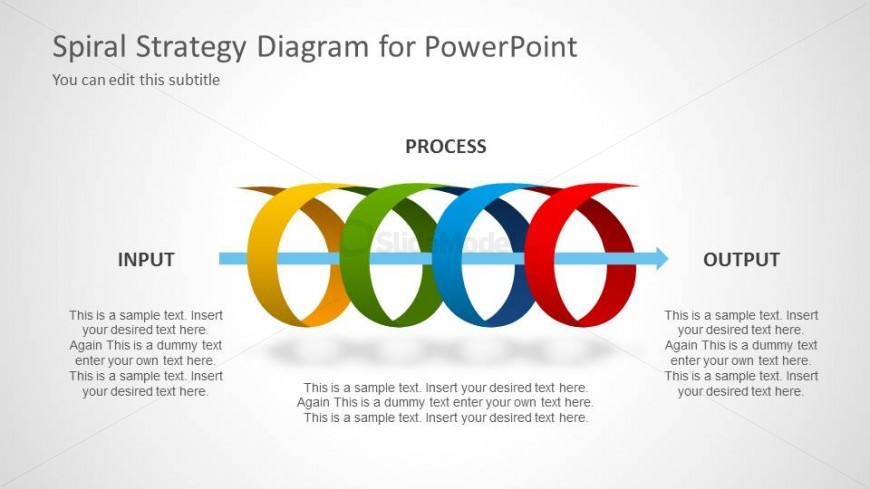
The Spiral Strategy Process Diagram from the Spiral Strategy Diagram for PowerPoint template visually represents iterative workflows and project stages using colorful circular segments. This slide layout is ideal for business presentations and pitch decks that require clear depiction of process flows. Its editable shapes and vector icons enhance customization, making it a practical choice for corporate presentations and strategic discussions.
What’s on This Slide
The layout features a central horizontal arrow with three colored circular segments labeled 'INPUT', 'PROCESS', and 'OUTPUT'. Each segment contains text placeholders aligned centrally within the circles. The circles are arranged in a spiral pattern, with the 'PROCESS' segment being the largest, indicating its importance. Below each segment, there are additional text placeholders for further elaboration. The background is light gray, providing contrast to the colorful segments. The overall composition emphasizes a flow from input through process to output.
How to Use It
This diagram serves as a visual representation of a cyclical process, ideal for illustrating iterative strategies or workflows. It fits well in presentations that require a clear depiction of stages in a process, making it suitable for business planning, project management, or strategic discussions. This layout can be used to present complex ideas in a simplified manner, helping audiences understand the flow of information or actions over time.
Text Placeholders & Capacity
Keep your copy within these limits so it fits without resizing. Node body slots can hold roughly 15-20 words each.
| Placeholder | Count | Max characters (approx.) |
|---|---|---|
| Slide title | 1 | 40 |
| Subtitle | 1 | 40 |
| Item heading | 3 | 20 |
| Item body | 3 | 100 |
Slide Keywords
Download unlimited PowerPoint templates, charts and graphics for your presentations with our annual plan.
DOWNLOADReturn to Spiral Strategy Diagram for PowerPoint.