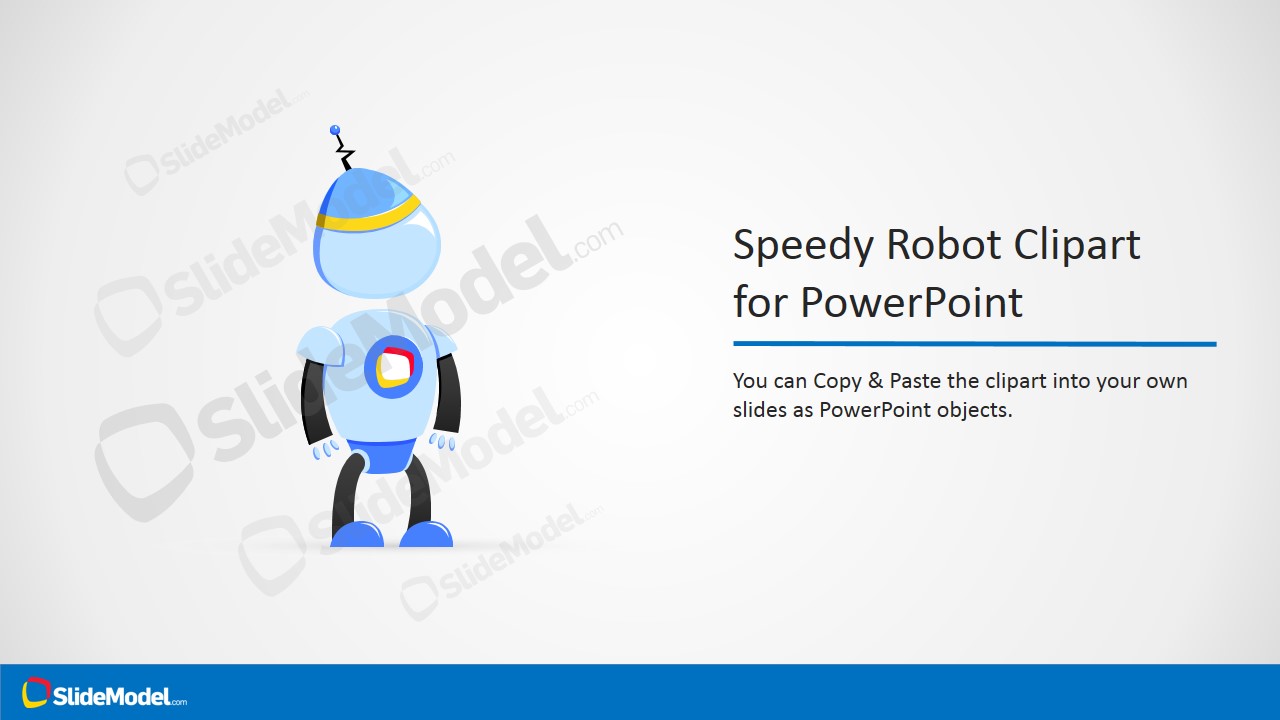
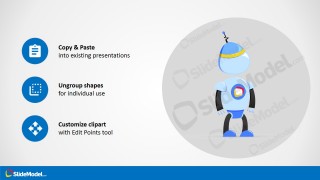
Speedy Robot Cartoon Illustration for PowerPoint is a creative clipart design for presentations containing a funny robot illustration that we named Speedy. Speedy cartoon character can be used to decorate presentations on technology or make creative slide designs to present your ideas and topics in PowerPoint. This robot illustration can easily be edited in PowerPoint as it was created with PowerPoint shapes.
What’s inside this template
Example presentation scenarios
- A product manager can use the robot cover slide to introduce a prototype, automation feature, or AI concept with a friendly visual anchor.
- A technology educator can place the editable robot clipart beside lesson content to make robotics, coding, or software topics feel more approachable.
- A marketing presenter can use the feature callout slide to explain that a mascot or visual asset can be resized, recolored, and restyled for campaign slides.
- An internal communications team can use the customization guidance slide when preparing a reusable visual style guide for technology-themed presentations.
Features
- 100% editable presentation template
- Compatible with Microsoft PowerPoint and Google Slides
- 16:9 aspect ratio slides
- Scalable vector shapes, icons and illustrations
- AI-Ready for Microsoft Copilot and Claude
- Instant access and download
Frequently asked questions
Q: How should a presenter use the robot illustration without making the slide feel childish?
A: Use the robot as a supporting visual cue, not as the message itself. Pair it with concise technology language, keep the surrounding layout clean, and reserve the larger character view for openings or section transitions. On content-heavy slides, place a smaller robot version near a key idea, callout, or product concept.
Q: Who is this robot clipart template best suited for?
A: It fits presenters who need a friendly technology metaphor for robotics, automation, AI, software, or STEM education. Product teams, trainers, and marketers can use the character to make technical content easier to approach, especially when the goal is introduction, explanation, or audience engagement rather than financial reporting.
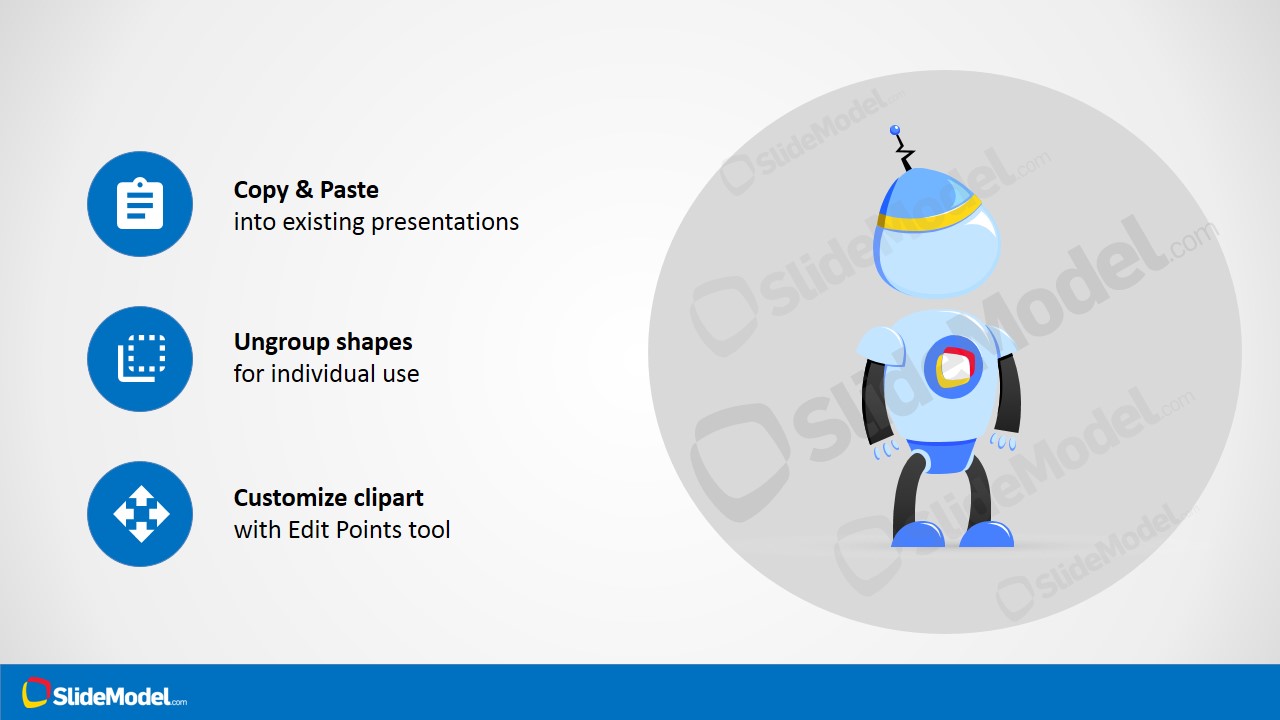
Q: Why does the template include slides about resizing, color changes, and ungrouping?
A: Those slides make the template function as both a visual asset and a usage guide. The callouts reduce uncertainty for presenters who want to adapt the mascot to different decks. The robot metaphor also signals speed and automation, while the blue icon notes show practical ways to keep the asset consistent.
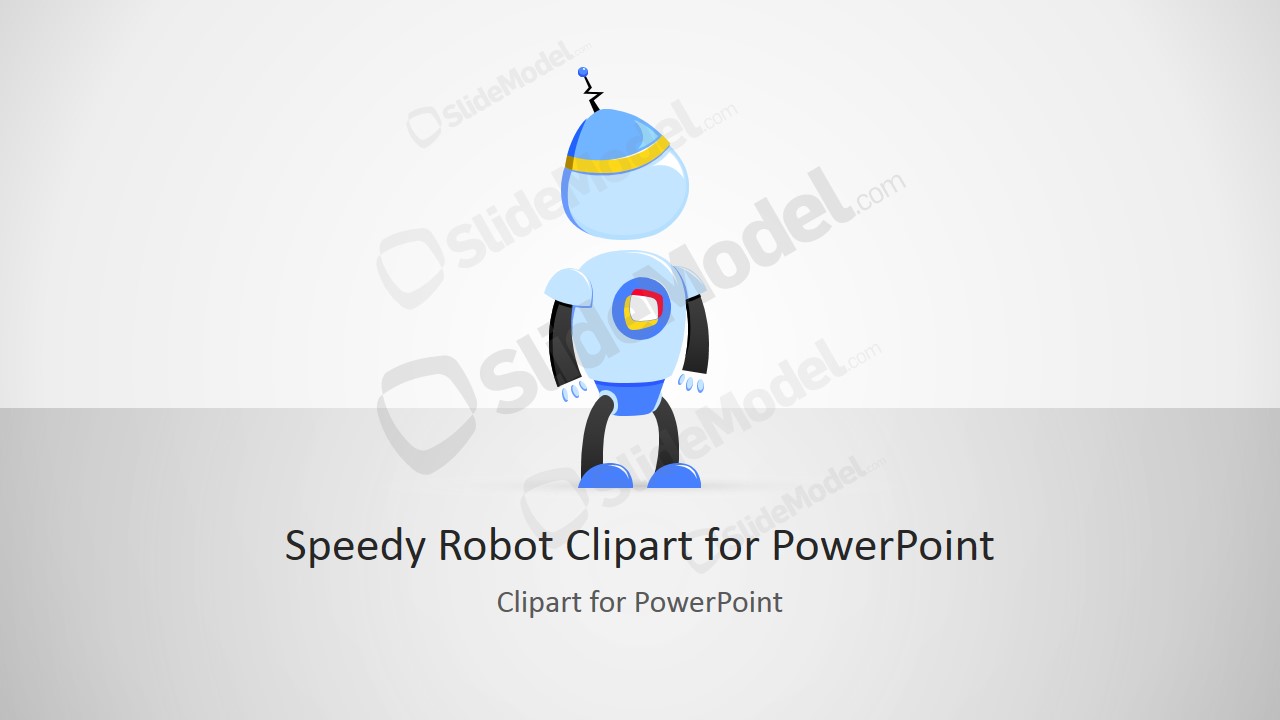


Speedy Robot Cartoon Illustration for PowerPoint
4-slide presentation template with editable robot clipart and customization callouts for technology slides
Speedy Robot Cartoon Illustration for PowerPoint is a 4-slide 16:9 slide template built around an editable robot clipart character. It includes a cover slide, copy-and-paste instruction layout, feature callout layout, and customization guidance layout for technology presenters using Microsoft PowerPoint or Google Slides.
- Rating


 Loading...
- Aspect ratio
- 16:9
- Item ID
- 8206-01
- Colors
 Microsoft PowerPoint
  Microsoft Copilot
  Claude for PowerPoint
 Other formats supported
Subscribe today and get immediate
access to download our PowerPoint templates.