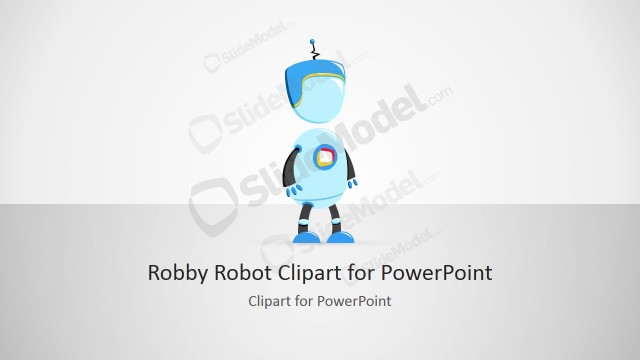
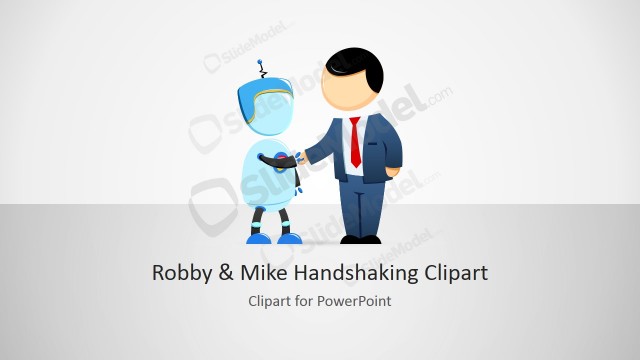
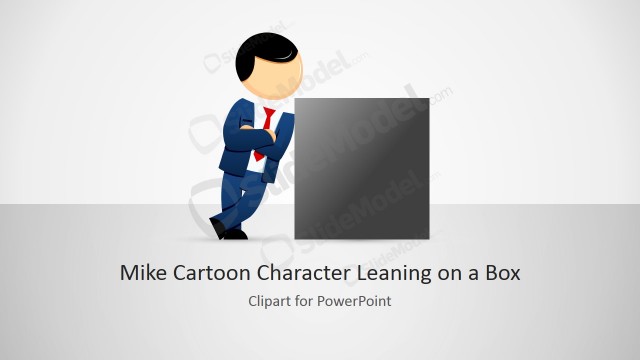
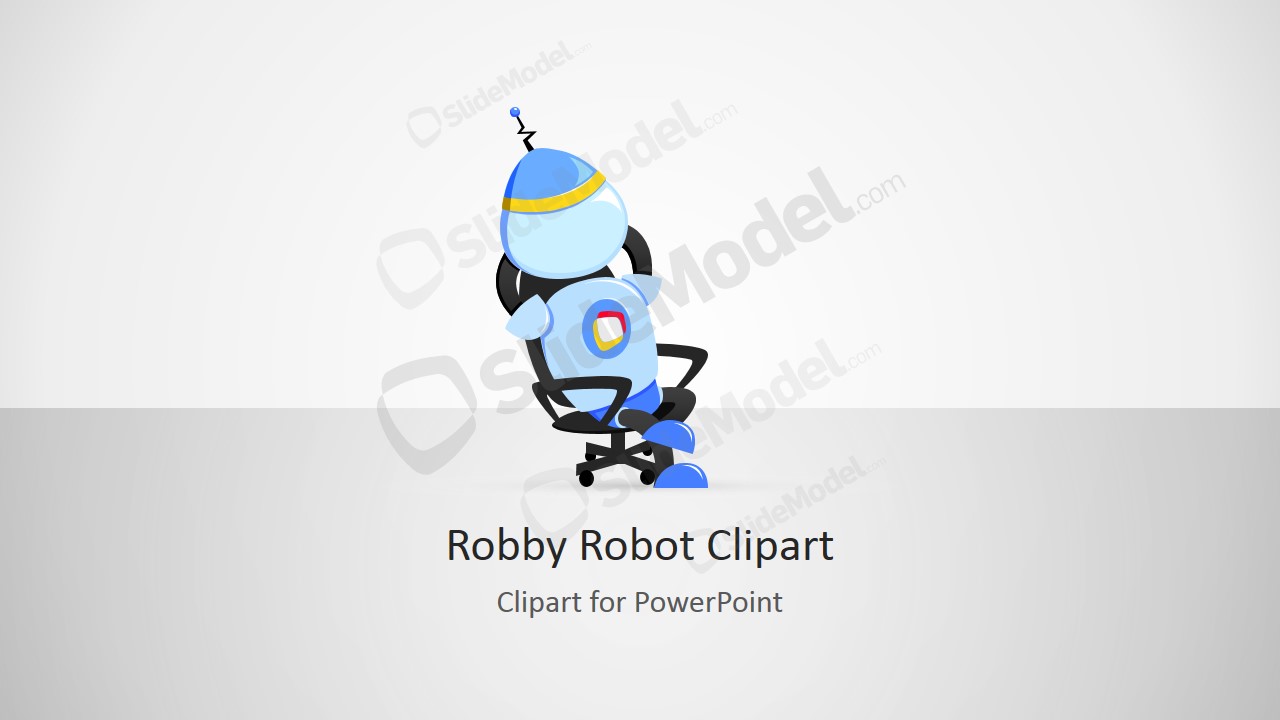
Illustrate remarkable visuals with the unique Robby Robot Cartoon Sitting on his Office Chair. It can serve as an alternative to traditional Microsoft clipart. The creative features of this design can surely make the presentation stand out.
Robots usually represent technology and development. It is a symbol of the “future” and the modern lifestyle that goes with it. In definition, it is a machine programmed for automatic actions. It can refer to a person who does not have a person who acts in an unemotional manner. Robotics is a branch of science that studies robots. They are programmed to aid and alleviate human labor. Like research, robotics aim to improve the quality of human life in general. Military bots are created to lessen the number of war casualties. Industrial robots are manipulated to assist their movement in conducting a certain procedure. Robby Robot is a fictional icon. It first appeared in the film Forbidden Planet and many sci-fi movies later on. It became many toy companies’ popular collector’s item.
The PowerPoint template is ideal design for business and technology reports. It can showcase future business plans. It can represent an iconic branding like Robby Robot for a particular product. This is also applicable to sales, marketing and advertising. Any technology-related topic can be associated to the slide design.
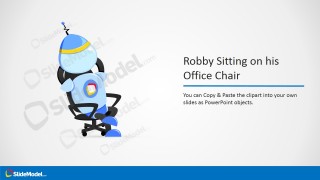
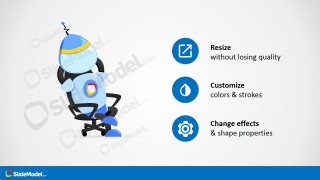
In the first slide, the clipart is located in the middle of the slide. The presenter can include the title of the report and a quick description or overview in the second slide. Custom options are shown in the third and fourth slide. They are entitled and marked by icons as follows:
Resize- Square shape with a vertical arrow inside
Customize- Half-colored droplet
Change effects- Gear
Copy & Paste- Notepad
Ungroup shapes- Right angle with dotted square shape
Customize Clipart- 4-sided arrow
Awe professional audiences with breezy presentations using Robby Robot Cartoon Sitting on his Office Chair. Robby Robot Illustration for PowerPoint is also downloadable at the SlideModel gallery.
What’s inside this template
Example presentation scenarios
- A product marketer can use the title-and-caption layout to introduce an automation feature while the seated robot gives the concept a recognizable visual character.
- A corporate trainer can use the icon callout slides to teach colleagues how to resize, recolor, copy, ungroup, and adapt the robot illustration in an internal presentation.
- A technology consultant can use the cover clipart slide as a section opener before explaining robotics, AI adoption, or future workplace planning.
- A startup founder can use the robot illustration as a friendly product mascot and apply the customization instruction slide to align the character with a pitch deck style.
Features
- 100% editable presentation template
- Compatible with Microsoft PowerPoint and Google Slides
- 16:9 aspect ratio slides
- Scalable vector shapes, icons and illustrations
- AI-Ready for Microsoft Copilot and Claude
- Instant access and download
Frequently asked questions
Q: How should a presenter use the robot character without distracting from the message?
A: Use the robot as a visual anchor, not as the whole story. Start with the cover clipart to set a technology tone, then move to the title-and-caption layout for the core message. Keep supporting text short and place the robot on the side when explaining a product, automation idea, or training point.
Q: What presentation situations fit this illustration best?
A: This template works best when a presenter needs an approachable technology metaphor rather than a formal diagram. It fits AI awareness sessions, robotics introductions, product concept previews, internal training, and marketing slides where a friendly office robot can make automation, future work, or digital assistance easier to discuss.
Q: Why use a seated robot metaphor instead of a standard technology icon?
A: The seated robot connects technology to everyday office work, which makes robotics or automation feel closer to the audience. The character adds personality, while the icon callout slides explain practical reuse and customization. That pairing helps presenters move from a memorable symbol to clear instructions without changing visual language.


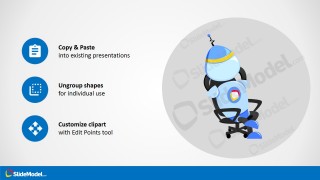
Robby Robot Cartoon Sitting on his Office Chair
4-slide presentation template with Robby Robot clipart, office chair illustration, and customization callouts
This is a 4-slide, 16:9 presentation template centered on an editable Robby Robot cartoon sitting in an office chair. It includes a cover clipart slide, title-and-caption layout, feature callout panel, and customization instruction slide for technology, business, training, and product storytelling in Microsoft PowerPoint and Google Slides.
- Rating

 Loading...
- Aspect ratio
- 16:9
- Item ID
- 8204-01
- Colors
 Microsoft PowerPoint
  Microsoft Copilot
  Claude for PowerPoint
 Other formats supported
Subscribe today and get immediate
access to download our PowerPoint templates.