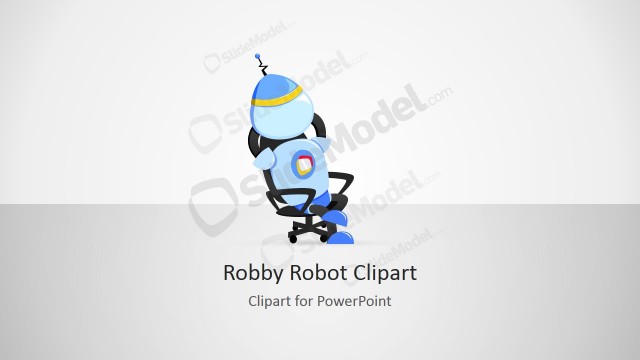
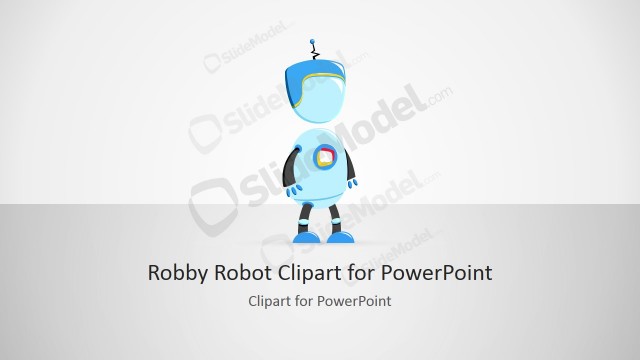
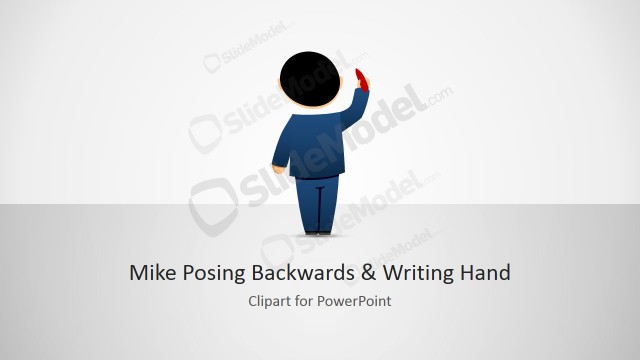
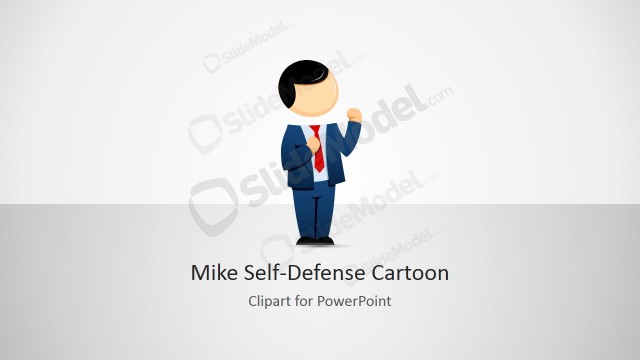
Robby & Mike Cartoon Handshaking Clipart is an awesome clipart design created with PowerPoint shapes containing an illustration of Robby Robot and Mike male cartoon character hand-shaking.
This illustration and PowerPoint clipart can be used for sales presentations or slides requiring an illustration about making a deal or signing a contract with an important client.
Given that these graphics were created with PowerPoint shapes, you can easily edit the shapes individually (after applying Ungroup in PowerPoint) and then work with the shapes separately. For example, you may want to put Robby (the robot) alone in a separate slide.
What’s inside this template
Example presentation scenarios
- A sales presenter can use the cover layout to introduce a new client agreement and place the robot-and-businessperson handshake as a friendly deal metaphor.
- A technology founder can use the title layout to frame a human and robot collaboration story with a clear heading and supporting text.
- A proposal designer can use the feature callout slide to explain that the clipart can be resized, recolored, and styled for a client presentation.
- A training facilitator can use the instruction slide to show team members how to copy, paste, ungroup, and customize the illustration inside existing decks.
Features
- 100% editable presentation template
- Compatible with Microsoft PowerPoint and Google Slides
- 16:9 aspect ratio slides
- Scalable vector shapes, icons and illustrations
- AI-Ready for Microsoft Copilot and Claude
- Instant access and download
Frequently asked questions
Q: How should I use the handshake illustration without making the slide feel too informal?
A: Use the character art as a single focal point and keep the surrounding slide clean. Pair the handshake with one concise message such as agreement, partnership, or signed deal. Avoid adding many extra icons around it unless you are explaining editing steps, as shown in the callout slides.
Q: Who is this clipart best suited for in a business presentation?
A: This clipart works best for presenters who need a friendly technology or sales metaphor, such as startup founders, software teams, robotics educators, or business development presenters. The robot and businessperson pairing makes the message useful for human-machine collaboration, client deals, vendor agreements, and partnership introductions.
Q: Why does the robot-and-businessperson handshake metaphor help communication?
A: The handshake gives the audience an immediate signal of agreement, trust, or cooperation. Adding a robot character shifts the metaphor toward technology, automation, or programming themes. This makes the visual more specific than a generic handshake icon while still being simple enough for a title slide or section opener.


Robby & Mike Cartoon Handshaking Clipart
4-slide presentation template with Robby and Mike handshake clipart for deals and technology scenes
Robby & Mike Cartoon Handshaking Clipart is a 4-slide 16:9 clipart presentation template for Microsoft PowerPoint and Google Slides. It shows a cartoon robot and male business character shaking hands, with a cover slide, title slide, feature callouts, and reuse instructions for sales, contract, partnership, or technology presentations.
- Rating


 Loading...
- Aspect ratio
- 16:9
- Item ID
- 8132-01
- Colors
 Microsoft PowerPoint
 Microsoft Copilot
 Claude for PowerPoint
Other formats supported
Subscribe today and get immediate
access to download our PowerPoint templates.