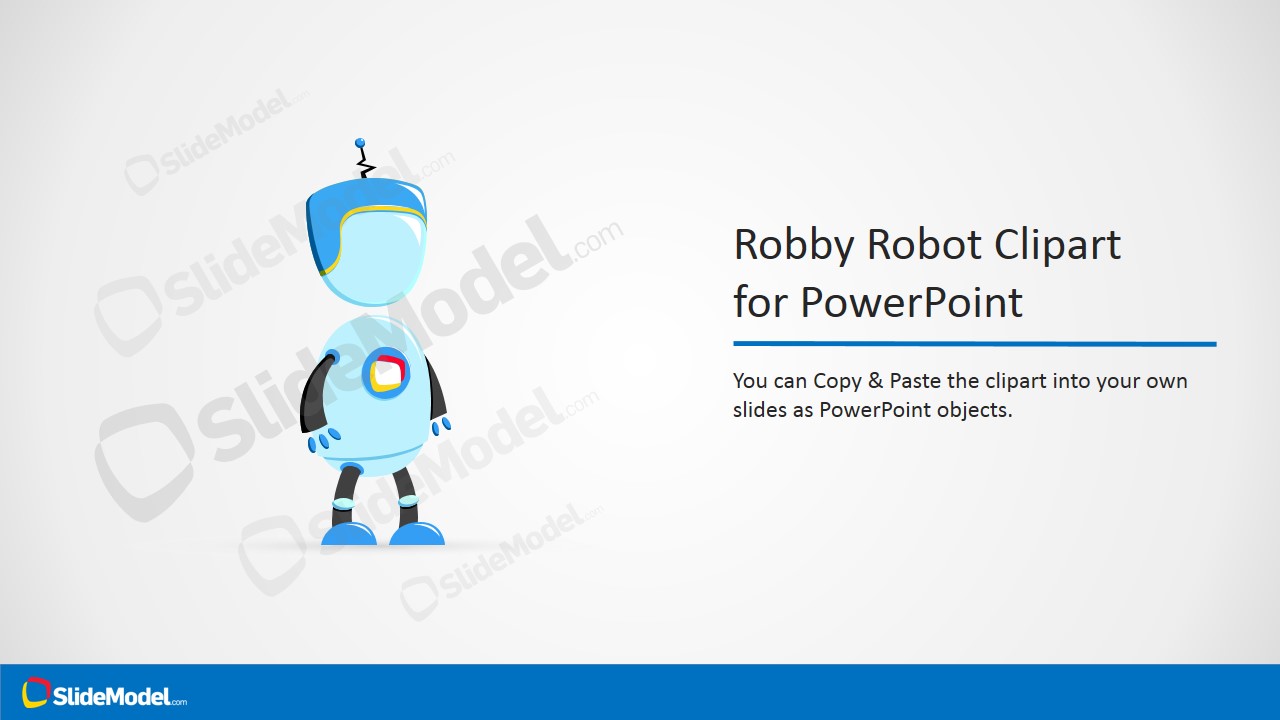
Use Robby Robot Cartoon Illustration for PowerPoint to generate effective visuals on technology presentations. The creative cartoon shape can highlight key ideas on the report. This can make the audience retain information easier. Attractive and professional, the PowerPoint template can surely enhance textual contents.
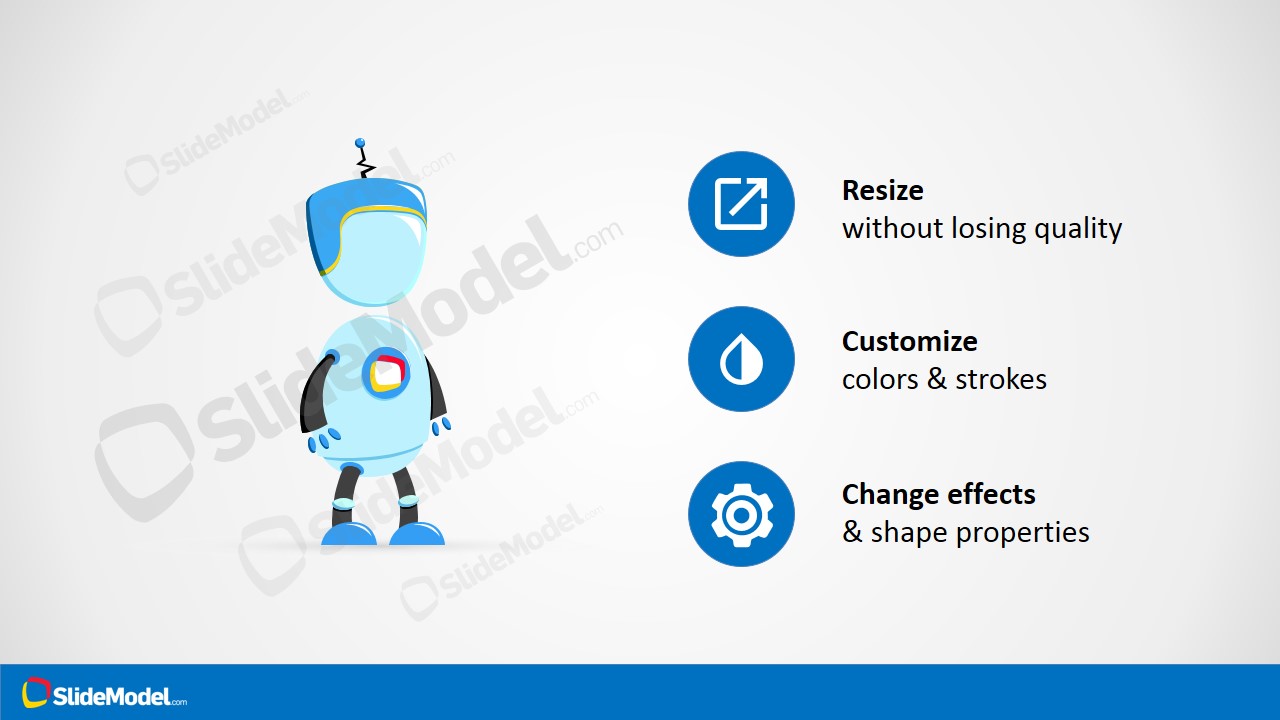
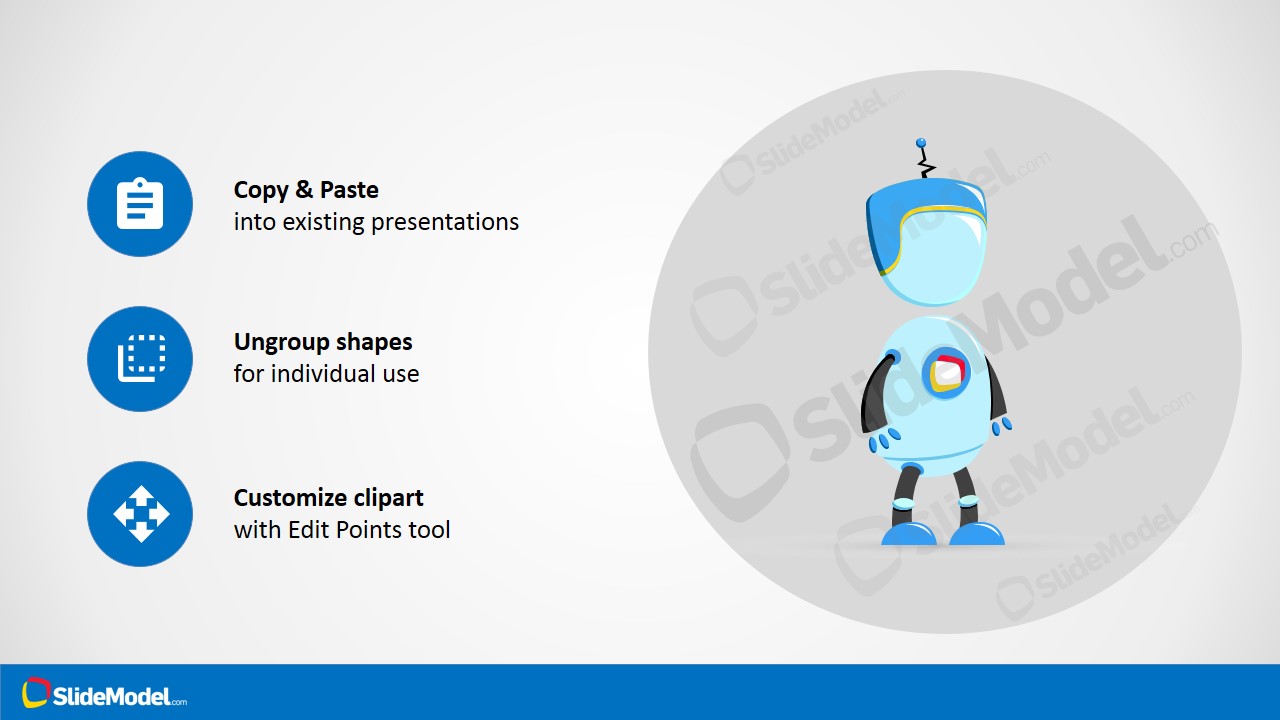
There are 4 uniquely designed slides on the PowerPoint template. The first slide showcases the Robby Robot cartoon in the center. The background is in a cool gray, Text placeholders can be found on the lower part of the slide where the user can enter the title and subtitle of the presentation. In the 2nd slide, a text box is placed in right part of the slide. Here, the presenter can write quick descriptions of the relation of the clipart to the overall report. The 3rd and 4th slides are a series of modification options represented by meaningful icons. The custom menus and icons are as follows:
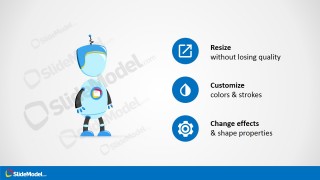
Resize- square shape with vertical arrow
Customize- half-colored teardrop
Change Effects- gear
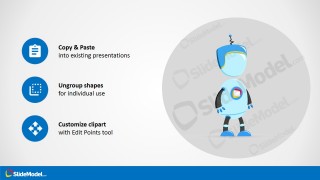
Copy & Paste- notepad
Ungroup shapes- right angle curve and dotted square
Customize clipart- four-headed arrow cursor
This PowerPoint design is ideal for technology-related presentations. The Robby Robot clipart can be copy and pasted to larger reports to emphasize a particular topic. These topics can be robotics, science and research. As illustrated in the last two slides, the PowerPoint shape is very flexible. The user can opt to personalize it to fit a certain presentation.
A robot is a machine that can work on its own complex tasks. It is a programmable device that can work automatically with or without a controller’s aid. The robot can be in shaped in form of a human like the featured Robby Robot cartoon, or a come in a more functional model. It can be a symbol for development, innovation, science and technology.
Impress global audiences with Use Robby Robot Cartoon Illustration for PowerPoint. Download Robby Robot Cartoon Sitting on his Office Chair at the SlideModel gallery.
What’s inside this template
Example presentation scenarios
- An educator can use the cover slide to introduce a robotics lesson and make the topic feel approachable before moving into technical definitions.
- A product marketer can use the title-and-caption layout to frame an AI or automation concept with a friendly robot visual and a short explanatory paragraph.
- A robotics team lead can use the feature icon list to show how the clipart can be resized, recolored, and restyled for use across a larger project update.
- A science communicator can use the customization instruction slide to prepare a reusable visual element for research talks, classroom decks, or technology awareness sessions.
Features
- 100% editable presentation template
- Compatible with Microsoft PowerPoint and Google Slides
- 16:9 aspect ratio slides
- Scalable vector shapes, icons and illustrations
- AI-Ready for Microsoft Copilot and Claude
- Instant access and download
Frequently asked questions
Q: How should a presenter build a clear message around the robot illustration?
A: Use the robot as a single visual anchor, not as decoration on every slide. Start with the cover to establish the technology theme, then use the title-and-caption slide for one concise idea. Keep the surrounding copy short so the cartoon character supports memory and attention instead of competing with the main message.
Q: Which presentations are best suited for this robot clipart template?
A: This template works best for presenters explaining technology in a friendly, accessible way, such as robotics classes, AI concept briefings, automation introductions, or science outreach talks. The cartoon robot lowers the barrier for nontechnical audiences, while the icon slides help teams reuse the visual inside a larger presentation.
Q: Why does the design pair a cartoon robot with editing instruction icons?
A: The cartoon robot acts as a metaphor for technology that is helpful rather than intimidating. The icon instruction slides turn the artwork into a reusable presentation asset by showing resize, customize, copy, ungroup, and edit-point actions. This sequencing helps presenters understand both the visual meaning and the practical reuse path.



Robby Robot Cartoon Illustration for PowerPoint
4-slide presentation template with editable Robby robot clipart, technology icons, and customization guidance
Robby Robot Cartoon Illustration for PowerPoint is a 4-slide presentation template for technology and robotics visuals. It includes a cover slide, title-and-caption layout, feature icon list, and customization instruction slide. The robot and icons use editable PowerPoint shapes and vector graphics for recoloring and resizing without quality loss in Microsoft PowerPoint and Google Slides.
- Rating


 Loading...
- Aspect ratio
- 16:9
- Item ID
- 8206-01
- Colors
 Microsoft PowerPoint
  Microsoft Copilot
  Claude for PowerPoint
 Other formats supported
Subscribe today and get immediate
access to download our PowerPoint templates.