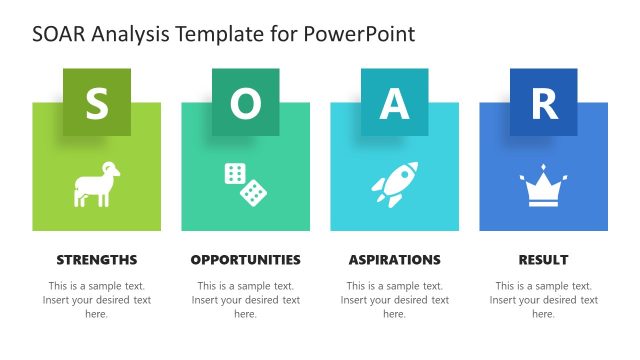
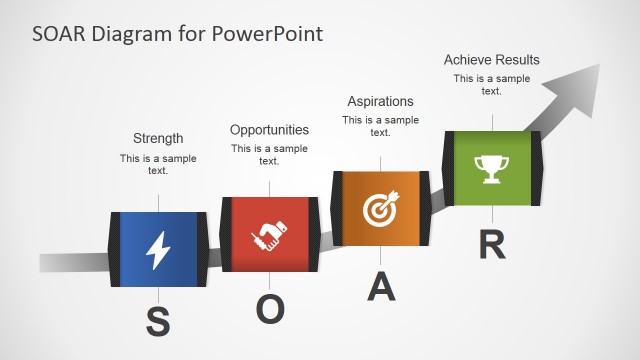
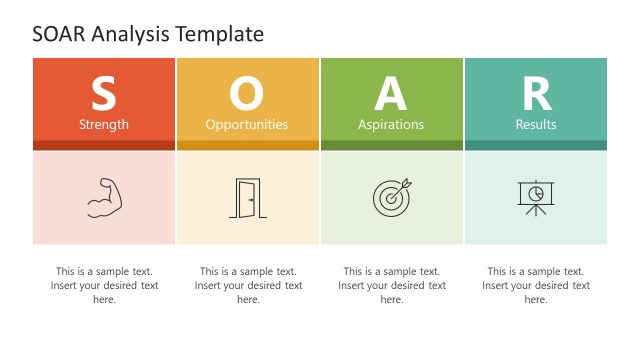
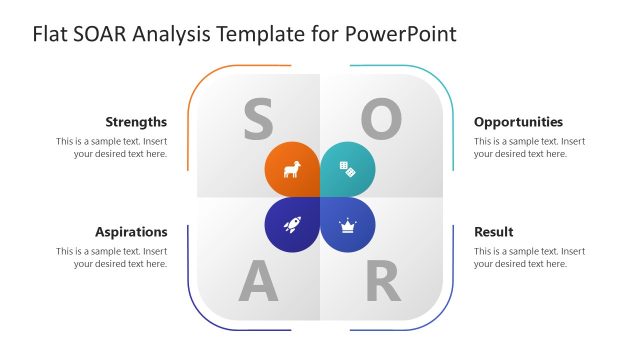
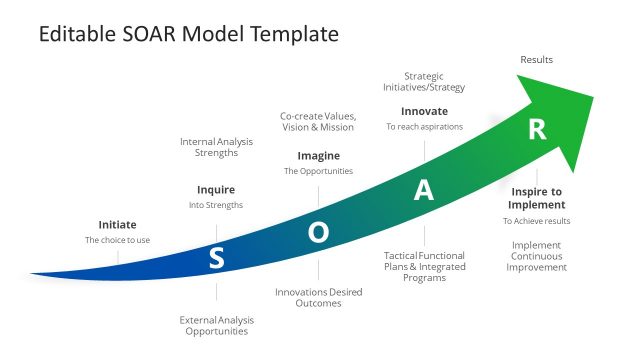
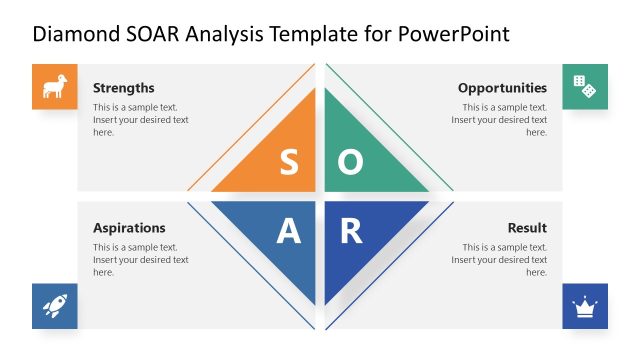
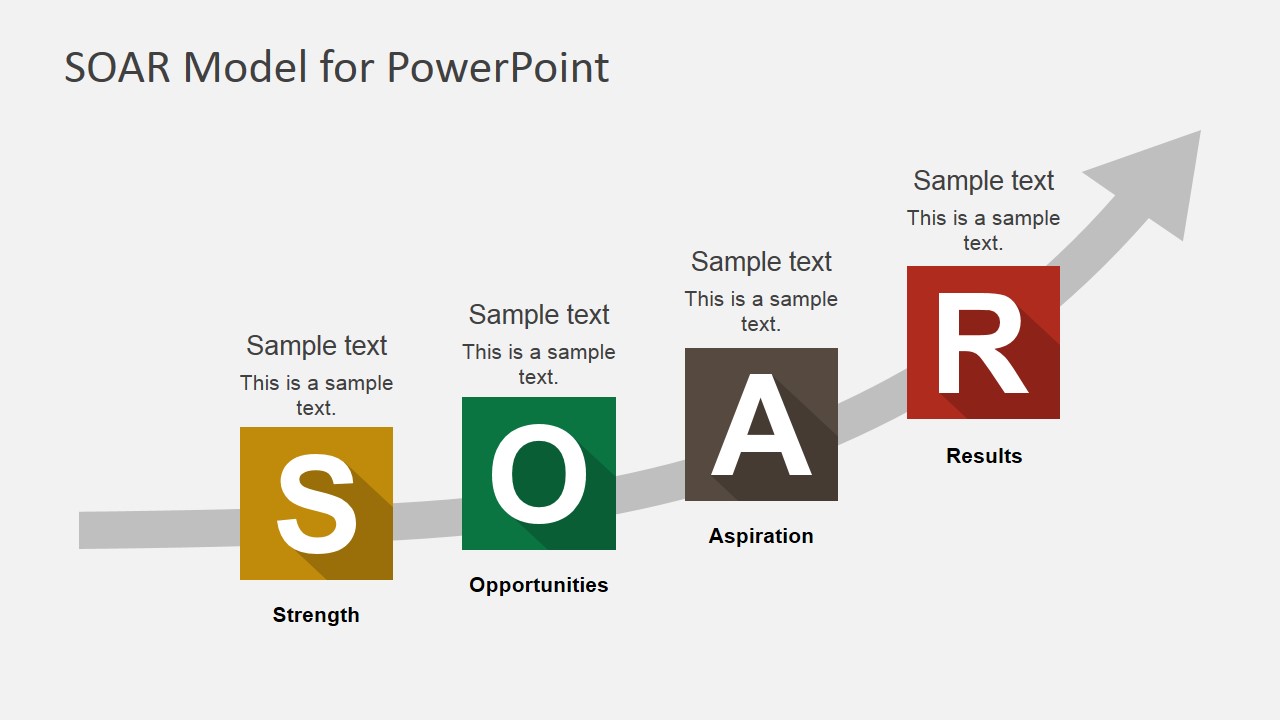
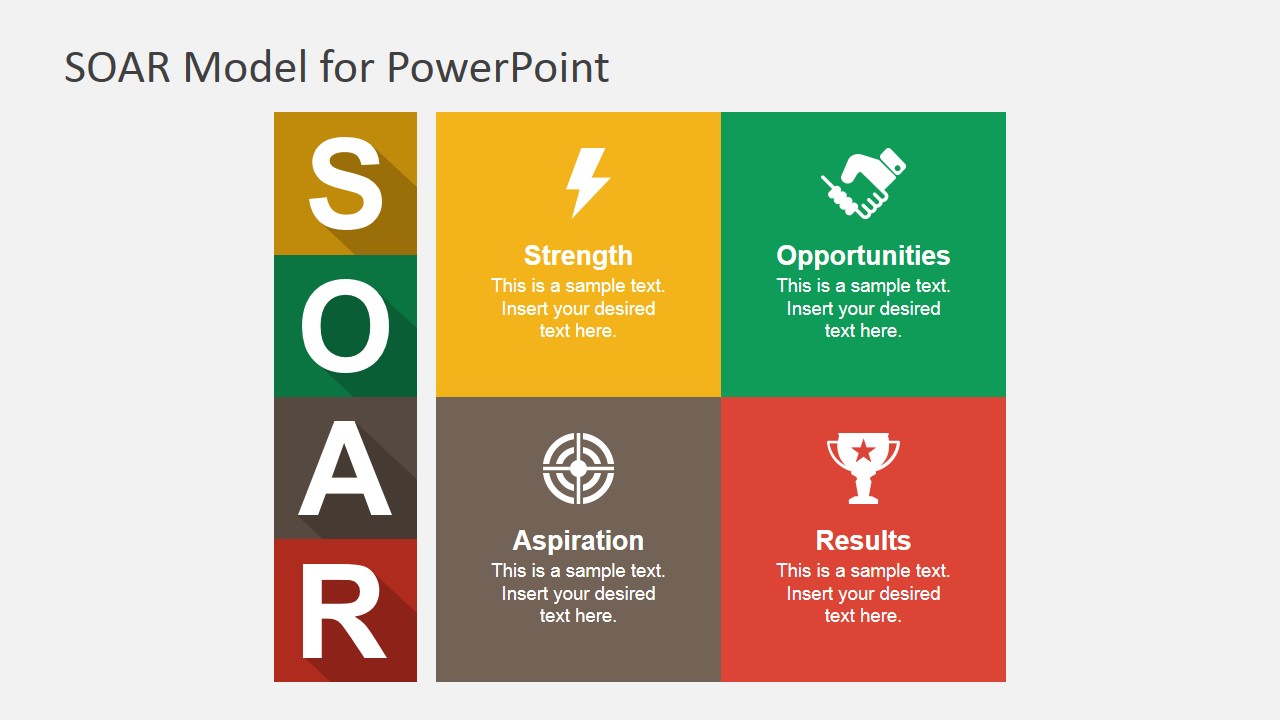
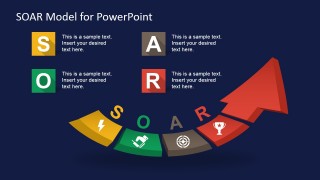
SOAR Model PowerPoint Template – The SOAR Acronym stands for Strengths, Opportunities, Aspirations, Results.
The SOAR Analysis is an adaptation of the SWOT Analysis. The main difference resides in the factors approach; the SOAR Analysis removes the negative factors (Threats, Weaknesses). The aim of SOAR framework is to follow a strategic planning method based on the expansion of Opportunities and Strengths to achieve Results targeting the management Aspirations.
The philosophy behind the SOAR framework is the appreciative inquiry, used to formulate plans aligned to the premeditated vision. The analysis assimilates the collective ideas and encourages collaboration within the organization. This SOAR analysis template can be used to present the SOAR model to your audience.
What’s inside this template
Example presentation scenarios
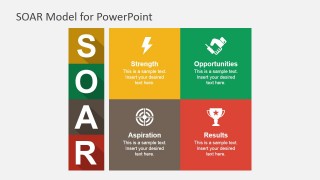
- A strategy consultant can use the SOAR quadrant matrix to help a client team organize strengths, opportunities, aspirations, and expected results during a planning workshop.
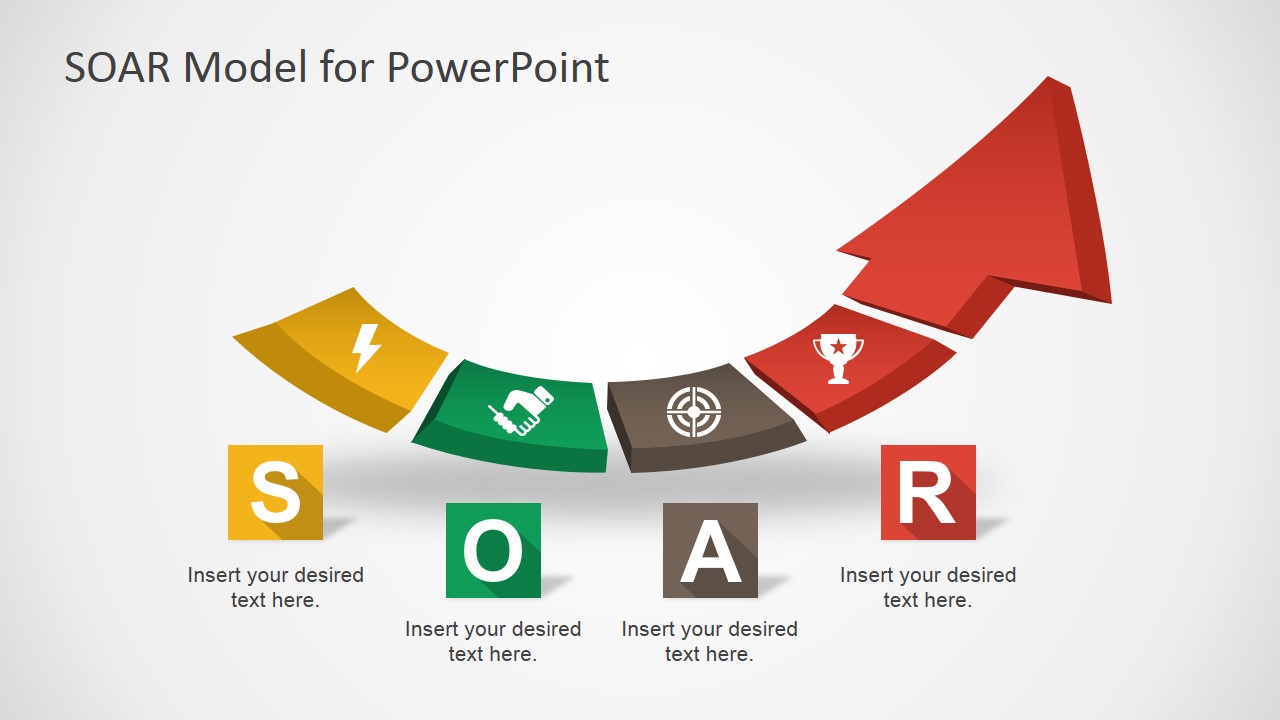
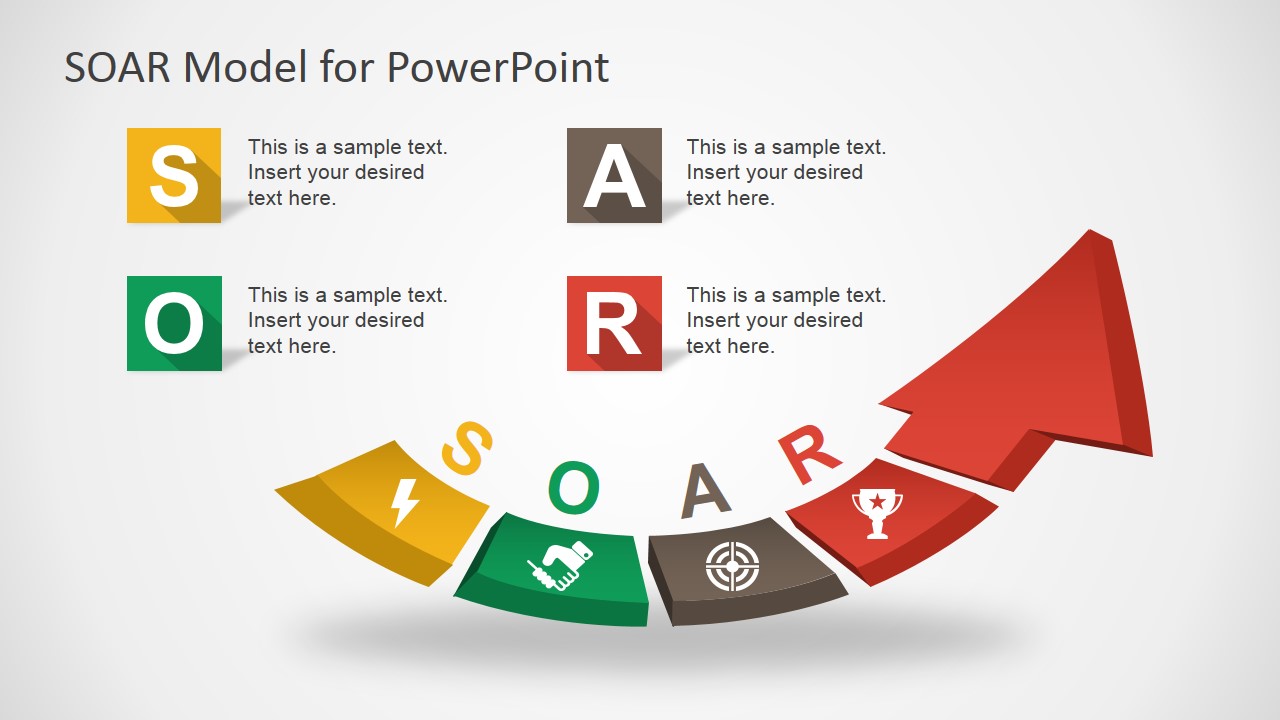
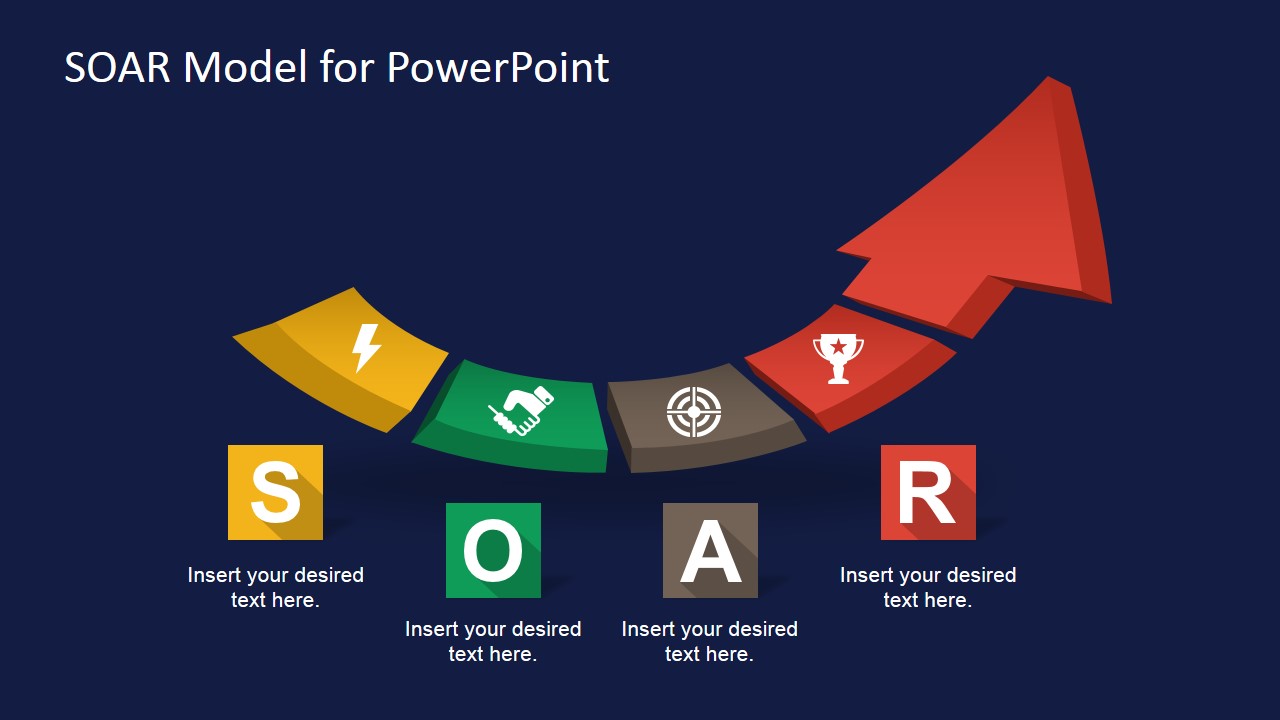
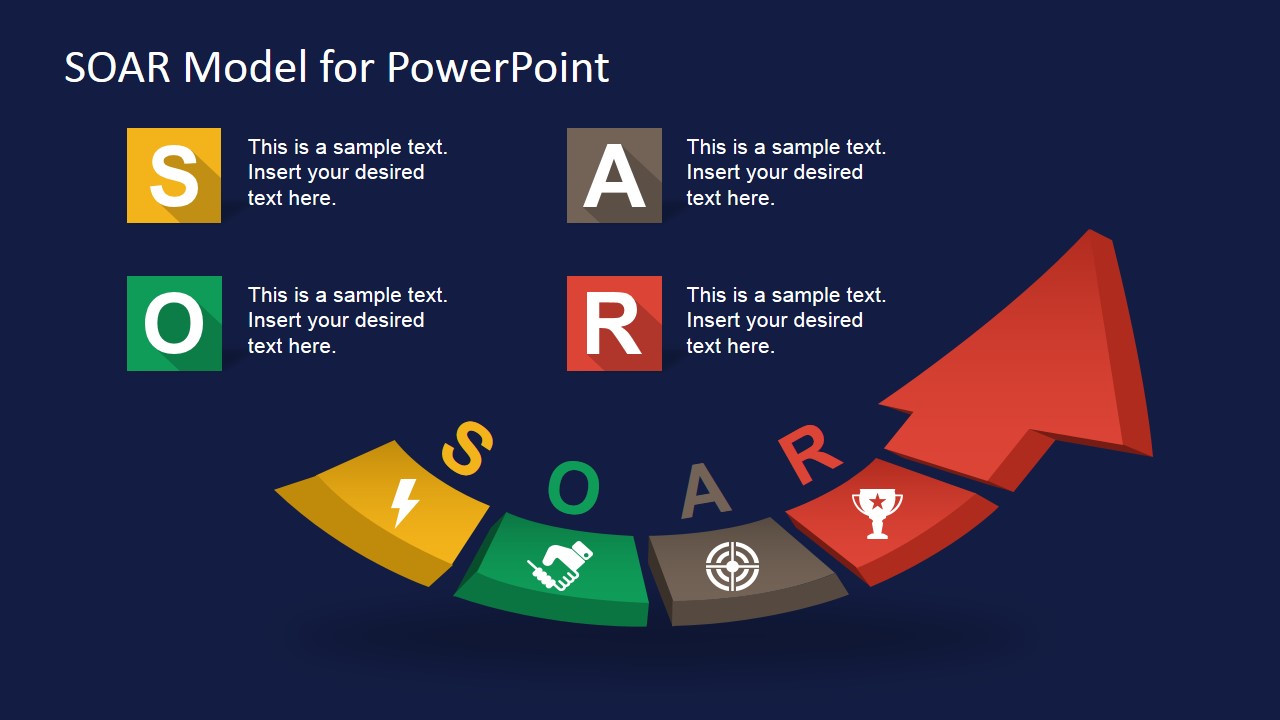
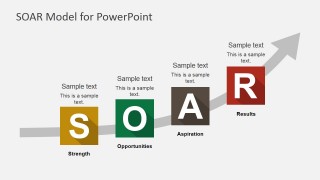
- An executive team can use the upward arrow sequence to show how current organizational strengths move toward future aspirations and measurable results.
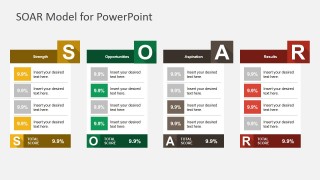
- An HR or organizational development presenter can use the scorecard table to compare employee input across the four SOAR categories and summarize total scores.
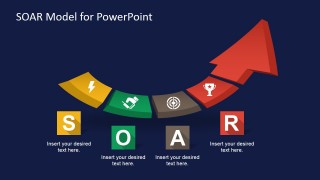
- A nonprofit director can use the dark-background overview slides to present a concise strategic direction narrative to board members.
Features
- 100% editable presentation template
- Compatible with Microsoft PowerPoint and Google Slides
- 16:9 aspect ratio slides
- Scalable vector shapes, icons and illustrations
- AI-Ready for Microsoft Copilot and Claude
- Instant access and download
Frequently asked questions
Q: How should a presenter structure the discussion around the SOAR framework?
A: Start with the overview slide to define Strengths, Opportunities, Aspirations, and Results, then move into the quadrant matrix for group input. Use the rising arrow slide after the discussion to connect the four categories into a forward path. Close with the scorecard table only if the audience needs prioritization or comparison.
Q: Who is this template best suited for in a strategy session?
A: This template fits strategy consultants, facilitators, executives, and organizational development teams who want a constructive alternative to weakness-focused analysis. It is strongest when the goal is to align people around what is working, where growth is possible, what the organization wants to become, and what results should prove progress.
Q: Why does the upward arrow metaphor work for a SOAR presentation?
A: The visible arrow and rising step layouts reinforce the idea that SOAR is a forward-looking framework rather than a risk audit. The colored S, O, A, and R blocks make each concept easy to separate, while the upward movement helps the audience see the framework as a path from current strengths to future results.


SOAR Model PowerPoint Template
8-slide SOAR model presentation template with quadrant matrix, scorecard, and upward strategy arrow layouts
The SOAR Model PowerPoint Template is an 8-slide strategy presentation template for explaining Strengths, Opportunities, Aspirations, and Results. Visible layouts include an upward arrow sequence, SOAR quadrant matrix, scorecard table, and letter-based framework overview. It is built for strategic planning workshops, leadership discussions, and team alignment in PowerPoint and Google Slides.
- Category
- Strategy
- Rating


 Loading...
- Aspect ratio
- 16:9, 4:3
- Item ID
- 7159-03
- Colors
 Microsoft PowerPoint
  Microsoft Copilot
  Claude for PowerPoint
 Other formats supported
Subscribe today and get immediate
access to download our PowerPoint templates.