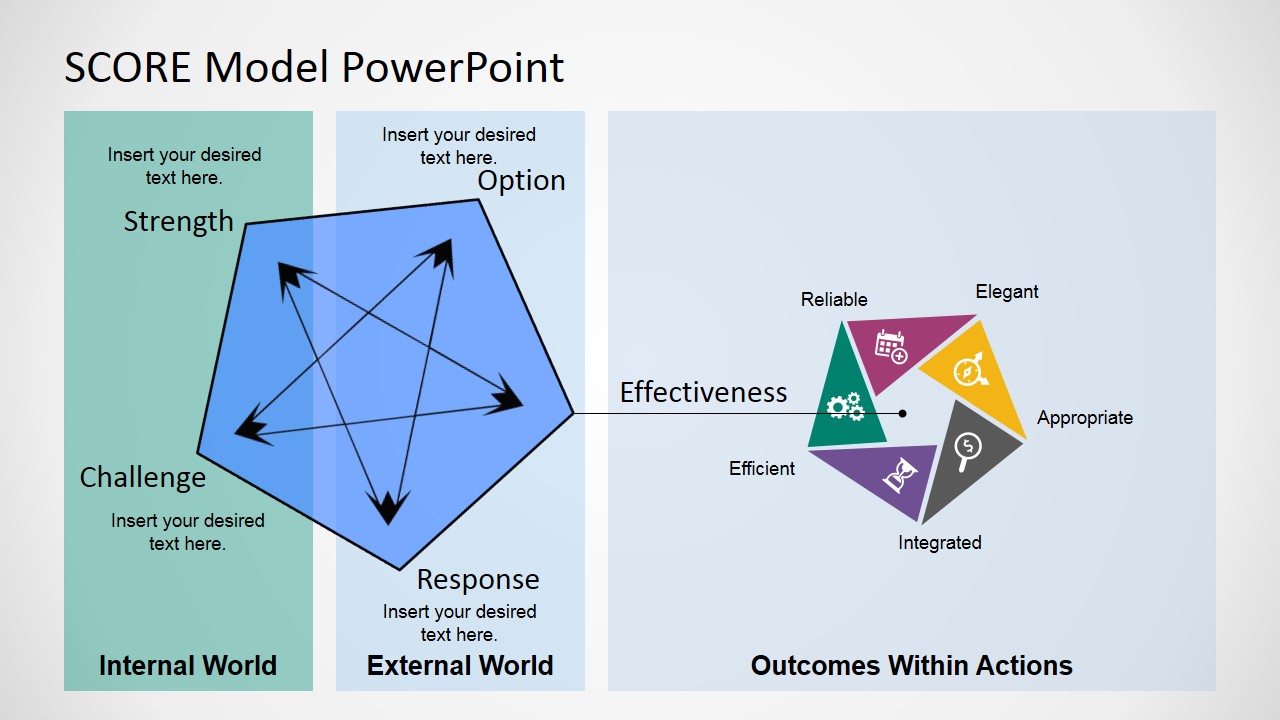
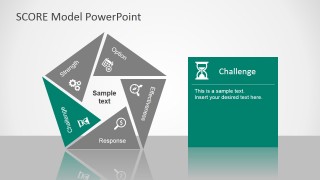
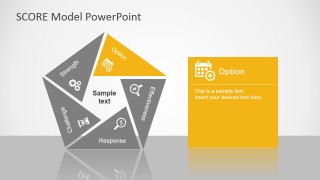
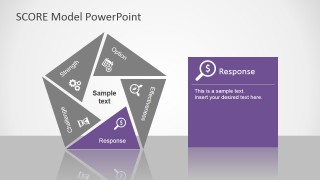
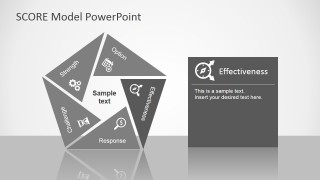
SCORE Model PowerPoint Template – The SCORE acronym stands for Strengths, Challenges, Options, Responses, Effectiveness.
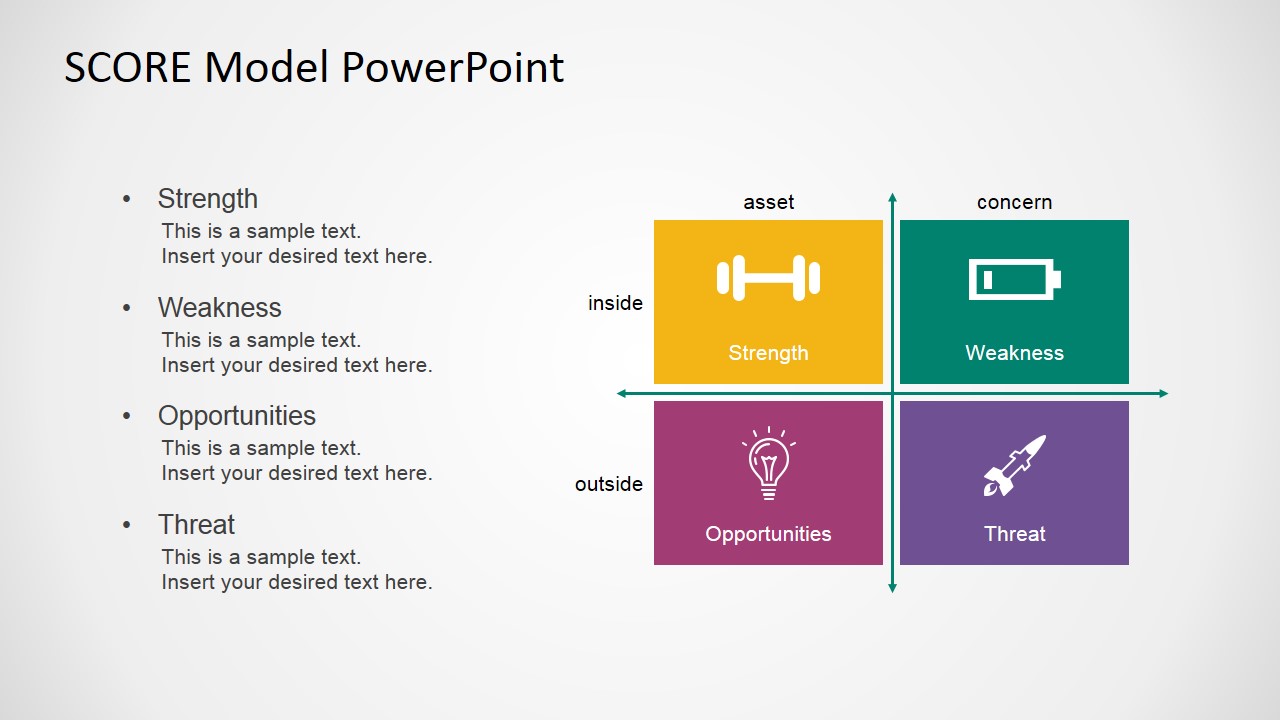
The SCORE Model is an alternative for the Traditional SWOT Analysis, based in the same principles. Its core is practically the same ,external and internal analysis for strategic planning, but the difference resides in the higher positivity of the SCORE Model. Instead of Weaknesses and Threats, the SCORE Model analyses Challenges, which are all the possible factors affecting the organization, and the rest of the concepts will focus on finding solutions to this issues.
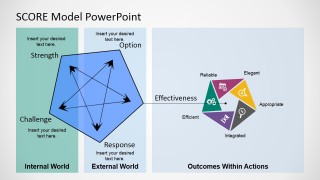
The strategic thinking behind the model is to identify the challenges of achieving business objectives and analyze options the organization has to apply strengths and receive responses. This analysis has a temporal reasoning behind the scenes; it’s an evolution from the SWOT Analysis as it not only lists the factors, but also sequence them in order to reach the responses.
The main advantage of using SCORE is the ability to create a plan to succeed and modeling all forthcoming proposals accordingly.
The presentation template is 100% editable. Users can adapt the look & feel with traditional powerpoint features.
SCORE Analysts can apply the SCORE Model PowerPoint Template to describe the conclusions and strategic factors to be taken into account for the organization.
What’s inside this template
Example presentation scenarios
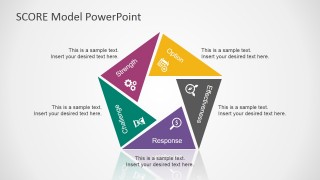
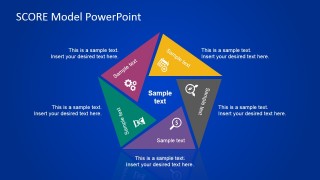
- A strategy consultant can use the SCORE pentagon diagram to introduce a client's current position and show how strengths, challenges, options, responses, and effectiveness relate.
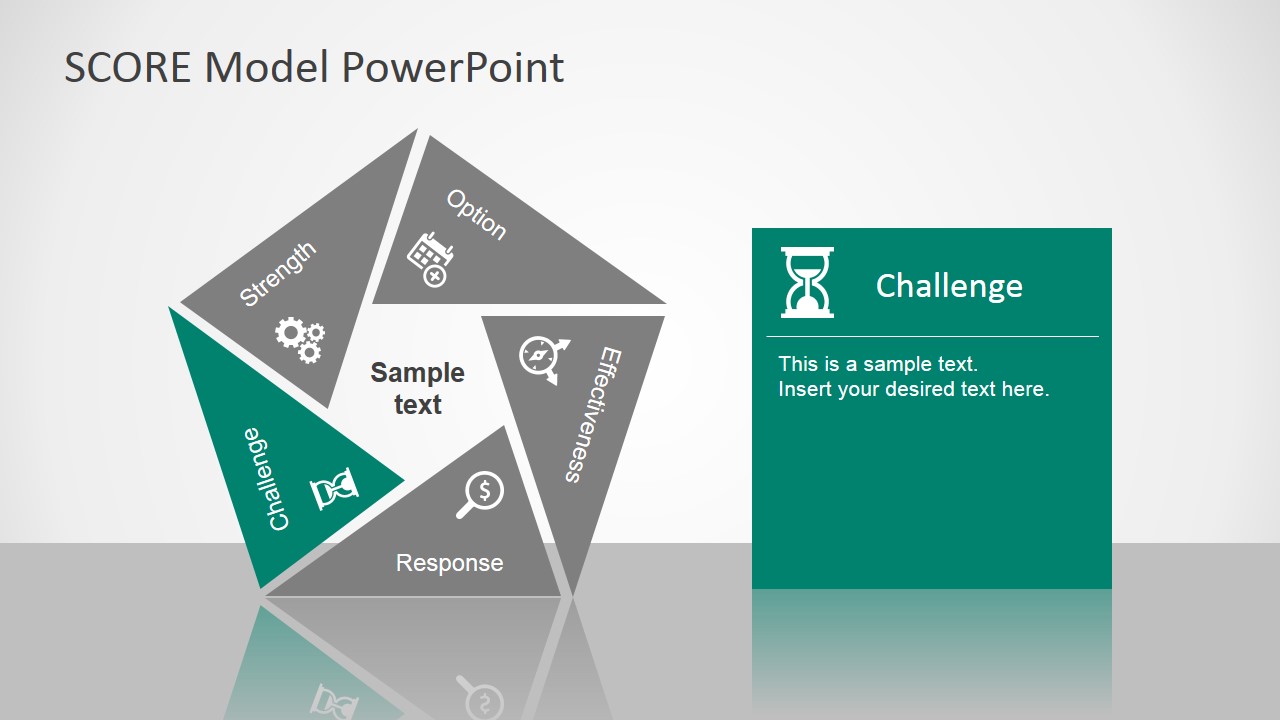
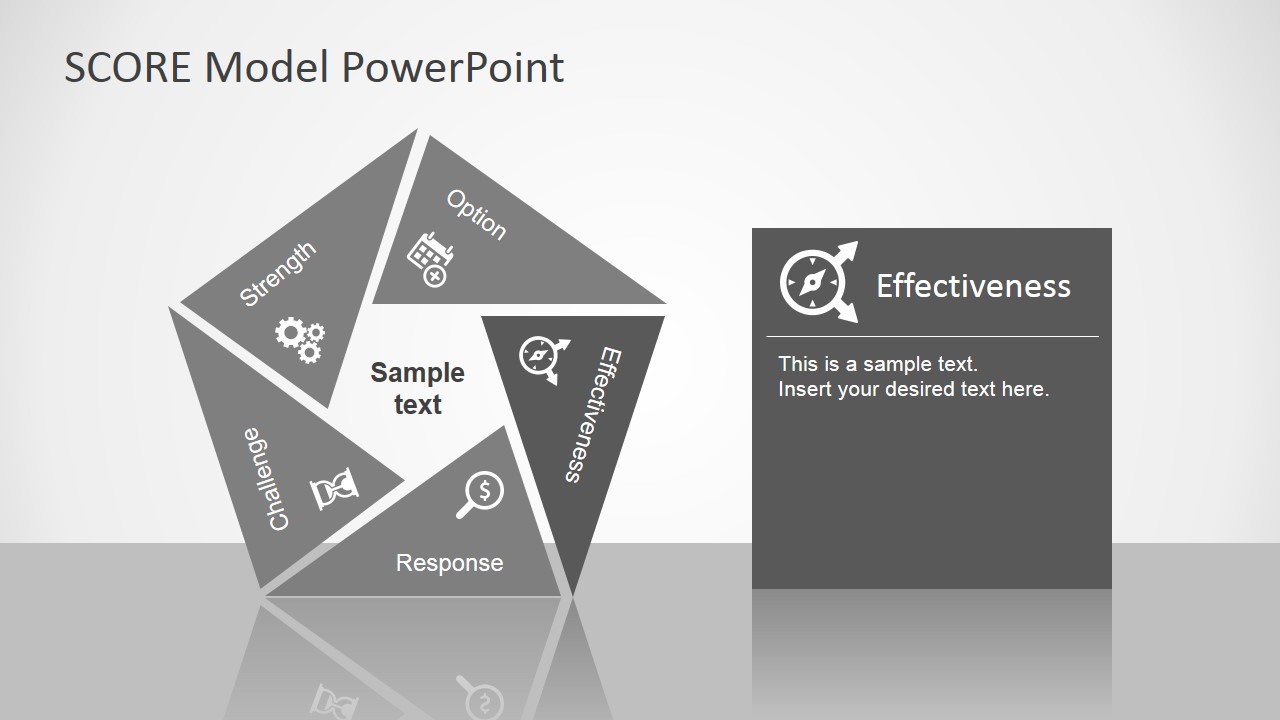
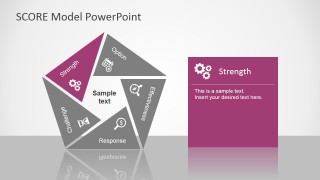
- A business analyst can use the five component card slides to walk executives through each SCORE factor before discussing recommendations.
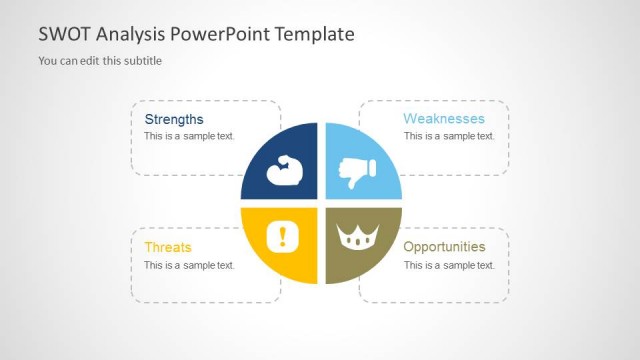
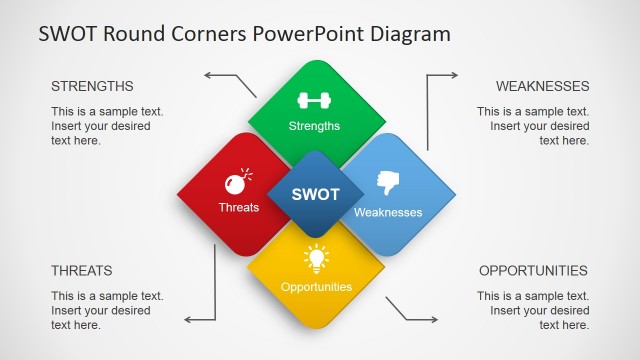
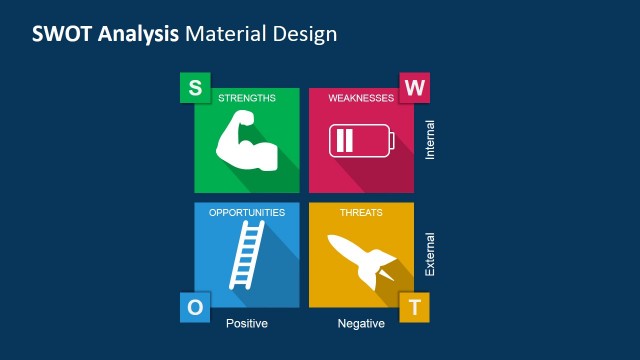
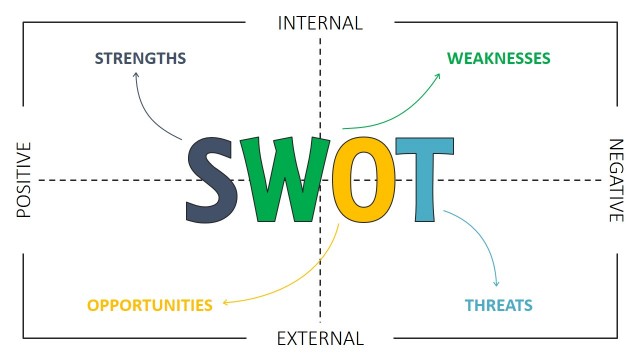
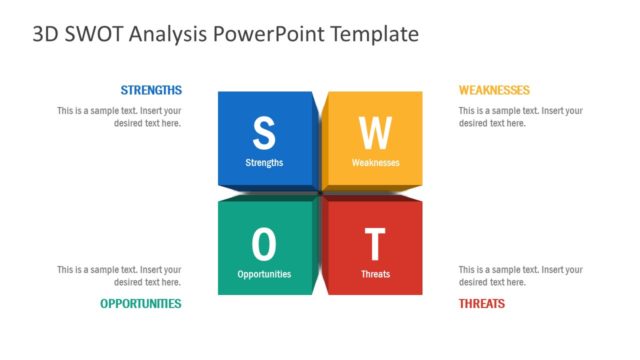
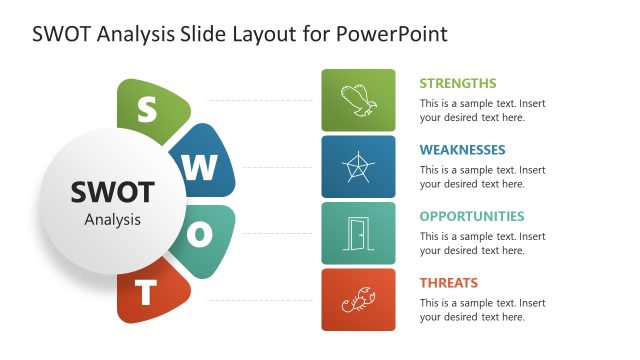
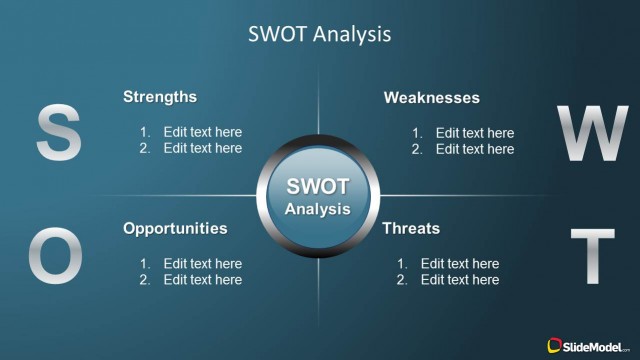
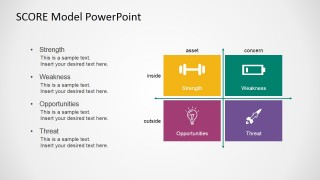
- A workshop facilitator can use the SWOT matrix slide to compare the familiar SWOT vocabulary with the SCORE model during a planning session.
- A program manager can use the internal world, external world, and outcomes slide to connect internal capabilities, external pressures, and desired results.
Features
- 100% editable presentation template
- Compatible with Microsoft PowerPoint and Google Slides
- 16:9 aspect ratio slides
- Scalable vector shapes, icons and illustrations
- AI-Ready for Microsoft Copilot and Claude
- Instant access and download
Frequently asked questions
Q: How should a presenter explain the SCORE model without turning it into a list of definitions?
A: Start with the full SCORE pentagon so the audience sees the relationships among the five factors. Then use the focused component slides to discuss one factor at a time, linking each point back to the central model. Close the explanation with the SWOT matrix only after the SCORE logic is clear.
Q: Who is this template best suited for in a strategy discussion?
A: This template fits consultants, analysts, and managers who need to translate a strategic assessment into a shared decision framework. It works well when stakeholders already know SWOT but need a more action-oriented discussion around challenges, options, responses, and effectiveness rather than only positive and negative factors.
Q: Why does the pentagon metaphor help communicate the SCORE framework?
A: The pentagon presents SCORE as an interconnected system rather than five isolated headings. Each segment has its own icon and color, while the repeated geometry keeps the audience oriented across the focus slides. That repetition makes it easier to compare factors and remember how each part contributes to a response.





SCORE Model PowerPoint Template
9-slide SCORE Model presentation template with strategy diagrams, component cards, and SWOT matrix layouts
The SCORE Model PowerPoint Template is a 9-slide strategy deck for explaining Strengths, Challenges, Options, Responses, and Effectiveness. It includes a SCORE pentagon diagram, five focused component card slides, an internal-external model, and a SWOT comparison matrix for analysts, consultants, and leadership teams using PowerPoint or Google Slides.
- Category
- Strategy
- Rating


 Loading...
- Aspect ratio
- 16:9, 4:3
- Item ID
- 7158-03
- Colors
 Microsoft PowerPoint
  Microsoft Copilot
  Claude for PowerPoint
 Other formats supported
Subscribe today and get immediate
access to download our PowerPoint templates.