Slide 5 of 5 from Semi-Circular Gauge Slide PowerPoint Template
Semi-Circular Gauge Presentation Slide
Semi-Circular Gauge Display for Performance Metrics
- Diagram
- Other
- Evaluation Slide
- 16:9
- 100% Editable
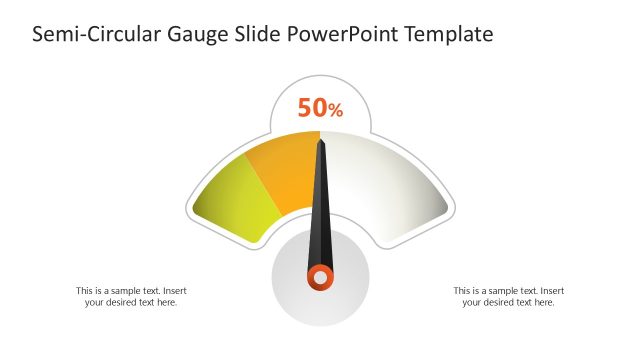
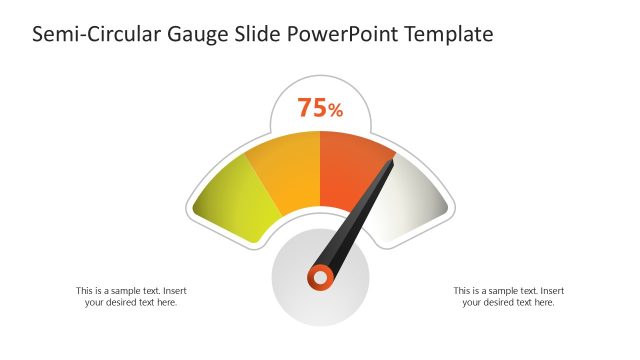
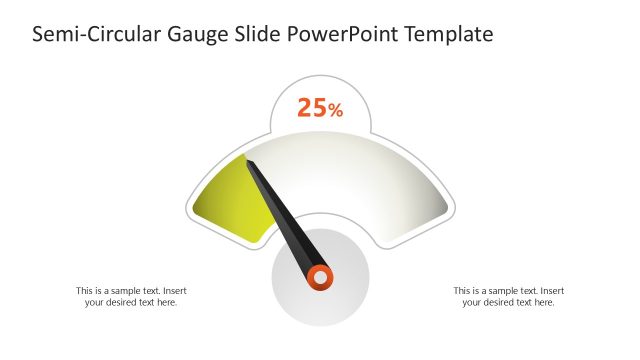
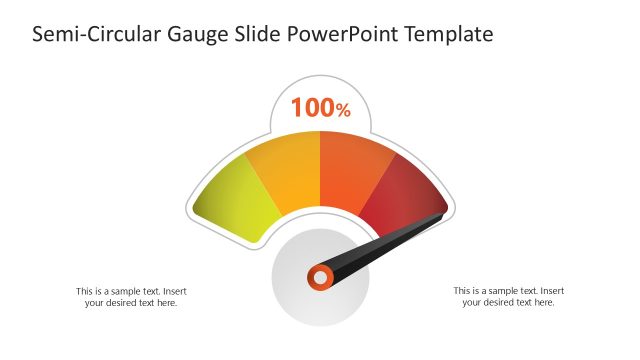
The Semi-Circular Gauge Display slide from the Semi-Circular Gauge Slide PowerPoint Template offers a clear way to visualize KPIs and project status updates using editable shapes and vector icons. This slide layout is designed for business presentations and pitch decks, enabling effective performance reviews with visually distinct semi-circular gauges that highlight key metrics.
What’s on This Slide
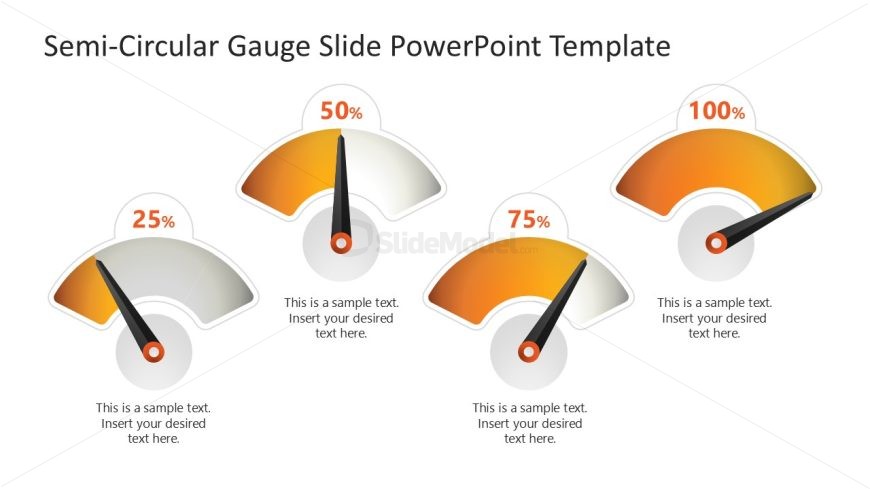
The layout features three semi-circular gauges arranged horizontally. Each gauge displays a percentage value: 25%, 50%, and 75%, with corresponding needle indicators pointing to these values. Below each gauge, there are text placeholders aligned centrally for descriptive content. The gauges are visually distinct with gradient fills transitioning from orange to yellow. The overall design includes a light background, enhancing the visibility of the gauges. The gauges are evenly spaced, creating a balanced composition across the slide.
How to Use It
This layout serves as a performance measurement display, ideal for showcasing metrics in business presentations. It fits well in a sequence that discusses progress or results, following problem identification slides. Use this structure to present KPIs, project statuses, or performance evaluations. It is effective for highlighting achievements or areas needing improvement, making it suitable for executive summaries or team reviews.
Text Placeholders & Capacity
Keep your copy within these limits so it fits without resizing. Node body slots can hold about 40 characters each.
| Placeholder | Count | Max characters (approx.) |
|---|---|---|
| Item heading | 3 | 3 |
| Item body | 3 | 40 |
Slide Keywords
Download unlimited PowerPoint templates, charts and graphics for your presentations with our annual plan.
DOWNLOAD