Slide 3 of 4 from Free Performance Gauge Slide PowerPoint Template
Editable Free Performance Gauge PPT Template
Performance Gauge Slide for Presentations
- Chart
- Gauge Meter
- Evaluation Slide
- 16:9
- 100% Editable
What’s on This Slide
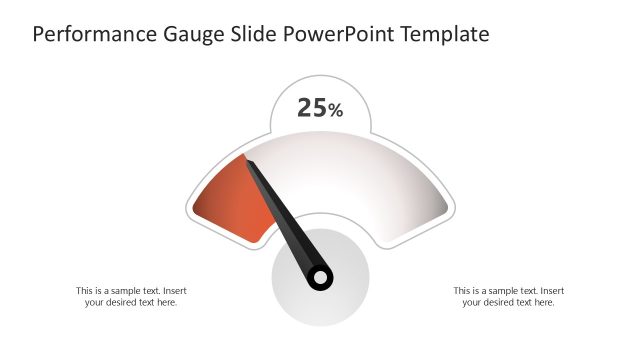
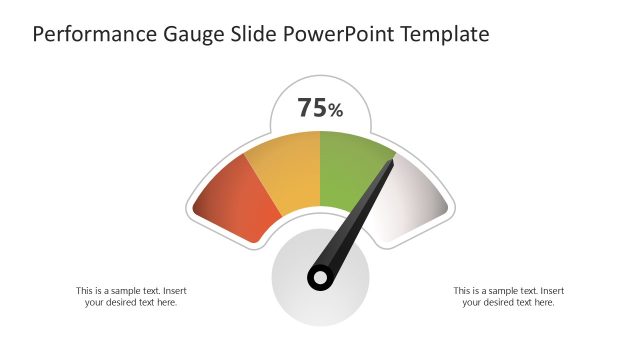
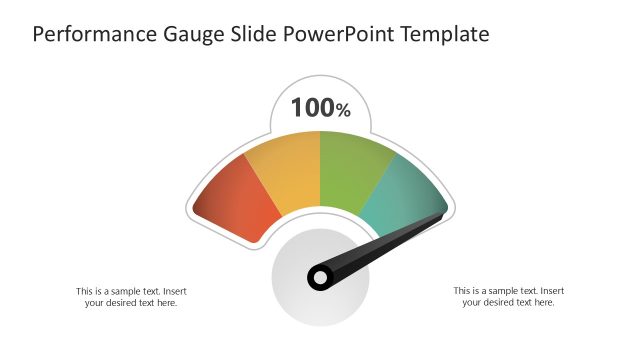
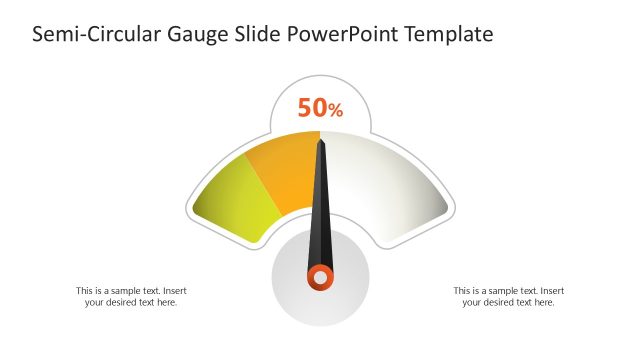
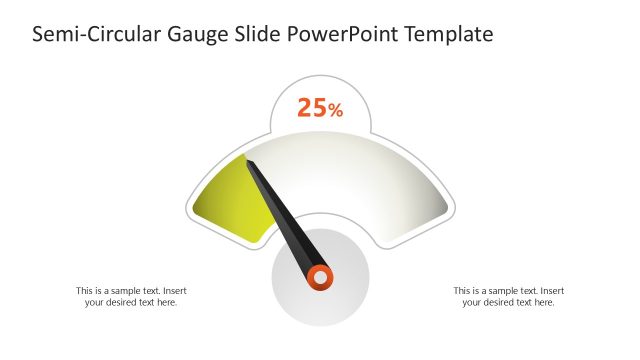
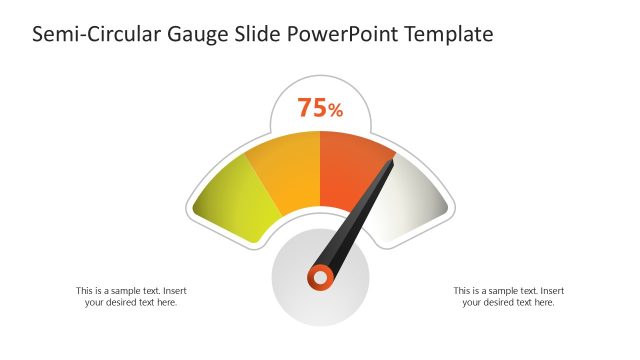
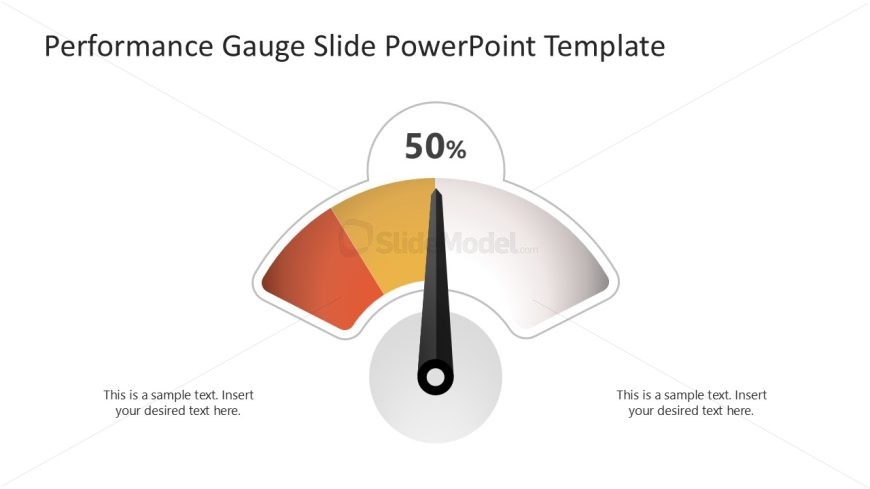
The slide features a performance gauge positioned centrally, displaying a needle pointing to 50%. The gauge has a semi-circular shape with a gradient color scheme transitioning from orange to yellow and white. Below the gauge, there are two text placeholders aligned left and right, each containing sample text. The overall layout is clean, with ample white space surrounding the gauge, enhancing its visibility. The visual hierarchy emphasizes the gauge's reading, making it the focal point of the slide.
How to Use It
This layout serves as a performance gauge, ideal for illustrating metrics or progress in a presentation. It fits well after problem identification slides, providing a visual representation of performance levels. Common scenarios include business performance reviews, project status updates, or KPI presentations. The gauge format allows for quick comprehension of data, making it suitable for executive summaries or team meetings where visual clarity is essential.
Text Placeholders & Capacity
Keep your copy within these limits so it fits without resizing. Body slots can hold about 8-10 words each.
| Placeholder | Count | Max characters (approx.) |
|---|---|---|
| Slide title | 1 | 40 |
| Item body | 2 | 50 |
Slide Keywords
Download unlimited PowerPoint templates, charts and graphics for your presentations with our annual plan.
DOWNLOAD