Slide 2 of 4 from Free Performance Gauge Slide PowerPoint Template
Free Performance Gauge PPT Slide Template
Performance Gauge Slide for Presentations
- Chart
- Gauge Meter
- Evaluation Slide
- 16:9
- 100% Editable
What’s on This Slide
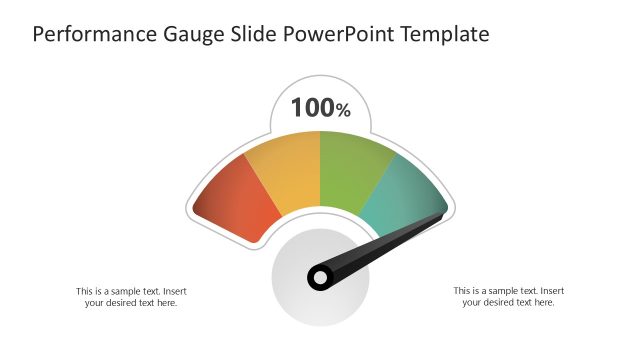
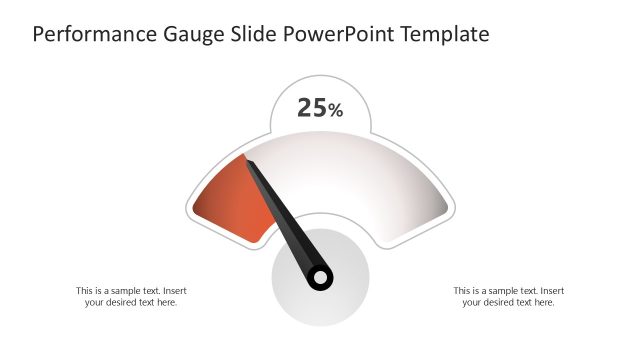
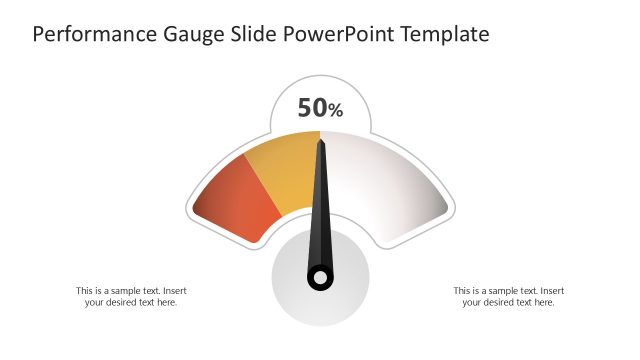
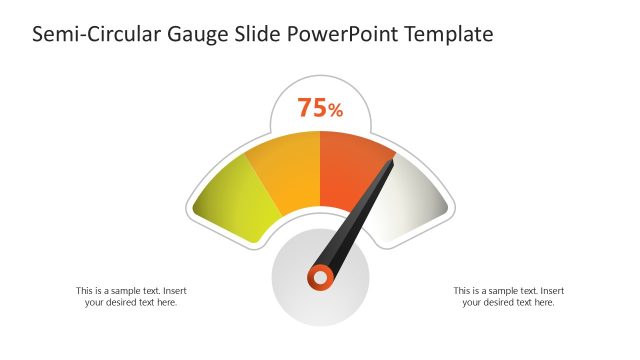
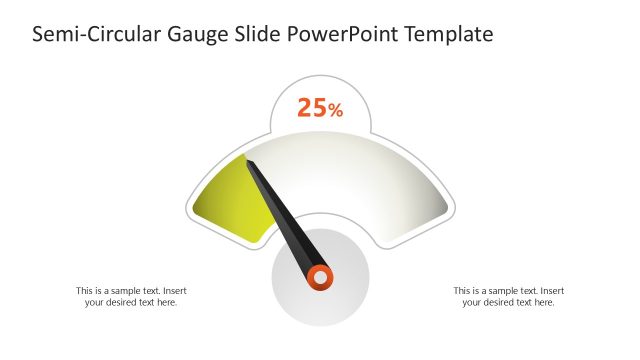
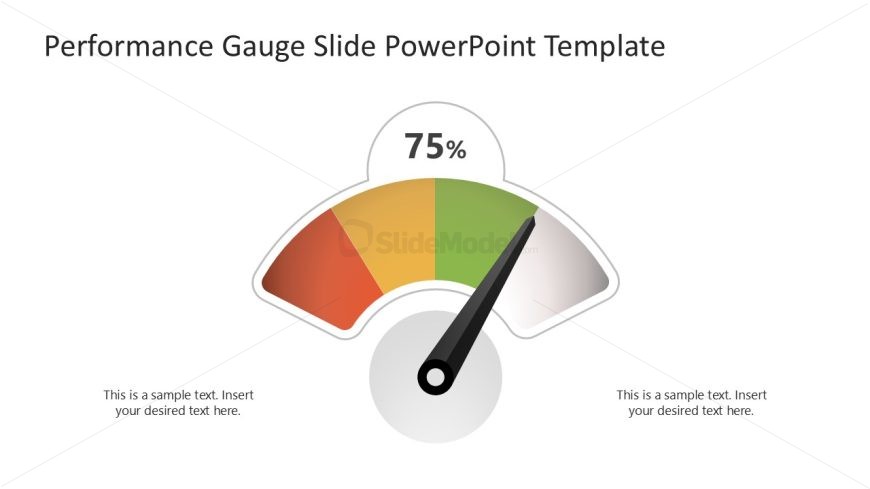
The slide features a performance gauge positioned centrally, displaying a 75% indicator. The gauge is semi-circular, with color segments ranging from red to green, indicating performance levels. Text placeholders are located on both the left and right sides of the gauge, aligned horizontally. These placeholders allow for additional context or details. The background is a clean white, enhancing the visibility of the gauge. The overall composition is balanced, with the gauge as the focal point and the text placeholders providing space for supplementary information.
How to Use It
This layout serves as a visual performance indicator, suitable for showcasing metrics or progress. It fits well in a presentation sequence after problem identification, illustrating current performance levels. This slide is ideal for business scenarios such as project updates, performance reviews, or KPI presentations. It effectively communicates quantitative data in a visually engaging manner, making it useful for stakeholders to quickly grasp performance status.
Text Placeholders & Capacity
Keep your copy within these limits so it fits without resizing. Body slots can accommodate roughly 8-10 words each.
| Placeholder | Count | Max characters (approx.) |
|---|---|---|
| Slide title | 1 | 40 |
| Body paragraph | 2 | 50 |
| Data label | 1 | 10 |
Slide Keywords
Download unlimited PowerPoint templates, charts and graphics for your presentations with our annual plan.
DOWNLOAD