Slide 5 of 10 from Rocket Infographics PowerPoint Template
Three Percentage Blocks Slide for Rocket Infographics
Rocket Infographics Slide for Presentations
- Diagram
- Other
- Process Slide
- 16:9
- 100% Editable
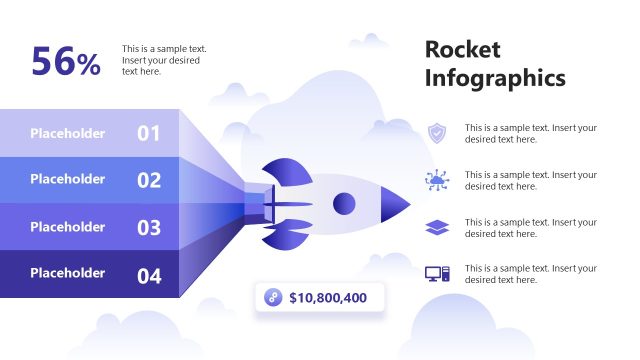
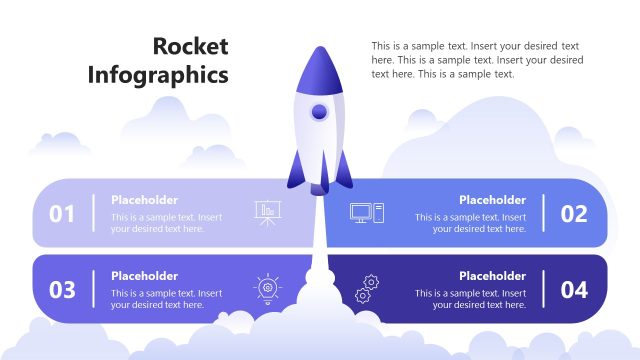
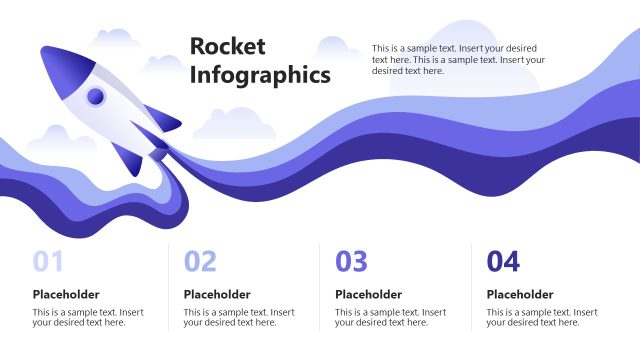
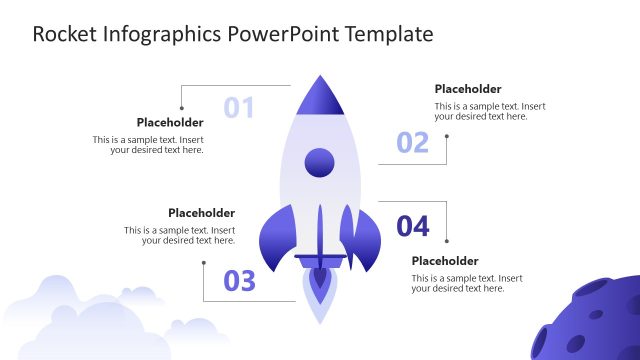
The Rocket Infographics slide layout from the Rocket Infographics PowerPoint Template offers a clear process diagram ideal for business presentations. Featuring editable shapes and vector icons, it visually communicates performance metrics and project progress. This slide integrates well into corporate presentations or pitch deck templates, providing a balanced design with a rocket graphic and percentage indicators to enhance data clarity in slide decks.
What’s on This Slide
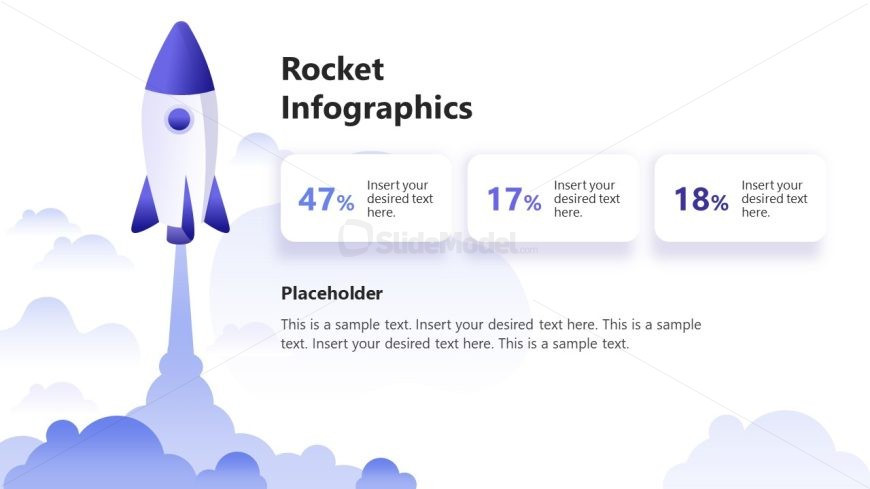
The layout features a prominent rocket graphic positioned on the left side, with a gradient background of clouds. To the right, three rounded rectangles display percentage values, each containing a text placeholder for additional information. The first rectangle shows 47%, the second 17%, and the third 18%, arranged vertically. Below these, there is a larger text placeholder labeled 'Placeholder' for descriptive content. The overall composition balances the visual weight of the rocket with the textual elements, creating a clear hierarchy.
How to Use It
This layout serves as a process diagram, effectively illustrating key metrics or stages in a project. It fits well in a presentation sequence after introducing a problem or concept, providing a visual summary of progress or success rates. Suitable for business scenarios like performance reviews, project updates, or marketing analysis, it allows for clear communication of quantitative data while maintaining engagement through visual elements.
Text Placeholders & Capacity
Keep your copy within these limits so it fits without resizing. Body slots can accommodate roughly 30 words each.
| Placeholder | Count | Max characters (approx.) |
|---|---|---|
| Slide title | 1 | 30 |
| Item body | 3 | 15 |
| Body paragraph | 1 | 200 |
Slide Keywords
Download unlimited PowerPoint templates, charts and graphics for your presentations with our annual plan.
DOWNLOADReturn to Rocket Infographics PowerPoint Template.