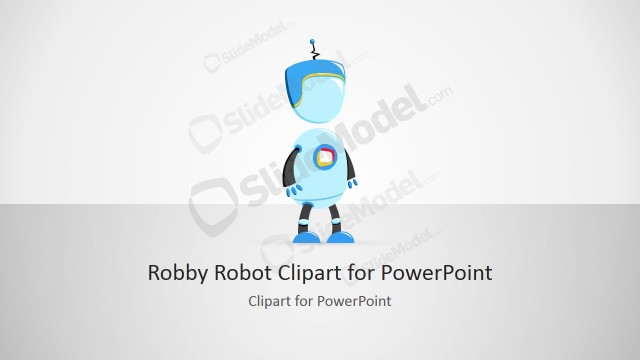
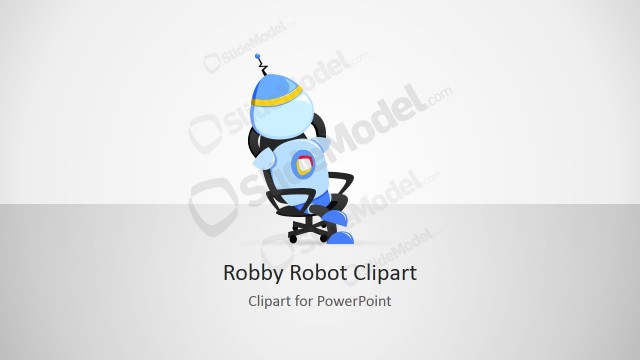
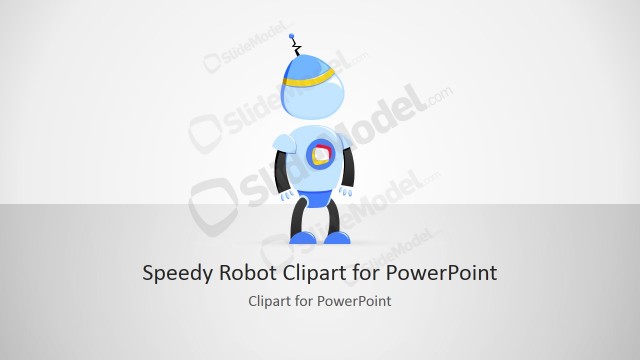
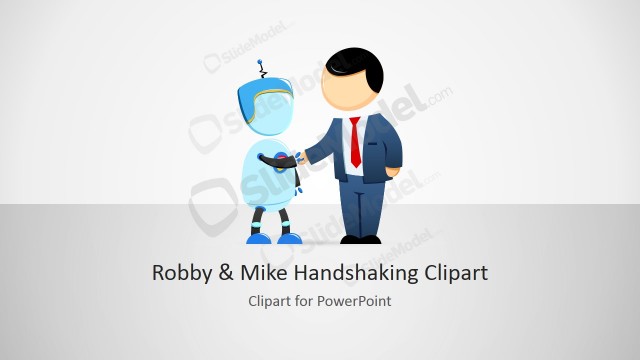
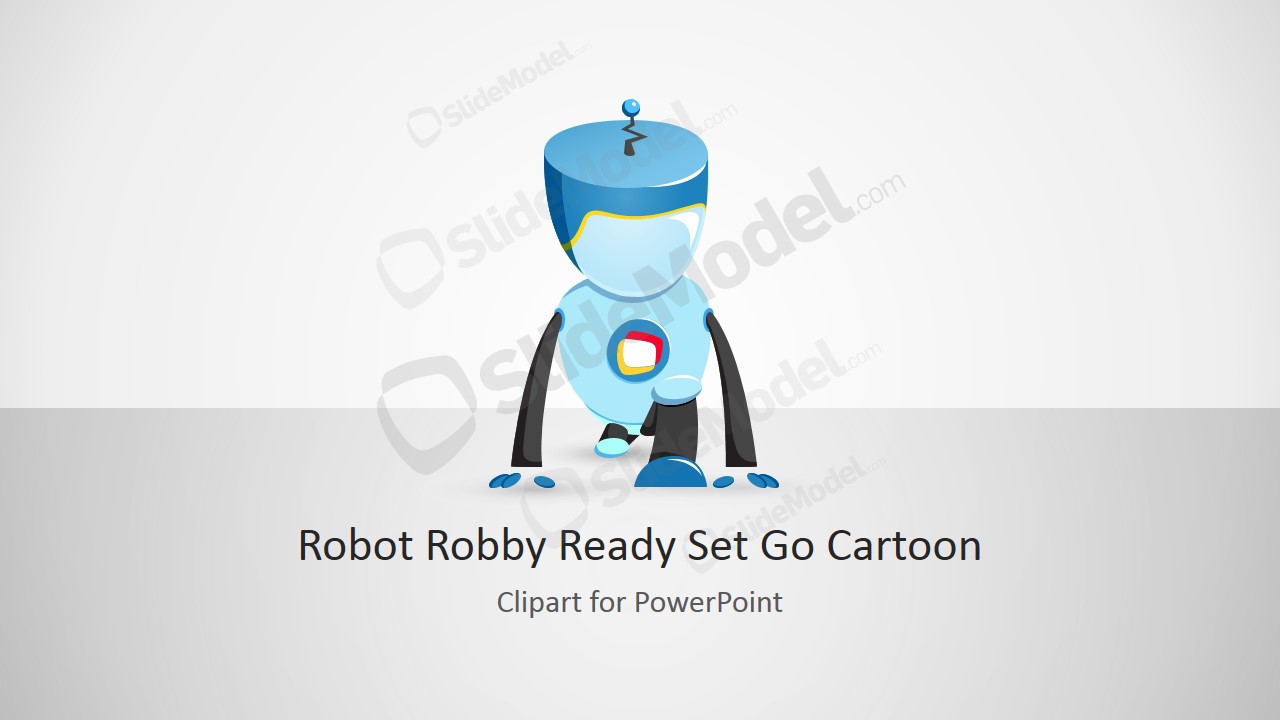
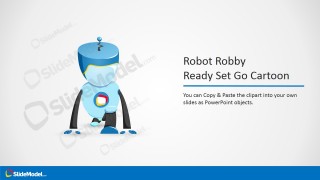
Robot Robby Ready Set Go Cartoon Character for PowerPoint is a creative cartoon design that you can use to make presentations on product launch, product development or decorate your business & technology PowerPoint presentations.
Robby is the name of this futuristic robot and you can find the same character with different positions and gestures. This Robby robot design and illustration for PowerPoint can be used as a metaphor of Ready-Set-Go concept. This concept can be also used in other management & business case.
What’s inside this template
Example presentation scenarios
- A product manager can use the cover slide and Ready Set Go robot illustration to open a product launch kickoff with a clear start signal.
- A startup founder can use the title-and-character layout to introduce a technology concept while keeping the opening slide approachable and visual.
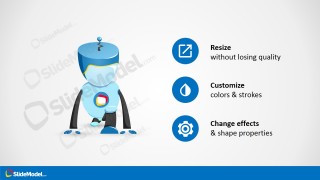
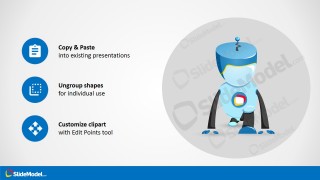
- A training facilitator can use the icon callout slides to explain how the robot clipart can be resized, recolored, copied, and placed into existing training decks.
- A marketing presenter can use the robot character as a recurring visual cue in a campaign presentation about automation, software, or a future-state product story.
Features
- 100% editable presentation template
- Compatible with Microsoft PowerPoint and Google Slides
- Scalable vector shapes, icons and illustrations
- AI-Ready for Microsoft Copilot and Claude
- Instant access and download
Frequently asked questions
Q: How can a presenter use the Ready Set Go robot without making the message feel childish?
A: Use Robby as a single visual anchor for a start, launch, or technology theme, then keep the spoken message focused on the business point. The cover and title slides work best when the robot introduces momentum, while the callout slides should be reserved for short instructions or supporting notes rather than long explanations.
Q: Who is this template best suited for in a business presentation?
A: This template fits presenters who need a light, technology-oriented visual for a kickoff, product launch, development update, or training deck. Product managers, startup teams, and technology marketers can use the robot character to signal automation, experimentation, or a new beginning without building a full illustrated scene from scratch.
Q: Why does the cartoon robot metaphor help explain a launch or start message?
A: A robot character gives the audience an immediate symbol for technology, readiness, and movement. The Ready Set Go theme works because the character turns an abstract start message into a memorable cue. The clean callout layouts keep the metaphor controlled by pairing the illustration with short, specific text blocks.


Robot Robby Ready Set Go Cartoon Character for PowerPoint
4-slide presentation template with Robot Robby cartoon illustration and Ready Set Go launch visuals
Robot Robby Ready Set Go Cartoon Character for PowerPoint is a 4-slide presentation template built around a friendly blue robot illustration for technology, product launch, and start-themed presentations. It includes a cover slide, title-and-character slide, right-side icon callout layout, and instruction callout layout for Microsoft PowerPoint and Google Slides.
- Rating


 Loading...
- Item ID
- 8216-01
- Colors
 Microsoft PowerPoint
  Microsoft Copilot
  Claude for PowerPoint
 Other formats supported
Subscribe today and get immediate
access to download our PowerPoint templates.