Our Retirement Planning PowerPoint Template is a presentation slide template that you can use to showcase your organization’s retirement planning presentation needs. Retirement planning is a long-term financial plan to increase wealth and make savings and investments for a financially stable retirement. The organization calculates your net income, business profits, total expenses, current savings, lifestyle, and retirement goals. Then, they present a strong retirement plan based on your situation. We have crafted this template to help professionals introduce the company’s retirement policies and actionable steps. Users can showcase the retirement benefits the company offers and saving strategies.
The Retirement Planning PowerPoint Template has slides showing the various topics related to the plan and organization. The template contains images of a happy old couple enjoying their stressless retirement. Professionals can use infographic icons and text areas to write the aspects of the subject. Separate columns help users display the main points of long-term and short-term goals. Different tiers of investment and retirement plans grab the audience’s attention and increase the impact of the presentation. They can visualize the following topics concisely:
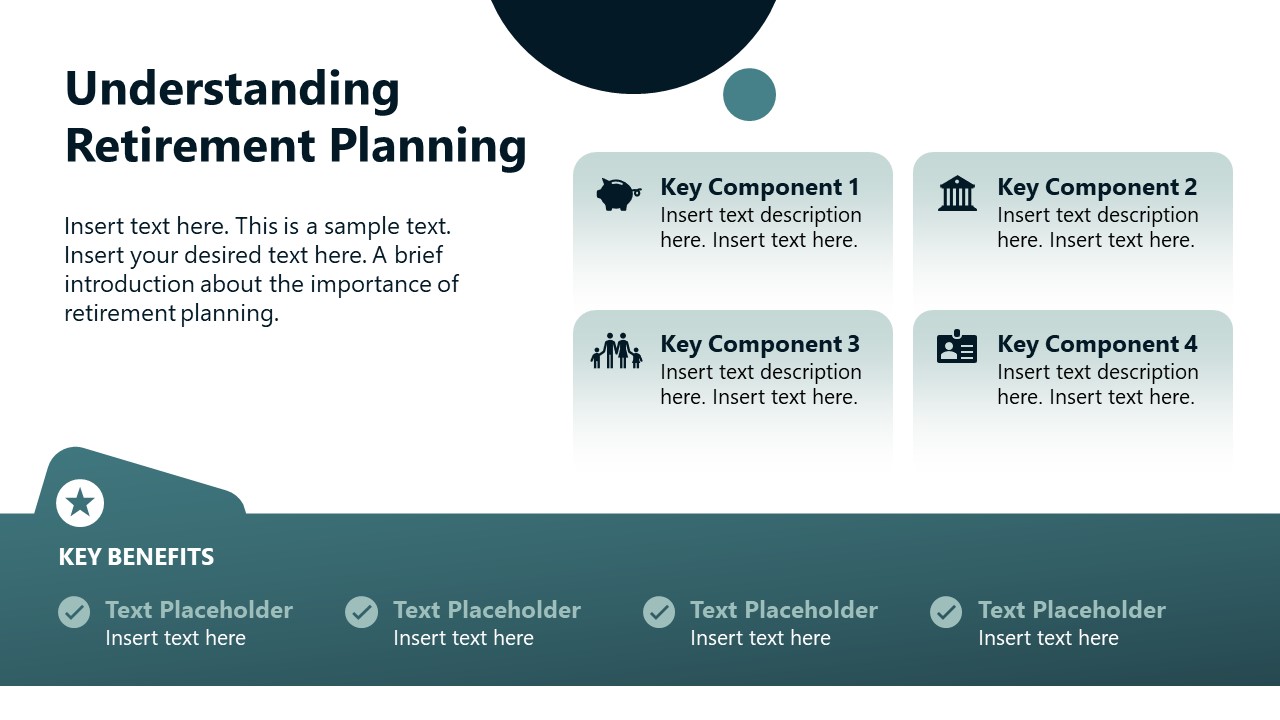
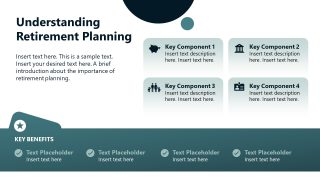
- Understanding Retirement Planning
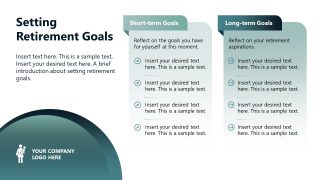
- Setting Requirement Goals
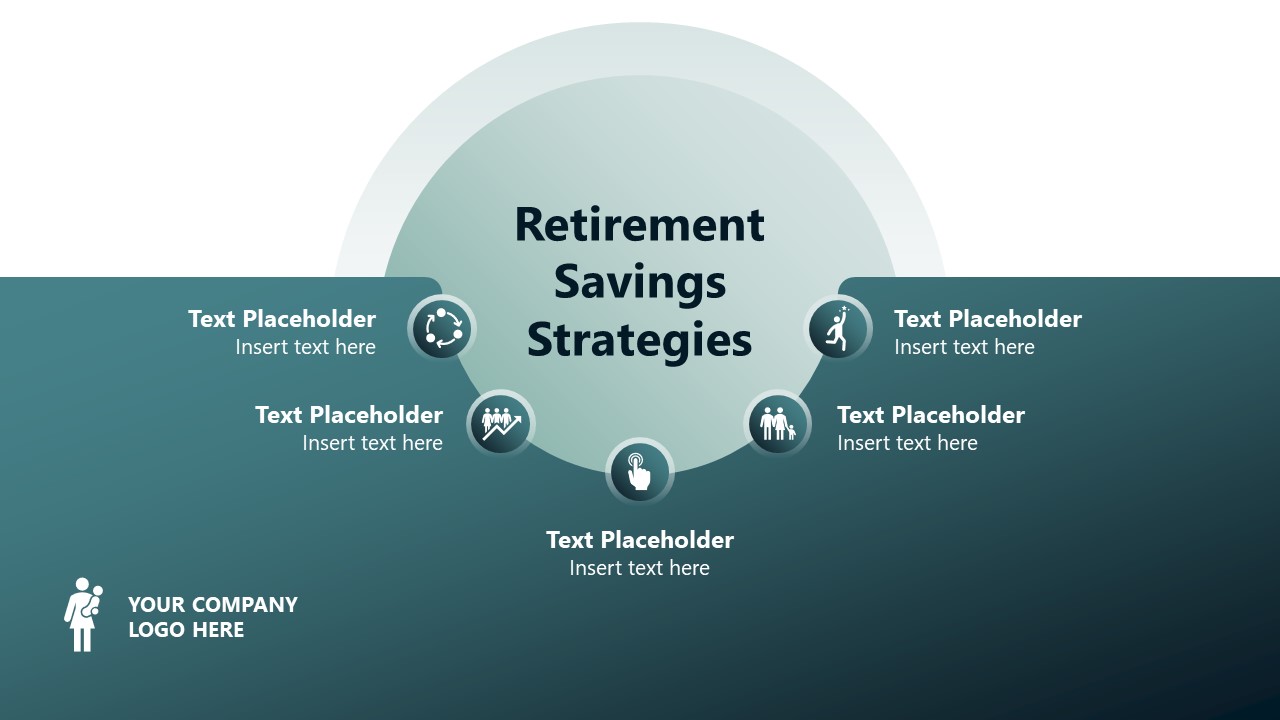
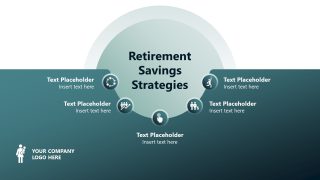
- Retirement Saving Strategies
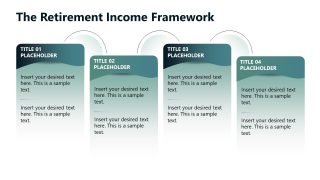
- Retirement Income Framework
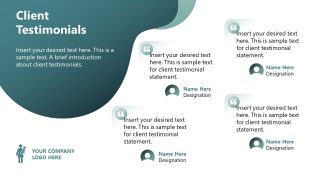
- Our Service Clients’ Testimonials
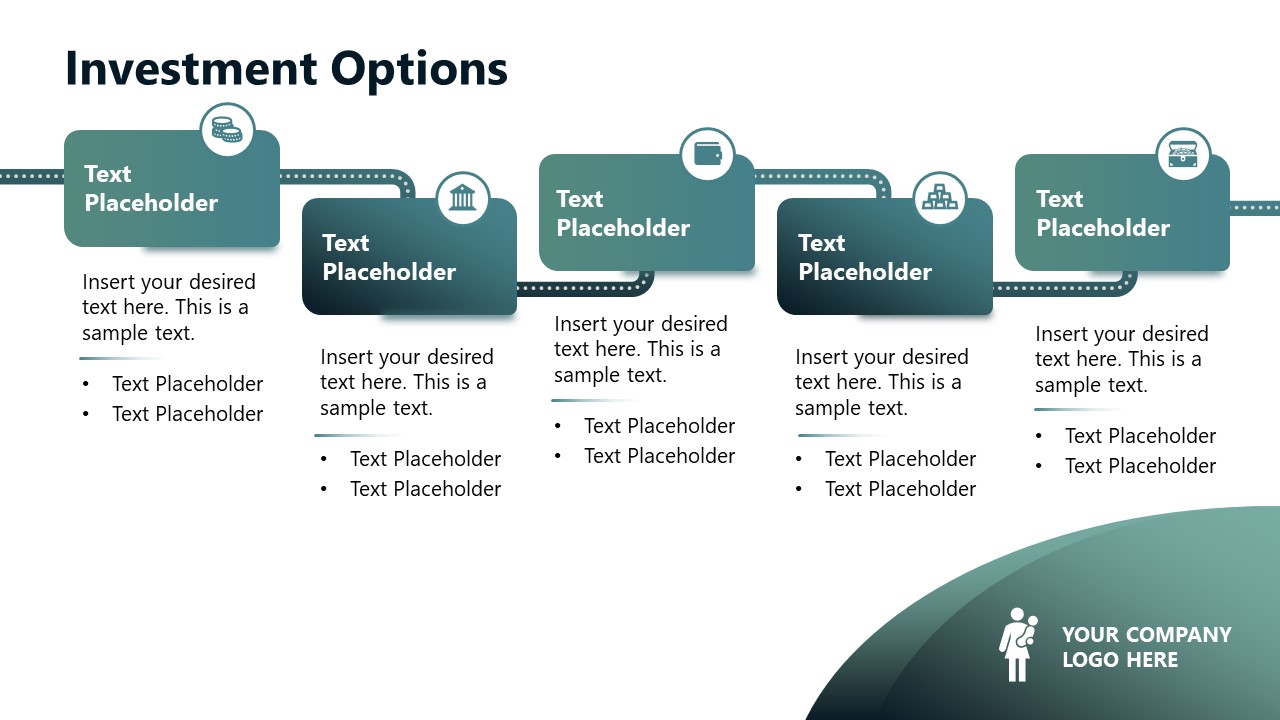
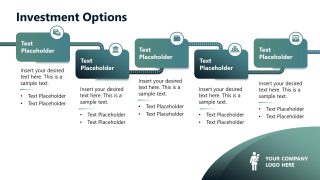
- Investment Options
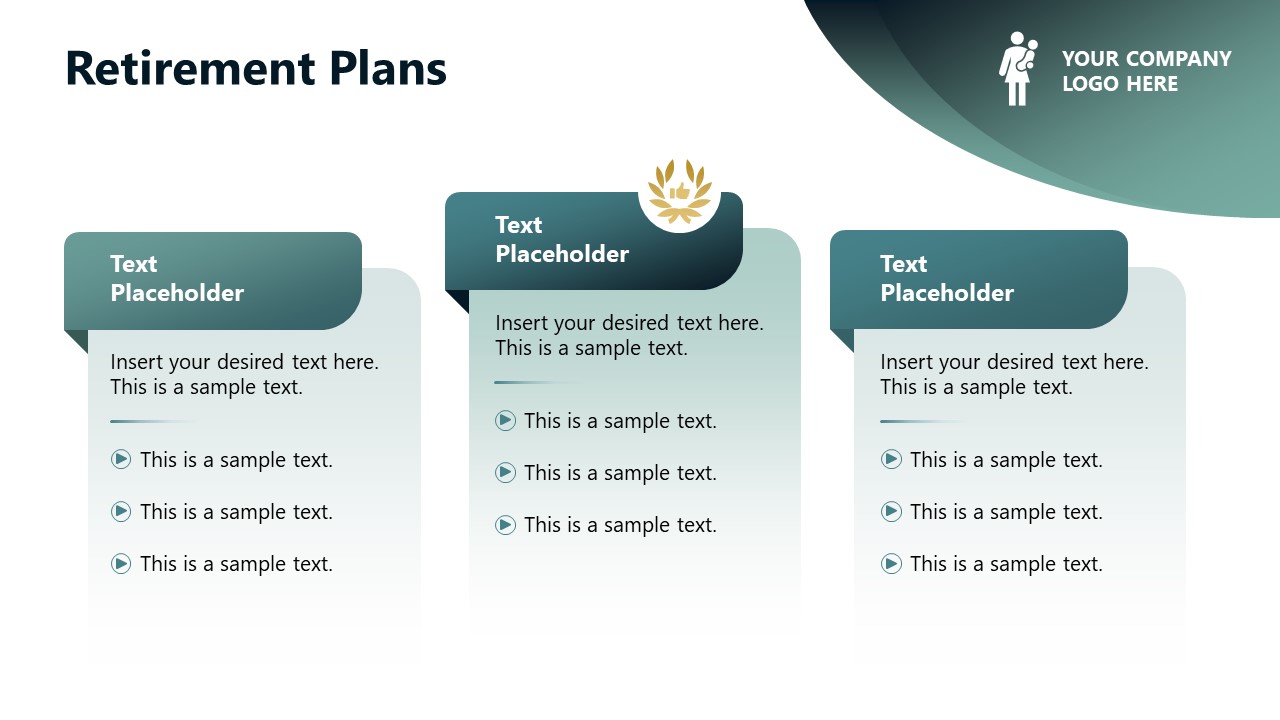
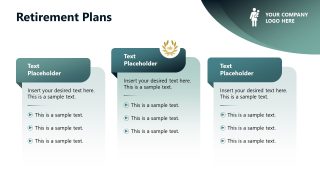
- Retirement Plans
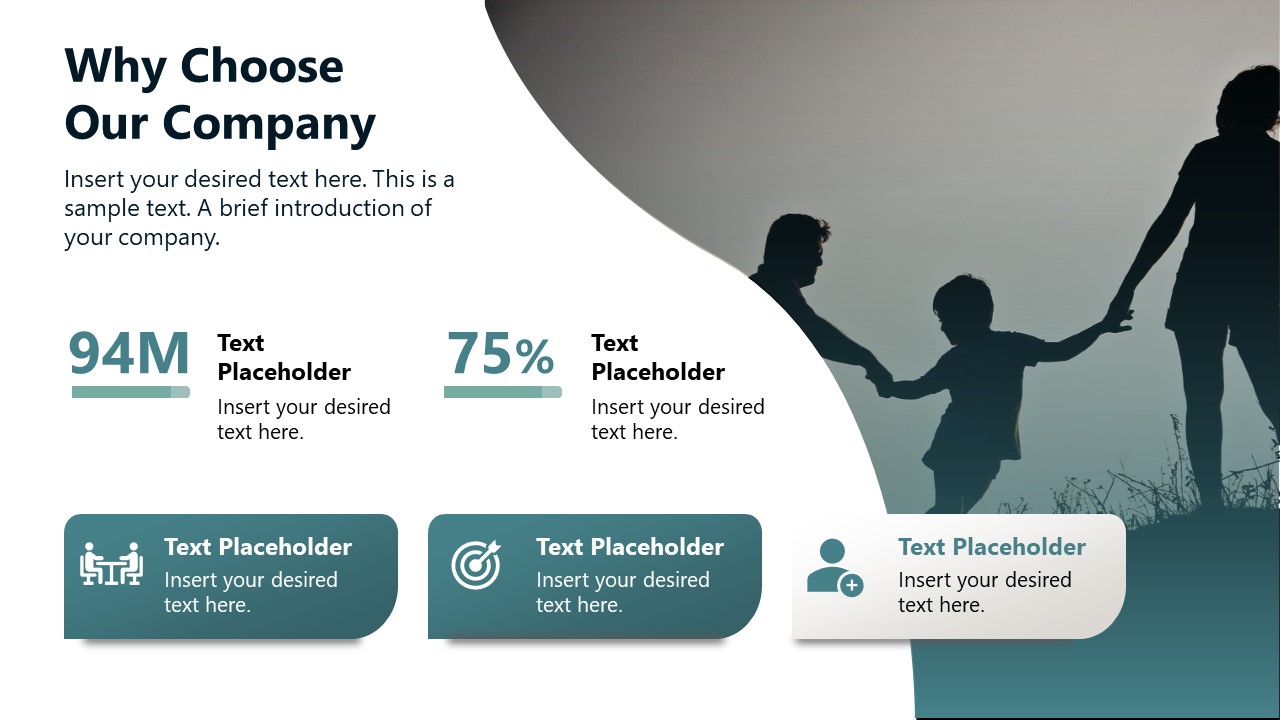
- Why Choose Our Company
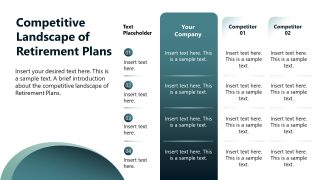
- Competitive Landscape of Retirement Plans
Users can also edit the slide features based on their choice, adjust the templates’s color scheme, and modify the fonts. To win more clients, download this engaging template and customize it now for your business presentations. The retirement plan PPT slide template is compatible with all PowerPoint versions, Keynote, and Google Slides. Alternatively, you can download action plan templates and roadmap templates, fully compatible with presentation software like PowerPoint and Google Slides.
What’s inside this template
Example presentation scenarios
- A financial advisor can use the goal comparison, savings strategies infographic, and investment options sequence to explain how a client can move from current needs to a long-term retirement plan.
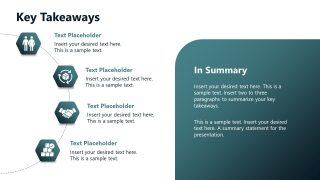
- An HR benefits manager can present the retirement plans slide and key takeaways slide during an employee benefits session to clarify available plan choices and next steps.
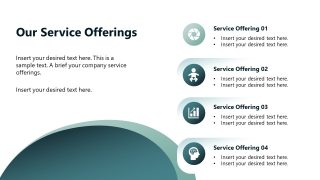
- A wealth management consultant can use the service offerings slide, testimonials slide, and why choose our company slide to build trust during a prospect meeting.
- An insurance or pension presenter can use the competitive landscape table to compare plan attributes against competitors and support a recommendation with visible criteria.
Features
- 100% editable presentation template
- Compatible with Microsoft PowerPoint and Google Slides
- 16:9 aspect ratio slides
- Scalable vector shapes, icons and illustrations
- Ready with Animations & Transitions in PowerPoint
- AI-Ready for Microsoft Copilot and Claude
- Instant access and download
Frequently asked questions
Q: How should a presenter structure a retirement planning message with this deck?
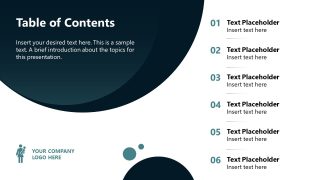
A: Start with the table of contents to set expectations, then define retirement planning before discussing short-term and long-term goals. Use the savings strategies and income framework slides to explain the method, then move into service offerings, plan tiers, testimonials, and the competitive table so the audience sees both guidance and proof before the contact slide.
Q: Who is this template best suited for?
A: This deck fits financial advisors, retirement planners, HR benefits teams, and wealth management consultants who need to explain choices without overwhelming the audience. It works well when the goal is to present retirement goals, savings approaches, investment options, and plan tiers in a client meeting, employee briefing, or benefits enrollment session.
Q: Why do the circular shapes and family imagery fit a retirement planning topic?
A: The circular teal shapes create a sense of continuity, which supports the idea of long-term planning and life stages. Family and older-couple imagery makes the topic human rather than purely financial, while the icon cards, plan tiers, and comparison table break abstract retirement decisions into clear visual categories.











Retirement Planning PowerPoint Template
14-slide retirement planning presentation template with goals, savings strategies, plan tiers, and testimonials
The Retirement Planning PowerPoint Template is a 14-slide deck for financial advisors, HR teams, and benefits consultants presenting retirement programs. It includes a table of contents, goal comparison, income framework, service offering list, testimonials, investment options, plan tiers, competitive comparison table, takeaways, and contact slide for Microsoft PowerPoint and Google Slides.
- Category
- PowerPoint Templates
- Rating

 Loading...
- Aspect ratio
- 16:9
- Item ID
- 85104-01
- Colors
 Microsoft PowerPoint
 Microsoft Copilot
 Claude for PowerPoint
Other formats supported
Subscribe today and get immediate
access to download our PowerPoint templates.